滑らかな線を持つ散布図
散布図はデフォルトで点の間に直線を描画しますが、Smooth プロパティを設定すると、散布図は滑らかな線で点を接続できます。線は三次スプライン補間を使用して平滑化されます。
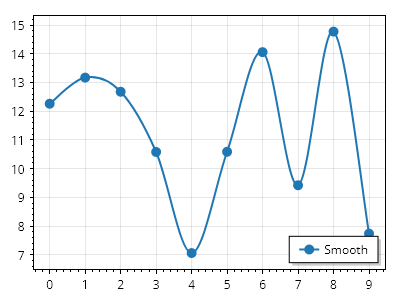
ScottPlot.Plot myPlot = new();

double[] xs = Generate.Consecutive(10);
double[] ys = Generate.RandomSample(10, 5, 15);

var sp = myPlot.Add.Scatter(xs, ys);
sp.Smooth = true;
sp.LegendText = "Smooth";
sp.LineWidth = 2;
sp.MarkerSize = 10;

myPlot.SavePng("demo.png", 400, 300);
このレシピは、散布図カテゴリに含まれる多数のレシピの 1 つです