Keyboard shortcuts

Press or to navigate between chapters

Press S or / to search in the book

Press ? to show this help

Press Esc to hide this help

一般

Example plots shown next to the code used to create them

カテゴリ

グリッドのカスタマイズ

Advanced customization of grid lines

レシピ

グリッドを非表示にする

グリッドを非表示にする

グリッド線は非表示にできます。
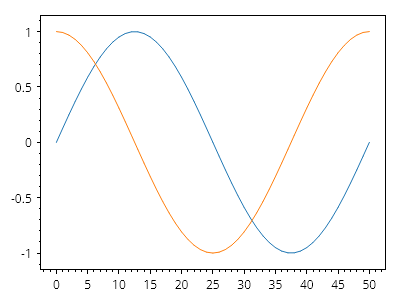
ScottPlot.Plot myPlot = new();

myPlot.Add.Signal(Generate.Sin(51));
myPlot.Add.Signal(Generate.Cos(51));

myPlot.HideGrid();

myPlot.SavePng("demo.png", 400, 300);
このレシピは、グリッドのカスタマイズカテゴリに含まれる多数のレシピの 1 つです

グリッドのカスタマイズ

グリッドのカスタマイズ

グリッド線はカスタマイズできます。開発者がグリッドのレンダリングを完全に制御できるように、カスタムグリッドシステムを作成できますが、デフォルトのグリッドを操作して外観をカスタマイズすることもできます。
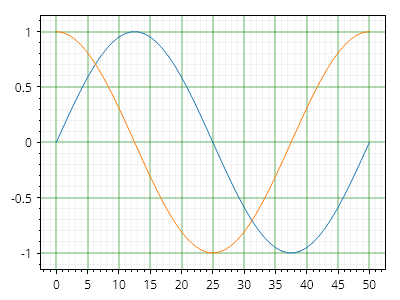
ScottPlot.Plot myPlot = new();

myPlot.Add.Signal(Generate.Sin(51));
myPlot.Add.Signal(Generate.Cos(51));

myPlot.Grid.MajorLineColor = Colors.Green.WithOpacity(.3);
myPlot.Grid.MajorLineWidth = 2;

myPlot.Grid.MinorLineColor = Colors.Gray.WithOpacity(.1);
myPlot.Grid.MinorLineWidth = 1;

myPlot.SavePng("demo.png", 400, 300);
このレシピは、グリッドのカスタマイズカテゴリに含まれる多数のレシピの1つです

軸固有のグリッドのカスタマイズ

軸固有のグリッドのカスタマイズ

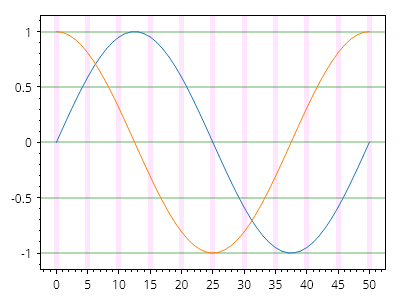
軸固有のスタイルプロパティを使用すると、グリッド線のスタイルを軸ごとに幅広くカスタマイズできます。
ScottPlot.Plot myPlot = new();

myPlot.Add.Signal(Generate.Sin(51));
myPlot.Add.Signal(Generate.Cos(51));

myPlot.Grid.XAxisStyle.MajorLineStyle.Color = Colors.Magenta.WithAlpha(.1);
myPlot.Grid.XAxisStyle.MajorLineStyle.Width = 5;

myPlot.Grid.YAxisStyle.MajorLineStyle.Color = Colors.Green.WithAlpha(.3);
myPlot.Grid.YAxisStyle.MajorLineStyle.Width = 2;

myPlot.SavePng("demo.png", 400, 300);
このレシピは、グリッドのカスタマイズカテゴリにある多数のレシピの 1 つです

データの上にグリッドを表示

データの上にグリッドを表示

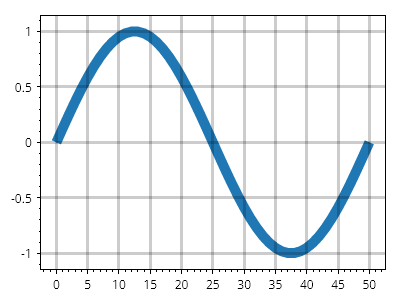
グリッド線は通常データの下に描画されますが、プロット対象の上にレンダリングするようにグリッドを設定することもできます。
ScottPlot.Plot myPlot = new();

var sig = myPlot.Add.Signal(ScottPlot.Generate.Sin());
sig.LineWidth = 10;

myPlot.Grid.MajorLineWidth = 3;
myPlot.Grid.MajorLineColor = Colors.Black.WithAlpha(.2);
myPlot.Grid.IsBeneathPlottables = false;

myPlot.SavePng("demo.png", 400, 300);
このレシピは、グリッドのカスタマイズカテゴリに含まれる多数のレシピの1つです

上軸付きグリッド

上軸付きグリッド

グリッド線はデフォルトで下軸と左軸を使用しますが、この動作は他の軸を使用するプロット向けにカスタマイズできます。
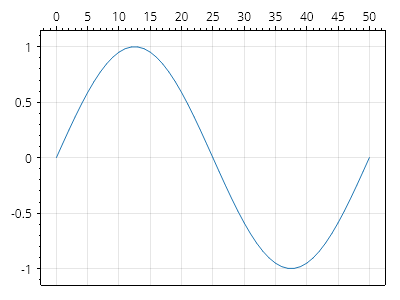
ScottPlot.Plot myPlot = new();

var sig = myPlot.Add.Signal(ScottPlot.Generate.Sin());
sig.Axes.XAxis = myPlot.Axes.Top;
myPlot.Grid.XAxis = myPlot.Axes.Top;

myPlot.SavePng("demo.png", 400, 300);
このレシピは、グリッドのカスタマイズカテゴリにある多数のレシピの 1 つです

グリッドの塗りつぶし色

グリッドの塗りつぶし色

交互に並ぶ主要グリッド線のペアの間の領域を、ユーザーが指定した色で塗りつぶすことができます
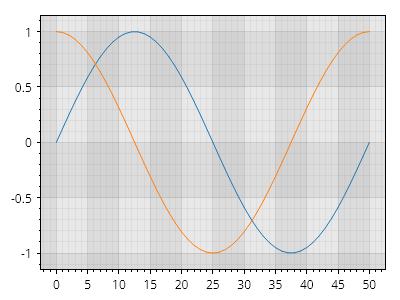
ScottPlot.Plot myPlot = new();

myPlot.Add.Signal(Generate.Sin());
myPlot.Add.Signal(Generate.Cos());

// 主要グリッド線の間の領域を塗りつぶす
myPlot.Grid.XAxisStyle.FillColor1 = Colors.Gray.WithOpacity(0.1);
myPlot.Grid.XAxisStyle.FillColor2 = Colors.Gray.WithOpacity(0.2);
myPlot.Grid.YAxisStyle.FillColor1 = Colors.Gray.WithOpacity(0.1);
myPlot.Grid.YAxisStyle.FillColor2 = Colors.Gray.WithOpacity(0.2);

// 副グリッド線も表示する
myPlot.Grid.XAxisStyle.MinorLineStyle.Width = 1;
myPlot.Grid.YAxisStyle.MinorLineStyle.Width = 1;

myPlot.SavePng("demo.png", 400, 300);
このレシピは、グリッドのカスタマイズカテゴリに含まれる多数のレシピの 1 つです

ダークモードでのグリッドの塗りつぶし色

ダークモードでのグリッドの塗りつぶし色

グリッドとプロットのスタイルをカスタマイズすることで、ダークモードで見栄えのよい効果を実現できます
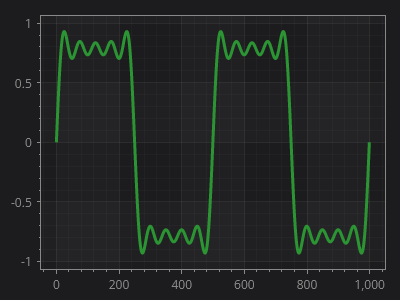
ScottPlot.Plot myPlot = new();

// 緑色のデータ線を追加する
var sig = myPlot.Add.Signal(Generate.SquareWaveFromSines());
sig.LineWidth = 3;
sig.Color = new("#2b9433");
sig.AlwaysUseLowDensityMode = true;

// プロットに暗い背景と明るいテキストを設定する
myPlot.FigureBackground.Color = new("#1c1c1e");
myPlot.Axes.Color(new("#888888"));

// 主要グリッド線の間の領域を塗りつぶす
myPlot.Grid.XAxisStyle.FillColor1 = new Color("#888888").WithAlpha(10);
myPlot.Grid.YAxisStyle.FillColor1 = new Color("#888888").WithAlpha(10);

// グリッド線の色を設定する
myPlot.Grid.XAxisStyle.MajorLineStyle.Color = Colors.White.WithAlpha(15);
myPlot.Grid.YAxisStyle.MajorLineStyle.Color = Colors.White.WithAlpha(15);
myPlot.Grid.XAxisStyle.MinorLineStyle.Color = Colors.White.WithAlpha(5);
myPlot.Grid.YAxisStyle.MinorLineStyle.Color = Colors.White.WithAlpha(5);

// 正の幅を定義して補助グリッド線を有効にする
myPlot.Grid.XAxisStyle.MinorLineStyle.Width = 1;
myPlot.Grid.YAxisStyle.MinorLineStyle.Width = 1;

myPlot.SavePng("demo.png", 400, 300);
このレシピは、グリッドのカスタマイズカテゴリにある多数のレシピの1つです

目盛りのカスタマイズ

Advanced customization of tick marks and tick labels

レシピ

カスタム目盛りフォーマッター

カスタム目盛りフォーマッター

ユーザーは、目盛り位置から目盛りラベルを作成するために使用されるロジックをカスタマイズできます。古いバージョンの ScottPlot では、ManualTickPositions メソッドを使用してこれを実現していました。
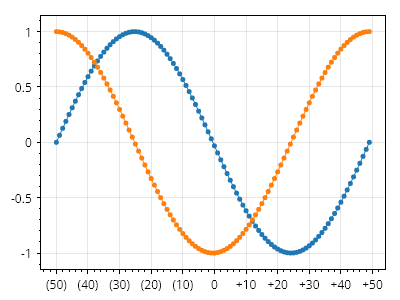
ScottPlot.Plot myPlot = new();

double[] xs = Generate.Consecutive(100, 1, -50);
myPlot.Add.Scatter(xs, Generate.Sin(100));
myPlot.Add.Scatter(xs, Generate.Cos(100));

// 文字列フォーマットロジックを含む静的関数を作成する
static string CustomFormatter(double position)
{
    if (position == 0)
        return "0";
    else if (position > 0)
        return $"+{position}";
    else
        return $"({-position})";
}

// カスタムラベルフォーマッターを使用するカスタム目盛りジェネレーターを作成する
ScottPlot.TickGenerators.NumericAutomatic myTickGenerator = new()
{
    LabelFormatter = CustomFormatter
};

// 軸にカスタム目盛りジェネレーターを使用するよう指示する
myPlot.Axes.Bottom.TickGenerator = myTickGenerator;

myPlot.SavePng("demo.png", 400, 300);
このレシピは、目盛りのカスタマイズカテゴリにある多くのレシピの 1 つです

DateTimeAutomatic 目盛りフォーマッター

DateTimeAutomatic 目盛りフォーマッター

ユーザーは、目盛り位置から日時の目盛りラベルを作成するために使用されるロジックをカスタマイズできます。
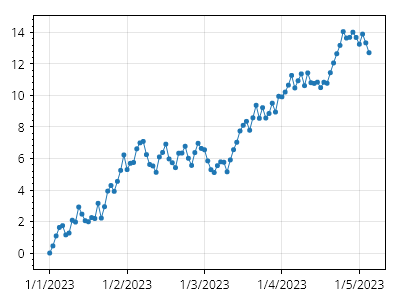
ScottPlot.Plot myPlot = new();

// 水平軸に DateTime 値を使用してデータをプロットする
DateTime[] xs = Generate.ConsecutiveHours(100);
double[] ys = Generate.RandomWalk(100);
myPlot.Add.Scatter(xs, ys);

// 下軸が DateTime 目盛りを使用するように設定する
var axis = myPlot.Axes.DateTimeTicksBottom();

// 文字列を返すカスタムフォーマッターを作成する
// ズームアウト時は日付のみ、ズームイン時は時刻のみ
static string CustomFormatter(DateTime dt)
{
    bool isMidnight = dt is { Hour: 0, Minute: 0, Second: 0 };
    return isMidnight
        ? DateOnly.FromDateTime(dt).ToString()
        : TimeOnly.FromDateTime(dt).ToString();
}

// カスタム目盛りフォーマッターを適用する
var tickGen = (ScottPlot.TickGenerators.DateTimeAutomatic)axis.TickGenerator;
tickGen.LabelFormatter = CustomFormatter;

myPlot.SavePng("demo.png", 400, 300);
このレシピは、目盛りのカスタマイズカテゴリに含まれる多数のレシピの 1 つです

カスタム目盛りジェネレーター

カスタム目盛りジェネレーター

目盛りジェネレーターは、目盛りを配置する位置を決定し、目盛り位置から目盛りラベルを生成するロジックも含みます。代替の目盛りジェネレーターを作成して軸に割り当てることができます。ScottPlot には一般的な目盛りジェネレーターがいくつか用意されており、ユーザー独自のものを作成するオプションもあります。
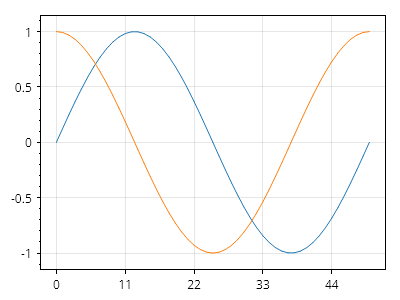
ScottPlot.Plot myPlot = new();

myPlot.Add.Signal(Generate.Sin(51));
myPlot.Add.Signal(Generate.Cos(51));

myPlot.Axes.Bottom.TickGenerator = new ScottPlot.TickGenerators.NumericFixedInterval(11);

myPlot.SavePng("demo.png", 400, 300);
このレシピは、目盛りのカスタマイズカテゴリにある多数のレシピの 1 つです

SetTicks ショートカット

SetTicks ショートカット

デフォルトの軸には SetTicks() ヘルパーメソッドがあり、デフォルトの目盛りジェネレーターを、提供された目盛りで事前に読み込まれた手動の目盛りジェネレーターに置き換えます。
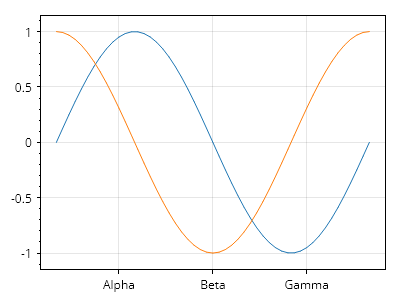
ScottPlot.Plot myPlot = new();

// サンプルデータを表示する
myPlot.Add.Signal(Generate.Sin());
myPlot.Add.Signal(Generate.Cos());

// 手動で定義した目盛りを使用する
double[] tickPositions = { 10, 25, 40 };
string[] tickLabels = { "Alpha", "Beta", "Gamma" };
myPlot.Axes.Bottom.SetTicks(tickPositions, tickLabels);

myPlot.SavePng("demo.png", 400, 300);
このレシピは、目盛りのカスタマイズカテゴリーにある多数のレシピの 1 つです

カスタム目盛位置

カスタム目盛位置

主目盛と補助目盛の位置およびラベルをより細かく制御したいユーザーは、手動目盛ジェネレーターをインスタンス化し、必要に応じて設定してから、カスタマイズ対象の軸に割り当てることができます。
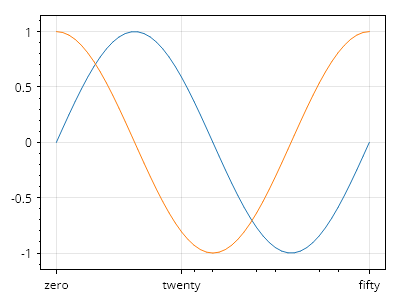
ScottPlot.Plot myPlot = new();

// サンプルデータを表示する
myPlot.Add.Signal(Generate.Sin());
myPlot.Add.Signal(Generate.Cos());

// 手動目盛ジェネレーターを作成して目盛を追加する
ScottPlot.TickGenerators.NumericManual ticks = new();

// 主目盛とそのラベルを追加する
ticks.AddMajor(0, "zero");
ticks.AddMajor(20, "twenty");
ticks.AddMajor(50, "fifty");

// 補助目盛を追加する
ticks.AddMinor(22);
ticks.AddMinor(25);
ticks.AddMinor(32);
ticks.AddMinor(35);
ticks.AddMinor(42);
ticks.AddMinor(45);

// 水平軸にカスタム目盛ジェネレーターを使用するよう指示する
myPlot.Axes.Bottom.TickGenerator = ticks;

myPlot.SavePng("demo.png", 400, 300);
このレシピは、目盛のカスタマイズカテゴリに含まれる多数のレシピの 1 つです

カスタム Tick DateTime

カスタム Tick DateTime

ユーザーは DateTime 単位を使用してカスタム tick を定義できます
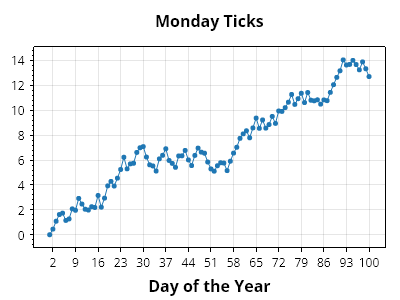
ScottPlot.Plot myPlot = new();

DateTime[] dates = Generate.ConsecutiveDays(100);
double[] values = Generate.RandomWalk(100);
myPlot.Add.Scatter(dates, values);

// 手動の DateTime tick ジェネレーターを作成して tick を追加する
ScottPlot.TickGenerators.DateTimeManual ticks = new();

// 月曜日のみ tick を追加する
foreach (DateTime date in dates)
{
    if (date.DayOfWeek == DayOfWeek.Monday)
    {
        string label = date.DayOfYear.ToString();
        ticks.AddMajor(date, label);
    }
}

// 水平軸にカスタム tick ジェネレーターを使用するよう指示する
myPlot.Axes.Bottom.TickGenerator = ticks;

// プロットのスタイルを設定する
myPlot.Title("月曜日の Tick");
myPlot.XLabel("年の通算日");

myPlot.SavePng("demo.png", 400, 300);
このレシピは、Tick のカスタマイズカテゴリにある多数のレシピの 1 つです

回転した目盛ラベル

回転した目盛ラベル

ユーザーは目盛ラベルの回転をカスタマイズできます。
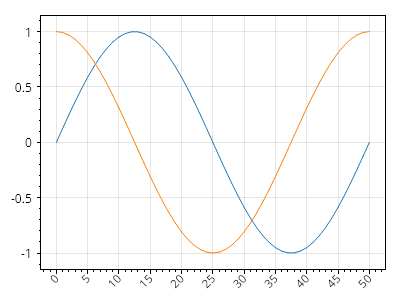
ScottPlot.Plot myPlot = new();

myPlot.Add.Signal(Generate.Sin());
myPlot.Add.Signal(Generate.Cos());

myPlot.Axes.Bottom.TickLabelStyle.Rotation = -45;
myPlot.Axes.Bottom.TickLabelStyle.Alignment = Alignment.MiddleRight;

myPlot.SavePng("demo.png", 400, 300);
このレシピは、目盛のカスタマイズカテゴリにある多数のレシピの1つです

長いラベルを持つ回転目盛り

長いラベルを持つ回転目盛り

軸のサイズを大きくすることで、回転した目盛りラベルや長い目盛りラベルに対応できます。
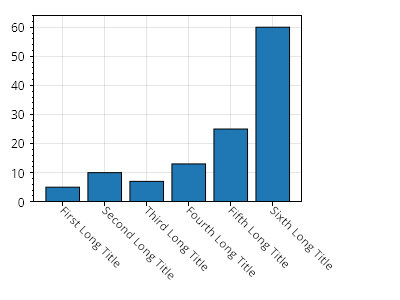
ScottPlot.Plot myPlot = new();

// 棒グラフを作成する
double[] values = { 5, 10, 7, 13, 25, 60 };
myPlot.Add.Bars(values);
myPlot.Axes.Margins(bottom: 0);

// 各棒に目盛りを作成する
Tick[] ticks =
{
    new(0, "1つ目の長いタイトル"),
    new(1, "2つ目の長いタイトル"),
    new(2, "3つ目の長いタイトル"),
    new(3, "4つ目の長いタイトル"),
    new(4, "5つ目の長いタイトル"),
    new(5, "6つ目の長いタイトル")
};
myPlot.Axes.Bottom.TickGenerator = new ScottPlot.TickGenerators.NumericManual(ticks);
myPlot.Axes.Bottom.TickLabelStyle.Rotation = 45;
myPlot.Axes.Bottom.TickLabelStyle.Alignment = Alignment.MiddleLeft;

// 最大の目盛りラベルの幅を判定する
float largestLabelWidth = 0;
using Paint paint = Paint.NewDisposablePaint();
foreach (Tick tick in ticks)
{
    PixelSize size = myPlot.Axes.Bottom.TickLabelStyle.Measure(tick.Label, paint).Size;
    largestLabelWidth = Math.Max(largestLabelWidth, size.Width);
}

// 軸パネルが最大ラベルより小さくならないようにする
myPlot.Axes.Bottom.MinimumSize = largestLabelWidth;
myPlot.Axes.Right.MinimumSize = largestLabelWidth;

myPlot.SavePng("demo.png", 400, 300);
このレシピは、目盛りのカスタマイズカテゴリに含まれる多数のレシピのうちの1つです

グリッド線を無効化する

グリッド線を無効化する

ユーザーは、特定の軸のグリッド線を無効化できます。
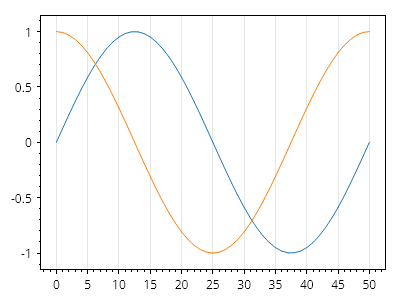
ScottPlot.Plot myPlot = new();

myPlot.Add.Signal(Generate.Sin());
myPlot.Add.Signal(Generate.Cos());

myPlot.Grid.XAxisStyle.IsVisible = true;
myPlot.Grid.YAxisStyle.IsVisible = false;

myPlot.SavePng("demo.png", 400, 300);
このレシピは、目盛りのカスタマイズカテゴリにある多数のレシピの 1 つです

最小目盛り間隔

最小目盛り間隔

目盛り間のスペースは、目盛りラベル間の最小距離(ピクセル単位)を示す値を設定することで広げられます。
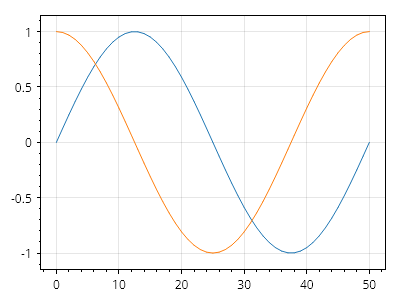
ScottPlot.Plot myPlot = new();

myPlot.Add.Signal(Generate.Sin(51));
myPlot.Add.Signal(Generate.Cos(51));

ScottPlot.TickGenerators.NumericAutomatic tickGenX = new();
tickGenX.MinimumTickSpacing = 50;
myPlot.Axes.Bottom.TickGenerator = tickGenX;

ScottPlot.TickGenerators.NumericAutomatic tickGenY = new();
tickGenY.MinimumTickSpacing = 25;
myPlot.Axes.Left.TickGenerator = tickGenY;

myPlot.SavePng("demo.png", 400, 300);
このレシピは、目盛りのカスタマイズカテゴリに含まれる多数のレシピの 1 つです

目盛りの密度

目盛りの密度

目盛りの密度は、デフォルト値に対する割合として調整できます。MinimumTickSpacing とは異なり、この戦略は目盛りラベルのサイズを認識し、それに応じて調整します。
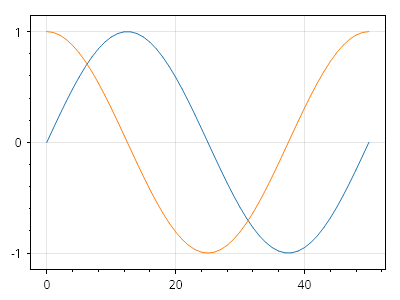
ScottPlot.Plot myPlot = new();

myPlot.Add.Signal(Generate.Sin(51));
myPlot.Add.Signal(Generate.Cos(51));

ScottPlot.TickGenerators.NumericAutomatic tickGenX = new();
tickGenX.TickDensity = 0.2;
myPlot.Axes.Bottom.TickGenerator = tickGenX;

ScottPlot.TickGenerators.NumericAutomatic tickGenY = new();
tickGenY.TickDensity = 0.2;
myPlot.Axes.Left.TickGenerator = tickGenY;

myPlot.SavePng("demo.png", 400, 300);
このレシピは、目盛りのカスタマイズカテゴリにある多数のレシピの 1 つです

目盛り数

目盛り数

目標とする目盛りの数を指定でき、自動目盛りジェネレーターはその数の目盛りを配置しようとします。この方式により、画像サイズが大きくなるにつれて目盛りの密度を下げることができます。
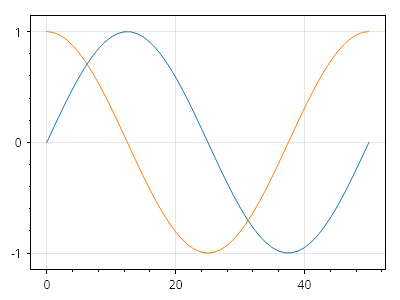
ScottPlot.Plot myPlot = new();

myPlot.Add.Signal(Generate.Sin(51));
myPlot.Add.Signal(Generate.Cos(51));

ScottPlot.TickGenerators.NumericAutomatic tickGenX = new();
tickGenX.TargetTickCount = 3;
myPlot.Axes.Bottom.TickGenerator = tickGenX;

ScottPlot.TickGenerators.NumericAutomatic tickGenY = new();
tickGenY.TargetTickCount = 3;
myPlot.Axes.Left.TickGenerator = tickGenY;

myPlot.SavePng("demo.png", 400, 300);
このレシピは、目盛りのカスタマイズカテゴリに含まれる多数のレシピの 1 つです

補助目盛の密度

補助目盛の密度

補助目盛マークは、主目盛マークの間隔内に自動的に生成されます。デフォルトでは等間隔ですが、その密度はカスタマイズできます。
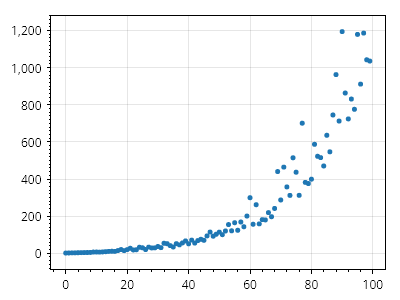
ScottPlot.Plot myPlot = new();

// サンプルデータをプロットする
double[] xs = Generate.Consecutive(100);
double[] ys = Generate.NoisyExponential(100);
var sp = myPlot.Add.Scatter(xs, ys);
sp.LineWidth = 0;

// 主目盛ごとに 10 個の補助目盛を持つ補助目盛ジェネレーターを作成する
ScottPlot.TickGenerators.EvenlySpacedMinorTickGenerator minorTickGen = new(10);

// カスタム補助目盛ジェネレーターを使用する数値目盛ジェネレーターを作成する
ScottPlot.TickGenerators.NumericAutomatic tickGen = new();
tickGen.MinorTickGenerator = minorTickGen;

// 左軸にカスタム目盛ジェネレーターを使用するよう指示する
myPlot.Axes.Left.TickGenerator = tickGen;

myPlot.SavePng("demo.png", 400, 300);
このレシピは、目盛のカスタマイズカテゴリに含まれる多数のレシピの 1 つです

対数スケールの目盛り

対数スケールの目盛り

対数スケーリングの表示は、表示するデータを対数スケール化し、補助目盛りとグリッドをカスタマイズすることで実現できます。
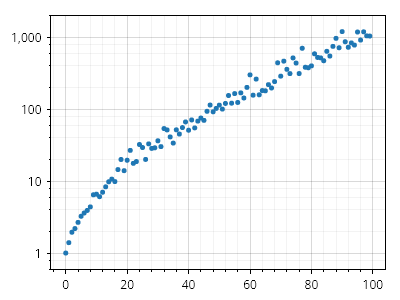
ScottPlot.Plot myPlot = new();

// 元のデータから開始する
double[] xs = Generate.Consecutive(100);
double[] ys = Generate.NoisyExponential(100);

// データを対数スケール化し、負の値を考慮する
double[] logYs = ys.Select(Math.Log10).ToArray();

// 対数スケール化したデータをプロットに追加する
myPlot.Add.ScatterPoints(xs, logYs);

// 対数分布の補助目盛りを配置する補助目盛りジェネレーターを作成する
ScottPlot.TickGenerators.LogMinorTickGenerator minorTickGen = new();

// カスタム補助目盛りジェネレーターを使用する数値目盛りジェネレーターを作成する
ScottPlot.TickGenerators.NumericAutomatic tickGen = new();
tickGen.MinorTickGenerator = minorTickGen;

// 各目盛りのラベルテキストを設定するカスタム目盛りフォーマッターを作成する
static string LogTickLabelFormatter(double y) => $"{Math.Pow(10, y):N0}";

// 主目盛りジェネレーターに、整数の主目盛りのみを表示するよう指示する
tickGen.IntegerTicksOnly = true;

// カスタム目盛りジェネレーターに、新しいラベルフォーマッターを使用するよう指示する
tickGen.LabelFormatter = LogTickLabelFormatter;

// 左軸に、カスタム目盛りジェネレーターを使用するよう指示する
myPlot.Axes.Left.TickGenerator = tickGen;

// 補助目盛りのグリッド線を表示する
myPlot.Grid.MajorLineColor = Colors.Black.WithOpacity(.15);
myPlot.Grid.MinorLineColor = Colors.Black.WithOpacity(.05);
myPlot.Grid.MinorLineWidth = 1;

myPlot.SavePng("demo.png", 400, 300);
このレシピは、目盛りのカスタマイズカテゴリに含まれる多数のレシピのひとつです

カスタム目盛りマーク付きの対数スケール

カスタム目盛りマーク付きの対数スケール

対数軸を持つプロットにおける副目盛りマークの配置は、カスタム副目盛りジェネレーターを使用してカスタマイズできます。ここに示すように、一部は ScottPlot に同梱されている場合がありますが、ユーザーが独自に作成し、ここに示すように適用することもできます。
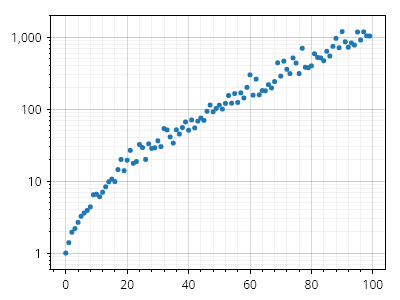
ScottPlot.Plot myPlot = new();

double[] xs = Generate.Consecutive(100);
double[] logYs = Generate.NoisyExponential(100).Select(Math.Log10).ToArray();
var sp = myPlot.Add.ScatterPoints(xs, logYs);

// この目盛りジェネレーターは、主要な対数目盛りの間に10個の目盛り(10進分布)を配置します
IMinorTickGenerator minorTickGen = new ScottPlot.TickGenerators.LogDecadeMinorTickGenerator();

// カスタム副目盛りジェネレーターを使用する数値目盛りジェネレーターを作成します
ScottPlot.TickGenerators.NumericAutomatic tickGen = new()
{
    MinorTickGenerator = minorTickGen,
    IntegerTicksOnly = true,
    LabelFormatter = (double y) => $"{Math.Pow(10, y):N0}",
};

// 左軸にカスタム目盛りジェネレーターを使用するよう指示し、目盛りを表示するようグリッドを設定します
myPlot.Axes.Left.TickGenerator = tickGen;
myPlot.Grid.MajorLineColor = Colors.Black.WithOpacity(.15);
myPlot.Grid.MinorLineColor = Colors.Black.WithOpacity(.05);
myPlot.Grid.MinorLineWidth = 1;

myPlot.SavePng("demo.png", 400, 300);
このレシピは、目盛りのカスタマイズカテゴリに含まれる多数のレシピの1つです

その他

Miscellaneous features and customization options

レシピ

データ領域の背景画像

データ領域の背景画像

データ領域の背景に画像を使用できます。
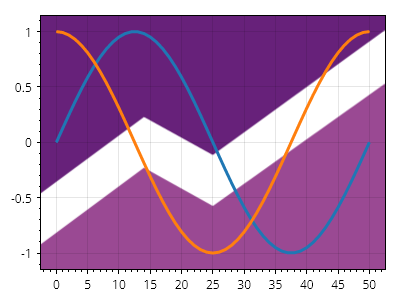
ScottPlot.Plot myPlot = new();

// サンプルデータをプロットする
var sig1 = myPlot.Add.Signal(Generate.Sin());
var sig2 = myPlot.Add.Signal(Generate.Cos());
sig1.LineWidth = 3;
sig2.LineWidth = 3;

// ファイルから画像を読み込むこともできます...
// Image bgImage = new("background.png");

// ただし、この例ではサンプル画像を使用します:
Image bgImage = SampleImages.ScottPlotLogo();
myPlot.DataBackground.Image = bgImage;

myPlot.SavePng("demo.png", 400, 300);
このレシピは、その他カテゴリにある多数のレシピのうちの 1 つです

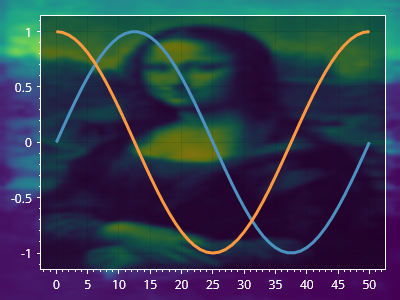
図の背景画像

図の背景画像

画像は図の背景に使用できます。

ScottPlot.Plot myPlot = new();

// サンプルデータをプロットする
var sig1 = myPlot.Add.Signal(Generate.Sin());
var sig2 = myPlot.Add.Signal(Generate.Cos());

// ファイルから画像を読み込むこともできます...
// Image bgImage = new("background.png");

// しかし、この例ではサンプル画像を使用します:
Image bgImage = SampleImages.MonaLisa();
myPlot.FigureBackground.Image = bgImage;

// 軸とデータに色を付け、暗い背景に対して目立たせる
myPlot.Axes.Color(Colors.White);
sig1.Color = sig1.Color.Lighten(.2);
sig2.Color = sig2.Color.Lighten(.2);
sig1.LineWidth = 3;
sig2.LineWidth = 3;

// データ領域に影を付けて目立たせる
myPlot.DataBackground.Color = Colors.Black.WithAlpha(.5);

myPlot.SavePng("demo.png", 400, 300);
このレシピは、その他カテゴリに含まれる多数のレシピの 1 つです

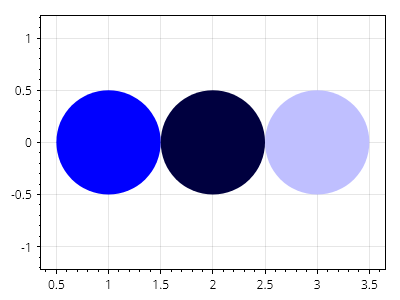
カラー補間

カラー補間

色を混ぜ合わせて、さまざまな色を作成できます。この方法では、線形 RGB 補間を使用します。
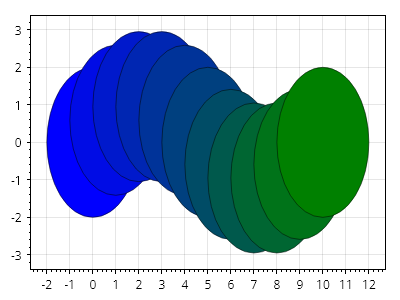
ScottPlot.Plot myPlot = new();

for (int i = 0; i <= 10; i++)
{
    double fraction = (double)i / 10;
    double x = i;
    double y = Math.Sin(Math.PI *2* fraction);
    var circle = myPlot.Add.Circle(x, y, 2);
    circle.FillColor = Colors.Blue.MixedWith(Colors.Green, fraction);
    circle.LineColor = Colors.Black.WithAlpha(.5);
}

myPlot.SavePng("demo.png", 400, 300);
このレシピは、その他カテゴリに含まれる多数のレシピの 1 つです

カスタムフォントファイル

カスタムフォントファイル

ユーザーは、フォントファイルから読み込んだカスタム書体を適用できます。
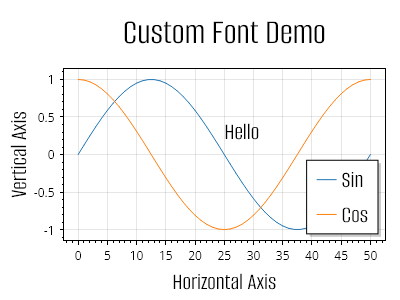
ScottPlot.Plot myPlot = new();

// 指定した名前のフォントでその書体を使用するためにフォントファイルを追加します
Fonts.AddFontFile(
    name: "Alumni Sans",
    path: Path.Combine(Paths.FontFolder, @"AlumniSans/AlumniSans-Regular.ttf"));

// サンプルデータをプロットします
var sig1 = myPlot.Add.Signal(Generate.Sin(51));
sig1.LegendText = "Sin";
var sig2 = myPlot.Add.Signal(Generate.Cos(51));
sig2.LegendText = "Cos";

// カスタムフォントは凡例で使用できます
myPlot.Legend.FontName = "Alumni Sans";
myPlot.Legend.FontSize = 24;

// カスタムフォントは、テキストを含むプロット可能オブジェクトで使用できます
var text = myPlot.Add.Text("こんにちは", 25, 0.5);
text.LabelStyle.FontName = "Alumni Sans";
text.LabelStyle.FontSize = 24;

// カスタムフォントは軸ラベルで使用できます。
// 太字は無効化されていることに注意してください。
// 太字をサポートするには、追加のフォントファイルを読み込む必要があります。
myPlot.Title("カスタムフォントのデモ");
myPlot.Axes.Title.Label.FontName = "Alumni Sans";
myPlot.Axes.Title.Label.FontSize = 36;
myPlot.Axes.Title.Label.Bold = false;

myPlot.XLabel("水平軸");
myPlot.Axes.Bottom.Label.FontName = "Alumni Sans";
myPlot.Axes.Bottom.Label.FontSize = 24;
myPlot.Axes.Bottom.Label.Bold = false;

myPlot.YLabel("垂直軸");
myPlot.Axes.Left.Label.FontName = "Alumni Sans";
myPlot.Axes.Left.Label.FontSize = 24;
myPlot.Axes.Left.Label.Bold = false;

myPlot.SavePng("demo.png", 400, 300);
このレシピは、その他カテゴリに含まれる多数のレシピのうちの1つです

複数の軸

Tick mark customization and creation of multi-Axis plots

レシピ

右軸

右軸

新しいプロットには、各辺に 1 つずつ軸があります。右側と上側の軸はデフォルトでは非表示です。右軸を使用するには、それを表示してから、プロット可能オブジェクトにそれを使用するよう指示します。
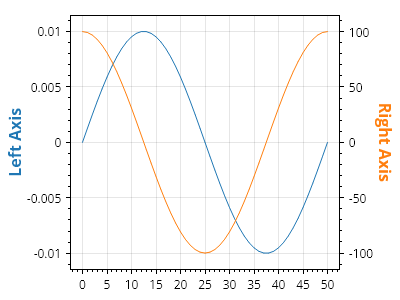
ScottPlot.Plot myPlot = new();

// 非常に異なるスケールのデータをプロットする
var sig1 = myPlot.Add.Signal(Generate.Sin(mult: 0.01));
var sig2 = myPlot.Add.Signal(Generate.Cos(mult: 100));

// 各シグナルプロットに異なる軸を使用するよう指示する
sig1.Axes.YAxis = myPlot.Axes.Left;
sig2.Axes.YAxis = myPlot.Axes.Right;

// 各軸に追加のスタイルオプションを追加する
myPlot.Axes.Left.Label.Text = "左軸";
myPlot.Axes.Right.Label.Text = "右軸";
myPlot.Axes.Left.Label.ForeColor = sig1.Color;
myPlot.Axes.Right.Label.ForeColor = sig2.Color;

myPlot.SavePng("demo.png", 400, 300);
このレシピは、複数軸カテゴリにある多数のレシピの 1 つです

複数軸

複数軸

追加の軸をプロットに追加できます。プロット対象はデフォルトで主軸の座標系を使用して表示されますが、任意のプロット対象を任意の X 軸および Y 軸を使用して表示できます。
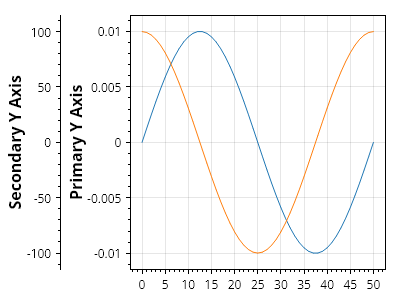
ScottPlot.Plot myPlot = new();

// プロット対象はデフォルトで標準の X 軸と Y 軸を使用します
var sig1 = myPlot.Add.Signal(Generate.Sin(51, mult: 0.01));
sig1.Axes.XAxis = myPlot.Axes.Bottom; // 標準の X 軸
sig1.Axes.YAxis = myPlot.Axes.Left; // 標準の Y 軸
myPlot.Axes.Left.Label.Text = "主 Y 軸";

// 2 番目の軸を作成し、プロットに追加します
var yAxis2 = myPlot.Axes.AddLeftAxis();

// 新しいプロット対象を追加し、カスタム Y 軸を使用するように指示します
var sig2 = myPlot.Add.Signal(Generate.Cos(51, mult: 100));
sig2.Axes.XAxis = myPlot.Axes.Bottom; // 標準の X 軸
sig2.Axes.YAxis = yAxis2; // カスタム Y 軸
yAxis2.LabelText = "副 Y 軸";

myPlot.SavePng("demo.png", 400, 300);
このレシピは、複数軸カテゴリに含まれる多数のレシピの 1 つです

右軸のみ

右軸のみ

デフォルトの Y 軸はプロットの左側にある軸ですが、代わりに右側の Y 軸を使用することもできます。
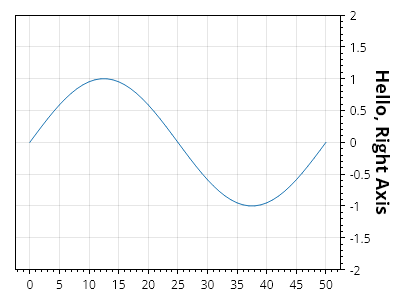
ScottPlot.Plot myPlot = new();

// プロットにプロット可能オブジェクトを追加する
var sig = myPlot.Add.Signal(Generate.Sin());

// プロット可能オブジェクトが右側の Y 軸を使用するように設定する
sig.Axes.YAxis = myPlot.Axes.Right;

// 右側の Y 軸の目盛りを表示するようにグリッドを設定する
myPlot.Grid.YAxis = myPlot.Axes.Right;

// 必要に応じて右軸のスタイルを設定する
myPlot.Axes.Right.Label.Text = "こんにちは、右軸";
myPlot.Axes.Right.Label.FontSize = 18;

// 使用しない軸から目盛りジェネレーターを削除することを推奨します
myPlot.Axes.Left.RemoveTickGenerator();

// SetLimits() を呼び出すときにカスタム軸を渡す
myPlot.Axes.SetLimitsY(bottom: -2, top: 2, yAxis: myPlot.Axes.Right);

myPlot.SavePng("demo.png", 400, 300);
このレシピは、複数軸カテゴリに含まれる多数のレシピの 1 つです

Color tools and features built into ScottPlot

レシピ

色のクイックスタート

色のクイックスタート

ScottPlot.Colors には多くの色が含まれています
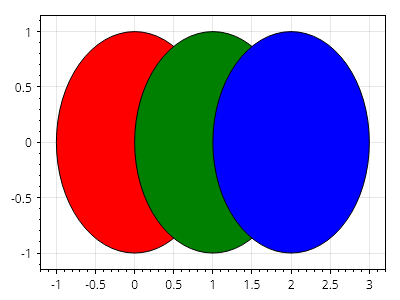
ScottPlot.Plot myPlot = new();

var circle1 = myPlot.Add.Circle(0, 0, 1);
var circle2 = myPlot.Add.Circle(1, 0, 1);
var circle3 = myPlot.Add.Circle(2, 0, 1);

circle1.FillColor = Colors.Red;
circle2.FillColor = Colors.Green;
circle3.FillColor = Colors.Blue;

// プロット上のすべての円の輪郭スタイルを設定する
foreach (var circle in myPlot.GetPlottables<ScottPlot.Plottables.Ellipse>())
    circle.LineColor = Colors.Black;

myPlot.SavePng("demo.png", 400, 300);
このレシピは、カテゴリにある多数のレシピの 1 つです

色の作成

色の作成

ScottPlot.Colors は、RGB 値 (0-255)、HTML スタイルの 16 進カラーコード (00-FF)、または System.Drawing.Color オブジェクトから構築できます。
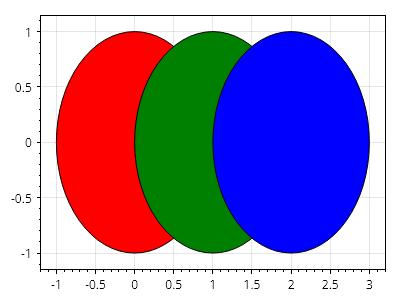
ScottPlot.Plot myPlot = new();

var circle1 = myPlot.Add.Circle(0, 0, 1);
var circle2 = myPlot.Add.Circle(1, 0, 1);
var circle3 = myPlot.Add.Circle(2, 0, 1);

circle1.FillColor = new Color(red: 255, green: 0, blue: 0);
circle2.FillColor = new Color(System.Drawing.Color.Green);
circle3.FillColor = new Color("#0000FF");

// プロット上のすべての円の輪郭スタイルを設定する
foreach (var circle in myPlot.GetPlottables<ScottPlot.Plottables.Ellipse>())
    circle.LineColor = Colors.Black;

myPlot.SavePng("demo.png", 400, 300);
このレシピは、カテゴリに含まれる多数のレシピの 1 つです

アルファチャンネル

アルファチャンネル

アルファチャンネルは色の透明度を設定します
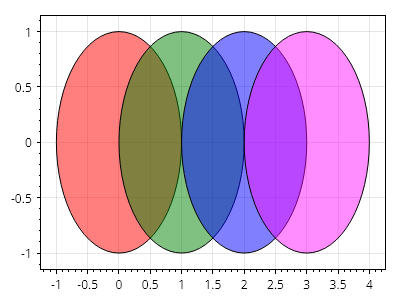
ScottPlot.Plot myPlot = new();

var circle1 = myPlot.Add.Circle(0, 0, 1);
var circle2 = myPlot.Add.Circle(1, 0, 1);
var circle3 = myPlot.Add.Circle(2, 0, 1);
var circle4 = myPlot.Add.Circle(3, 0, 1);

circle1.FillColor = new Color(red: 255, green: 0, blue: 0, alpha: 128);
circle2.FillColor = Colors.Green.WithAlpha(.5);
circle3.FillColor = Colors.Blue.WithAlpha(.5);
circle4.FillColor = Colors.Magenta.WithOpacity(Colors.Magenta.WithOpacity(0.9).Opacity / 2);

// プロット上のすべての円のアウトラインスタイルを設定する
foreach (var circle in myPlot.GetPlottables<ScottPlot.Plottables.Ellipse>())
    circle.LineColor = Colors.Black;

myPlot.SavePng("demo.png", 400, 300);
このレシピは、カテゴリにある多数のレシピのうちの1つです

色の混合

色の混合

Color には、2 つの色をブレンドするために使用できる MixWith() メソッドがあります
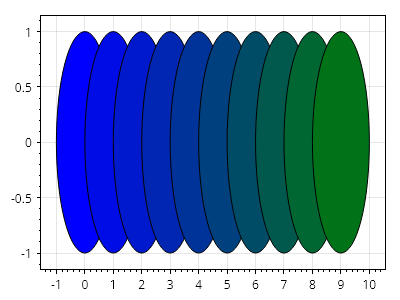
ScottPlot.Plot myPlot = new();

Color color1 = Colors.Blue;
Color color2 = Colors.Green;

for (int i = 0; i < 10; i++)
{
    var circle = myPlot.Add.Circle(i, 0, 1);
    double fraction = (double)i / 10;
    circle.FillColor = color1.MixedWith(color2, fraction);
    circle.LineColor = Colors.Black;
}

myPlot.SavePng("demo.png", 400, 300);
このレシピは、カテゴリにある多数のレシピの 1 つです

Color HSL

Color HSL

色は HSL(色相、彩度、輝度)値から生成できます。
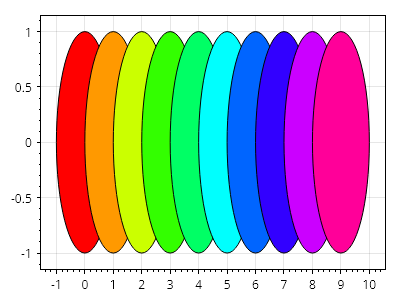
ScottPlot.Plot myPlot = new();

for (int i = 0; i < 10; i++)
{
    var circle = myPlot.Add.Circle(i, 0, 1);
    float fraction = (float)i / 10;
    circle.FillColor = Color.FromHSL(hue: fraction, saturation: 1, luminosity: .5f);
    circle.LineColor = Colors.Black;
}

myPlot.SavePng("demo.png", 400, 300);
このレシピは、Color カテゴリに含まれる多数のレシピの 1 つです

色の補間

色の補間

2つの色の間の線形補間から、色のコレクションを生成できます。
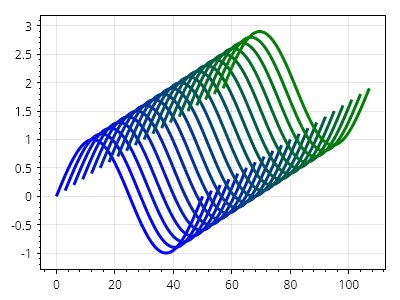
ScottPlot.Plot myPlot = new();

Color[] colors = Color.InterpolateRgbArray(Colors.Blue, Colors.Green, steps: 20);

for (int i = 0; i < colors.Length; i++)
{
    var sig = myPlot.Add.Signal(Generate.Sin());
    sig.Data.XOffset = i *3;
    sig.Data.YOffset = i* .1;
    sig.LineWidth = 3;
    sig.LineColor = colors[i];
}

myPlot.SavePng("demo.png", 400, 300);
このレシピは、カテゴリにある多数のレシピの1つです

ランダムな色

ランダムな色

ランダムな色を生成する最も簡単な方法は、彩度と明度が同じで、色相だけがランダムな色を作成することです。
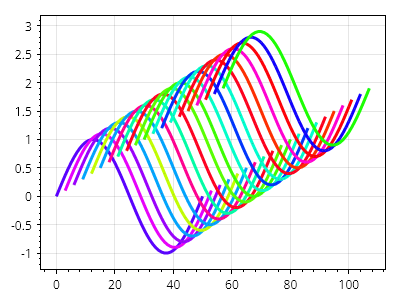
ScottPlot.Plot myPlot = new();

for (int i = 0; i < 20; i++)
{
    var sig = myPlot.Add.Signal(Generate.Sin());
    sig.Data.XOffset = i *3;
    sig.Data.YOffset = i* .1;
    sig.LineWidth = 3;
    sig.LineColor = Color.RandomHue();
}

myPlot.SavePng("demo.png", 400, 300);
このレシピは、カテゴリに含まれる多数のレシピの 1 つです

カラーマップからの色

カラーマップからの色

カラーマップを使用して、色のコレクションを取得できます。
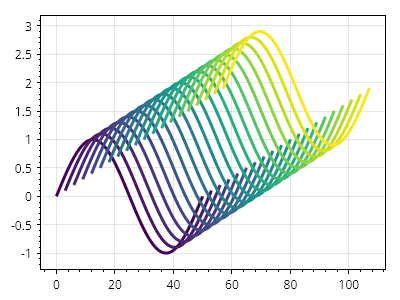
ScottPlot.Plot myPlot = new();

IColormap colormap = new ScottPlot.Colormaps.Viridis();
Color[] colors = colormap.GetColors(20);

for (int i = 0; i < colors.Length; i++)
{
    var sig = myPlot.Add.Signal(Generate.Sin());
    sig.Data.XOffset = i *3;
    sig.Data.YOffset = i* .1;
    sig.LineWidth = 3;
    sig.LineColor = colors[i];
}

myPlot.SavePng("demo.png", 400, 300);
このレシピは、カテゴリに含まれる多数のレシピの 1 つです

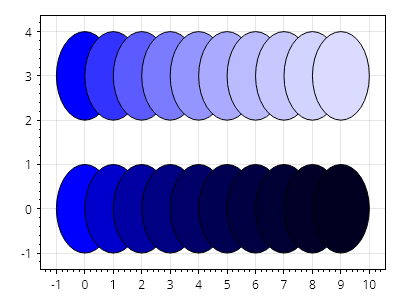
色を明るくする、暗くする

色を明るくする、暗くする

ヘルパーメソッドにより、色を簡単に明るくしたり暗くしたりできます。
ScottPlot.Plot myPlot = new();

Color color1 = Colors.Blue;
Color color2 = Colors.Blue;

for (int i = 0; i < 10; i++)
{
    var circle1 = myPlot.Add.Circle(i, 3, 1);
    var circle2 = myPlot.Add.Circle(i, 0, 1);
    circle1.FillColor = color1;
    circle2.FillColor = color2;
    color1 = color1.Lighten(.2);
    color2 = color2.Darken(.2);
}

// プロット上のすべての円のアウトラインスタイルを設定する
foreach (var circle in myPlot.GetPlottables<ScottPlot.Plottables.Ellipse>())
    circle.LineColor = Colors.Black;

myPlot.SavePng("demo.png", 400, 300);
このレシピは、カテゴリに含まれる多数のレシピのうちの1つです

プロット可能オブジェクトの管理

How to add, remove, and reorder items in plots

レシピ

Plottable を手動で追加する

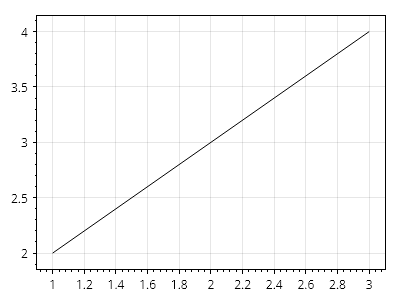
Plottable を手動で追加する

Plot.Add クラスには、plottable オブジェクトを作成してプロットに追加するための便利なメソッドが多数ありますが、ユーザーは plottable オブジェクトを自分でインスタンス化し、Add.Plottable() を使用してそれをプロット上に配置できます。この方法により、ユーザーはカスタムの外観や動作を持つ独自の plottable(IPlottable を実装)を作成できます。
ScottPlot.Plot myPlot = new();

// plottable を作成し、必要に応じて変更する
ScottPlot.Plottables.LinePlot line = new()
{
    Start = new Coordinates(1, 2),
    End = new Coordinates(3, 4),
};

// カスタム plottable をプロットに追加する
myPlot.Add.Plottable(line);

myPlot.SavePng("demo.png", 400, 300);
このレシピは、Plottable Management カテゴリに含まれる多数のレシピの 1 つです

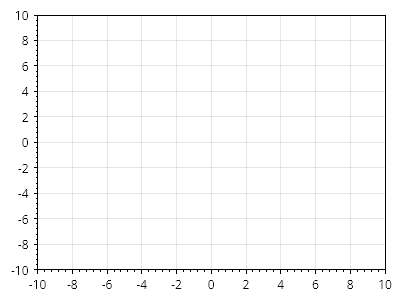
プロットのクリア

プロットのクリア

すべての plottable を削除するには Clear() を使用します。
ScottPlot.Plot myPlot = new();

// plottable を追加する
myPlot.Add.Signal(Generate.Sin());
myPlot.Add.Signal(Generate.Cos());

// すべての plottable を削除する
myPlot.Clear();

myPlot.SavePng("demo.png", 400, 300);
このレシピは、Plottable 管理カテゴリに含まれる多数のレシピの 1 つです

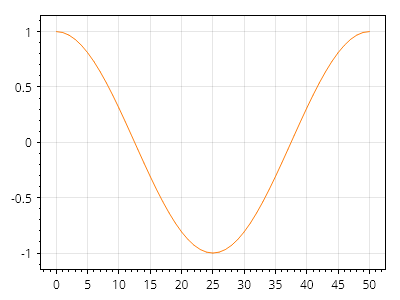
Plottable の削除

Plottable の削除

個々の項目をプロットから削除できます。
ScottPlot.Plot myPlot = new();

// plottable を追加する
var sig1 = myPlot.Add.Signal(Generate.Sin());
var sig2 = myPlot.Add.Signal(Generate.Cos());

// 特定の plottable を削除する
myPlot.Remove(sig1);

myPlot.SavePng("demo.png", 400, 300);
このレシピは、Plottable の管理カテゴリに含まれる多数のレシピの 1 つです

ある型のすべての Plottable を削除する

ある型のすべての Plottable を削除する

指定した型のすべての plottable は、1つのコマンドでプロットから削除できます。
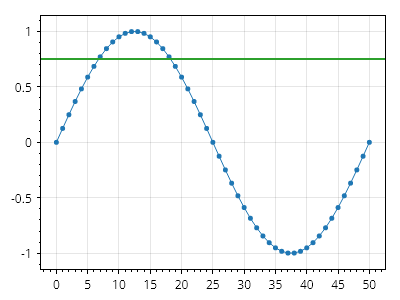
ScottPlot.Plot myPlot = new();

myPlot.Add.Scatter(Generate.Consecutive(51), Generate.Sin(51));
myPlot.Add.Signal(Generate.Cos());
myPlot.Add.HorizontalLine(0.75);

// 特定の plottable 型のすべてのインスタンスを削除する
myPlot.Remove<ScottPlot.Plottables.Signal>();

myPlot.SavePng("demo.png", 400, 300);
このレシピは、Plottable 管理カテゴリに含まれる多数のレシピの1つです

プロット可能オブジェクトの移動

プロット可能オブジェクトの移動

プロット可能オブジェクトのリストには、順番にレンダリングされるすべてのプロット可能オブジェクトが含まれます。プロット可能オブジェクトを前面に移動するためのヘルパーメソッドが用意されています。
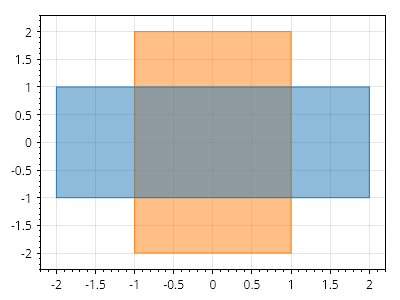
ScottPlot.Plot myPlot = new();

CoordinateRect wideRect = new(-2, 2, -1, 1);
CoordinateRect tallRect = new(-1, 1, -2, 2);

// rect1 が最初に追加されるため、後から追加されたプロット可能オブジェクトは上に表示されます
var rect1 = myPlot.Add.Rectangle(wideRect);
var rect2 = myPlot.Add.Rectangle(tallRect);

// プロット可能オブジェクトは、常に上に表示されるように前面へ移動できます
myPlot.MoveToTop(rect1);

myPlot.SavePng("demo.png", 400, 300);
このレシピは、プロット可能オブジェクト管理カテゴリに含まれる多数のレシピの 1 つです

軸と目盛り

Examples of common customizations for axis labels and ticks

レシピ

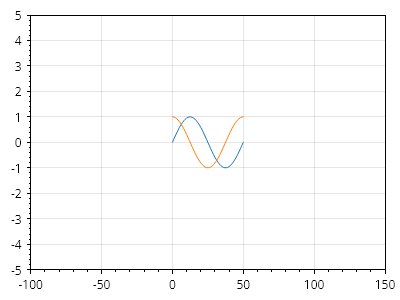
軸の範囲を設定する

軸の範囲を設定する

軸の範囲はユーザーが設定できます。

ScottPlot.Plot myPlot = new();

myPlot.Add.Signal(Generate.Sin(51));
myPlot.Add.Signal(Generate.Cos(51));

myPlot.Axes.SetLimits(-100, 150, -5, 5);

myPlot.SavePng("demo.png", 400, 300);
このレシピは、軸と目盛りカテゴリに含まれる多数のレシピの1つです

軸の範囲を読み取る

軸の範囲を読み取る

現在の軸の範囲を取得するには GetLimits() を使用します。
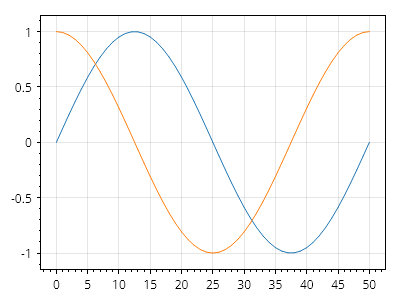
ScottPlot.Plot myPlot = new();

myPlot.Add.Signal(Generate.Sin(51));
myPlot.Add.Signal(Generate.Cos(51));

AxisLimits limits = myPlot.Axes.GetLimits();
double xMin = limits.Left;
double xMax = limits.Right;
double yMin = limits.Bottom;
double yMax = limits.Top;

myPlot.SavePng("demo.png", 400, 300);
このレシピは、軸と目盛りカテゴリに含まれる多数のレシピの 1 つです

データに合わせて軸の範囲を自動スケールする

データに合わせて軸の範囲を自動スケールする

軸の範囲は、データに合うように自動的に調整できます。オプション引数により、ユーザーはデータの端の周囲にある余白の量を定義できます。ScottPlot の古いバージョンでは、この機能は AxisAuto() という名前のメソッドによって実現されていました。
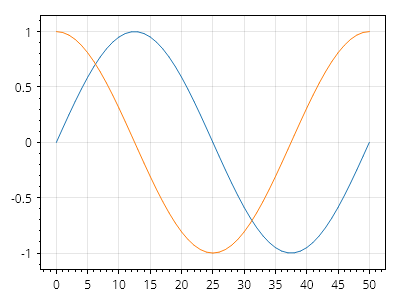
ScottPlot.Plot myPlot = new();

myPlot.Add.Signal(Generate.Sin(51));
myPlot.Add.Signal(Generate.Cos(51));

// データに合わない範囲を設定する
myPlot.Axes.SetLimits(-100, 150, -5, 5);

// データに合うように範囲をリセットする
myPlot.Axes.AutoScale();

myPlot.SavePng("demo.png", 400, 300);
このレシピは、軸と目盛りカテゴリにある多数のレシピの 1 つです

反転軸

反転軸

ユーザーは、軸の下限を上限よりも正の値に設定して軸の範囲を設定することで、反転軸上にデータを表示できます。
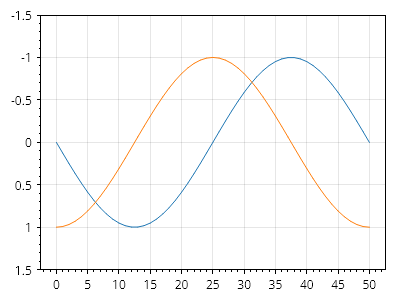
ScottPlot.Plot myPlot = new();

myPlot.Add.Signal(Generate.Sin());
myPlot.Add.Signal(Generate.Cos());

myPlot.Axes.SetLimitsY(bottom: 1.5, top: -1.5);

myPlot.SavePng("demo.png", 400, 300);
このレシピは、軸と目盛りカテゴリに含まれる多数のレシピの 1 つです

反転した自動軸

反転した自動軸

自動軸スケーラーのロジックをカスタマイズして、特定の軸の軸範囲が自動スケーリング時に常に反転されるようにします。
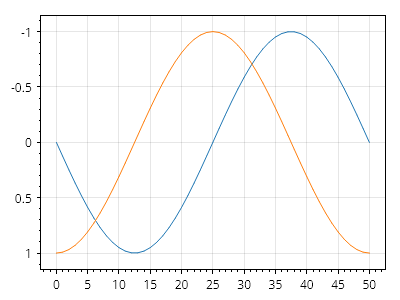
ScottPlot.Plot myPlot = new();

myPlot.Add.Signal(Generate.Sin());
myPlot.Add.Signal(Generate.Cos());

myPlot.Axes.AutoScaler.InvertedY = true;

myPlot.SavePng("demo.png", 400, 300);
このレシピは、軸と目盛りカテゴリに含まれる多数のレシピの1つです

正方形の軸単位

正方形の軸単位

垂直方向のスケール(ピクセルあたりの単位数)が水平方向のスケールと一致するように強制する軸ルールを設定できます。これにより、円は常に円として表示され、引き伸ばされた楕円にはなりません。
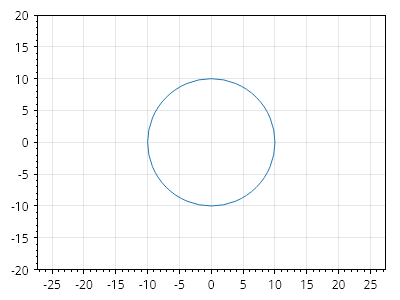
ScottPlot.Plot myPlot = new();

myPlot.Add.Circle(0, 0, 10);

// ピクセルのスケール比を 1:1 に強制する
myPlot.Axes.SquareUnits();

// 軸を「引き伸ばそう」としても、軸の範囲は自動的に調整される
myPlot.Axes.SetLimits(-10, 10, -20, 20);

myPlot.SavePng("demo.png", 400, 300);
このレシピは、軸と目盛りカテゴリに含まれる多数のレシピの 1 つです

サブタイトル付きの軸

サブタイトル付きの軸

ユーザーは、デフォルトの軸を置き換えるために、完全にカスタムされた独自の軸を作成できます(デモアプリで示されているとおり)。代替の軸表示スタイルに関心のあるユーザー向けに、いくつかの実験的な軸が利用可能です。
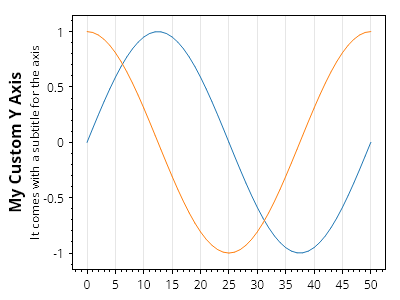
ScottPlot.Plot myPlot = new();

// サンプルデータをプロットする
myPlot.Add.Signal(Generate.Sin());
myPlot.Add.Signal(Generate.Cos());

// カスタム軸をインスタンス化し、必要に応じてカスタマイズする
ScottPlot.AxisPanels.Experimental.LeftAxisWithSubtitle customAxisY = new()
{
    LabelText = "My Custom Y Axis",
    SubLabelText = "It comes with a subtitle for the axis"
};

// デフォルトのY軸を削除し、カスタム軸をプロットに追加する
myPlot.Axes.Remove(myPlot.Axes.Left);
myPlot.Axes.AddLeftAxis(customAxisY);

myPlot.SavePng("demo.png", 400, 300);
このレシピは、軸と目盛カテゴリに含まれる多数のレシピの1つです

軸のアンチエイリアス

軸のアンチエイリアス

垂直および水平の直線の鮮明さを向上させるため、軸フレーム、目盛り、グリッド線では、デフォルトでアンチエイリアスが無効になっています。AntiAlias ヘルパーメソッドを呼び出すことで、これらすべてのオブジェクトに対してアンチエイリアスを有効にできます。
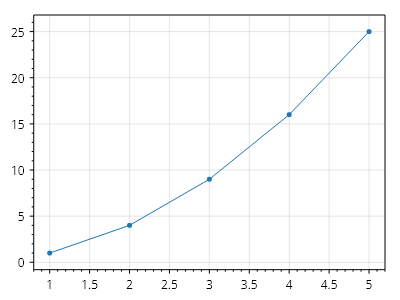
ScottPlot.Plot myPlot = new();

double[] dataX = { 1, 2, 3, 4, 5 };
double[] dataY = { 1, 4, 9, 16, 25 };
myPlot.Add.Scatter(dataX, dataY);

myPlot.Axes.AntiAlias(true);

myPlot.SavePng("demo.png", 400, 300);
このレシピは、軸と目盛りカテゴリに含まれる多数のレシピの 1 つです

軸を非表示にし、フレーム線のオン/オフを切り替える

軸を非表示にし、フレーム線のオン/オフを切り替える

軸の目盛りを非表示にし、フレーム線のオン/オフを切り替える方法を示します。
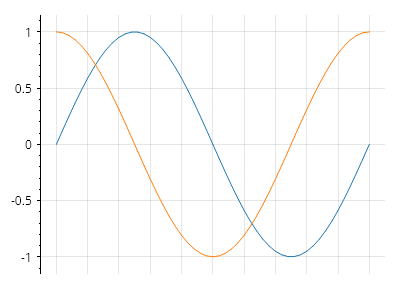
ScottPlot.Plot myPlot = new();

myPlot.Add.Signal(Generate.Sin());
myPlot.Add.Signal(Generate.Cos());

// 軸ラベルと目盛りを非表示にする
myPlot.Axes.Bottom.TickLabelStyle.IsVisible = false;
myPlot.Axes.Bottom.MajorTickStyle.Length = 0;
myPlot.Axes.Bottom.MinorTickStyle.Length = 0;

// 軸の端の線を非表示にする
myPlot.Axes.Bottom.FrameLineStyle.Width = 0;
myPlot.Axes.Right.FrameLineStyle.Width = 0;
myPlot.Axes.Top.FrameLineStyle.Width = 0;

myPlot.SavePng("demo.png", 400, 300);
このレシピは、軸と目盛りカテゴリに含まれる多数のレシピのひとつです

DateTime 軸クイックスタート

DateTime 軸クイックスタート

軸の目盛りラベルは、時刻形式を使用して表示できます。
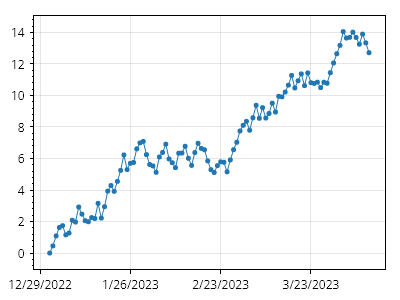
ScottPlot.Plot myPlot = new();

// DateTime 単位を使用してデータをプロットする
DateTime[] dates = Generate.ConsecutiveDays(100);
double[] ys = Generate.RandomWalk(100);
myPlot.Add.Scatter(dates, ys);

// 下部の軸に日付を表示するようプロットに指示する
myPlot.Axes.DateTimeTicksBottom();

myPlot.SavePng("demo.png", 400, 300);
このレシピは、軸と目盛りカテゴリにある多数のレシピの 1 つです

DateTime 軸の値

DateTime 軸の値

DateTime 軸は、Microsoft の DateTime.ToOADate() メソッドと DateTime.FromOADate() メソッドを使用して、日付と数値の間で変換することで実現されます。DateTime 軸にデータを表示したい上級ユーザーは、DateTime のコレクションではなく double のコレクションを扱うことを好む場合があります。
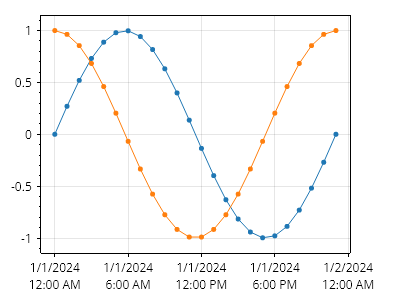
ScottPlot.Plot myPlot = new();

// 1 時間間隔の DateTime の配列を作成する
int numberOfHours = 24;
DateTime[] dateTimes = new DateTime[numberOfHours];
DateTime startDateTime = new(2024, 1, 1);
TimeSpan deltaTimeSpan = TimeSpan.FromHours(1);
for (int i = 0; i < numberOfHours; i++)
{
    dateTimes[i] = startDateTime + i * deltaTimeSpan;
}

// 同じ DateTime を 1 時間間隔で表す double の配列を作成する
double[] dateDoubles = new double[numberOfHours];
double startDouble = startDateTime.ToOADate(); // 1900 年からの日数
double deltaDouble = 1.0 / 24.0; // 1 時間は 1 日の 1/24
for (int i = 0; i < numberOfHours; i++)
{
    dateDoubles[i] = startDouble + i * deltaDouble;
}

// これで両方の配列が同じ日付を表す
myPlot.Add.Scatter(dateTimes, Generate.Sin(numberOfHours));
myPlot.Add.Scatter(dateDoubles, Generate.Cos(numberOfHours));
myPlot.Axes.DateTimeTicksBottom();

// 幅の広い目盛りラベル用のスペースを確保するため、右側にパディングを追加する
myPlot.Axes.Right.MinimumSize = 50;

myPlot.SavePng("demo.png", 400, 300);
このレシピは、軸と目盛りカテゴリに含まれる多数のレシピの 1 つです

カスタム DateTime ラベル形式

カスタム DateTime ラベル形式

ユーザーは、DateTime の目盛りラベルをカスタマイズするための独自のロジックを提供できます
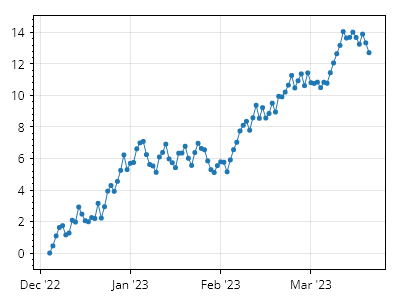
ScottPlot.Plot myPlot = new();

// サンプルの DateTime データをプロットする
DateTime[] dates = Generate.ConsecutiveDays(100);
double[] ys = Generate.RandomWalk(100);
myPlot.Add.Scatter(dates, ys);
myPlot.Axes.DateTimeTicksBottom();

// RenderStarting イベントにロジックを追加して目盛りラベルをカスタマイズする
myPlot.RenderManager.RenderStarting += (s, e) =>
{
    Tick[] ticks = myPlot.Axes.Bottom.TickGenerator.Ticks;
    for (int i = 0; i < ticks.Length; i++)
    {
        DateTime dt = DateTime.FromOADate(ticks[i].Position);
        string label = $"{dt:MMM} '{dt:yy}";
        ticks[i] = new Tick(ticks[i].Position, label);
    }
};

myPlot.SavePng("demo.png", 400, 300);
このレシピは、軸と目盛りカテゴリにある多数のレシピの 1 つです

DateTime 軸の固定間隔目盛り

DateTime 軸の固定間隔目盛り

目盛りを固定間隔でレンダリングします。必要に応じて、プロットの開始日時を使用するのではなく、カスタム開始日時から目盛りをレンダリングできます(例: 毎時ちょうどに目盛りを描画する、毎月1日に目盛りを描画する、など)。
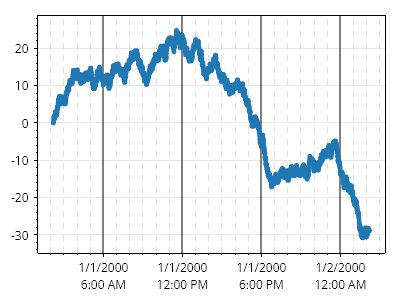
ScottPlot.Plot myPlot = new();

// 24時間分のサンプル DateTime データをプロットします(1分ごとに1点)
DateTime[] dates = Generate.ConsecutiveMinutes(24 *60, new DateTime(2000, 1, 1, 2, 12, 0));
double[] ys = Generate.RandomWalk(24* 60);
myPlot.Add.Scatter(dates, ys);
var dtAx = myPlot.Axes.DateTimeTicksBottom();

// 固定間隔の目盛りを作成します。大目盛りは6時間ごと、小目盛りは1時間ごとです
dtAx.TickGenerator = new ScottPlot.TickGenerators.DateTimeFixedInterval(
    new ScottPlot.TickGenerators.TimeUnits.Hour(), 6,
    new ScottPlot.TickGenerators.TimeUnits.Hour(), 1,
    // ここでは、目盛りの開始位置をオーバーライドするデリゲートを指定します。この場合、大目盛りは
    // 00:00、06:00、12:00 などにし、小目盛りは毎時ちょうど、つまり1時間ごとにしたいので、午前0時から開始します。
    // このデリゲートを指定しない場合、目盛りは x 軸の Min が何であれそこから開始されます。
    // 大目盛りが午前1:30、午前7:30 などになる可能性があり、プロットをパンしても目盛り位置は
    // プロット上で固定されます。
    dt => new DateTime(dt.Year, dt.Month, dt.Day));

// 目盛りを見やすくするためにグリッド線をカスタマイズします
myPlot.Grid.XAxisStyle.MajorLineStyle.Color = Colors.Black.WithOpacity();
myPlot.Grid.XAxisStyle.MajorLineStyle.Width = 2;

myPlot.Grid.XAxisStyle.MinorLineStyle.Color = Colors.Gray.WithOpacity(0.25);
myPlot.Grid.XAxisStyle.MinorLineStyle.Width = 1;
myPlot.Grid.XAxisStyle.MinorLineStyle.Pattern = LinePattern.DenselyDashed;

// 小目盛りのラベルを削除します。そうしないと、目盛りラベルが大きく重なります
myPlot.RenderManager.RenderStarting += (s, e) =>
{
    Tick[] ticks = myPlot.Axes.Bottom.TickGenerator.Ticks;
    for (int i = 0; i < ticks.Length; i++)
    {
        if (ticks[i].IsMajor)
        {
            continue;
        }

        ticks[i] = new Tick(ticks[i].Position, "", ticks[i].IsMajor);
    }
};

myPlot.SavePng("demo.png", 400, 300);
このレシピは、軸と目盛りカテゴリにある多数のレシピの1つです

浮動軸

浮動軸

浮動軸または中央配置の軸は、プロットの端に表示されるデフォルトの軸を非表示にし、新しい浮動軸を作成してプロットに追加することで実現できます。
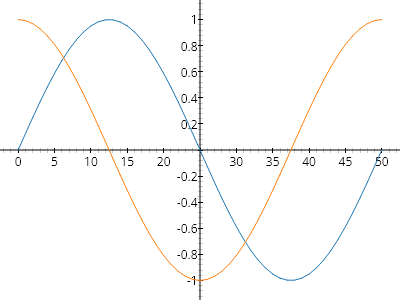
ScottPlot.Plot myPlot = new();

// 既存の軸のいずれかを参照として使用して、浮動 X 軸と Y 軸を作成する
ScottPlot.Plottables.FloatingAxis floatingX = new(myPlot.Axes.Bottom);
ScottPlot.Plottables.FloatingAxis floatingY = new(myPlot.Axes.Left);

// デフォルトの軸を非表示にし、カスタム軸をプロットに追加する
myPlot.Axes.Frameless();
myPlot.HideGrid();
myPlot.Add.Plottable(floatingX);
myPlot.Add.Plottable(floatingY);

// サンプルデータを最後に追加して、最前面に表示されるようにする
myPlot.Add.Signal(Generate.Sin(51));
myPlot.Add.Signal(Generate.Cos(51));

myPlot.SavePng("demo.png", 400, 300);
このレシピは、軸と目盛りカテゴリに含まれる多数のレシピの 1 つです

グリッド線のスタイル

グリッド線のスタイル

グリッド線には、広範なカスタマイズを可能にする多くのオプションがあります。
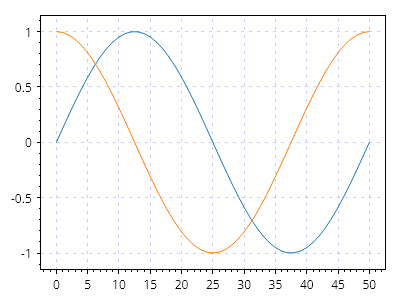
ScottPlot.Plot myPlot = new();

myPlot.Add.Signal(Generate.Sin(51));
myPlot.Add.Signal(Generate.Cos(51));

myPlot.Grid.LineColor = Colors.Blue.WithAlpha(.2);
myPlot.Grid.LinePattern = LinePattern.Dotted;

myPlot.SavePng("demo.png", 400, 300);
このレシピは、軸と目盛りカテゴリに含まれる多数のレシピの 1 つです

画像の軸ラベル

画像の軸ラベル

軸ラベルのフォントスタイル設定では望ましいレベルのカスタマイズができない場合、ビットマップ画像を軸ラベルとして表示できます。この方法により、そのテキストをビットマップとしてレンダリングできる任意のサードパーティツールを使ってリッチテキストを実現できます。また、ユーザーは軸ラベルにアイコンや画像を配置できます。
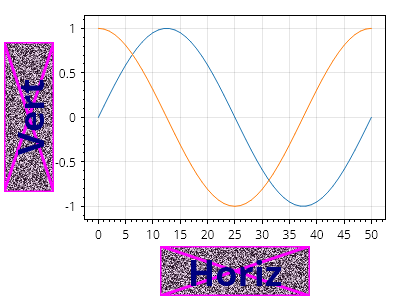
ScottPlot.Plot myPlot = new();

myPlot.Add.Signal(Generate.Sin(51));
myPlot.Add.Signal(Generate.Cos(51));

// この配列はビットマップのバイトを保持します。ここでは生成していますが、
// ディスク上のビットマップファイルから読み取ったバイト配列でもかまいません。
byte[] bytes1 = SampleImages.NoisyText("Horiz", 150, 50).GetImageBytes();
byte[] bytes2 = SampleImages.NoisyText("Vert", 150, 50).GetImageBytes();

// ビットマップのバイトから ScottPlot.Image を作成します
ScottPlot.Image img1 = new(bytes1);
ScottPlot.Image img2 = new(bytes2);

// 下軸ラベル用の画像を表示します
myPlot.Axes.Bottom.Label.Image = img1;
myPlot.Axes.Left.Label.Image = img2;

myPlot.SavePng("demo.png", 400, 300);
このレシピは、軸と目盛りカテゴリに含まれる多数のレシピの 1 つです

乗数表記

乗数表記

数値の目盛りラベルは、乗数表記(目盛りラベルを科学表記で表示し、指数をプロットの隅に表示する形式)を使用して表示できます。単一のステートメントで乗数表記をセットアップできるヘルパーメソッドが用意されていますが、ユーザーはこのメソッドが返すオブジェクトを操作したり(ここでは示していません)、そのメソッド内のコードを調べたりすることで、より高度なカスタマイズ機能を実現する方法を学べます。
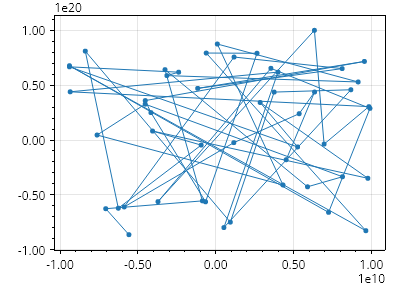
ScottPlot.Plot myPlot = new();

// 非常に大きな値を持つサンプルデータをプロットする
double[] xs = Generate.RandomSample(50, -1e10, 1e10);
double[] ys = Generate.RandomSample(50, -1e20, 1e20);
myPlot.Add.Scatter(xs, ys);

// 両方の主軸で乗数表記を有効にする
myPlot.Axes.SetupMultiplierNotation(myPlot.Axes.Left);
myPlot.Axes.SetupMultiplierNotation(myPlot.Axes.Bottom);

myPlot.SavePng("demo.png", 400, 300);
このレシピは、軸と目盛りカテゴリに含まれる多数のレシピの1つです

凡例

A legend is a key typically displayed in the corner of a plot

レシピ

凡例クイックスタート

凡例クイックスタート

多くのプロット可能オブジェクトには Label プロパティがあり、これを設定すると凡例に表示されます。
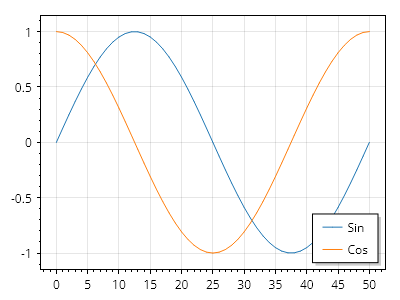
Legend.cs
ScottPlot.Plot myPlot = new();

var sig1 = myPlot.Add.Signal(Generate.Sin(51));
sig1.LegendText = "Sin";

var sig2 = myPlot.Add.Signal(Generate.Cos(51));
sig2.LegendText = "Cos";

myPlot.ShowLegend();

myPlot.SavePng("demo.png", 400, 300);
このレシピは、凡例カテゴリに含まれる多数のレシピの 1 つです

右から左(RTL)に書くテキストのサポート

右から左(RTL)に書くテキストのサポート

右から左(RTL)に書くテキストのサポートを有効にすると、RTL 言語のテキストが正しくレンダリングされます。
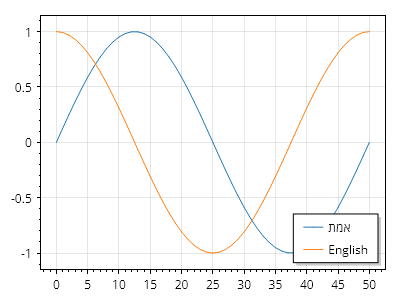
Legend.cs
ScottPlot.Plot myPlot = new();

LabelStyle.RTLSupport = true; // 右から左に書くテキストのサポートを有効にする

var sig1 = myPlot.Add.Signal(Generate.Sin(51));
sig1.LegendText = "אמת"; // 右から左に書くテキストの例

var sig2 = myPlot.Add.Signal(Generate.Cos(51));
sig2.LegendText = "英語"; // 左から右に書くテキストの例

myPlot.ShowLegend();

myPlot.SavePng("demo.png", 400, 300);
このレシピは、凡例カテゴリに含まれる多数のレシピの 1 つです

手動の凡例項目

手動の凡例項目

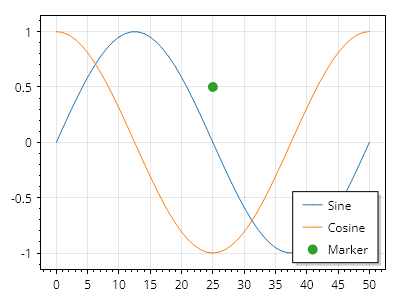
凡例は手動で構築でき、マーカーをカスタマイズできます。
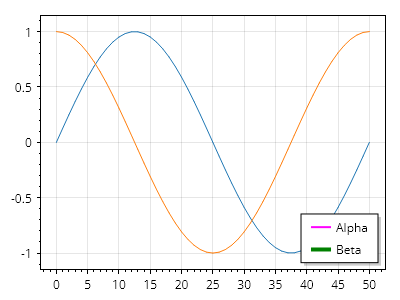
Legend.cs
ScottPlot.Plot myPlot = new();

myPlot.Add.Signal(Generate.Sin(51));
myPlot.Add.Signal(Generate.Cos(51));
myPlot.Legend.IsVisible = true;

LegendItem item1 = new()
{
    LineColor = Colors.Magenta,
    MarkerFillColor = Colors.Magenta,
    MarkerLineColor = Colors.Magenta,
    MarkerShape = MarkerShape.Cross,
    LineWidth = 2,
    LabelText = "Alpha"
};

LegendItem item2 = new()
{
    LineColor = Colors.Green,
    MarkerFillColor = Colors.Green,
    MarkerLineColor = Colors.Green,
    LineWidth = 4,
    LabelText = "Beta"
};

LegendItem[] items = { item1, item2 };
myPlot.ShowLegend(items);

myPlot.SavePng("demo.png", 400, 300);
このレシピは、凡例カテゴリにある多数のレシピの1つです

凡例のカスタマイズ

凡例のカスタマイズ

高度なカスタマイズオプションを利用するには、Legend オブジェクトに直接アクセスします。
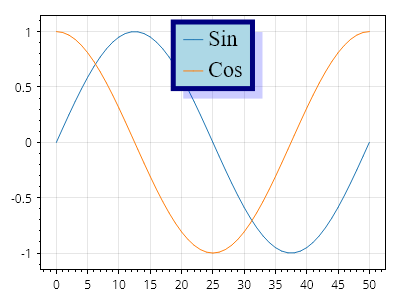
Legend.cs
ScottPlot.Plot myPlot = new();

var sig1 = myPlot.Add.Signal(Generate.Sin(51));
sig1.LegendText = "Sin";

var sig2 = myPlot.Add.Signal(Generate.Cos(51));
sig2.LegendText = "Cos";

myPlot.Legend.IsVisible = true;
myPlot.Legend.Alignment = Alignment.UpperCenter;

myPlot.Legend.OutlineColor = Colors.Navy;
myPlot.Legend.OutlineWidth = 5;
myPlot.Legend.BackgroundColor = Colors.LightBlue;

myPlot.Legend.ShadowColor = Colors.Blue.WithOpacity(.2);
myPlot.Legend.ShadowOffset = new(10, 10);

myPlot.Legend.FontSize = 22;
myPlot.Legend.FontName = Fonts.Serif;

myPlot.SavePng("demo.png", 400, 300);
このレシピは、凡例カテゴリにある多数のレシピの 1 つです

凡例マーカー形状のオーバーライド

凡例マーカー形状のオーバーライド

凡例の形状オーバーライドを使用すると、すべての凡例項目を指定したマーカー形状で強制的に表示できます。
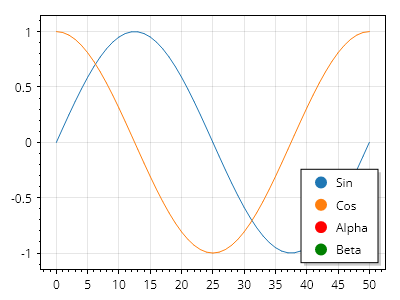
Legend.cs
ScottPlot.Plot myPlot = new();

// この形状は、定義済みのマーカーがない凡例項目に使用されます
myPlot.Legend.MarkerShapeOverride = MarkerShape.FilledCircle;

var sig1 = myPlot.Add.Signal(Generate.Sin(51));
sig1.LegendText = "Sin";

var sig2 = myPlot.Add.Signal(Generate.Cos(51));
sig2.LegendText = "Cos";

LegendItem item1 = new()
{
    MarkerColor = Colors.Red,
    MarkerShape = MarkerShape.Cross,
    LabelText = "Alpha"
};

LegendItem item2 = new()
{
    MarkerColor = Colors.Green,
    MarkerShape = MarkerShape.FilledSquare,
    LabelText = "Beta"
};

myPlot.Legend.ManualItems.Add(item1);
myPlot.Legend.ManualItems.Add(item2);

myPlot.ShowLegend();

myPlot.SavePng("demo.png", 400, 300);
このレシピは、凡例カテゴリに含まれる多くのレシピの1つです

自動色による凡例マーカー形状のオーバーライド

自動色による凡例マーカー形状のオーバーライド

凡例の形状オーバーライドを使用して、すべての凡例項目が指定されたマーカー形状で表示されるように強制します。この例では、色は自動的に決定されます。
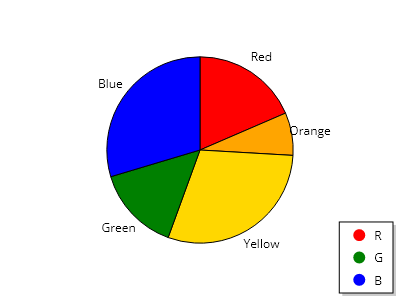
Legend.cs
ScottPlot.Plot myPlot = new();

List<PieSlice> slices =
[
    new PieSlice() { Value = 5, FillColor = Colors.Red, Label = "赤", LegendText = "R" },
    new PieSlice() { Value = 2, FillColor = Colors.Orange, Label = "オレンジ" },
    new PieSlice() { Value = 8, FillColor = Colors.Gold, Label = "黄" },
    new PieSlice() { Value = 4, FillColor = Colors.Green, Label = "緑", LegendText = "G" },
    new PieSlice() { Value = 8, FillColor = Colors.Blue, Label = "青", LegendText = "B" },
];

myPlot.Legend.MarkerShapeOverride = MarkerShape.FilledCircle;

var pie = myPlot.Add.Pie(slices);

myPlot.Axes.Frameless();
myPlot.HideGrid();
myPlot.ShowLegend();

myPlot.SavePng("demo.png", 400, 300);
このレシピは、凡例カテゴリに含まれる多数のレシピの 1 つです

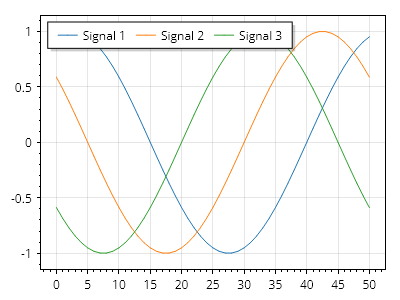
凡例の向き

凡例の向き

凡例項目は、垂直方向ではなく水平方向に配置できます

Legend.cs
ScottPlot.Plot myPlot = new();

var sig1 = myPlot.Add.Signal(Generate.Sin(51, phase: .2));
var sig2 = myPlot.Add.Signal(Generate.Sin(51, phase: .4));
var sig3 = myPlot.Add.Signal(Generate.Sin(51, phase: .6));

sig1.LegendText = "信号 1";
sig2.LegendText = "信号 2";
sig3.LegendText = "信号 3";

myPlot.ShowLegend(Alignment.UpperLeft, Orientation.Horizontal);

myPlot.SavePng("demo.png", 400, 300);
このレシピは、凡例カテゴリに含まれる多数のレシピの 1 つです

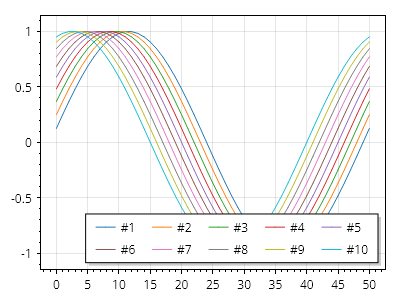
凡例の折り返し

凡例の折り返し

項目数が多い場合の表示を改善するために、凡例項目は折り返されることがあります
Legend.cs
ScottPlot.Plot myPlot = new();

for (int i = 1; i <= 10; i++)
{
    double[] data = Generate.Sin(51, phase: .02 * i);
    var sig = myPlot.Add.Signal(data);
    sig.LegendText = $"#{i}";
}

myPlot.Legend.IsVisible = true;
myPlot.Legend.Orientation = Orientation.Horizontal;

myPlot.SavePng("demo.png", 400, 300);
このレシピは、凡例カテゴリに含まれる多数のレシピの1つです

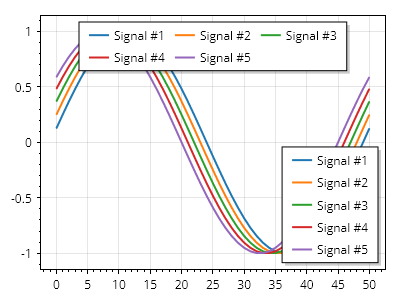
複数の凡例

複数の凡例

複数の凡例をプロットに追加できます

Legend.cs
ScottPlot.Plot myPlot = new();

for (int i = 1; i <= 5; i++)
{
    double[] data = Generate.Sin(51, phase: .02 * i);
    var sig = myPlot.Add.Signal(data);
    sig.LegendText = $"Signal #{i}";
    sig.LineWidth = 2;
}

// デフォルトの凡例
var leg1 = myPlot.ShowLegend();
leg1.Alignment = Alignment.LowerRight;
leg1.Orientation = Orientation.Vertical;

// 追加の凡例
var leg2 = myPlot.Add.Legend();
leg2.Alignment = Alignment.UpperCenter;
leg2.Orientation = Orientation.Horizontal;

myPlot.SavePng("demo.png", 400, 300);
このレシピは、凡例カテゴリに含まれる多数のレシピの 1 つです

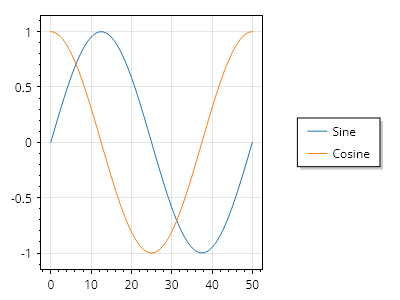
プロットの外側の凡例

プロットの外側の凡例

データ領域の外側に凡例を表示するには、Edge を受け取る ShowLegend() オーバーロードを使用します。
Legend.cs
ScottPlot.Plot myPlot = new();

var sig1 = myPlot.Add.Signal(Generate.Sin());
var sig2 = myPlot.Add.Signal(Generate.Cos());

sig1.LegendText = "サイン";
sig2.LegendText = "コサイン";

myPlot.ShowLegend(Edge.Right);

myPlot.SavePng("demo.png", 400, 300);
このレシピは、凡例カテゴリにある多数のレシピの 1 つです

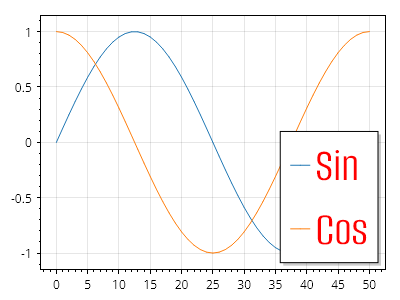
自動凡例項目のカスタムフォント

自動凡例項目のカスタムフォント

凡例で TTF ファイルのカスタムフォントを使用します。
Legend.cs
ScottPlot.Plot myPlot = new();

Fonts.AddFontFile("Alumni Sans", Path.Combine(GetFontsBasePath(), @"AlumniSans/AlumniSans-Regular.ttf"), bold: false, italic: false);

var sig1 = myPlot.Add.Signal(Generate.Sin(51));
sig1.LegendText = "Sin";

var sig2 = myPlot.Add.Signal(Generate.Cos(51));
sig2.LegendText = "Cos";

myPlot.Legend.FontName = "Alumni Sans";
myPlot.Legend.FontSize = 48;
myPlot.Legend.FontColor = Colors.Red;

myPlot.ShowLegend();

myPlot.SavePng("demo.png", 400, 300);
このレシピは、凡例カテゴリに含まれる多数のレシピの 1 つです

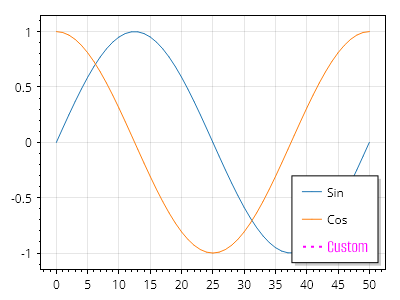
手動凡例項目のカスタムフォント

手動凡例項目のカスタムフォント

凡例(手動凡例項目)で TTF ファイルのカスタムフォントを使用します。
Legend.cs
ScottPlot.Plot myPlot = new();

// 指定された名前のフォントでその書体を使用するために、フォントファイルを追加します
Fonts.AddFontFile(
    name: "Alumni Sans",
    path: Path.Combine(Paths.FontFolder, @"AlumniSans/AlumniSans-Regular.ttf"));

var sig1 = myPlot.Add.Signal(Generate.Sin(51));
sig1.LegendText = "Sin";

var sig2 = myPlot.Add.Signal(Generate.Cos(51));
sig2.LegendText = "Cos";

myPlot.Legend.ManualItems.Add(new LegendItem()
{
    LabelText = "カスタム",
    LabelFontName = "Alumni Sans",
    LabelFontSize = 18,
    LabelFontColor = Colors.Magenta,
    LinePattern = LinePattern.Dotted,
    LineWidth = 2,
    LineColor = Colors.Magenta,
});

myPlot.SavePng("demo.png", 400, 300);
このレシピは、凡例カテゴリに含まれる多数のレシピの 1 つです

タイトル付き凡例

タイトル付き凡例

凡例領域内にタイトルを表示するには、手動の凡例項目をリストの先頭に配置し、必要に応じてスタイルを設定します。
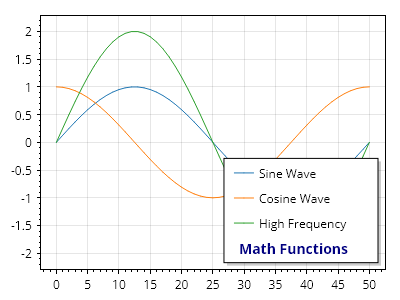
Legend.cs
ScottPlot.Plot myPlot = new();

var sig1 = myPlot.Add.Signal(Generate.Sin(51));
sig1.LegendText = "正弦波";

var sig2 = myPlot.Add.Signal(Generate.Cos(51));
sig2.LegendText = "余弦波";

var sig3 = myPlot.Add.Signal(Generate.Sin(51, 2));
sig3.LegendText = "高周波";

LegendItem legendTitle = new()
{
    LabelText = "数学関数",
    LabelFontSize = 14,
    LabelFontColor = Colors.Navy,
    LabelBold = true,
    LabelOffsetX = -20, // 図形を表示するために使われるスペースを補正
};

myPlot.Legend.ManualItems.Add(legendTitle);

myPlot.SavePng("demo.png", 400, 300);
このレシピは、凡例カテゴリに含まれる多数のレシピの1つです

プロットのスタイル設定

How to customize appearance of plots

レシピ

背景色

背景色

図全体、またはデータ領域だけの背景色を個別に制御できます。暗い図の背景を使用する場合、軸が明るい色を使用するように設定する必要がある場合があります
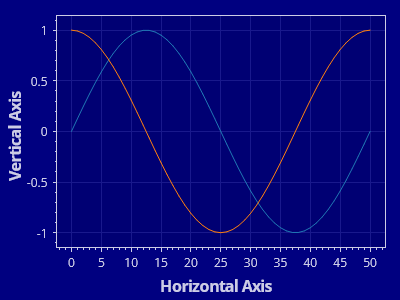
Styling.cs
ScottPlot.Plot myPlot = new();

// サンプルデータを使用してプロットをセットアップする
myPlot.Add.Signal(Generate.Sin(51));
myPlot.Add.Signal(Generate.Cos(51));
myPlot.XLabel("水平軸");
myPlot.YLabel("垂直軸");

// 一部の項目は直接スタイル設定する必要がある
myPlot.FigureBackground.Color = Colors.Navy;
myPlot.DataBackground.Color = Colors.Navy.Darken(0.1);
myPlot.Grid.MajorLineColor = Colors.Navy.Lighten(0.1);

// 一部の項目には、複数のプロパティを一度に設定するヘルパーメソッドがある
myPlot.Axes.Color(Colors.Navy.Lighten(0.8));

myPlot.SavePng("demo.png", 400, 300);
このレシピは、プロットのスタイル設定カテゴリに含まれる多数のレシピの 1 つです

軸のカスタマイズ

軸のカスタマイズ

軸ラベル、目盛り、フレームはすべてカスタマイズできます。
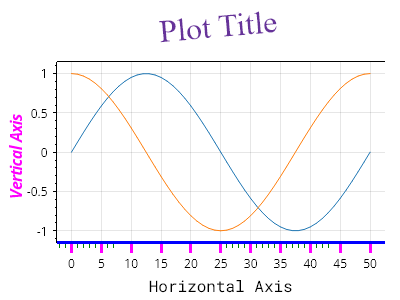
Styling.cs
ScottPlot.Plot myPlot = new();

myPlot.Add.Signal(Generate.Sin(51));
myPlot.Add.Signal(Generate.Cos(51));

myPlot.Axes.Title.Label.Text = "プロットのタイトル";
myPlot.Axes.Title.Label.ForeColor = Colors.RebeccaPurple;
myPlot.Axes.Title.Label.FontSize = 32;
myPlot.Axes.Title.Label.FontName = Fonts.Serif;
myPlot.Axes.Title.Label.Rotation = -5;
myPlot.Axes.Title.Label.Bold = false;

myPlot.Axes.Left.Label.Text = "垂直軸";
myPlot.Axes.Left.Label.ForeColor = Colors.Magenta;
myPlot.Axes.Left.Label.Italic = true;

myPlot.Axes.Bottom.Label.Text = "水平軸";
myPlot.Axes.Bottom.Label.Bold = false;
myPlot.Axes.Bottom.Label.FontName = Fonts.Monospace;

myPlot.Axes.Bottom.MajorTickStyle.Length = 10;
myPlot.Axes.Bottom.MajorTickStyle.Width = 3;
myPlot.Axes.Bottom.MajorTickStyle.Color = Colors.Magenta;
myPlot.Axes.Bottom.MinorTickStyle.Length = 5;
myPlot.Axes.Bottom.MinorTickStyle.Width = 0.5f;
myPlot.Axes.Bottom.MinorTickStyle.Color = Colors.Green;
myPlot.Axes.Bottom.FrameLineStyle.Color = Colors.Blue;
myPlot.Axes.Bottom.FrameLineStyle.Width = 3;

myPlot.Axes.Right.FrameLineStyle.Width = 0;

myPlot.SavePng("demo.png", 400, 300);
このレシピは、プロットのスタイリングカテゴリに含まれる多数のレシピのうちの1つです

パレット

パレット

パレットは色の集合であり、Plot のパレットは新しい plottable を追加するときに使用するデフォルトの色を定義します。https://scottplot.net/cookbook/5/palettes/ には、ScottPlot に含まれるすべてのパレットが表示されています。
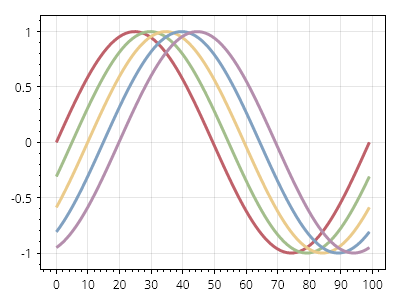
Styling.cs
ScottPlot.Plot myPlot = new();

// 新しい plottable を追加するときに使用するデフォルトのパレットを変更する
myPlot.Add.Palette = new ScottPlot.Palettes.Nord();

for (int i = 0; i < 5; i++)
{
    double[] data = Generate.Sin(100, phase: -i / 20.0f);
    var sig = myPlot.Add.Signal(data);
    sig.LineWidth = 3;
}

myPlot.SavePng("demo.png", 400, 300);
このレシピは、プロットのスタイリングカテゴリに含まれる多数のレシピの 1 つです

反転パレット

反転パレット

パレットは反転できます。明るい背景でうまく機能するパレットは、反転すれば通常、暗い背景でもうまく機能します。
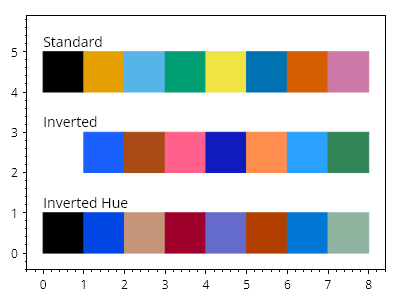
Styling.cs
ScottPlot.Plot myPlot = new();

var palette1 = new ScottPlot.Palettes.ColorblindFriendly();
var palette2 = palette1.Inverted();
var palette3 = palette1.InvertedHue();

for (int x = 0; x < palette1.Count(); x++)
{
    CoordinateRect rect1 = CoordinateRect.UnitSquare.WithTranslation(x, 4);
    CoordinateRect rect2 = CoordinateRect.UnitSquare.WithTranslation(x, 2);
    CoordinateRect rect3 = CoordinateRect.UnitSquare.WithTranslation(x, 0);
    var shape1 = myPlot.Add.Rectangle(rect1);
    var shape2 = myPlot.Add.Rectangle(rect2);
    var shape3 = myPlot.Add.Rectangle(rect3);

    // パレットを使用して色を設定する
    shape1.FillColor = palette1.Colors[x];
    shape2.FillColor = palette2.Colors[x];
    shape3.FillColor = palette3.Colors[x];

    shape1.LineColor = shape1.FillColor;
    shape2.LineColor = shape2.FillColor;
    shape3.LineColor = shape3.FillColor;

}

myPlot.Add.Text("標準", 0, 5.5);
myPlot.Add.Text("反転", 0, 3.5);
myPlot.Add.Text("色相反転", 0, 1.5);
myPlot.HideGrid();

myPlot.SavePng("demo.png", 400, 300);
このレシピは、プロットのスタイリングカテゴリにある多数のレシピの1つです

カラーマップ

カラーマップ

カラーマップは、複数の色からなる連続的なグラデーションです。ヒートマップや画像のような連続データに色を付けるために使用できますが、カラーマップを直接サンプリングして色のコレクションを作成することもできます。https://scottplot.net/cookbook/5/colormaps/ には、ScottPlot に含まれるすべてのカラーマップが表示されています。
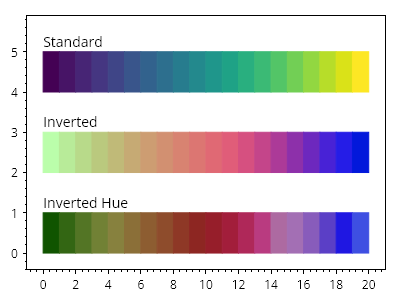
Styling.cs
ScottPlot.Plot myPlot = new();

var colormap1 = new ScottPlot.Colormaps.Viridis();
var colormap2 = colormap1.Invert();
var colormap3 = colormap1.InvertHue();

int steps = 20;
for (int x = 0; x < steps; x++)
{
    CoordinateRect rect1 = CoordinateRect.UnitSquare.WithTranslation(x, 4);
    CoordinateRect rect2 = CoordinateRect.UnitSquare.WithTranslation(x, 2);
    CoordinateRect rect3 = CoordinateRect.UnitSquare.WithTranslation(x, 0);
    var shape1 = myPlot.Add.Rectangle(rect1);
    var shape2 = myPlot.Add.Rectangle(rect2);
    var shape3 = myPlot.Add.Rectangle(rect3);

    // カラーマップを使用して色を設定する
    double fraction = (double)x / (steps - 1);
    shape1.FillColor = colormap1.GetColor(fraction);
    shape2.FillColor = colormap2.GetColor(fraction);
    shape3.FillColor = colormap3.GetColor(fraction);

    shape1.LineColor = shape1.FillColor;
    shape2.LineColor = shape2.FillColor;
    shape3.LineColor = shape3.FillColor;
}

myPlot.Add.Text("標準", 0, 5.5);
myPlot.Add.Text("反転", 0, 3.5);
myPlot.Add.Text("色相反転", 0, 1.5);
myPlot.HideGrid();

myPlot.SavePng("demo.png", 400, 300);
このレシピは、プロットのスタイリングカテゴリに含まれる多数のレシピの 1 つです

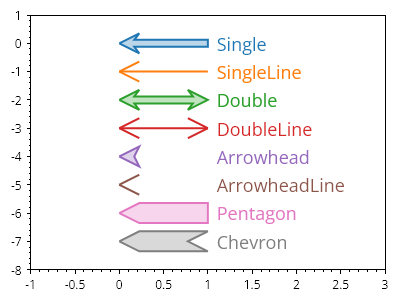
矢印の形状

矢印の形状

多くの標準的な矢印形状が利用できます

Styling.cs
ScottPlot.Plot myPlot = new();

ArrowShape[] arrowShapes = Enum.GetValues<ArrowShape>().ToArray();

for (int i = 0; i < arrowShapes.Length; i++)
{
    Coordinates arrowTip = new(0, -i);
    Coordinates arrowBase = arrowTip.WithDelta(1, 0);

    var arrow = myPlot.Add.Arrow(arrowBase, arrowTip);
    arrow.ArrowShape = arrowShapes[i].GetShape();

    var txt = myPlot.Add.Text(arrowShapes[i].ToString(), arrowBase.WithDelta(.1, 0));
    txt.LabelFontColor = arrow.ArrowLineColor;
    txt.LabelAlignment = Alignment.MiddleLeft;
    txt.LabelFontSize = 18;
}

myPlot.Axes.SetLimits(-1, 3, -arrowShapes.Length, 1);
myPlot.HideGrid();

myPlot.SavePng("demo.png", 400, 300);
このレシピは、プロットのスタイリングカテゴリに含まれる多数のレシピの 1 つです

線のスタイル

線のスタイル

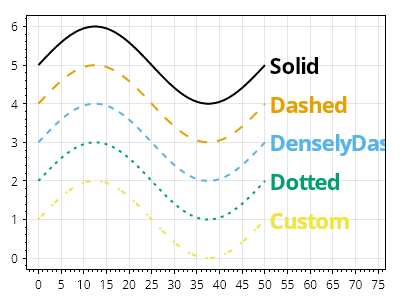
多くのプロットタイプには、カスタマイズ可能な LineStyle があります。
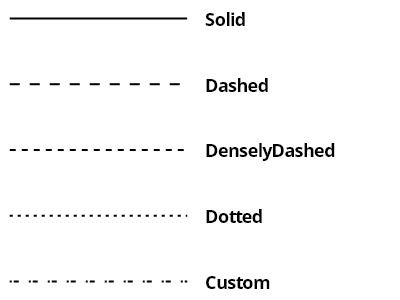
Styling.cs
ScottPlot.Plot myPlot = new();

List<LinePattern> patterns = [];
patterns.AddRange(LinePattern.GetAllPatterns());
patterns.Add(new([2, 2, 5, 10], 0, "Custom"));

for (int i = 0; i < patterns.Count; i++)
{
    LinePattern pattern = patterns[i];

    var line = myPlot.Add.Line(0, -i, 1, -i);
    line.LinePattern = pattern;
    line.LineWidth = 2;
    line.Color = Colors.Black;

    var txt = myPlot.Add.Text(patterns[i].Name, 1.1, -i);
    txt.LabelFontSize = 18;
    txt.LabelBold = true;
    txt.LabelFontColor = Colors.Black;
    txt.LabelAlignment = Alignment.MiddleLeft;
}

myPlot.Axes.Margins(right: 1);
myPlot.HideGrid();
myPlot.Layout.Frameless();

myPlot.ShowLegend();

myPlot.SavePng("demo.png", 400, 300);
このレシピは、プロットのスタイリングカテゴリにある多数のレシピの 1 つです

スケール係数

スケール係数

画像のすべてのコンポーネントは、ScaleFactor プロパティを調整することでサイズを拡大または縮小できます。これは、ディスプレイスケーリングが有効になっている高 DPI ディスプレイで見栄えのよい画像を作成するのに非常に便利です。
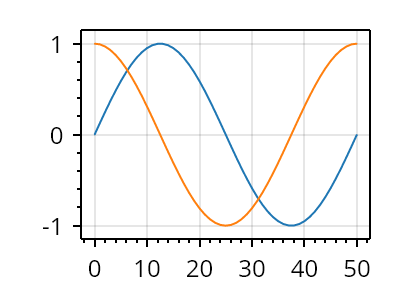
Styling.cs
ScottPlot.Plot myPlot = new();

myPlot.ScaleFactor = 2;
myPlot.Add.Signal(Generate.Sin());
myPlot.Add.Signal(Generate.Cos());

myPlot.SavePng("demo.png", 400, 300);
このレシピは、プロットのスタイリングカテゴリに含まれる多数のレシピの 1 つです

ヘアラインモード

ヘアラインモード

ヘアラインモードを使用すると、軸フレーム、目盛り、グリッド線が、スケール係数に関係なく常に 1 ピクセル幅でレンダリングされます。大きなスケール係数を使用している場合に、インタラクティブなプロットをより滑らかに感じられるようにするには、ヘアラインモードを有効にします。
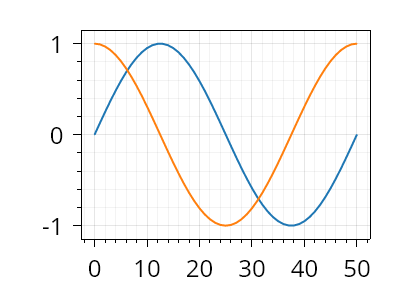
Styling.cs
ScottPlot.Plot myPlot = new();

myPlot.ScaleFactor = 2;
myPlot.Add.Signal(Generate.Sin());
myPlot.Add.Signal(Generate.Cos());

myPlot.Axes.Hairline(true);

myPlot.SavePng("demo.png", 400, 300);
このレシピは、プロットのスタイリングカテゴリに含まれる多数のレシピの 1 つです

ダークモード

ダークモード

主要なプロットコンポーネントの色をダークテーマに合うものに設定することで、ダークモードを使用してプロットを作成できます。
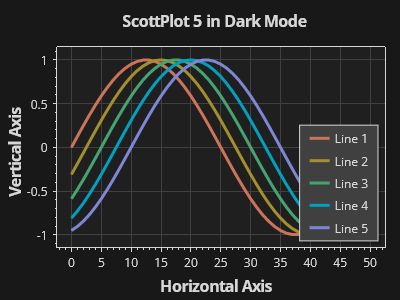
Styling.cs
ScottPlot.Plot myPlot = new();

// プロットに追加される新しい項目の色付けに使用するカラーパレットを設定する
myPlot.Add.Palette = new ScottPlot.Palettes.Penumbra();

// プロットに要素を追加する
for (int i = 0; i < 5; i++)
{
    var sig = myPlot.Add.Signal(Generate.Sin(51, phase: -.05 * i));
    sig.LineWidth = 3;
    sig.LegendText = $"線 {i + 1}";
}
myPlot.XLabel("水平軸");
myPlot.YLabel("垂直軸");
myPlot.Title("ダークモードの ScottPlot 5");
myPlot.ShowLegend();

// 図の色を変更する
myPlot.FigureBackground.Color = Color.FromHex("#181818");
myPlot.DataBackground.Color = Color.FromHex("#1f1f1f");

// 軸とグリッドの色を変更する
myPlot.Axes.Color(Color.FromHex("#d7d7d7"));
myPlot.Grid.MajorLineColor = Color.FromHex("#404040");

// 凡例の色を変更する
myPlot.Legend.BackgroundColor = Color.FromHex("#404040");
myPlot.Legend.FontColor = Color.FromHex("#d7d7d7");
myPlot.Legend.OutlineColor = Color.FromHex("#d7d7d7");

myPlot.SavePng("demo.png", 400, 300);
このレシピは、プロットのスタイリングカテゴリに含まれる多くのレシピの 1 つです

カラーマップのステップ

カラーマップのステップ

カラーマップは、プロット可能なオブジェクトに適用できる離散的な色のコレクションを生成するために使用できます。
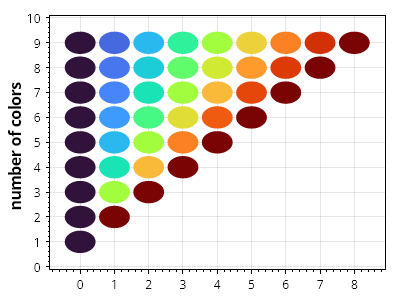
Styling.cs
ScottPlot.Plot myPlot = new();

IColormap colormap = new ScottPlot.Colormaps.Turbo();

for (int count = 1; count < 10; count++)
{
    double[] xs = Generate.Consecutive(count);
    double[] ys = Generate.Repeating(count, count);
    Color[] colors = colormap.GetColors(count);

    for (int i = 0; i < count; i++)
    {
        var circle = myPlot.Add.Circle(xs[i], ys[i], 0.45);
        circle.FillColor = colors[i];
        circle.LineWidth = 0;
    }
}

myPlot.YLabel("色の数");

myPlot.SavePng("demo.png", 400, 300);
このレシピは、プロットのスタイリングカテゴリにある多数のレシピの 1 つです

色からのカラーマップグラデーション

色からのカラーマップグラデーション

カラーマップは、色の集合間のグラデーションとして作成できます。
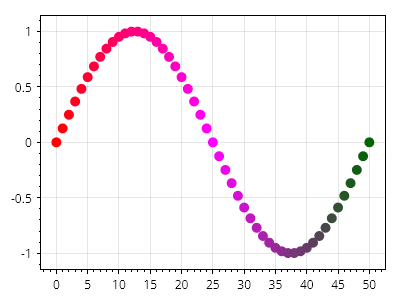
Styling.cs
ScottPlot.Plot myPlot = new();

Color[] colors = [Colors.Red, Colors.Magenta, Colors.DarkGreen];
IColormap myColormap = Colormap.FromColors(colors);

double[] xs = Generate.Consecutive(51);
double[] ys = Generate.Sin(51);
var markers = myPlot.Add.Markers(xs, ys);
markers.Colormap = myColormap;

myPlot.SavePng("demo.png", 400, 300);
このレシピは、プロットのスタイリングカテゴリにある多数のレシピの 1 つです

手描き風の線スタイル

手描き風の線スタイル

手描き風の線スタイルを有効にすると、コミカルな効果のために波打った線を使用する XKCD スタイルのグラフを模倣したチャートを作成できます。
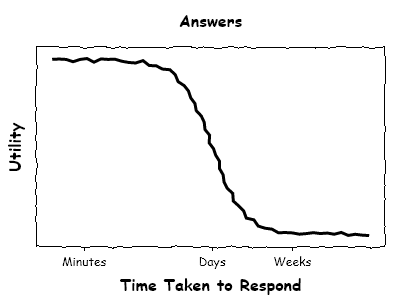
Styling.cs
ScottPlot.Plot myPlot = new();

double[] xs = Generate.Consecutive(100);
double[] values1 = Generate.Sigmoidal(xs.Length, -1, 2);

// 手描き風の散布図を作成する
var sp = myPlot.Add.ScatterLine(xs, values1);
sp.LineStyle.HandDrawn = true;
sp.LineStyle.HandDrawnJitter = 2;
sp.LineWidth = 3;
sp.LineColor = Colors.Black;

// 軸フレームが手描き風に見えるように設定する
myPlot.HideGrid();
myPlot.Axes.GetAxes().ToList().ForEach(x => x.FrameLineStyle.HandDrawn = true);

// 軸タイトルと目盛りラベルにコミカルなフォントを使用する
myPlot.Title("回答");
myPlot.YLabel("効用");
myPlot.XLabel("応答にかかった時間");
myPlot.Axes.Title.Label.FontName = "Comic Sans MS";
myPlot.Axes.Left.Label.FontName = "Comic Sans MS";
myPlot.Axes.Bottom.Label.FontName = "Comic Sans MS";
myPlot.Axes.Bottom.TickLabelStyle.FontName = "Comic Sans MS";

// 手動で配置した水平軸の目盛りを使用する
myPlot.Axes.Left.TickGenerator = new ScottPlot.TickGenerators.EmptyTickGenerator();
myPlot.Axes.Bottom.SetTicks([10, 50, 75], ["分", "日", "週"]);

myPlot.SavePng("demo.png", 400, 300);
このレシピは、プロットのスタイリングカテゴリにある多数のレシピのうちの 1 つです

タイトルを非表示にする

タイトルを非表示にする

タイトルの表示を簡単に無効化するショートカットメソッドがあります。この方法を使用すると、元のテキストを保持したまま、後でタイトルを再表示できます。
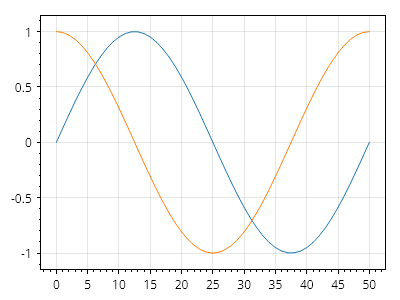
Styling.cs
ScottPlot.Plot myPlot = new();

// サンプルデータを追加する
myPlot.Add.Signal(Generate.Sin());
myPlot.Add.Signal(Generate.Cos());

// タイトル領域にテキストを表示する
myPlot.Title("これはタイトルの例です");

// タイトルを非表示にする
myPlot.Title(false);

myPlot.SavePng("demo.png", 400, 300);
このレシピは、プロットのスタイリングカテゴリに含まれる多数のレシピの 1 つです

タイトルの配置

タイトルの配置

タイトルはデフォルトでデータ領域の中央に配置されますが、フラグを使用すると、代わりに図全体を基準として中央に配置できます
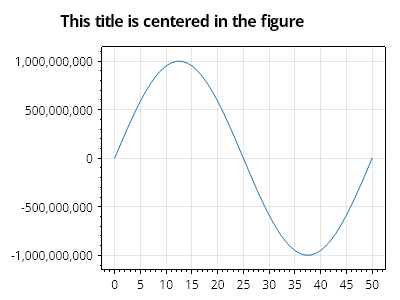
Styling.cs
ScottPlot.Plot myPlot = new();

myPlot.Add.Signal(Generate.Sin(51, mult: 1e9));
myPlot.Title("このタイトルは図全体の中央に配置されます");
myPlot.Axes.Title.FullFigureCenter = true;

myPlot.SavePng("demo.png", 400, 300);
このレシピは、プロットのスタイリングカテゴリに含まれる多数のレシピの 1 つです

プロットの境界線

プロットの境界線

プロットには、図またはデータ領域の周囲に描画する境界線を割り当てることができます。
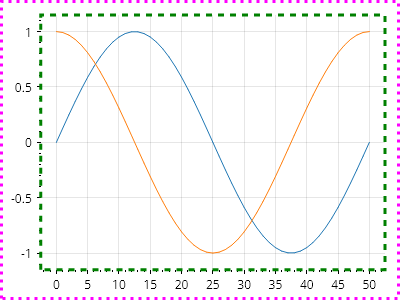
Styling.cs
ScottPlot.Plot myPlot = new();

myPlot.Add.Signal(Generate.Sin());
myPlot.Add.Signal(Generate.Cos());

myPlot.FigureBorder = new()
{
    Color = Colors.Magenta,
    Width = 3,
    Pattern = LinePattern.Dotted,
};

myPlot.DataBorder = new()
{
    Color = Colors.Green,
    Width = 3,
    Pattern = LinePattern.DenselyDashed,
};

// カスタム境界線だけが表示されるように、軸フレーム線を非表示にする
myPlot.Axes.Frame(false);

myPlot.SavePng("demo.png", 400, 300);
このレシピは、プロットのスタイリングカテゴリに含まれる多数のレシピの1つです

名前でフォントを設定する

名前でフォントを設定する

フォントを名前で設定し、一般的なプロットコンポーネントに適用します。
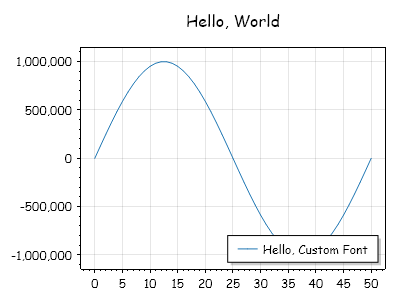
Styling.cs
ScottPlot.Plot myPlot = new();

myPlot.Font.Set("Comic Sans MS");
myPlot.Title("こんにちは、世界");
var sig = myPlot.Add.Signal(Generate.Sin(51, mult: 1e6));
sig.LegendText = "こんにちは、カスタムフォント";

myPlot.SavePng("demo.png", 400, 300);
このレシピは、プロットのスタイリングカテゴリにある多数のレシピの1つです

フォントの太さを設定

フォントの太さを設定

フォントの太さはカスタマイズできます。
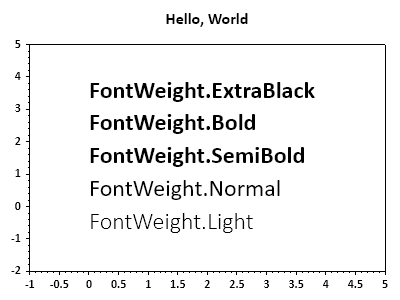
Styling.cs
ScottPlot.Plot myPlot = new();

myPlot.Font.Set("Calibri"); // 既存の多数のプロットラベルに適用
myPlot.Title("Hello, World");

FontWeight[] weights = [FontWeight.Light, FontWeight.Normal,
    FontWeight.SemiBold, FontWeight.Bold, FontWeight.ExtraBlack];

for (int i = 0; i < weights.Length; i++)
{
    FontWeight weight = weights[i];
    myPlot.Font.Set("Calibri", weight: weight); // 新しいラベルに適用
    var text = myPlot.Add.Text($"FontWeight.{weight}", 0, i);
    text.LabelFontSize = 24;
}

myPlot.Axes.SetLimits(-1, 5, -2, weights.Length);
myPlot.HideGrid();

myPlot.SavePng("demo.png", 400, 300);
このレシピは、プロットのスタイリングカテゴリに含まれる多数のレシピの1つです

フォントの傾きの設定

フォントの傾きの設定

フォントの傾きはカスタマイズできます。
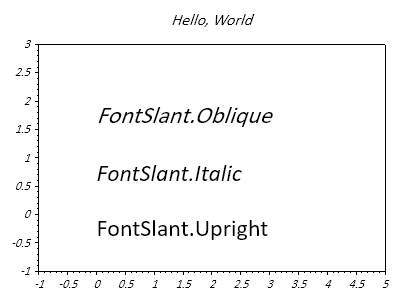
Styling.cs
ScottPlot.Plot myPlot = new();

myPlot.Font.Set("Calibri", slant: FontSlant.Italic); // 既存の多くのプロットラベルに適用する
myPlot.Title("Hello, World");

FontSlant[] slants = [FontSlant.Upright, FontSlant.Italic, FontSlant.Oblique];

for (int i = 0; i < slants.Length; i++)
{
    FontSlant slant = slants[i];
    myPlot.Font.Set("Calibri", slant: slant); // 新しいラベルに適用する
    var text = myPlot.Add.Text($"FontSlant.{slant}", 0, i);
    text.LabelFontSize = 24;
}

myPlot.Axes.SetLimits(-1, 5, -1, slants.Length);
myPlot.HideGrid();

myPlot.SavePng("demo.png", 400, 300);
このレシピは、プロットのスタイリングカテゴリに含まれる多数のレシピのひとつです

ラベルの下線を設定する

ラベルの下線を設定する

下線はラベルスタイルに追加できます。下線の太さとオフセットもカスタマイズできます。
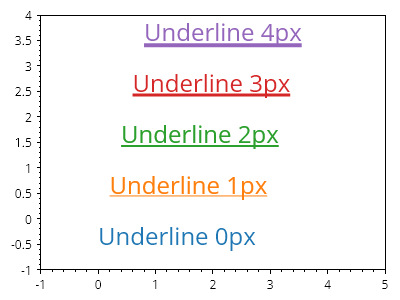
Styling.cs
ScottPlot.Plot myPlot = new();

for (int i = 0; i < 5; i++)
{
    var text = myPlot.Add.Text($"Underline {i}px", i / 5.0, i);
    text.LabelFontSize = 24;
    text.LabelFontColor = ScottPlot.Palette.Default.GetColor(i);
    text.LabelUnderline = true;
    text.LabelUnderlineWidth = i;
    text.LabelUnderlineOffset = 2 + i / 2;
}

myPlot.Axes.SetLimits(-1, 5, -1, 4);
myPlot.HideGrid();

myPlot.SavePng("demo.png", 400, 300);
このレシピは、プロットのスタイリングカテゴリにある多数のレシピの 1 つです

サンプルデータ

ScottPlot has many built-in utilities for generating sample data.

レシピ

複数の正弦波

複数の正弦波

このレシピでは、異なる周波数を持つ複数の正弦波を含むノイズの多い波形の作成方法を示します。
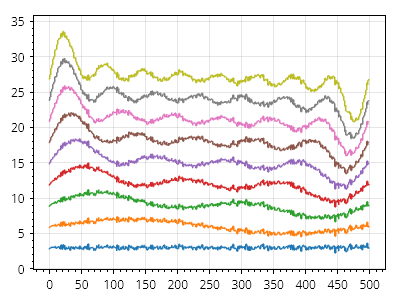
DataGen.cs
ScottPlot.Plot myPlot = new();

double[] values = Generate.RandomNormal(500, stdDev: 0.2);

for (int i = 1; i < 10; i++)
{
    var sig = myPlot.Add.Signal(values);
    sig.Data.YOffset = i * 3;
    sig.LineWidth = 1.5f;
    values = Generate.AddSin(values, oscillations: i);
}

myPlot.SavePng("demo.png", 400, 300);
このレシピは、サンプルデータカテゴリーに含まれる多数のレシピの1つです

ヒストグラム

Histograms graphically represent the distribution of numerical data by grouping values into ranges (bins) and displaying the frequency or count of points in each bin.

レシピ

ヒストグラムのクイックスタート

ヒストグラムのクイックスタート

ヒストグラムは値のコレクションから作成できます。
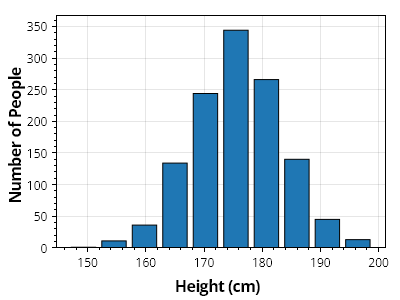
ScottPlot.Plot myPlot = new();

// 値のコレクションからヒストグラムを作成する
double[] heights = SampleData.MaleHeights();
var hist = ScottPlot.Statistics.Histogram.WithBinCount(10, heights);

// ヒストグラムを棒グラフとして表示する
var barPlot = myPlot.Add.Bars(hist.Bins, hist.Counts);

// 各棒のサイズをビンの幅よりわずかに小さくする
foreach (var bar in barPlot.Bars)
{
    bar.Size = hist.FirstBinSize * .8;
}

// プロットのスタイルをカスタマイズする
myPlot.Axes.Margins(bottom: 0);
myPlot.YLabel("人数");
myPlot.XLabel("身長 (cm)");

myPlot.SavePng("demo.png", 400, 300);
このレシピは、ヒストグラムカテゴリーに含まれる多数のレシピの1つです

固定サイズのビンを使用したヒストグラム

固定サイズのビンを使用したヒストグラム

ヒストグラムは、手動で定義したビンサイズを使用して作成できます。
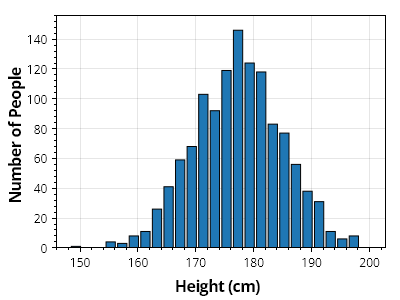
ScottPlot.Plot myPlot = new();

// 値のコレクションからヒストグラムを作成する
double[] heights = SampleData.MaleHeights();
var hist = ScottPlot.Statistics.Histogram.WithBinSize(2, heights);

// ヒストグラムを棒グラフとして表示する
var barPlot = myPlot.Add.Bars(hist.Bins, hist.Counts);

// 各棒のサイズをビンの幅よりわずかに小さくする
foreach (var bar in barPlot.Bars)
{
    bar.Size = hist.FirstBinSize * .8;
}

// プロットのスタイルをカスタマイズする
myPlot.Axes.Margins(bottom: 0);
myPlot.YLabel("人数");
myPlot.XLabel("身長 (cm)");

myPlot.SavePng("demo.png", 400, 300);
このレシピは、ヒストグラムカテゴリにある多数のレシピの1つです

塗りつぶしヒストグラム

塗りつぶしヒストグラム

塗りつぶしヒストグラム(バーの間に見える隙間がないもの)は、バーの幅をビンサイズに設定することで実現できます。ただし、アンチエイリアシングのアーティファクトにより、バーの間に白い線が表示される場合があります。このようなプロットの見た目を改善するには、各バーのアンチエイリアシングを無効にします。
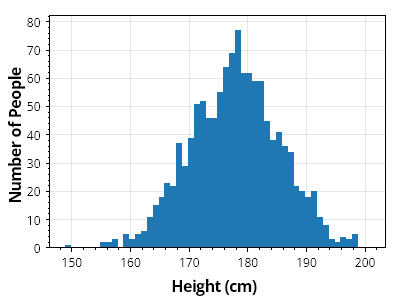
ScottPlot.Plot myPlot = new();

// 値のコレクションからヒストグラムを作成する
double[] heights = SampleData.MaleHeights();
var hist = ScottPlot.Statistics.Histogram.WithBinSize(1, heights);

// ヒストグラムをバープロットとして表示する
var barPlot = myPlot.Add.Bars(hist.Bins, hist.Counts);

// 各バーのスタイルをカスタマイズする
foreach (var bar in barPlot.Bars)
{
    bar.Size = hist.FirstBinSize;
    bar.LineWidth = 0;
    bar.FillStyle.AntiAlias = false;
}

// プロットスタイルをカスタマイズする
myPlot.Axes.Margins(bottom: 0);
myPlot.YLabel("人数");
myPlot.XLabel("身長 (cm)");

myPlot.SavePng("demo.png", 400, 300);
このレシピは、ヒストグラムカテゴリに含まれる多数のレシピのうちの1つです

ヒストグラムバー

ヒストグラムバー

ヒストグラムの度数を表示する棒グラフを簡単に作成できるように、ヘルパーメソッドとプロット型が作成されています。ヒストグラムの更新はリアルタイムに表示され、プロットは最新のデータを表示するように自動的に更新されることに注意してください。
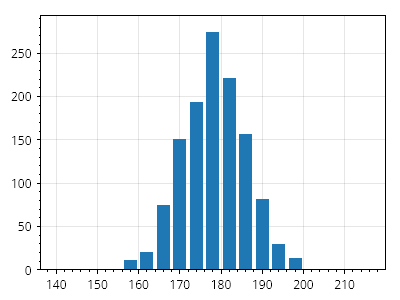
ScottPlot.Plot myPlot = new();

// 空のヒストグラムを作成し、棒グラフとして表示する
var hist = ScottPlot.Statistics.Histogram.WithBinCount(count: 20, minValue: 140, maxValue: 220);
var histPlot = myPlot.Add.Histogram(hist);
histPlot.BarWidthFraction = 0.8;

// 新しいデータが追加されると、ヒストグラムの度数は自動的に更新される
double[] newData = SampleData.MaleHeights();
hist.AddRange(newData);

myPlot.SavePng("demo.png", 400, 300);
このレシピは、ヒストグラムカテゴリにある多数のレシピのうちの1つです

確率のヒストグラム

確率のヒストグラム

ヒストグラムは、各値がビン内に入る確率として表示できます
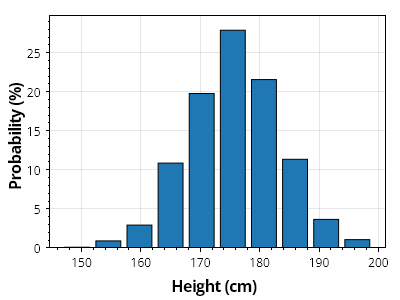
ScottPlot.Plot myPlot = new();

// 値のコレクションからヒストグラムを作成する
double[] heights = SampleData.MaleHeights();
var hist = ScottPlot.Statistics.Histogram.WithBinCount(10, heights);

// ヒストグラムを棒グラフとして表示する
var barPlot = myPlot.Add.Bars(hist.Bins, hist.GetProbability(100));

// 各棒のスタイルをカスタマイズする
foreach (var bar in barPlot.Bars)
{
    bar.Size = hist.FirstBinSize * 0.8;
}

// プロットのスタイルをカスタマイズする
myPlot.Axes.Margins(bottom: 0);
myPlot.YLabel("確率 (%)");
myPlot.XLabel("身長 (cm)");

myPlot.SavePng("demo.png", 400, 300);
このレシピは、ヒストグラムカテゴリに含まれる多数のレシピのうちの1つです

確率曲線付きヒストグラム

確率曲線付きヒストグラム

ガウス分布のサンプルに対して確率曲線を生成できます。
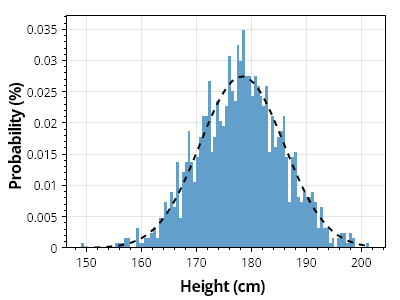
ScottPlot.Plot myPlot = new();

// 値のコレクションからヒストグラムを作成する
double[] heights = SampleData.MaleHeights();
var hist = ScottPlot.Statistics.Histogram.WithBinCount(100, heights);

// ヒストグラムを棒グラフとして表示する
var barPlot = myPlot.Add.Bars(hist.Bins, hist.GetProbability());

// 各バーのスタイルをカスタマイズする
foreach (var bar in barPlot.Bars)
{
    bar.Size = hist.FirstBinSize;
    bar.LineWidth = 0;
    bar.FillStyle.AntiAlias = false;
    bar.FillColor = Colors.C0.Lighten(.3);
}

// ヒストグラムの上に確率曲線をプロットする
ScottPlot.Statistics.ProbabilityDensity pd = new(heights);
double[] xs = Generate.Range(heights.Min(), heights.Max(), 1);
double sumBins = hist.Bins.Select(x => pd.GetY(x)).Sum();
double[] ys = pd.GetYs(xs, 1.0 / sumBins);

var curve = myPlot.Add.ScatterLine(xs, ys);
curve.LineWidth = 2;
curve.LineColor = Colors.Black;
curve.LinePattern = LinePattern.DenselyDashed;

// プロットのスタイルをカスタマイズする
myPlot.Axes.Margins(bottom: 0);
myPlot.YLabel("確率 (%)");
myPlot.XLabel("身長 (cm)");

myPlot.SavePng("demo.png", 400, 300);
このレシピは、ヒストグラムカテゴリにある多数のレシピのうちの1つです

第2軸の確率を持つヒストグラム

第2軸の確率を持つヒストグラム

確率曲線を第2軸に配置することで、カウントをパーセント単位の確率と並べて表示できます
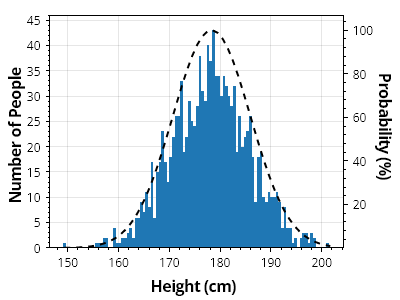
ScottPlot.Plot myPlot = new();

// 値のコレクションからヒストグラムを作成する
double[] heights = SampleData.MaleHeights();
var hist = ScottPlot.Statistics.Histogram.WithBinCount(100, heights);

// ヒストグラムを棒グラフとして表示する
var barPlot = myPlot.Add.Bars(hist.Bins, hist.Counts);

// 各棒のスタイルをカスタマイズする
foreach (var bar in barPlot.Bars)
{
    bar.Size = hist.FirstBinSize;
    bar.LineWidth = 0;
    bar.FillStyle.AntiAlias = false;
}

// 確率曲線を第2軸に追加する
ScottPlot.Statistics.ProbabilityDensity pd = new(heights);
double[] xs = Generate.Range(heights.Min(), heights.Max(), 1);
double[] ys = pd.GetYs(xs, 100);

var curve = myPlot.Add.ScatterLine(xs, ys);
curve.Axes.YAxis = myPlot.Axes.Right;
curve.LineWidth = 2;
curve.LineColor = Colors.Black;
curve.LinePattern = LinePattern.DenselyDashed;

// プロットのスタイルをカスタマイズする
myPlot.Axes.Margins(bottom: 0);
myPlot.YLabel("人数");
myPlot.XLabel("身長 (cm)");
myPlot.Axes.Right.Label.Text = "確率 (%)";

myPlot.SavePng("demo.png", 400, 300);
このレシピは、ヒストグラムカテゴリにある多数のレシピの1つです

複数のヒストグラム

複数のヒストグラム

半透明のバーを使用して、重なり合うデータセットのヒストグラムを表示する方法を示します
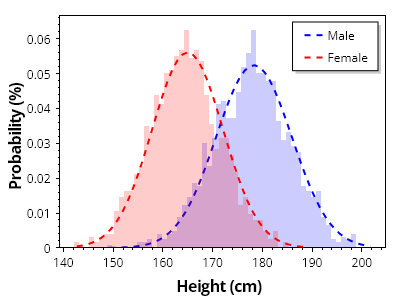
ScottPlot.Plot myPlot = new();

// 値のコレクションからヒストグラムを作成する
double[][] heightsByGroup = { SampleData.MaleHeights(), SampleData.FemaleHeights() };
string[] groupNames = { "男性", "女性" };
Color[] groupColors = { Colors.Blue, Colors.Red };

for (int i = 0; i < 2; i++)
{
    double[] heights = heightsByGroup[i];
    var hist = ScottPlot.Statistics.Histogram.WithBinSize(1, heights);

    // ヒストグラムを棒グラフとして表示する
    var barPlot = myPlot.Add.Bars(hist.Bins, hist.GetProbability());

    // 各バーのスタイルをカスタマイズする
    foreach (var bar in barPlot.Bars)
    {
        bar.Size = hist.FirstBinSize;
        bar.LineWidth = 0;
        bar.FillStyle.AntiAlias = false;
        bar.FillColor = groupColors[i].WithAlpha(.2);
    }

    // ヒストグラムの上に確率曲線をプロットする
    ScottPlot.Statistics.ProbabilityDensity pd = new(heights);
    double[] xs = Generate.Range(heights.Min(), heights.Max(), 1);
    double scale = 1.0 / hist.Bins.Select(x => pd.GetY(x)).Sum();
    double[] ys = pd.GetYs(xs, scale);

    var curve = myPlot.Add.ScatterLine(xs, ys);
    curve.LineWidth = 2;
    curve.LineColor = groupColors[i];
    curve.LinePattern = LinePattern.DenselyDashed;
    curve.LegendText = groupNames[i];
}

// プロットのスタイルをカスタマイズする
myPlot.Legend.Alignment = Alignment.UpperRight;
myPlot.Axes.Margins(bottom: 0);
myPlot.YLabel("確率 (%)");
myPlot.XLabel("身長 (cm)");
myPlot.HideGrid();

myPlot.SavePng("demo.png", 400, 300);
このレシピは、ヒストグラムカテゴリにある多数のレシピのうちの1つです

累積確率ヒストグラム

累積確率ヒストグラム

累積確率ヒストグラムは、各ビンまでの確率または相対度数の累積和を表し、確率分布の累計を示します。これは、複数の母集団の分布を評価および比較する場合に特に有用です。
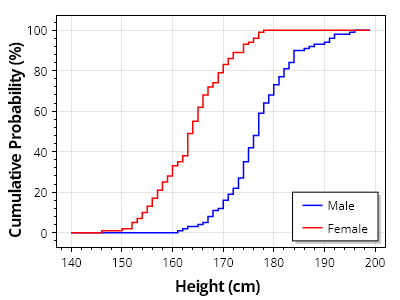
ScottPlot.Plot myPlot = new();

// 値のコレクションからヒストグラムを作成する
double[][] heightsByGroup = { SampleData.MaleHeights(100), SampleData.FemaleHeights(100) };
string[] groupNames = { "男性", "女性" };
Color[] groupColors = { Colors.Blue, Colors.Red };

for (int i = 0; i < 2; i++)
{
    var hist = ScottPlot.Statistics.Histogram.WithBinSize(1, firstBin: 140, lastBin: 200);
    hist.AddRange(heightsByGroup[i]);

    var curve = myPlot.Add.ScatterLine(hist.Bins, hist.GetCumulativeProbability(100));
    curve.LineWidth = 1.5f;
    curve.LineColor = groupColors[i];
    curve.LegendText = groupNames[i];
    curve.ConnectStyle = ConnectStyle.StepVertical;
}

// プロットのスタイルをカスタマイズする
myPlot.Legend.Alignment = Alignment.LowerRight;
myPlot.YLabel("累積確率 (%)");
myPlot.XLabel("身長 (cm)");

myPlot.SavePng("demo.png", 400, 300);
このレシピは、ヒストグラムカテゴリに含まれる多数のレシピの 1 つです

国際化

Using ScottPlot across cultures with different text and numeric requirements.

レシピ

対応フォントの検出

対応フォントの検出

ScottPlot には、国際文字を含む可能性のあるテキストの表示に最適なインストール済みフォントを特定するのに役立つフォント検出メソッドが用意されています。
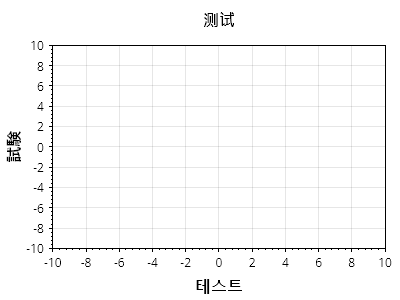
ScottPlot.Plot myPlot = new();

string chinese = "测试";
myPlot.Axes.Title.Label.Text = chinese;
myPlot.Axes.Title.Label.FontName = Fonts.Detect(chinese);

string japanese = "試験";
myPlot.Axes.Left.Label.Text = japanese;
myPlot.Axes.Left.Label.FontName = Fonts.Detect(japanese);

string korean = "테스트";
myPlot.Axes.Bottom.Label.Text = korean;
myPlot.Axes.Bottom.Label.FontName = Fonts.Detect(korean);

myPlot.SavePng("demo.png", 400, 300);
このレシピは、国際化カテゴリにある多数のレシピの 1 つです

自動フォント検出

自動フォント検出

Plot の Style クラスには、一般的なプロットオブジェクトのフォントを、それらに含まれる文字を表示できる可能性が最も高いフォントへ自動的に設定するメソッドが含まれています。
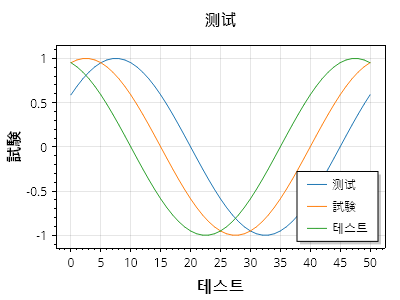
ScottPlot.Plot myPlot = new();

var sig1 = myPlot.Add.Signal(Generate.Sin(phase: .1));
var sig2 = myPlot.Add.Signal(Generate.Sin(phase: .2));
var sig3 = myPlot.Add.Signal(Generate.Sin(phase: .3));

sig1.LegendText = "测试"; // 中国語
sig2.LegendText = "試験"; // 日本語
sig3.LegendText = "테스트"; // 韓国語
myPlot.ShowLegend();

myPlot.Title("测试"); // 中国語
myPlot.YLabel("試験"); // 日本語
myPlot.XLabel("테스트"); // 韓国語

myPlot.Font.Automatic(); // 各項目の内容に基づいてフォントを設定する

myPlot.SavePng("demo.png", 400, 300);
このレシピは、国際化カテゴリに含まれる多数のレシピの 1 つです

カーネル密度推定

Kernel Density Estimation (KDE) can be used to estimate a PDF for a histogram, allowing the creation of density plots

レシピ

密度プロット

密度プロット

密度プロットは、KDEを使用してPDFを推定します。
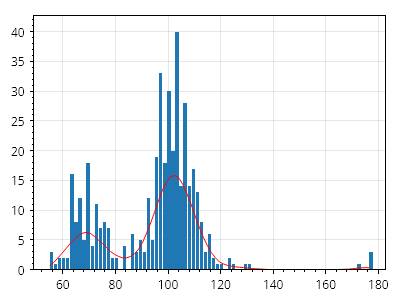
ScottPlot.Plot myPlot = new();

var ys = SampleData.Faithful;

var hist = Histogram.WithBinCount(80, ys);

var histPlot = myPlot.Add.Histogram(hist);
histPlot.BarWidthFraction = 0.8;

var densityEstimate = hist.Bins.Select((x, i) => KernelDensity.Estimate(x, ys)).ToArray();
double scale = ys.Length;

var rescaledDensityEstimate = densityEstimate.Select(x => x * scale).ToArray();

var scat = myPlot.Add.Scatter(hist.Bins, rescaledDensityEstimate, Colors.Red);
scat.MarkerSize = 0;

myPlot.SavePng("demo.png", 400, 300);
このレシピは、カーネル密度推定カテゴリに含まれる多数のレシピの1つです

密度プロットのカーネル

密度プロットのカーネル

複数のカーネルを選択できます。
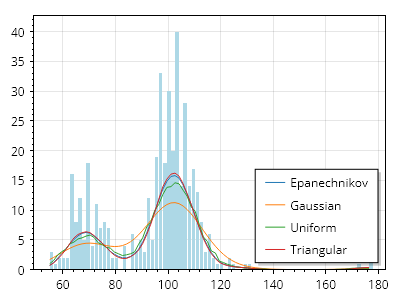
ScottPlot.Plot myPlot = new();

var ys = SampleData.Faithful;

var hist = Histogram.WithBinCount(80, ys);

var histPlot = myPlot.Add.Histogram(hist);
histPlot.BarWidthFraction = 0.8;
foreach (var bar in histPlot.Bars)
{
    bar.FillColor = Colors.LightBlue;
}

foreach (var kernel in Enum.GetValues<KdeKernel>())
{
    var densityEstimate = hist.Bins.Select((x, i) => KernelDensity.Estimate(x, ys, kernel)).ToArray();
    double scale = ys.Length;

    var rescaledDensityEstimate = densityEstimate.Select(x => x * scale).ToArray();

    var scat = myPlot.Add.Scatter(hist.Bins, rescaledDensityEstimate);
    scat.MarkerSize = 0;
    scat.LegendText = kernel.ToString();
}

myPlot.SavePng("demo.png", 400, 300);
このレシピは、カーネル密度推定カテゴリに含まれる多数のレシピの 1 つです

レイアウト

How to customize data area size and figure padding

レシピ

フレームレスプロット

フレームレスプロット

データ領域のみを含み、軸を含まないプロットを作成する方法。
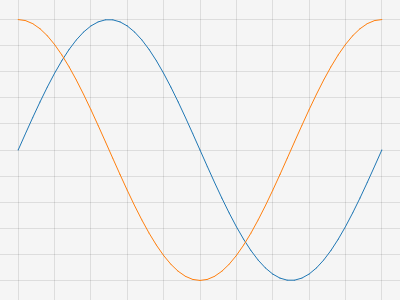
ScottPlot.Plot myPlot = new();

myPlot.Add.Signal(Generate.Sin(51));
myPlot.Add.Signal(Generate.Cos(51));

// データ領域が図全体を覆うようにする
myPlot.Layout.Frameless();

// データ領域の背景を設定して、そのサイズを確認できるようにする
myPlot.DataBackground.Color = Colors.WhiteSmoke;

myPlot.SavePng("demo.png", 400, 300);
このレシピは、レイアウトカテゴリに含まれる多数のレシピの 1 つです

固定パディング

固定パディング

プロットは、データ領域の各辺に固定量のパディングを確保するように配置できます
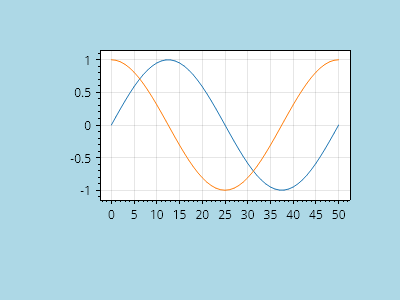
ScottPlot.Plot myPlot = new();

// サンプルデータをプロットに追加する
myPlot.Add.Signal(Generate.Sin(51));
myPlot.Add.Signal(Generate.Cos(51));

// 各辺に固定量のピクセルパディングを使用する
PixelPadding padding = new(100, 50, 100, 50);
myPlot.Layout.Fixed(padding);

// 図の背景を暗くして、その寸法を確認できるようにする
myPlot.FigureBackground.Color = Colors.LightBlue;
myPlot.DataBackground.Color = Colors.White;

myPlot.SavePng("demo.png", 400, 300);
このレシピは、レイアウトカテゴリに含まれる多数のレシピの1つです

固定長方形

固定長方形

プロットは、データがピクセル単位で定義された固定長方形の内側に描画されるように配置できます
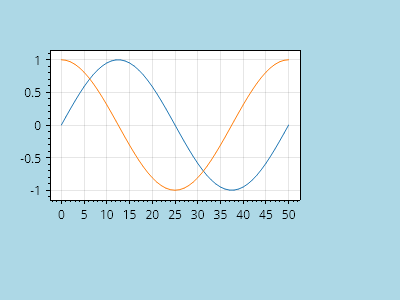
ScottPlot.Plot myPlot = new();

// サンプルデータをプロットに追加する
myPlot.Add.Signal(Generate.Sin(51));
myPlot.Add.Signal(Generate.Cos(51));

// 固定長方形の内側にレンダリングするようにデータ領域を設定する
PixelSize size = new(300, 200);
Pixel offset = new(50, 50);
PixelRect rect = new(size, offset);
myPlot.Layout.Fixed(rect);

// Figure の背景を暗くして、その寸法を確認できるようにする
myPlot.FigureBackground.Color = Colors.LightBlue;
myPlot.DataBackground.Color = Colors.White;

myPlot.SavePng("demo.png", 400, 300);
このレシピは、レイアウトカテゴリにある多数のレシピの 1 つです

Multiplot

Use Multiplot to create figures with multiple subplots

レシピ

Multiplot クイックスタート

Multiplot クイックスタート

Multiplot クラスを使用して、複数のサブプロットを持つ図を作成します。
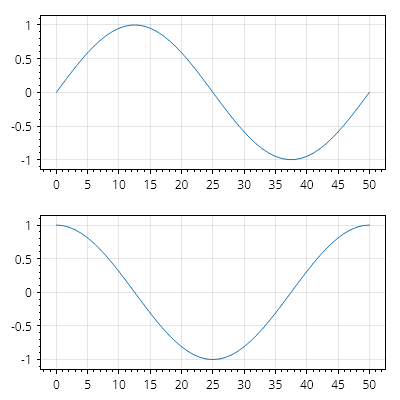
ScottPlot.Multiplot multiplot = new();

// 2つのサブプロットを使用するように multiplot を構成する
multiplot.AddPlots(2);
Plot plot1 = multiplot.Subplots.GetPlot(0);
Plot plot2 = multiplot.Subplots.GetPlot(1);

// 各サブプロットにサンプルデータを追加する
plot1.Add.Signal(Generate.Sin());
plot2.Add.Signal(Generate.Cos());

multiplot.SavePng("demo.png", 400, 400);
このレシピは、Multiplot カテゴリにある多数のレシピの1つです

Multiplot の列

Multiplot の列

Multiplot の Layout プロパティは、列レイアウトを実現するようにカスタマイズできます。
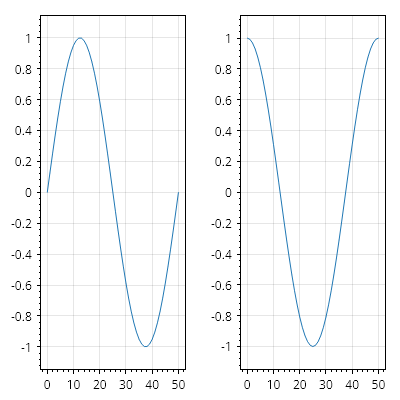
ScottPlot.Multiplot multiplot = new();

// 2 つのサブプロットを使用するように multiplot を設定する
multiplot.AddPlots(2);
Plot plot1 = multiplot.Subplots.GetPlot(0);
Plot plot2 = multiplot.Subplots.GetPlot(1);

// 各サブプロットにサンプルデータを追加する
plot1.Add.Signal(Generate.Sin());
plot2.Add.Signal(Generate.Cos());

// カスタムレイアウトを適用する
multiplot.Layout = new ScottPlot.MultiplotLayouts.Columns();

multiplot.SavePng("demo.png", 400, 400);
このレシピは、Multiplot カテゴリにある多数のレシピの 1 つです

Multiplot グリッド

Multiplot グリッド

Multiplot の Layout プロパティは、グリッドレイアウトを実現するためにカスタマイズできます。
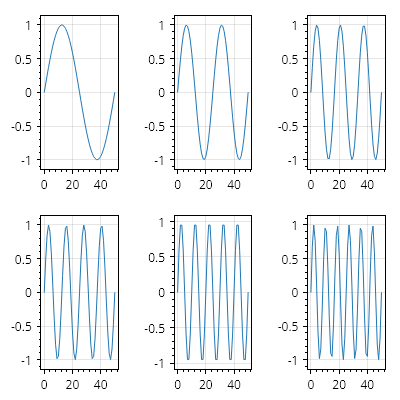
ScottPlot.Multiplot multiplot = new();

// 6 つのサブプロットを持つように multiplot を設定する
multiplot.AddPlots(6);

// 各サブプロットにサンプルデータを追加する
for (int i = 0; i < multiplot.Subplots.Count; i++)
{
    Plot plot = multiplot.GetPlot(i);
    double[] ys = Generate.Sin(oscillations: i + 1);
    plot.Add.Signal(ys);
}

// グリッドレイアウトを使用するように multiplot を設定する
multiplot.Layout = new ScottPlot.MultiplotLayouts.Grid(rows: 2, columns: 3);

multiplot.SavePng("demo.png", 400, 400);
このレシピは、Multiplot カテゴリにある多数のレシピの 1 つです

Multiplot のカスタムレイアウト

Multiplot のカスタムレイアウト

Multiplot の Layout プロパティは、完全にカスタムなレイアウトを実現するように設定できます。
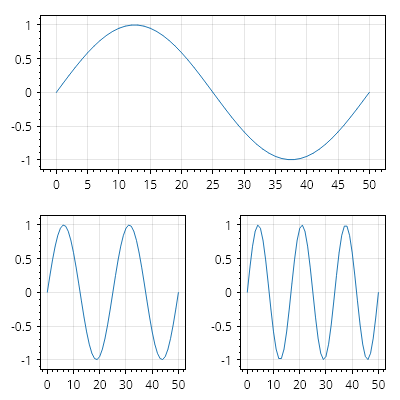
ScottPlot.Multiplot multiplot = new();

// multiplot が 3 つのサブプロットを持つように設定する
multiplot.AddPlots(3);

// 各サブプロットにサンプルデータを追加する
for (int i = 0; i < multiplot.Subplots.Count; i++)
{
    Plot plot = multiplot.GetPlot(i);
    double[] ys = Generate.Sin(oscillations: i + 1);
    plot.Add.Signal(ys);
}

// カスタムグリッドレイアウトを作成し、各サブプロットの位置を定義する
ScottPlot.MultiplotLayouts.CustomGrid gridLayout = new();
gridLayout.Set(multiplot.GetPlot(0), new GridCell(0, 0, 2, 1)); // 横幅 2 倍
gridLayout.Set(multiplot.GetPlot(1), new GridCell(1, 0, 2, 2)); // 左下
gridLayout.Set(multiplot.GetPlot(2), new GridCell(1, 1, 2, 2)); // 右下

// multiplot でカスタムレイアウトを使用する
multiplot.Layout = gridLayout;

multiplot.SavePng("demo.png", 400, 400);
このレシピは、Multiplot カテゴリにある多数のレシピの 1 つです

回帰

Statistical operations to fit lines to data

レシピ

線形回帰

線形回帰

X/Y データ点の集合に直線を当てはめます。
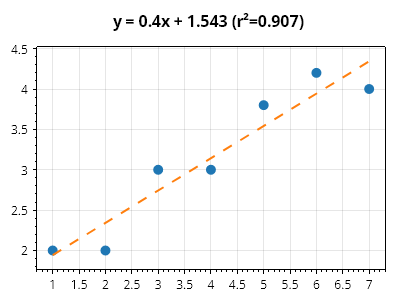
ScottPlot.Plot myPlot = new();

double[] xs = new double[] { 1, 2, 3, 4, 5, 6, 7 };
double[] ys = new double[] { 2, 2, 3, 3, 3.8, 4.2, 4 };

// 元のデータを散布図としてプロットする
var sp = myPlot.Add.Scatter(xs, ys);
sp.LineWidth = 0;
sp.MarkerSize = 10;

// 回帰直線を計算する
ScottPlot.Statistics.LinearRegression reg = new(xs, ys);

// 回帰直線をプロットする
Coordinates pt1 = new(xs.First(), reg.GetValue(xs.First()));
Coordinates pt2 = new(xs.Last(), reg.GetValue(xs.Last()));
var line = myPlot.Add.Line(pt1, pt2);
line.MarkerSize = 0;
line.LineWidth = 2;
line.LinePattern = LinePattern.Dashed;

// プロットの上部に数式を表示する
myPlot.Title(reg.FormulaWithRSquared);

myPlot.SavePng("demo.png", 400, 300);
このレシピは、回帰カテゴリに含まれる多数のレシピの 1 つです

クイックスタート

A survey of basic functionality in ScottPlot 5

レシピ

散布図

散布図

散布図は、X/Y データポイントを表示するために使用できます。
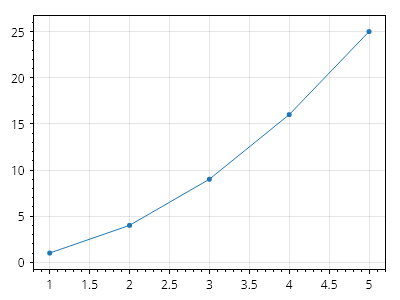
ScottPlot.Plot myPlot = new();

// サンプルデータを作成する
double[] dataX = { 1, 2, 3, 4, 5 };
double[] dataY = { 1, 4, 9, 16, 25 };

// プロットに散布図を追加する
myPlot.Add.Scatter(dataX, dataY);

myPlot.SavePng("demo.png", 400, 300);
このレシピは、クイックスタートカテゴリに含まれる多数のレシピの 1 つです

Plottable のカスタマイズ

Plottable のカスタマイズ

プロットに項目を追加するほとんどのメソッドは、追加された項目を返します。返されたオブジェクトを保存し、そのプロパティを設定してカスタマイズします。
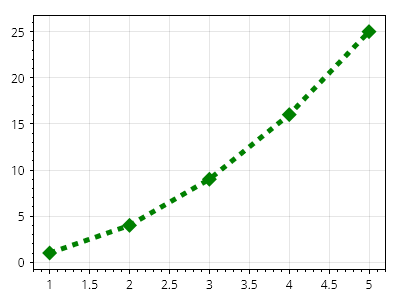
ScottPlot.Plot myPlot = new();

// サンプルデータを作成する
double[] dataX = { 1, 2, 3, 4, 5 };
double[] dataY = { 1, 4, 9, 16, 25 };

// プロットに散布図を追加する(そして返されたものを保存する)
var myScatter = myPlot.Add.Scatter(dataX, dataY);

// 散布図をカスタマイズする
myScatter.Color = Colors.Green;
myScatter.LineWidth = 5;
myScatter.MarkerSize = 15;
myScatter.MarkerShape = MarkerShape.FilledDiamond;
myScatter.LinePattern = LinePattern.DenselyDashed;

myPlot.SavePng("demo.png", 400, 300);
このレシピは、Quickstart カテゴリにある多数のレシピの 1 つです

シグナルプロット

シグナルプロット

シグナルプロットは、等間隔の X 位置に Y 値を表示します。可能な限り、散布図の代わりにシグナルプロットを使用するべきです。
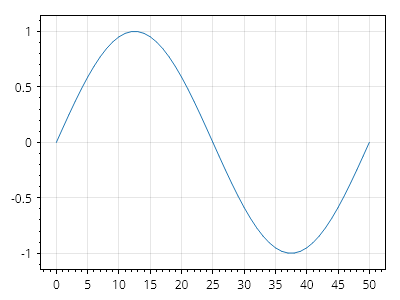
ScottPlot.Plot myPlot = new();

// サンプルデータを作成する
double[] sin = Generate.Sin(51);

// プロットにシグナルプロットを追加する
myPlot.Add.Signal(sin);

myPlot.SavePng("demo.png", 400, 300);
このレシピは、クイックスタートカテゴリにある多くのレシピの 1 つです

シグナルプロットのパフォーマンス

シグナルプロットのパフォーマンス

シグナルプロットは非常に高性能で、数百万個のデータポイントをリアルタイムでインタラクティブに表示できます。
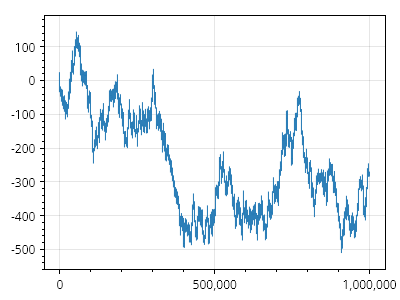
ScottPlot.Plot myPlot = new();

// 100万ポイントのサンプルデータを作成する
double[] data = Generate.RandomWalk(1_000_000);

// プロットにシグナルプロットを追加する
myPlot.Add.Signal(data);

myPlot.SavePng("demo.png", 400, 300);
このレシピは、クイックスタートカテゴリにある多数のレシピの1つです

軸ラベル

軸ラベル

プロットには、軸ラベルをすばやく設定するためのヘルパーメソッドがあります。追加の軸カスタマイズオプションについては、他のクックブックページを参照してください。
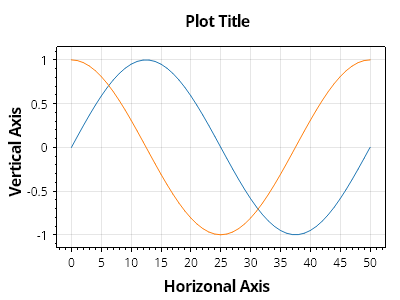
ScottPlot.Plot myPlot = new();

// サンプルデータをプロットする
myPlot.Add.Signal(Generate.Sin(51));
myPlot.Add.Signal(Generate.Cos(51));

// 軸ラベルをカスタマイズする
myPlot.XLabel("水平軸");
myPlot.YLabel("垂直軸");
myPlot.Title("プロットのタイトル");

myPlot.SavePng("demo.png", 400, 300);
このレシピは、クイックスタートカテゴリに含まれる多数のレシピの1つです

アノテーション

Annotations are always-visible text labels positioned over the data area.

レシピ

アノテーションのクイックスタート

アノテーションのクイックスタート

アノテーションは、プロットのデータ領域上に配置できるラベルです。プロットに追加した Text は軸上の座標単位で配置されるのに対し、アノテーションはデータ領域に対して相対的に(ピクセル単位で)配置され、プロットをパンやズームしても移動しません。
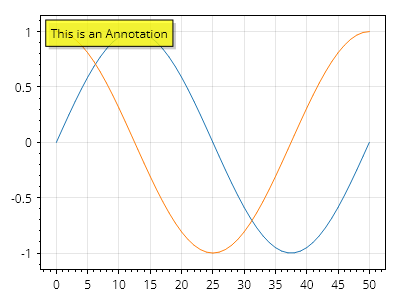
ScottPlot.Plot myPlot = new();

myPlot.Add.Signal(Generate.Sin());
myPlot.Add.Signal(Generate.Cos());

myPlot.Add.Annotation("This is an Annotation");

myPlot.SavePng("demo.png", 400, 300);
このレシピは、アノテーションカテゴリにある多数のレシピの 1 つです

アノテーションのカスタマイズ

アノテーションのカスタマイズ

アノテーションは幅広くカスタマイズできます。
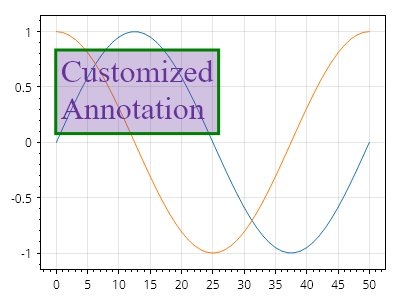
ScottPlot.Plot myPlot = new();

myPlot.Add.Signal(Generate.Sin());
myPlot.Add.Signal(Generate.Cos());

var anno = myPlot.Add.Annotation("Customized\nAnnotation");
anno.LabelFontSize = 32;
anno.LabelFontName = Fonts.Serif;
anno.LabelBackgroundColor = Colors.RebeccaPurple.WithAlpha(.3);
anno.LabelFontColor = Colors.RebeccaPurple;
anno.LabelBorderColor = Colors.Green;
anno.LabelBorderWidth = 3;
anno.LabelShadowColor = Colors.Transparent;
anno.OffsetY = 40;
anno.OffsetX = 20;

myPlot.SavePng("demo.png", 400, 300);
このレシピは、アノテーションカテゴリにある多数のレシピの 1 つです

アノテーションの位置

アノテーションの位置

アノテーションはデータ領域に合わせて配置されます。
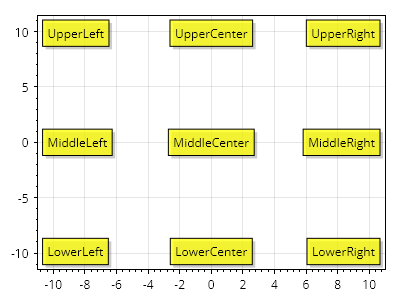
ScottPlot.Plot myPlot = new();

foreach (Alignment alignment in Enum.GetValues(typeof(Alignment)))
{
    myPlot.Add.Annotation(alignment.ToString(), alignment);
}

myPlot.SavePng("demo.png", 400, 300);
このレシピは、アノテーションカテゴリにある多数のレシピの 1 つです

矢印

Arrows point to a location in coordinate space.

レシピ

矢印のクイックスタート

矢印のクイックスタート

矢印は、座標空間内の位置を指すためにプロットに配置でき、幅広くカスタマイズできます。
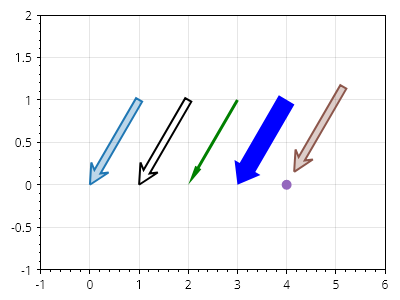
Arrow.cs
ScottPlot.Plot myPlot = new();

// create a line
Coordinates arrowTip = new(0, 0);
Coordinates arrowBase = new(1, 1);
CoordinateLine arrowLine = new(arrowBase, arrowTip);

// add a simple arrow
myPlot.Add.Arrow(arrowLine);

// arrow line and fill styles can be customized
var arrow2 = myPlot.Add.Arrow(arrowLine.WithDelta(1, 0));
arrow2.ArrowLineColor = Colors.Red;
arrow2.ArrowMinimumLength = 100;
arrow2.ArrowLineColor = Colors.Black;
arrow2.ArrowFillColor = Colors.Transparent;

// the shape of the arrowhead can be adjusted
var skinny = myPlot.Add.Arrow(arrowLine.WithDelta(2, 0));
skinny.ArrowFillColor = Colors.Green;
skinny.ArrowLineWidth = 0;
skinny.ArrowWidth = 3;
skinny.ArrowheadLength = 20;
skinny.ArrowheadAxisLength = 20;
skinny.ArrowheadWidth = 7;

var fat = myPlot.Add.Arrow(arrowLine.WithDelta(3, 0));
fat.ArrowFillColor = Colors.Blue;
fat.ArrowLineWidth = 0;
fat.ArrowWidth = 18;
fat.ArrowheadLength = 20;
fat.ArrowheadAxisLength = 20;
fat.ArrowheadWidth = 30;

// offset backs the arrow away from the tip coordinate
myPlot.Add.Marker(arrowLine.WithDelta(4, 0).End);
var arrow4 = myPlot.Add.Arrow(arrowLine.WithDelta(4, 0));
arrow4.ArrowOffset = 15;

myPlot.Axes.SetLimits(-1, 6, -1, 2);

myPlot.SavePng("demo.png", 400, 300);
このレシピは、矢印カテゴリにある多数のレシピの 1 つです

軸線

Axis lines indicate a position on an axis.

レシピ

軸線

軸線

軸線は、軸全体にまたがる垂直線または水平線です。
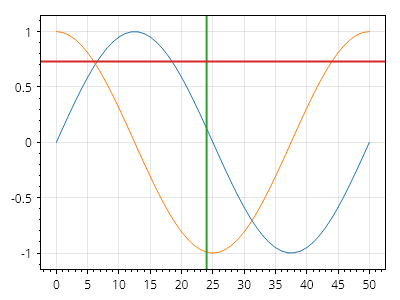
ScottPlot.Plot myPlot = new();

myPlot.Add.Signal(Generate.Sin());
myPlot.Add.Signal(Generate.Cos());

myPlot.Add.VerticalLine(24);
myPlot.Add.HorizontalLine(0.73);

myPlot.SavePng("demo.png", 400, 300);
このレシピは、軸線カテゴリに含まれる多くのレシピの 1 つです

軸線ラベル

軸線ラベル

軸線には、取り付けられている軸上に任意のテキストを表示するために使用できるラベルがあります。
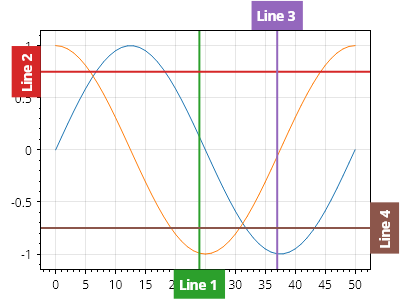
ScottPlot.Plot myPlot = new();

myPlot.Add.Signal(Generate.Sin());
myPlot.Add.Signal(Generate.Cos());

// デフォルトでは、ラベルは軸ラベルと同じ側に描画されます

var axLine1 = myPlot.Add.VerticalLine(24);
axLine1.Text = "線 1";

var axLine2 = myPlot.Add.HorizontalLine(0.75);
axLine2.Text = "線 2";

// ラベルは軸ラベルとは反対側に描画できます

var axLine3 = myPlot.Add.VerticalLine(37);
axLine3.Text = "線 3";
axLine3.LabelOppositeAxis = true;

var axLine4 = myPlot.Add.HorizontalLine(-.75);
axLine4.Text = "線 4";
axLine4.LabelOppositeAxis = true;

// 右側と上側に余分なパディングを設けることで、ラベル用のスペースを確保します
myPlot.Axes.Right.MinimumSize = 30;
myPlot.Axes.Top.MinimumSize = 30;

myPlot.SavePng("demo.png", 400, 300);
このレシピは、軸線カテゴリにある多数のレシピの 1 つです

軸線ラベルの配置

軸線ラベルの配置

軸線ラベルには、回転や配置を含むカスタム配置を設定できます。
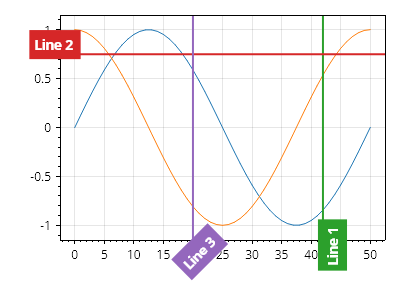
ScottPlot.Plot myPlot = new();

myPlot.Add.Signal(Generate.Sin());
myPlot.Add.Signal(Generate.Cos());

var axLine1 = myPlot.Add.VerticalLine(42);
axLine1.Text = "線 1";
axLine1.LabelRotation = -90;
axLine1.LabelAlignment = Alignment.MiddleRight;

var axLine2 = myPlot.Add.HorizontalLine(0.75);
axLine2.Text = "線 2";
axLine2.LabelRotation = 0;
axLine2.LabelAlignment = Alignment.MiddleRight;

var axLine3 = myPlot.Add.VerticalLine(20);
axLine3.Text = "線 3";
axLine3.LabelRotation = -45;
axLine3.LabelAlignment = Alignment.UpperRight;

// 回転したラベルのために下と左に余分な余白を追加する
myPlot.Axes.Bottom.MinimumSize = 60;
myPlot.Axes.Left.MinimumSize = 60;

myPlot.SavePng("demo.png", 400, 300);
このレシピは、軸線カテゴリに含まれる多数のレシピの 1 つです

軸線のスタイル

軸線のスタイル

軸線には広範なカスタマイズオプションがあります。
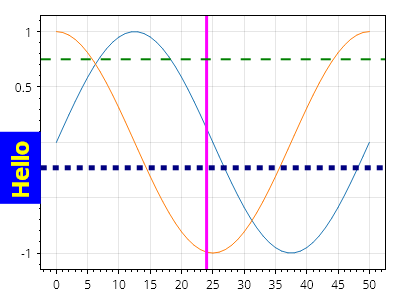
ScottPlot.Plot myPlot = new();

myPlot.Add.Signal(Generate.Sin());
myPlot.Add.Signal(Generate.Cos());

var vl1 = myPlot.Add.VerticalLine(24);
vl1.LineWidth = 3;
vl1.Color = Colors.Magenta;

var hl1 = myPlot.Add.HorizontalLine(0.75);
hl1.LineWidth = 2;
hl1.Color = Colors.Green;
hl1.LinePattern = LinePattern.Dashed;

var hl2 = myPlot.Add.HorizontalLine(-.23);
hl2.LineColor = Colors.Navy;
hl2.LineWidth = 5;
hl2.Text = "こんにちは";
hl2.LabelFontSize = 24;
hl2.LabelBackgroundColor = Colors.Blue;
hl2.LabelFontColor = Colors.Yellow;
hl2.LinePattern = LinePattern.DenselyDashed;

myPlot.SavePng("demo.png", 400, 300);
このレシピは、軸線カテゴリにある多数のレシピのひとつです

凡例内の軸線

凡例内の軸線

軸線は、ExcludeFromLegend プロパティが true でない限り、Text プロパティが設定されている場合に凡例へ追加されます。
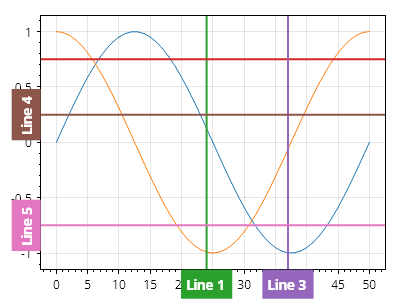
ScottPlot.Plot myPlot = new();

myPlot.Add.Signal(Generate.Sin());
myPlot.Add.Signal(Generate.Cos());

var axLine1 = myPlot.Add.VerticalLine(24);
axLine1.Text = "線 1";

var axLine2 = myPlot.Add.HorizontalLine(0.75);

var axLine3 = myPlot.Add.VerticalLine(37);
axLine3.Text = "線 3";
axLine3.ExcludeFromLegend = true;

var axLine4 = myPlot.Add.HorizontalLine(0.25);
axLine4.Text = "線 4";

var axLine5 = myPlot.Add.HorizontalLine(-.75);
axLine5.Text = "線 5";
axLine5.ExcludeFromLegend = true;

myPlot.ShowLegend();

myPlot.SavePng("demo.png", 400, 300);
このレシピは、軸線カテゴリにある多数のレシピのうちの 1 つです

自動スケール時に無視

自動スケール時に無視

Plot.Axes.AutoScale() を呼び出すか、プロットを中クリックすると、データに合わせて軸の範囲が設定されます。デフォルトでは、軸線とスパンの位置は自動軸範囲計算に含まれますが、フラグを設定することで、プロットの自動スケール時に特定のプロット可能オブジェクトを無視できます。
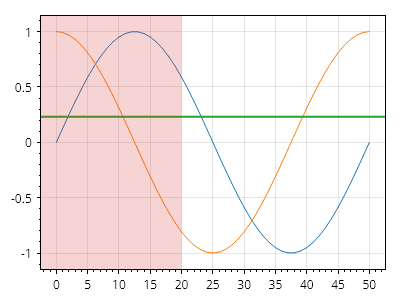
ScottPlot.Plot myPlot = new();

myPlot.Add.Signal(Generate.Sin(51));
myPlot.Add.Signal(Generate.Cos(51));

var hline = myPlot.Add.HorizontalLine(0.23);
hline.IsDraggable = true;
hline.EnableAutoscale = false;

var hSpan = myPlot.Add.HorizontalSpan(-10, 20);
hSpan.IsDraggable = true;
hSpan.EnableAutoscale = false;

myPlot.SavePng("demo.png", 400, 300);
このレシピは、軸線カテゴリにある多数のレシピの 1 つです

制限付きの軸線

制限付きの軸線

軸線はデフォルトでは両方向に無限に延びますが、軸線の寸法を制限するために上限と下限を指定できます。
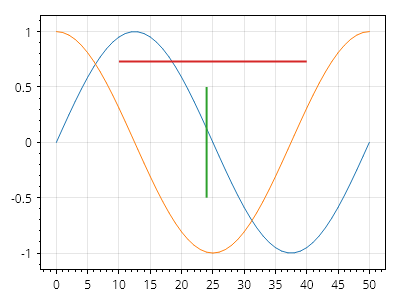
ScottPlot.Plot myPlot = new();

myPlot.Add.Signal(Generate.Sin());
myPlot.Add.Signal(Generate.Cos());

var vLine = myPlot.Add.VerticalLine(24);
vLine.Minimum = -.5;
vLine.Maximum = 0.5;

var hLine = myPlot.Add.HorizontalLine(0.73);
hLine.Minimum = 10;
hLine.Maximum = 40;

myPlot.SavePng("demo.png", 400, 300);
このレシピは、軸線カテゴリに含まれる多数のレシピの 1 つです

軸スパン

Axis spans indicate a range of an axis.

レシピ

軸スパンのクイックスタート

軸スパンのクイックスタート

軸スパンは、軸の範囲にラベルを付けます。垂直スパンは垂直方向の範囲の全幅を塗りつぶし、水平スパンは水平方向の範囲の全高を塗りつぶします。
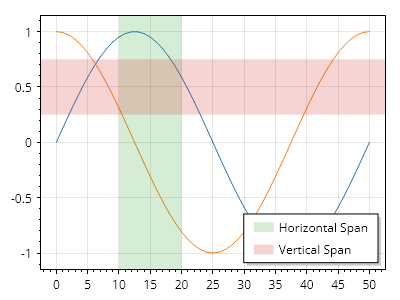
ScottPlot.Plot myPlot = new();

myPlot.Add.Signal(Generate.Sin());
myPlot.Add.Signal(Generate.Cos());

var hSpan = myPlot.Add.HorizontalSpan(10, 20);
var vSpan = myPlot.Add.VerticalSpan(0.25, 0.75);

hSpan.LegendText = "水平スパン";
vSpan.LegendText = "垂直スパン";
myPlot.ShowLegend();

myPlot.SavePng("demo.png", 400, 300);
このレシピは、軸スパンカテゴリに含まれる多数のレシピのうちの1つです

軸スパンのスタイリング

軸スパンのスタイリング

軸スパンは広範囲にカスタマイズできます。
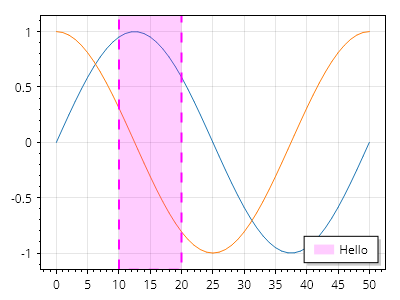
ScottPlot.Plot myPlot = new();

myPlot.Add.Signal(Generate.Sin());
myPlot.Add.Signal(Generate.Cos());

var hs = myPlot.Add.HorizontalSpan(10, 20);
hs.LegendText = "こんにちは";
hs.LineStyle.Width = 2;
hs.LineStyle.Color = Colors.Magenta;
hs.LineStyle.Pattern = LinePattern.Dashed;
hs.FillStyle.Color = Colors.Magenta.WithAlpha(.2);

myPlot.SavePng("demo.png", 400, 300);
このレシピは、軸スパンカテゴリーに含まれる多数のレシピのうちの1つです

棒グラフ

Bar plots represent values as horizontal or vertical rectangles

レシピ

棒グラフクイックスタート

棒グラフクイックスタート

棒グラフは、一連の値から追加できます。
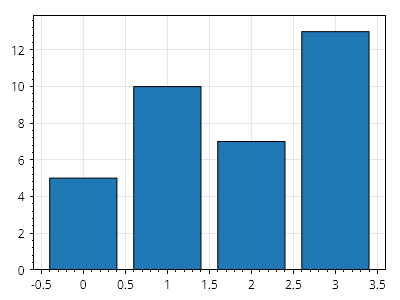
Bar.cs
ScottPlot.Plot myPlot = new();

// 棒を追加する
double[] values = { 5, 10, 7, 13 };
myPlot.Add.Bars(values);

// 棒の下に余白を設けずにプロットを自動スケールする
myPlot.Axes.Margins(bottom: 0);

myPlot.SavePng("demo.png", 400, 300);
このレシピは、棒グラフカテゴリにある多数のレシピの1つです

棒グラフの凡例

棒グラフの凡例

棒のコレクションは、単一の項目として凡例に表示できます。
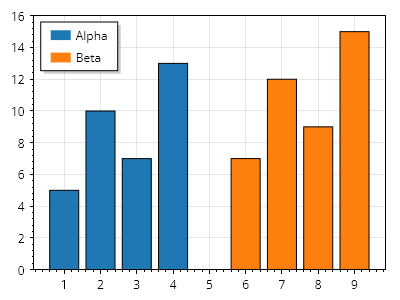
Bar.cs
ScottPlot.Plot myPlot = new();

double[] xs1 = { 1, 2, 3, 4 };
double[] ys1 = { 5, 10, 7, 13 };
var bars1 = myPlot.Add.Bars(xs1, ys1);
bars1.LegendText = "Alpha";

double[] xs2 = { 6, 7, 8, 9 };
double[] ys2 = { 7, 12, 9, 15 };
var bars2 = myPlot.Add.Bars(xs2, ys2);
bars2.LegendText = "Beta";

myPlot.ShowLegend(Alignment.UpperLeft);
myPlot.Axes.Margins(bottom: 0);

myPlot.SavePng("demo.png", 400, 300);
このレシピは、棒グラフカテゴリに含まれる多数のレシピの 1 つです

値ラベル付きの棒グラフ

値ラベル付きの棒グラフ

棒の Label プロパティを設定すると、各棒の上にテキストを表示できます。
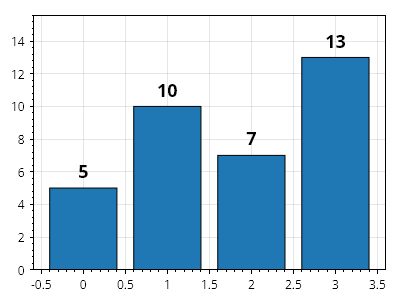
Bar.cs
ScottPlot.Plot myPlot = new();

double[] values = { 5, 10, 7, 13 };
var barPlot = myPlot.Add.Bars(values);

// ラベルの内容を定義する
foreach (var bar in barPlot.Bars)
{
    bar.Label = bar.Value.ToString();
}

// ラベルのスタイルをカスタマイズする
barPlot.ValueLabelStyle.Bold = true;
barPlot.ValueLabelStyle.FontSize = 18;

myPlot.Axes.Margins(bottom: 0, top: .2);

myPlot.SavePng("demo.png", 400, 300);
このレシピは、棒グラフカテゴリにある多数のレシピの 1 つです

値ラベル付きの棒グラフ(水平)

値ラベル付きの棒グラフ(水平)

各棒の横(左または右)にテキストを表示するには、棒の Label プロパティを設定します。
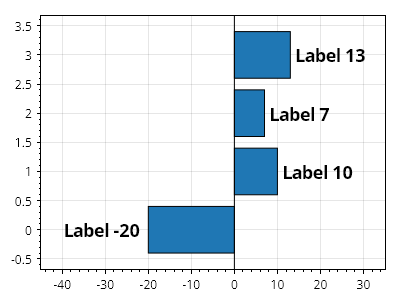
Bar.cs
ScottPlot.Plot myPlot = new();

double[] values = { -20, 10, 7, 13 };

// 各棒のラベルを設定する
var barPlot = myPlot.Add.Bars(values);
foreach (var bar in barPlot.Bars)
{
    bar.Label = "ラベル " + bar.Value.ToString();
}

// ラベルのスタイルをカスタマイズする
barPlot.ValueLabelStyle.Bold = true;
barPlot.ValueLabelStyle.FontSize = 18;
barPlot.Horizontal = true;

// ラベルを考慮して余白を追加する
myPlot.Axes.SetLimitsX(-45, 35);
myPlot.Add.VerticalLine(0, 1, Colors.Black);

myPlot.SavePng("demo.png", 400, 300);
このレシピは、棒グラフカテゴリに含まれる多数のレシピの 1 つです

上部のラベル

上部のラベル

ラベル付きの棒はデフォルトでは1つずつレンダリングされますが、これにより棒のラベルが他の棒と重なる可能性があります。棒グラフは、他のプロット可能オブジェクトの上であっても、ラベルを最後にレンダリングするように設定できます。
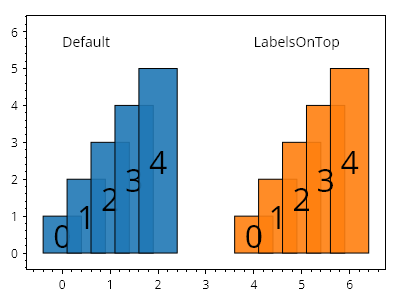
Bar.cs
ScottPlot.Plot myPlot = new();

double[] values = Generate.Consecutive(5, first: 1);

// 2つの棒プロットを作成する
var bars1 = myPlot.Add.Bars(values);
var bars2 = myPlot.Add.Bars(values);

// いずれかの棒で LabelsOnTop 機能を有効にする
bars2.LabelsOnTop = true;

// 効果を示すために各棒にラベルを付けてスタイルを設定する
static void StyleBar(ScottPlot.Plottables.BarPlot barPlot, double xOffset)
{
    barPlot.ValueLabelStyle.FontSize = 32;
    for (int i = 0; i < barPlot.Bars.Count; i++)
    {
        var bar = barPlot.Bars[i];
        bar.Label = i.ToString();
        bar.CenterLabel = true;
        bar.Position = i * .5 + xOffset;
        bar.FillColor = bar.FillColor.WithAlpha(.9);
    }
}

StyleBar(bars1, 0);
StyleBar(bars2, 4);

myPlot.Add.Text("デフォルト", 0, 6);
myPlot.Add.Text("LabelsOnTop", 4, 6);

myPlot.HideGrid();

myPlot.SavePng("demo.png", 400, 300);
このレシピは、棒プロットカテゴリに含まれる多数のレシピの1つです

棒の配置

棒の配置

各棒の正確な位置とサイズはカスタマイズできます。

Bar.cs
ScottPlot.Plot myPlot = new();

ScottPlot.Bar[] bars =
{
    new() { Position = 1, Value = 5, ValueBase = 3, FillColor = Colors.Red },
    new() { Position = 2, Value = 7, ValueBase = 0, FillColor = Colors.Blue },
    new() { Position = 4, Value = 3, ValueBase = 2, FillColor = Colors.Green },
};

myPlot.Add.Bars(bars);

myPlot.SavePng("demo.png", 400, 300);
このレシピは、棒グラフカテゴリに含まれる多くのレシピのひとつです

エラー付き棒

エラー付き棒

棒にはエラーバーを付けることができます。

Bar.cs
ScottPlot.Plot myPlot = new();

ScottPlot.Bar[] bars =
{
    new() { Position = 1, Value = 5, Error = 1, FillColor = Colors.Red },
    new() { Position = 2, Value = 7, Error = 2, FillColor = Colors.Orange },
    new() { Position = 3, Value = 6, Error = 1, FillColor = Colors.Green },
    new() { Position = 4, Value = 8, Error = 2, FillColor = Colors.Blue },
};

myPlot.Add.Bars(bars);

// 棒の下にパディングを入れずに自動スケーリングするようプロットに指示します
myPlot.Axes.Margins(bottom: 0);

myPlot.SavePng("demo.png", 400, 300);
このレシピは、棒プロットカテゴリに含まれる多数のレシピの 1 つです

ラベル付き目盛りの棒グラフ

ラベル付き目盛りの棒グラフ

棒グラフは、軸の目盛り位置とラベルを手動で指定することでラベル付けできます。
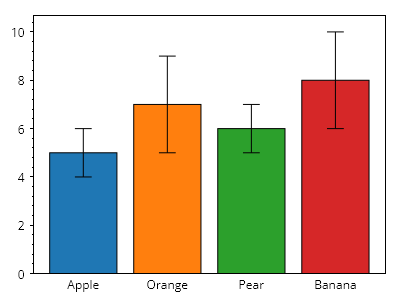
Bar.cs
ScottPlot.Plot myPlot = new();

myPlot.Add.Bar(position: 1, value: 5, error: 1);
myPlot.Add.Bar(position: 2, value: 7, error: 2);
myPlot.Add.Bar(position: 3, value: 6, error: 1);
myPlot.Add.Bar(position: 4, value: 8, error: 2);

Tick[] ticks =
{
    new(1, "Apple"),
    new(2, "Orange"),
    new(3, "Pear"),
    new(4, "Banana"),
};

myPlot.Axes.Bottom.TickGenerator = new ScottPlot.TickGenerators.NumericManual(ticks);
myPlot.Axes.Bottom.MajorTickStyle.Length = 0;
myPlot.HideGrid();

// 棒の下に余白を設けずにプロットを自動スケールするよう指示する
myPlot.Axes.Margins(bottom: 0);

myPlot.SavePng("demo.png", 400, 300);
このレシピは、棒グラフカテゴリにある多数のレシピの 1 つです

バーの塗りつぶしスタイル

バーの塗りつぶしスタイル

各バーは個別にスタイル設定できます。
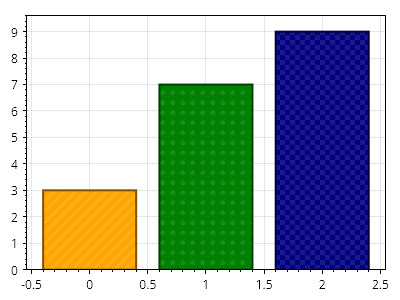
Bar.cs
ScottPlot.Plot myPlot = new();

// サンプルデータでバーを追加する
double[] values = { 3, 7, 9 };
var barPlot = myPlot.Add.Bars(values);

// バーは追加後にスタイル設定できる
barPlot.Bars[0].FillColor = Colors.Orange;
barPlot.Bars[1].FillColor = Colors.Green;
barPlot.Bars[2].FillColor = Colors.Navy;

barPlot.Bars[0].FillHatch = new ScottPlot.Hatches.Striped();
barPlot.Bars[1].FillHatch = new ScottPlot.Hatches.Dots();
barPlot.Bars[2].FillHatch = new ScottPlot.Hatches.Checker();

foreach (var bar in barPlot.Bars)
{
    bar.LineWidth = 2;
    bar.LineColor = bar.FillColor.Darken(0.5);
    bar.FillHatchColor = bar.FillColor.Lighten(0.1);
}

// バーの下に余白がないようにプロットを自動スケーリングする
myPlot.Axes.Margins(bottom: 0);

myPlot.SavePng("demo.png", 400, 300);
このレシピは、バー プロットカテゴリに含まれる多数のレシピの 1 つです

カスタマイズされた棒グラフ

カスタマイズされた棒グラフ

棒グラフのスタイル設定と配置を究極的に制御するには、各棒を個別に作成し、必要に応じてスタイルを設定し、その正確なサイズと位置を設定します。このレベルのカスタマイズを使用して、非常に高度な積み上げ棒グラフやグループ化棒グラフを作成できます。
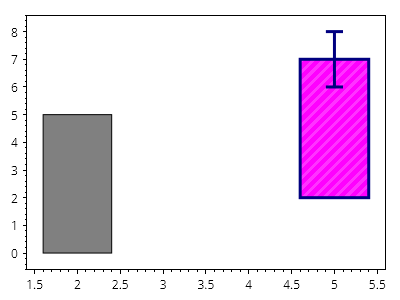
Bar.cs
ScottPlot.Plot myPlot = new();

ScottPlot.Bar bar1 = new()
{
    Position = 2,
    Value = 5,
};

myPlot.Add.Bar(bar1);

ScottPlot.Bar bar2 = new()
{
    Position = 5,
    Value = 7,
    ValueBase = 2,
    Error = 1,
    FillColor = Colors.Magenta,
    LineWidth = 3,
    LineColor = Colors.Navy,
    FillHatch = new ScottPlot.Hatches.Striped(),
    FillHatchColor = Colors.Magenta.Lighten(.2),
};

myPlot.Add.Bar(bar2);

myPlot.HideGrid();

myPlot.SavePng("demo.png", 400, 300);
このレシピは、棒グラフカテゴリにある多数のレシピの 1 つです

積み上げ棒グラフ

積み上げ棒グラフ

棒は互いの上に配置できます。

Bar.cs
ScottPlot.Plot myPlot = new();

ScottPlot.Palettes.Category10 palette = new();

ScottPlot.Bar[] bars =
{
    // 積み上げ棒の最初のセット
    new() { Position = 1, ValueBase = 0, Value = 2, FillColor = palette.GetColor(0) },
    new() { Position = 1, ValueBase = 2, Value = 5, FillColor = palette.GetColor(1) },
    new() { Position = 1, ValueBase = 5, Value = 10, FillColor = palette.GetColor(2) },

    // 積み上げ棒の2番目のセット
    new() { Position = 2, ValueBase = 0, Value = 4, FillColor = palette.GetColor(0) },
    new() { Position = 2, ValueBase = 4, Value = 7, FillColor = palette.GetColor(1) },
    new() { Position = 2, ValueBase = 7, Value = 10, FillColor = palette.GetColor(2) },
};

myPlot.Add.Bars(bars);

Tick[] ticks =
{
    new(1, "春"),
    new(2, "夏"),
};

myPlot.Axes.Bottom.TickGenerator = new ScottPlot.TickGenerators.NumericManual(ticks);
myPlot.Axes.Bottom.MajorTickStyle.Length = 0;
myPlot.HideGrid();

// 棒の下に余白がないようにプロットを自動スケールする
myPlot.Axes.Margins(bottom: 0);

myPlot.SavePng("demo.png", 400, 300);
このレシピは、棒グラフカテゴリに含まれる多くのレシピの1つです

グループ化棒グラフ

グループ化棒グラフ

棒は位置と色でグループ化できます。

Bar.cs
ScottPlot.Plot myPlot = new();

ScottPlot.Palettes.Category10 palette = new();

ScottPlot.Bar[] bars =
{
    // 1つ目のグループ
    new() { Position = 1, Value = 2, FillColor = palette.GetColor(0), Error = 1 },
    new() { Position = 2, Value = 5, FillColor = palette.GetColor(1), Error = 2 },
    new() { Position = 3, Value = 7, FillColor = palette.GetColor(2), Error = 1 },

    // 2つ目のグループ
    new() { Position = 5, Value = 4, FillColor = palette.GetColor(0), Error = 2 },
    new() { Position = 6, Value = 7, FillColor = palette.GetColor(1), Error = 1 },
    new() { Position = 7, Value = 13, FillColor = palette.GetColor(2), Error = 3 },

    // 3つ目のグループ
    new() { Position = 9, Value = 5, FillColor = palette.GetColor(0), Error = 1 },
    new() { Position = 10, Value = 6, FillColor = palette.GetColor(1), Error = 3 },
    new() { Position = 11, Value = 11, FillColor = palette.GetColor(2), Error = 2 },
};

myPlot.Add.Bars(bars);

// 凡例を手動で構築する
myPlot.Legend.IsVisible = true;
myPlot.Legend.Alignment = Alignment.UpperLeft;
myPlot.Legend.ManualItems.Add(new() { LabelText = "月曜日", FillColor = palette.GetColor(0) });
myPlot.Legend.ManualItems.Add(new() { LabelText = "火曜日", FillColor = palette.GetColor(1) });
myPlot.Legend.ManualItems.Add(new() { LabelText = "水曜日", FillColor = palette.GetColor(2) });

// 下軸にグループラベルを表示する
Tick[] ticks =
{
    new(2, "グループ 1"),
    new(6, "グループ 2"),
    new(10, "グループ 3"),
};
myPlot.Axes.Bottom.TickGenerator = new ScottPlot.TickGenerators.NumericManual(ticks);
myPlot.Axes.Bottom.MajorTickStyle.Length = 0;
myPlot.HideGrid();

// 棒の下に余白を入れずに自動スケールするようプロットに指示する
myPlot.Axes.Margins(bottom: 0);

myPlot.SavePng("demo.png", 400, 300);
このレシピは、棒グラフカテゴリにある多数のレシピの1つです

水平棒グラフ

水平棒グラフ

棒グラフは水平方向に表示できます。

Bar.cs
ScottPlot.Plot myPlot = new();

ScottPlot.Bar[] bars =
{
    new() { Position = 1, Value = 5, Error = 1, },
    new() { Position = 2, Value = 7, Error = 2, },
    new() { Position = 3, Value = 6, Error = 1, },
    new() { Position = 4, Value = 8, Error = 2, },
};

var barPlot = myPlot.Add.Bars(bars);
barPlot.Horizontal = true;

myPlot.Axes.Margins(left: 0);

myPlot.SavePng("demo.png", 400, 300);
このレシピは、棒グラフカテゴリに含まれる多数のレシピのうちの1つです

積み上げ棒グラフ

積み上げ棒グラフ

棒は、データをグループ単位で表すために積み上げることができます。
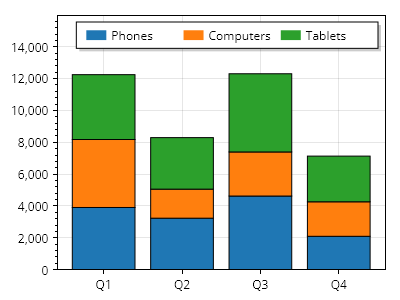
Bar.cs
ScottPlot.Plot myPlot = new();

string[] categoryNames = { "電話", "コンピューター", "タブレット" };
Color[] categoryColors = { Colors.C0, Colors.C1, Colors.C2 };

for (int x = 0; x < 4; x++)
{
    double[] values = Generate.RandomSample(categoryNames.Length, 1000, 5000);

    double nextBarBase = 0;

    for (int i = 0; i < values.Length; i++)
    {
        ScottPlot.Bar bar = new()
        {
            Value = nextBarBase + values[i],
            FillColor = categoryColors[i],
            ValueBase = nextBarBase,
            Position = x,
        };

        myPlot.Add.Bar(bar);

        nextBarBase += values[i];
    }
}

// 下部にカスタム目盛りラベルを使用する
ScottPlot.TickGenerators.NumericManual tickGen = new();
for (int x = 0; x < 4; x++)
{
    tickGen.AddMajor(x, $"Q{x + 1}");
}
myPlot.Axes.Bottom.TickGenerator = tickGen;

// 凡例にグループを表示する
for (int i = 0; i < 3; i++)
{
    LegendItem item = new()
    {
        LabelText = categoryNames[i],
        FillColor = categoryColors[i]
    };
    myPlot.Legend.ManualItems.Add(item);
}
myPlot.Legend.Orientation = Orientation.Horizontal;
myPlot.ShowLegend(Alignment.UpperRight);

// 棒の下に余白を入れずに自動スケールするようプロットに指示する
myPlot.Axes.Margins(bottom: 0, top: .3);

myPlot.SavePng("demo.png", 400, 300);
このレシピは、棒プロットカテゴリに含まれる多数のレシピの 1 つです

カスタムテキスト付きの棒

カスタムテキスト付きの棒

棒の寸法に合わせて完全にカスタマイズ可能なテキストオブジェクトを棒の上に配置することで、棒ラベルを完全に制御できます。
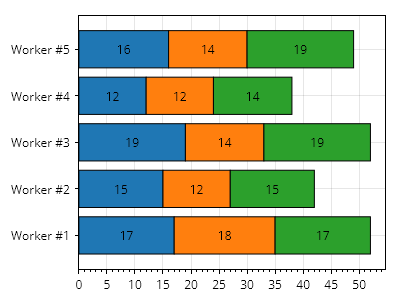
Bar.cs
ScottPlot.Plot myPlot = new();

ScottPlot.Palettes.Category10 palette = new();

// 積み上げ棒のグループを5つ作成する
for (int i = 0; i < 5; i++)
{
    // 積み上げを伴う個別の棒を3つ作成する
    List<ScottPlot.Bar> bars = [];
    double valueBase = 0;
    for (int j = 0; j < 3; j++)
    {
        double barSize = Generate.RandomInteger(10, 20);
        ScottPlot.Bar bar1 = new()
        {
            FillColor = palette.GetColor(j),
            Position = i,
            ValueBase = valueBase,
            Value = valueBase + barSize,
            Label = $"{barSize}",
            CenterLabel = true,
        };

        bars.Add(bar1);
        valueBase += barSize;
    }

    // 積み上げ棒をプロットする
    var barPlot = myPlot.Add.Bars(bars);
    barPlot.Horizontal = true;
}

// 棒が左端から始まるようにプロットのスタイルを設定する
myPlot.Axes.Margins(left: 0);

// カスタムグループラベルを追加する
double[] tickPositions = Generate.Consecutive(5);
string[] tickLabels = Enumerable.Range(1, 5).Select(x => $"作業者 #{x}").ToArray();
myPlot.Axes.Left.SetTicks(tickPositions, tickLabels);

myPlot.SavePng("demo.png", 400, 300);
このレシピは、棒プロットカテゴリに含まれる多数のレシピの1つです

範囲チャート

範囲チャート

範囲チャートは、名前付きの値範囲の離散集合を表示します
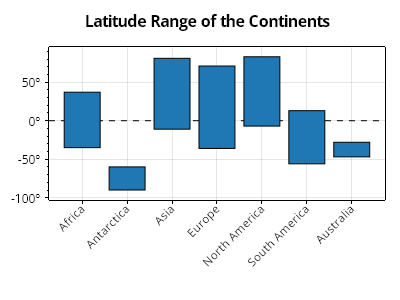
Bar.cs
ScottPlot.Plot myPlot = new();

List<(string name, CoordinateRange range)> ranges =
[
    ("アフリカ", new(-35, 37)),
    ("南極大陸", new(-90, -60)),
    ("アジア", new(-11, 81)),
    ("ヨーロッパ", new(-36, 71)),
    ("北アメリカ", new(-7, 83)),
    ("南アメリカ", new(-56, 13)),
    ("オーストラリア", new(-47, -28)),
];
myPlot.Add.Ranges(ranges);

// 軸のスタイルを設定する
myPlot.Title("大陸の緯度範囲");
myPlot.Axes.Bottom.TickLabelStyle.Rotation = -45;
myPlot.Axes.Bottom.TickLabelStyle.Alignment = Alignment.MiddleRight;
myPlot.Axes.Bottom.MinimumSize = 100;

// 度記号付きの目盛りラベルを使用する
ScottPlot.TickGenerators.NumericAutomatic tickGen = new();
myPlot.Axes.Left.TickGenerator = tickGen;
tickGen.LabelFormatter = (x) => $"{x}º";

// 0 の位置に水平線を追加し、範囲プロットの背面へ移動する
var hl = myPlot.Add.HorizontalLine(0, 1, Colors.Black, LinePattern.DenselyDashed);
myPlot.MoveToBack(hl);

myPlot.SavePng("demo.png", 400, 300);
このレシピは、棒プロットカテゴリに含まれる多数のレシピの 1 つです

水平レンジチャート

水平レンジチャート

レンジチャートは、水平方向のバーを使用して作成できます
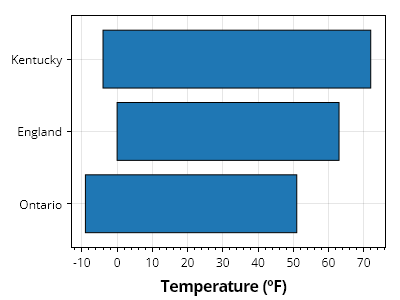
Bar.cs
ScottPlot.Plot myPlot = new();

List<(string name, CoordinateRange range)> ranges =
[
    ("Ontario", new(-9, 51)),
    ("England", new(0, 63)),
    ("Kentucky", new(-4, 72)),
];

myPlot.Add.Ranges(ranges, horizontal: true);

myPlot.XLabel("気温 (ºF)");

myPlot.SavePng("demo.png", 400, 300);
このレシピは、バープロットカテゴリに含まれる多数のレシピの1つです

積み上げレンジチャート

積み上げレンジチャート

積み上げレンジチャートは、離散的な項目の集合に対する複数の範囲を表します
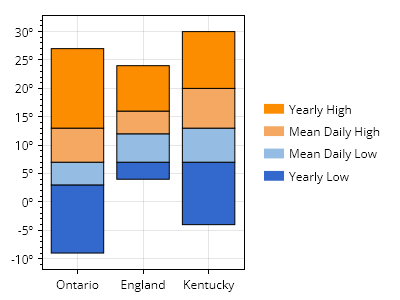
Bar.cs
ScottPlot.Plot myPlot = new();

// カスタムカラーパレットを準備する
string[] colorCodes = ["#3369cc", "#95bce3", "#f4a861", "#fd8d00"];
ScottPlot.Palettes.Custom palette = new(colorCodes);

// 名前付き範囲のコレクションを使用して積み上げ棒グラフを作成する
string[] rangeNames = ["Yearly Low", "Mean Daily Low", "Mean Daily High", "Yearly High"];
List<(string name, double[] edges)> ranges =
[
    ("Ontario", [-9, 3, 7, 13, 27]),
    ("England", [4, 7, 12, 16, 24]),
    ("Kentucky", [-4, 7, 13, 20, 30]),
];
myPlot.Add.StackedRanges(ranges, palette);

// 度数記号付きの目盛ラベルを使用する
ScottPlot.TickGenerators.NumericAutomatic tickGen = new();
myPlot.Axes.Left.TickGenerator = tickGen;
tickGen.LabelFormatter = (x) => $"{x}º";

// データ領域の外側に凡例を表示する
myPlot.ShowLegend(Edge.Right);

// 凡例に項目を手動で追加する
for (int i = 0; i < rangeNames.Length; i++)
{
    LegendItem item = new()
    {
        LabelText = rangeNames[i],
        FillColor = palette.GetColor(i),
    };
    myPlot.Legend.ManualItems.Add(item);
}
myPlot.Legend.ManualItems.Reverse();

// スタイルと配置を改善する
myPlot.Legend.OutlineStyle.IsVisible = false;
myPlot.Legend.ShadowColor = Colors.Transparent;
myPlot.Legend.Padding = new(0);
myPlot.Axes.Right.MaximumSize = 0;

myPlot.SavePng("demo.png", 400, 300);
このレシピは、棒プロットカテゴリにある多数のレシピのうちの1つです

積み上げ水平レンジチャート

積み上げ水平レンジチャート

水平方向の積み上げレンジチャートを作成できます
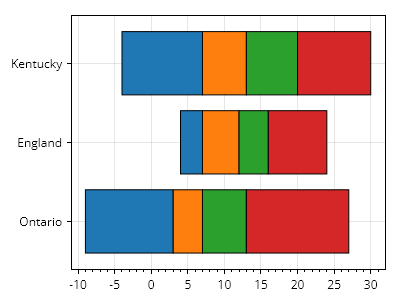
Bar.cs
ScottPlot.Plot myPlot = new();

List<(string name, double[] edges)> ranges =
[
    ("Ontario", [-9, 3, 7, 13, 27]),
    ("England", [4, 7, 12, 16, 24]),
    ("Kentucky", [-4, 7, 13, 20, 30]),
];

myPlot.Add.StackedRanges(ranges, horizontal: true);

myPlot.SavePng("demo.png", 400, 300);
このレシピは、棒プロットカテゴリにある多数のレシピの1つです

箱ひげ図

Box plots show a distribution at a glance

レシピ

箱ひげ図クイックスタート

箱ひげ図クイックスタート

箱ひげ図は個別に作成してプロットに追加できます。
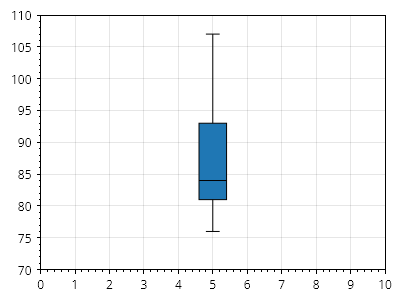
Box.cs
ScottPlot.Plot myPlot = new();

ScottPlot.Box box = new()
{
    Position = 5,
    BoxMin = 81,
    BoxMax = 93,
    WhiskerMin = 76,
    WhiskerMax = 107,
    BoxMiddle = 84,
};

myPlot.Add.Box(box);

myPlot.Axes.SetLimits(0, 10, 70, 110);

myPlot.SavePng("demo.png", 400, 300);
このレシピは、箱ひげ図カテゴリに含まれる多数のレシピの1つです

箱ひげ図のグループ

箱ひげ図のグループ

プロットに追加された箱の各コレクションは同じスタイルになり、凡例では単一の項目として表示されます。定義済みの X 位置を持つ複数の棒系列プロットを追加すると、グループ化されたデータのように見せることができます。
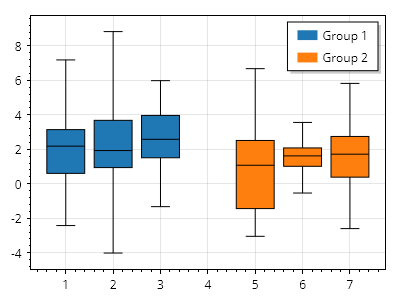
Box.cs
ScottPlot.Plot myPlot = new();

List<ScottPlot.Box> boxes1 = new() {
    Generate.RandomBox(1),
    Generate.RandomBox(2),
    Generate.RandomBox(3),
};

List<ScottPlot.Box> boxes2 = new() {
    Generate.RandomBox(5),
    Generate.RandomBox(6),
    Generate.RandomBox(7),
};

var bp1 = myPlot.Add.Boxes(boxes1);
bp1.LegendText = "グループ 1";

var bp2 = myPlot.Add.Boxes(boxes2);
bp2.LegendText = "グループ 2";

myPlot.ShowLegend(Alignment.UpperRight);

myPlot.SavePng("demo.png", 400, 300);
このレシピは、箱ひげ図カテゴリにある多くのレシピの 1 つです

Bracket

Brackets annotate a range along a line in coordinate space

レシピ

Bracket

Bracket

ブラケットは、データの線形範囲に注釈を付けるのに便利です。
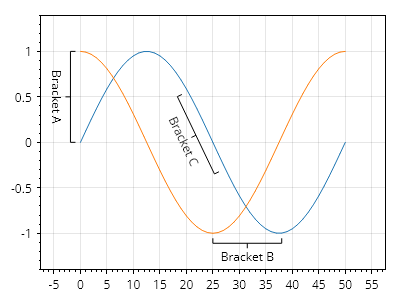
Bracket.cs
ScottPlot.Plot myPlot = new();

myPlot.Add.Signal(Generate.Sin());
myPlot.Add.Signal(Generate.Cos());

myPlot.Add.Bracket(0, 1, 0, 0, "Bracket A");
myPlot.Add.Bracket(25, -1, 38, -1, "Bracket B");
myPlot.Add.Bracket(20, .55, 27, -.3, "Bracket C");

myPlot.Axes.Margins(0.3, 0.4); // ラベル用の余分なスペース

myPlot.SavePng("demo.png", 400, 300);
このレシピは、Bracketカテゴリにある多数のレシピの1つです

コールアウト

Callouts display a label and are connected with an arrow that marks a point on the plot.

レシピ

Callout クイックスタート

Callout クイックスタート

Callout はラベルを表示し、プロット上の点を示す矢印で接続されます。
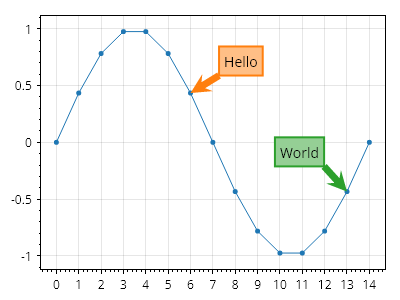
Callout.cs
ScottPlot.Plot myPlot = new();

double[] xs = Generate.Consecutive(15);
double[] ys = Generate.Sin(15);
myPlot.Add.Scatter(xs, ys);

myPlot.Add.Callout("こんにちは",
    textLocation: new(7.5, .8),
    tipLocation: new(xs[6], ys[6]));

myPlot.Add.Callout("世界",
    textLocation: new(10, 0),
    tipLocation: new(xs[13], ys[13]));

myPlot.SavePng("demo.png", 400, 300);
このレシピは、Callout カテゴリに含まれる多数のレシピの 1 つです

等高線図

A contour plot is a graphical representation that shows the three-dimensional surface of a function on a two-dimensional plane by connecting points of equal value with contour lines

レシピ

矩形等高線プロット

矩形等高線プロット

等間隔に配置された点を持つ矩形等高線プロットは、3D 点の 2D 配列から作成できます。
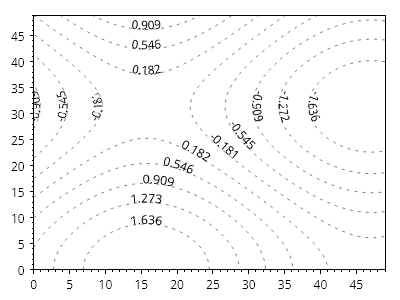
Contour.cs
ScottPlot.Plot myPlot = new();

Coordinates3d[,] cs = new Coordinates3d[50, 50];
for (int y = 0; y < cs.GetLength(0); y++)
{
    for (int x = 0; x < cs.GetLength(1); x++)
    {
        double z = Math.Sin(x *.1) + Math.Cos(y* .1);
        cs[y, x] = new(x, y, z);
    }
}

var contour = myPlot.Add.ContourLines(cs);
contour.LineColor = Colors.Black.WithAlpha(.5);
contour.LinePattern = LinePattern.Dotted;

myPlot.Axes.TightMargins();
myPlot.HideGrid();

myPlot.SavePng("demo.png", 400, 300);
このレシピは、等高線プロットカテゴリにある多数のレシピの 1 つです

不規則な等高線プロット

不規則な等高線プロット

等高線プロットは、X/Y 平面上に任意に配置された 3D データポイントのコレクションから作成できます。
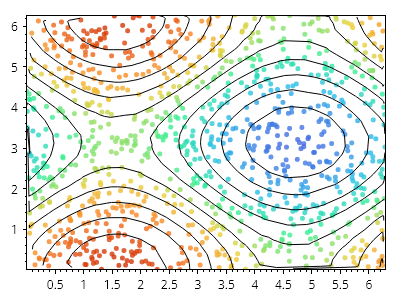
Contour.cs
ScottPlot.Plot myPlot = new();

// 不規則な間隔の X/Y/Z データポイントを生成する
Coordinates3d[] cs = new Coordinates3d[1000];
for (int i = 0; i < cs.Length; i++)
{
    double x = Generate.RandomNumber(0, Math.PI *2);
    double y = Generate.RandomNumber(0, Math.PI* 2);
    double z = Math.Sin(x) + Math.Cos(y);
    cs[i] = new(x, y, z);
}

// 各データポイントにマーカーを配置する
double minZ = cs.Select(x => x.Z).Min();
double maxZ = cs.Select(x => x.Z).Max();
double spanZ = maxZ - minZ;
IColormap cmap = new ScottPlot.Colormaps.MellowRainbow();
for (int i = 0; i < cs.Length; i++)
{
    double fraction = (cs[i].Z - minZ) / (spanZ);
    var marker = myPlot.Add.Marker(cs[i].X, cs[i].Y);
    marker.Color = cmap.GetColor(fraction).WithAlpha(.8);
    marker.Size = 5;
}

// 等高線を表示する
var contour = myPlot.Add.ContourLines(cs);

// プロットのスタイルを設定する
myPlot.Axes.TightMargins();
myPlot.HideGrid();

myPlot.SavePng("demo.png", 400, 300);
このレシピは、等高線プロットカテゴリにある多数のレシピの 1 つです

ヒートマップ付き等高線

ヒートマップ付き等高線

等高線はヒートマップの上に配置できます。
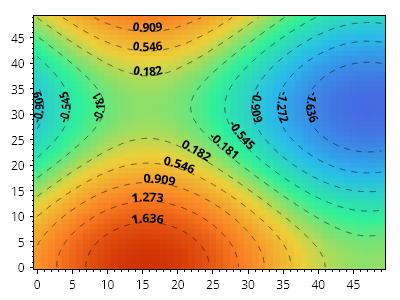
Contour.cs
ScottPlot.Plot myPlot = new();

Coordinates3d[,] cs = new Coordinates3d[50, 50];
for (int y = 0; y < cs.GetLength(0); y++)
{
    for (int x = 0; x < cs.GetLength(1); x++)
    {
        double z = Math.Sin(x *.1) + Math.Cos(y* .1);
        cs[y, x] = new(x, y, z);
    }
}

var heatmap = myPlot.Add.Heatmap(cs);
heatmap.FlipVertically = true;
heatmap.Colormap = new ScottPlot.Colormaps.MellowRainbow();

var contour = myPlot.Add.ContourLines(cs);
contour.LabelStyle.Bold = true;
contour.LinePattern = LinePattern.DenselyDashed;
contour.LineColor = Colors.Black.WithAlpha(.5);

myPlot.Axes.TightMargins();
myPlot.HideGrid();

myPlot.SavePng("demo.png", 400, 300);
このレシピは、等高線プロットカテゴリに含まれる多数のレシピのうちの1つです

カラーマップ付き等高線

カラーマップ付き等高線

カラーマップが提供されている場合、各線はその値に応じてカラーマップで色付けされます。
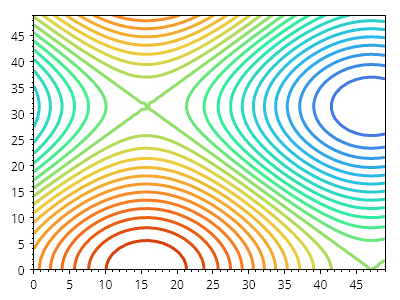
Contour.cs
ScottPlot.Plot myPlot = new();

Coordinates3d[,] cs = new Coordinates3d[50, 50];
for (int y = 0; y < cs.GetLength(0); y++)
{
    for (int x = 0; x < cs.GetLength(1); x++)
    {
        double z = Math.Sin(x *.1) + Math.Cos(y* .1);
        cs[y, x] = new(x, y, z);
    }
}

var cl = myPlot.Add.ContourLines(cs, count: 25);
cl.Colormap = new ScottPlot.Colormaps.MellowRainbow();
cl.LineWidth = 3;
cl.LabelStyle.IsVisible = false;

myPlot.Axes.TightMargins();
myPlot.HideGrid();

myPlot.SavePng("demo.png", 400, 300);
このレシピは、等高線プロットカテゴリにある多くのレシピの 1 つです

Coxcomb プロット

A Coxcomb chart is a pie graph where the angle of slices is constant but the radii are not.

レシピ

Coxcomb プロットのクイックスタート

Coxcomb プロットのクイックスタート

Coxcomb チャートは、スライスの角度は一定だが半径は一定ではない円グラフです。
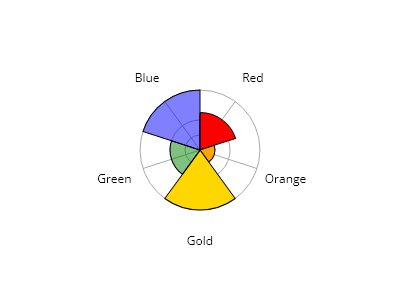
Coxcomb.cs
ScottPlot.Plot myPlot = new();

List<PieSlice> slices = new()
{
    new() { Value = 5, Label = "赤", FillColor = Colors.Red },
    new() { Value = 2, Label = "オレンジ", FillColor = Colors.Orange },
    new() { Value = 8, Label = "金", FillColor = Colors.Gold },
    new() { Value = 4, Label = "緑", FillColor = Colors.Green.WithOpacity(0.5) },
    new() { Value = 8, Label = "青",  FillColor = Colors.Blue.WithOpacity(0.5) },
};

var cox = myPlot.Add.Coxcomb(slices);
cox.SliceLabelDistance = 1.5;

myPlot.Axes.Frameless();
myPlot.ShowLegend();
myPlot.HideGrid();

myPlot.SavePng("demo.png", 400, 300);
このレシピは、Coxcomb プロットカテゴリーにある多数のレシピの 1 つです

Crosshair

A Crosshair combines a horizontal axis line and vertical axis line to mark a location in coordinate space.

レシピ

Crosshair クイックスタート

Crosshair クイックスタート

Crosshair は、水平軸線と垂直軸線を組み合わせて、座標空間内の位置を示します。
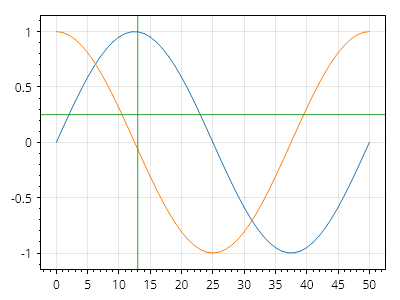
ScottPlot.Plot myPlot = new();

myPlot.Add.Signal(Generate.Sin());
myPlot.Add.Signal(Generate.Cos());

myPlot.Add.Crosshair(13, .25);

myPlot.SavePng("demo.png", 400, 300);
このレシピは、Crosshair カテゴリにある多数のレシピの 1 つです

十字線のカスタマイズ

十字線のカスタマイズ

十字線は広範囲にカスタマイズできます。
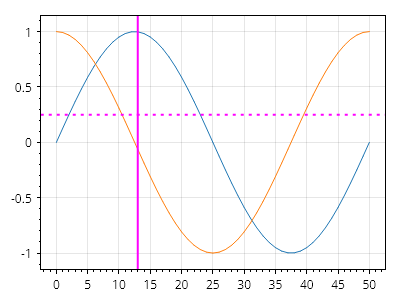
ScottPlot.Plot myPlot = new();

myPlot.Add.Signal(Generate.Sin());
myPlot.Add.Signal(Generate.Cos());

var cross = myPlot.Add.Crosshair(13, .25);

// プロパティは両方の線のスタイルを設定します
cross.LineWidth = 2;
cross.LineColor = Colors.Magenta;

// 各線のスタイルには個別にアクセスすることもできます
cross.HorizontalLine.LinePattern = LinePattern.Dotted;

myPlot.SavePng("demo.png", 400, 300);
このレシピは、十字線カテゴリにある多数のレシピのうちの1つです

楕円

Ellipses are curves with a defined center and distinct X and Y radii. A circle is an ellipse with an X radius equal to its Y radius.

レシピ

楕円のクイックスタート

楕円のクイックスタート

楕円をプロットに追加できます
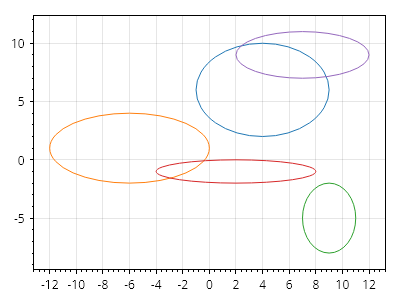
Ellipse.cs
ScottPlot.Plot myPlot = new();

Random rand = new(0);
for (int i = 0; i < 5; i++)
{
    myPlot.Add.Ellipse(
        xCenter: rand.Next(-10, 10),
        yCenter: rand.Next(-10, 10),
        radiusX: rand.Next(1, 7),
        radiusY: rand.Next(1, 7));
}

myPlot.SavePng("demo.png", 400, 300);
このレシピは、楕円カテゴリに含まれる多数のレシピのひとつです

円のクイックスタート

円のクイックスタート

円をプロットに追加できます。円は、X 半径と Y 半径が同じ楕円です。プロットが正方形の座標系でない限り、円は楕円として表示されることに注意してください。
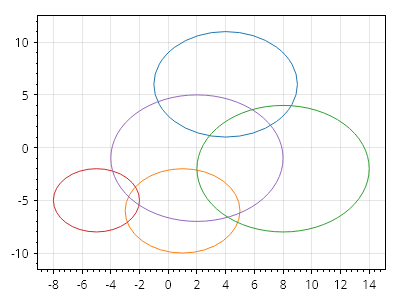
Ellipse.cs
ScottPlot.Plot myPlot = new();

Random rand = new(0);
for (int i = 0; i < 5; i++)
{
    myPlot.Add.Circle(
        xCenter: rand.Next(-10, 10),
        yCenter: rand.Next(-10, 10),
        radius: rand.Next(1, 7));
}

myPlot.SavePng("demo.png", 400, 300);
このレシピは、楕円カテゴリに含まれる多数のレシピの 1 つです

スケールをロックした円

スケールをロックした円

円が常に円形に表示されるようにするには、座標系で常に正方形のピクセルを表示するよう強制する必要があります。これは、軸スケールのロックを有効にすることで実現できます。
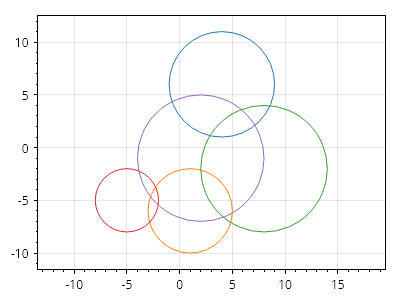
Ellipse.cs
ScottPlot.Plot myPlot = new();

Random rand = new(0);
for (int i = 0; i < 5; i++)
{
    myPlot.Add.Circle(
        xCenter: rand.Next(-10, 10),
        yCenter: rand.Next(-10, 10),
        radius: rand.Next(1, 7));
}

// ピクセルのスケール比を 1:1 に強制する
myPlot.Axes.SquareUnits();

myPlot.SavePng("demo.png", 400, 300);
このレシピは、Ellipse カテゴリにある多数のレシピの 1 つです

楕円のスタイル設定

楕円のスタイル設定

楕円のスタイルは幅広くカスタマイズできます
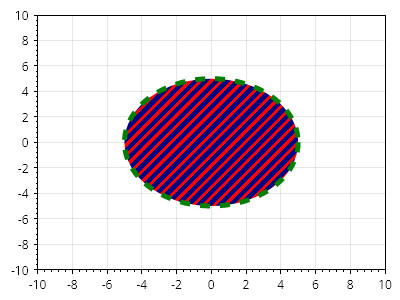
Ellipse.cs
ScottPlot.Plot myPlot = new();

var circle = myPlot.Add.Circle(center: Coordinates.Origin, radius: 5);
circle.LineStyle.Width = 5;
circle.LineStyle.Pattern = LinePattern.Dashed;
circle.LineStyle.Color = Colors.Green;
circle.FillStyle.Color = Colors.Navy;
circle.FillStyle.HatchColor = Colors.Red;
circle.FillStyle.Hatch = new ScottPlot.Hatches.Striped();

myPlot.Axes.SetLimits(-10, 10, -10, 10);

myPlot.SavePng("demo.png", 400, 300);
このレシピは、楕円カテゴリに含まれる多数のレシピの1つです

楕円の回転

楕円の回転

楕円は回転させることもできます

Ellipse.cs
ScottPlot.Plot myPlot = new();

Coordinates center = new(0, 0);
double radiusX = 1;
double radiusY = 5;

for (int i = 0; i < 5; i++)
{
    Angle angle = Angle.FromDegrees(i *20);
    var el = myPlot.Add.Ellipse(center, radiusX, radiusY, angle);
    el.LineWidth = 3;
    el.LineColor = Colors.Blue.WithAlpha(0.1 + 0.2* i);
}

// ピクセルが 1:1 のスケール比になるように強制する
ScottPlot.AxisRules.SquareZoomOut rule = new(myPlot.Axes.Bottom, myPlot.Axes.Left);
myPlot.Axes.Rules.Add(rule);

myPlot.SavePng("demo.png", 400, 300);
このレシピは、楕円カテゴリにある多数のレシピの 1 つです

誤差バー

Error Bars communicate the range of possible values for a measurement

レシピ

エラーバーのクイックスタート

エラーバーのクイックスタート

エラーバーは散布図と相性が良好です。
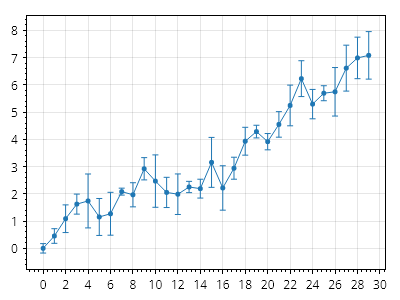
ScottPlot.Plot myPlot = new();

int points = 30;

double[] xs = Generate.Consecutive(points);
double[] ys = Generate.RandomWalk(points);
double[] err = Generate.RandomSample(points, 0.1, 1);

var scatter = myPlot.Add.Scatter(xs, ys);
var errorbars = myPlot.Add.ErrorBar(xs, ys, err);
errorbars.Color = scatter.Color;

myPlot.SavePng("demo.png", 400, 300);
このレシピは、エラーバーカテゴリにある多数のレシピの1つです

ErrorBar 値

ErrorBar 値

エラーサイズはすべての次元に対して設定できます。
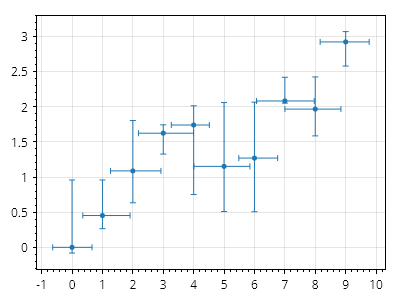
ScottPlot.Plot myPlot = new();

int points = 10;

double[] xs = Generate.Consecutive(points);
double[] ys = Generate.RandomWalk(points);
var scatter = myPlot.Add.Scatter(xs, ys);
scatter.LineStyle.Width = 0;

ScottPlot.Plottables.ErrorBar eb = new(
    xs: xs,
    ys: ys,
    xErrorsNegative: Generate.RandomSample(points, .5),
    xErrorsPositive: Generate.RandomSample(points, .5),
    yErrorsNegative: Generate.RandomSample(points),
    yErrorsPositive: Generate.RandomSample(points));

eb.Color = scatter.Color;

myPlot.Add.Plottable(eb);

myPlot.SavePng("demo.png", 400, 300);
このレシピは、エラーバー カテゴリにある多数のレシピの 1 つです

FillY プロット

FillY plots display the vertical range between two Y values at defined X positions

レシピ

配列データからの FillY

配列データからの FillY

FillY プロットは、X、Y1、Y2 配列から作成できます。
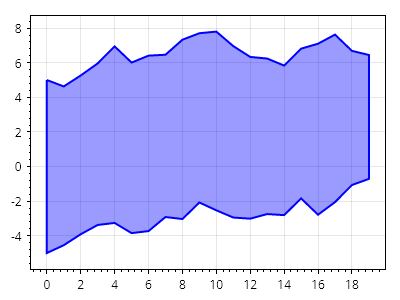
FillY.cs
ScottPlot.Plot myPlot = new();

RandomDataGenerator dataGen = new(0);

int count = 20;
double[] xs = Generate.Consecutive(count);
double[] ys1 = dataGen.RandomWalk(count, offset: -5);
double[] ys2 = dataGen.RandomWalk(count, offset: 5);

var fill = myPlot.Add.FillY(xs, ys1, ys2);
fill.FillColor = Colors.Blue.WithAlpha(100);
fill.LineColor = Colors.Blue;
fill.MarkerColor = Colors.Blue;
fill.LineWidth = 2;

myPlot.SavePng("demo.png", 400, 300);
このレシピは、FillY プロットカテゴリにある多くのレシピの 1 つです

散布図からの FillY

散布図からの FillY

FillY プロットは、同じ X 値を共有する 2 つの散布図から作成できます。
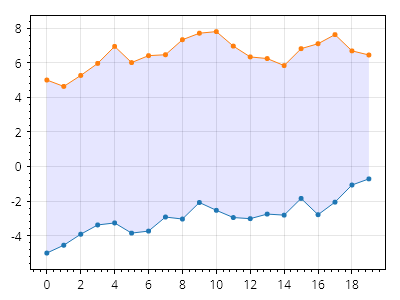
FillY.cs
ScottPlot.Plot myPlot = new();

RandomDataGenerator dataGen = new(0);

int count = 20;
double[] xs = Generate.Consecutive(count);
double[] ys1 = dataGen.RandomWalk(count, offset: -5);
double[] ys2 = dataGen.RandomWalk(count, offset: 5);

var scatter1 = myPlot.Add.Scatter(xs, ys1);
var scatter2 = myPlot.Add.Scatter(xs, ys2);

var fill = myPlot.Add.FillY(scatter1, scatter2);
fill.FillColor = Colors.Blue.WithAlpha(.1);
fill.LineWidth = 0;

// 塗りつぶしを散布図の背後に移動する
myPlot.MoveToBack(fill);

myPlot.SavePng("demo.png", 400, 300);
このレシピは、FillY プロットカテゴリに含まれる多くのレシピの 1 つです

カスタム型での FillY

カスタム型での FillY

変換関数を指定すれば、任意の型のデータから FillY プロットを作成できます。
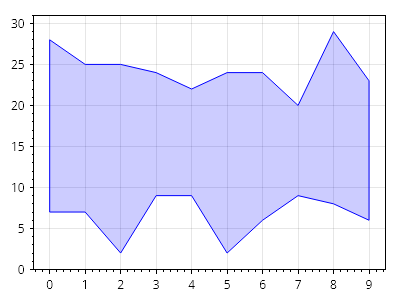
FillY.cs
ScottPlot.Plot myPlot = new();

// 非標準のデータ型でソースデータを作成する
List<(int, int, int)> data = new();
Random rand = new(0);
for (int i = 0; i < 10; i++)
{
    int x = i;
    int y1 = rand.Next(0, 10);
    int y2 = rand.Next(20, 30);
    data.Add((x, y1, y2));
}

// ソースデータ型用のカスタムコンバーターを作成する
static (double, double, double) MyConverter((int, int, int) s) => (s.Item1, s.Item2, s.Item3);

// カスタムコンバーターを使用してソースデータから塗りつぶしプロットを作成する
var fill = myPlot.Add.FillY(data, MyConverter);
fill.FillColor = Colors.Blue.WithAlpha(.2);
fill.LineColor = Colors.Blue;

myPlot.SavePng("demo.png", 400, 300);
このレシピは、FillY プロットカテゴリに含まれる多数のレシピの 1 つです

FillY プロットのスタイリング

FillY プロットのスタイリング

FillY プロットは、public プロパティを使用してカスタマイズできます。
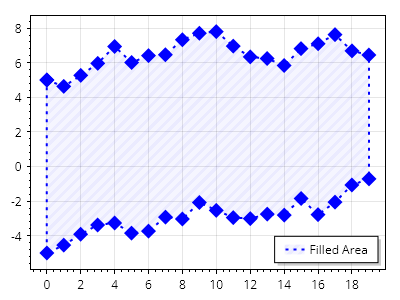
FillY.cs
ScottPlot.Plot myPlot = new();

int count = 20;
double[] xs = Generate.Consecutive(count);
double[] ys1 = Generate.RandomWalk(count, offset: -5);
double[] ys2 = Generate.RandomWalk(count, offset: 5);

var fill = myPlot.Add.FillY(xs, ys1, ys2);
fill.MarkerShape = MarkerShape.FilledDiamond;
fill.MarkerSize = 15;
fill.MarkerColor = Colors.Blue;
fill.LineColor = Colors.Blue;
fill.LinePattern = LinePattern.Dotted;
fill.LineWidth = 2;
fill.FillColor = Colors.Blue.WithAlpha(.2);
fill.FillHatch = new ScottPlot.Hatches.Striped(ScottPlot.Hatches.StripeDirection.DiagonalUp);
fill.FillHatchColor = Colors.Blue.WithAlpha(.4);
fill.LegendText = "塗りつぶし領域";

myPlot.ShowLegend();

myPlot.SavePng("demo.png", 400, 300);
このレシピは、FillY プロットカテゴリに含まれる多数のレシピの 1 つです

塗りつぶしエラー

塗りつぶしエラー

エラー範囲を網掛けした折れ線プロットは、ScatterLine の下に FillY を重ねることで実現できます。
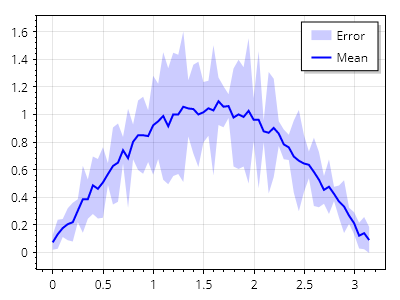
FillY.cs
ScottPlot.Plot myPlot = new();

// サンプルの Y 値を作成する
double[] xs = Generate.Range(0, Math.PI, 0.05);
double[] ys = xs.Select(x => Math.Sin(x) + Generate.RandomNumber(0.1)).ToArray();

// サンプルのエラーデータを作成する
double[] yErr = ys.Select(x => x * Generate.RandomNumber(0.5) + 0.05).ToArray();

// Y ± エラーを計算する
double[] yErrNeg = Enumerable.Range(0, ys.Length).Select(x => ys[x] - yErr[x]).ToArray();
double[] yErrPos = Enumerable.Range(0, ys.Length).Select(x => ys[x] + yErr[x]).ToArray();

// エラー範囲の間に網掛け領域を追加する
var errFill = myPlot.Add.FillY(xs, yErrNeg, yErrPos);
errFill.LineWidth = 0;
errFill.FillColor = Colors.Blue.WithAlpha(0.2);
errFill.LegendText = "エラー";

// Y 値を折れ線プロットとして追加する
var meanLine = myPlot.Add.ScatterLine(xs, ys);
meanLine.LineColor = Colors.Blue;
meanLine.LineWidth = 2;
meanLine.LegendText = "平均";

// 凡例の位置を設定する
myPlot.Legend.Alignment = Alignment.UpperRight;

myPlot.SavePng("demo.png", 400, 300);
このレシピは、FillY プロットカテゴリに含まれる多数のレシピの 1 つです

金融プロット

Finance plots display price data binned into time ranges

レシピ

ローソク足チャート

ローソク足チャート

ローソク足チャートは、シンボルを使用して価格データを表示します。長方形は始値と終値を示し、中央の線は指定された期間における最低価格と最高価格を示します。色は、始値から終値までの間に価格が上昇したか下落したかを示します。
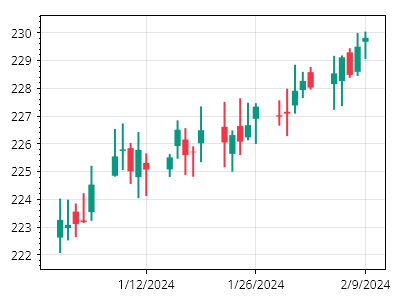
Finance.cs
ScottPlot.Plot myPlot = new();

var prices = Generate.RandomOHLCs(30);
myPlot.Add.Candlestick(prices);
myPlot.Axes.DateTimeTicksBottom();

myPlot.SavePng("demo.png", 400, 300);
このレシピは、金融プロットカテゴリに含まれる多数のレシピの1つです

OHLCチャート

OHLCチャート

OHLCチャートは、特定の時間範囲における価格データ(始値、高値、安値、終値)を記号で表示します。
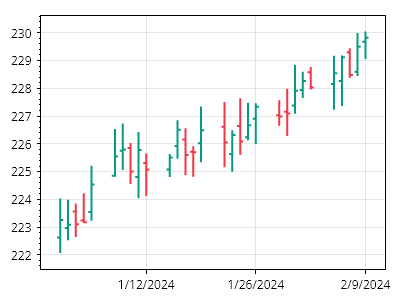
Finance.cs
ScottPlot.Plot myPlot = new();

var prices = Generate.RandomOHLCs(30);
myPlot.Add.OHLC(prices);
myPlot.Axes.DateTimeTicksBottom();

myPlot.SavePng("demo.png", 400, 300);
このレシピは、金融プロットカテゴリに含まれる多数のレシピの1つです

カスタム時間ビンを使用した金融チャート

カスタム時間ビンを使用した金融チャート

金融チャートでは、任意の時間スケールで価格範囲情報を表示できます。
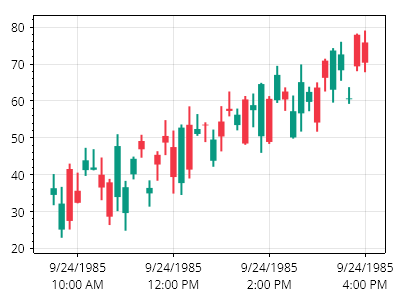
Finance.cs
ScottPlot.Plot myPlot = new();

DateTime timeOpen = new(1985, 09, 24, 9, 30, 0); // 午前9:30
DateTime timeClose = new(1985, 09, 24, 16, 0, 0); // 午後4:00
TimeSpan timeSpan = TimeSpan.FromMinutes(10); // 10分間のビン

List<OHLC> prices = new();
for (DateTime dt = timeOpen; dt <= timeClose; dt += timeSpan)
{
    double open = Generate.RandomNumber(20, 40) + prices.Count;
    double close = Generate.RandomNumber(20, 40) + prices.Count;
    double high = Math.Max(open, close) + Generate.RandomNumber(5);
    double low = Math.Min(open, close) - Generate.RandomNumber(5);
    prices.Add(new OHLC(open, high, low, close, dt, timeSpan));
}

myPlot.Add.Candlestick(prices);
myPlot.Axes.DateTimeTicksBottom();

myPlot.SavePng("demo.png", 400, 300);
このレシピは、金融プロットカテゴリに含まれる多数のレシピの1つです

右側に価格

右側に価格

右軸に価格情報を表示するファイナンスチャートを作成できます。
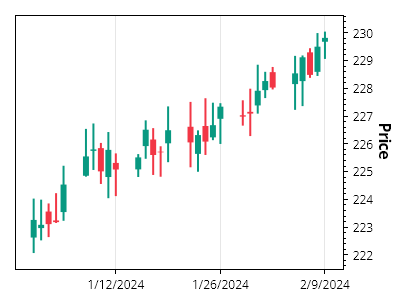
Finance.cs
ScottPlot.Plot myPlot = new();

// ローソク足をプロットに追加する
var prices = Generate.RandomOHLCs(30);
var candles = myPlot.Add.Candlestick(prices);

// プロットの右軸を使用するようにローソク足を設定する
candles.Axes.YAxis = myPlot.Axes.Right;
candles.Axes.YAxis.Label.Text = "価格";

// 日付を表示するように下軸をスタイル設定する
myPlot.Axes.DateTimeTicksBottom();

myPlot.SavePng("demo.png", 400, 300);
このレシピは、Financial Plotカテゴリに含まれる多数のレシピの1つです

単純移動平均

単純移動平均

単純移動平均(SMA)曲線を作成し、それを金融データの横に表示するためのツールがあります。
Finance.cs
ScottPlot.Plot myPlot = new();

// 時系列の価格データを生成してプロットする
var prices = Generate.RandomOHLCs(75);
myPlot.Add.Candlestick(prices);
myPlot.Axes.DateTimeTicksBottom();

// SMAを計算し、散布図として表示する
int[] windowSizes = { 3, 8, 20 };
foreach (int windowSize in windowSizes)
{
    ScottPlot.Finance.SimpleMovingAverage sma = new(prices, windowSize);
    var sp = myPlot.Add.Scatter(sma.Dates, sma.Means);
    sp.LegendText = $"SMA {windowSize}";
    sp.MarkerSize = 0;
    sp.LineWidth = 3;
    sp.Color = Colors.Navy.WithAlpha(1 - windowSize / 30.0);
}

myPlot.ShowLegend();

myPlot.SavePng("demo.png", 400, 300);
このレシピは、金融プロットカテゴリに含まれる多数のレシピの1つです

ボリンジャーバンド

ボリンジャーバンド

時系列の金融データに対して、重み付き移動平均と分散を表示するボリンジャーバンドを作成するためのツールがあります。
Finance.cs
ScottPlot.Plot myPlot = new();

// 時系列の価格データを生成してプロットする
var prices = Generate.RandomOHLCs(100);
myPlot.Add.Candlestick(prices);
myPlot.Axes.DateTimeTicksBottom();

// ボリンジャーバンドを計算する
ScottPlot.Finance.BollingerBands bb = new(prices, 20);

// 中央線(平均)を実線として表示する
var sp1 = myPlot.Add.Scatter(bb.Dates, bb.Means);
sp1.MarkerSize = 0;
sp1.Color = Colors.Navy;

// 上側のバンド(正の分散)を破線として表示する
var sp2 = myPlot.Add.Scatter(bb.Dates, bb.UpperValues);
sp2.MarkerSize = 0;
sp2.Color = Colors.Navy;
sp2.LinePattern = LinePattern.Dotted;

// 下側のバンド(正の分散)を破線として表示する
var sp3 = myPlot.Add.Scatter(bb.Dates, bb.LowerValues);
sp3.MarkerSize = 0;
sp3.Color = Colors.Navy;
sp3.LinePattern = LinePattern.Dotted;

myPlot.SavePng("demo.png", 400, 300);
このレシピは、金融プロットカテゴリに含まれる多くのレシピの1つです

ギャップのないローソク足チャート

ギャップのないローソク足チャート

OHLC オブジェクトに格納された DateTime を使用してローソク足の水平位置を決定すると、週末や祝日などデータのない期間がプロット上にギャップとして表示されます。シーケンシャルモードを有効にすると、プロットは OHLC の DateTime を無視し、0 から始まる整数位置にローソク足を表示します。必要に応じて、ユーザーは目盛りジェネレーターをカスタマイズして、水平軸に数値ではなく日付を表示できます。
Finance.cs
ScottPlot.Plot myPlot = new();

// ローソク足プロットを作成する
var prices = Generate.RandomOHLCs(31);
var candlePlot = myPlot.Add.Candlestick(prices);

// ローソク足を X = 0, 1, 2, ... に配置するためにシーケンシャルモードを有効にする
candlePlot.Sequential = true;

// 目盛りを表示するローソク足をいくつか決定する
int tickCount = 5;
int tickDelta = prices.Count / tickCount;
DateTime[] tickDates = prices
    .Where((x, i) => i % tickDelta == 0)
    .Select(x => x.DateTime)
    .ToArray();

// デフォルトでは、水平目盛りラベルは数値(1, 2, 3...)になります
// 手動の目盛りジェネレーターを使用して、水平軸に日付を表示できます
double[] tickPositions = Generate.Consecutive(tickDates.Length, tickDelta);
string[] tickLabels = tickDates.Select(x => x.ToString("MM/dd")).ToArray();
ScottPlot.TickGenerators.NumericManual tickGen = new(tickPositions, tickLabels);
myPlot.Axes.Bottom.TickGenerator = tickGen;

myPlot.SavePng("demo.png", 400, 300);
このレシピは、金融プロットカテゴリにある多数のレシピの 1 つです

ギャップのないOHLCチャート

ギャップのないOHLCチャート

OHLCオブジェクトに格納されたDateTimeを水平位置の決定に使用すると、週末や祝日などデータのない期間がプロット内のギャップとして表示されます。シーケンシャルモードを有効にすると、プロットはOHLCのDateTimeを無視し、0から始まる整数位置にOHLCを配置します。必要に応じて、ユーザーは目盛りジェネレーターをカスタマイズして、水平軸に数値の代わりに日付を表示できます。
Finance.cs
ScottPlot.Plot myPlot = new();

// OHLCプロットを作成する
var prices = Generate.RandomOHLCs(31);
var ohlcPlot = myPlot.Add.OHLC(prices);

// OHLCをX = 0, 1, 2, ...に配置するためにシーケンシャルモードを有効にする
ohlcPlot.Sequential = true;

// 目盛りを表示するいくつかのOHLCを決定する
int tickCount = 5;
int tickDelta = prices.Count / tickCount;
DateTime[] tickDates = prices
    .Where((x, i) => i % tickDelta == 0)
    .Select(x => x.DateTime)
    .ToArray();

// デフォルトでは、水平目盛りラベルは数値(1, 2, 3...)になります
// 手動の目盛りジェネレーターを使用して、水平軸に日付を表示できます
double[] tickPositions = Generate.Consecutive(tickDates.Length, tickDelta);
string[] tickLabels = tickDates.Select(x => x.ToString("MM/dd")).ToArray();
ScottPlot.TickGenerators.NumericManual tickGen = new(tickPositions, tickLabels);
myPlot.Axes.Bottom.TickGenerator = tickGen;

myPlot.SavePng("demo.png", 400, 300);
このレシピは、金融プロットカテゴリに含まれる多数のレシピの1つです

株式シンボルの背景

株式シンボルの背景

背景テキスト機能を使用すると、株式シンボル情報をプロットの下に表示できます。
Finance.cs
ScottPlot.Plot myPlot = new();

myPlot.Add.Candlestick(Generate.RandomOHLCs(30));
myPlot.Axes.DateTimeTicksBottom();

var line1 = myPlot.Add.BackgroundText("DANK");
line1.LabelFontColor = Colors.Gray.WithAlpha(.4);
line1.LabelFontSize = 96;
line1.LabelBold = true;

myPlot.SavePng("demo.png", 400, 300);
このレシピは、財務プロットカテゴリに含まれる多数のレシピの 1 つです

株式シンボルの複数行表示

株式シンボルの複数行表示

複数行の背景テキスト機能を使用して、プロットの下に株式シンボル情報を表示できます。
Finance.cs
ScottPlot.Plot myPlot = new();

myPlot.Add.Candlestick(Generate.RandomOHLCs(30));
myPlot.Axes.DateTimeTicksBottom();

(var line1, var line2) = myPlot.Add.BackgroundText("DANK", "Highest Recommendation by Reddit");

line1.LabelFontColor = Colors.Gray.WithAlpha(.4);
line1.LabelFontSize = 64;
line1.LabelBold = true;

line2.LabelFontColor = Colors.Gray.WithAlpha(.4);
line2.LabelFontSize = 18;
line2.LabelBold = false;

myPlot.SavePng("demo.png", 400, 300);
このレシピは、金融プロットカテゴリに含まれる多数のレシピの 1 つです

財務チャートのダークモード

財務チャートのダークモード

ローソク足と図の色オプションをカスタマイズすることで、ダークモードの財務プロットを実現できます。
Finance.cs
ScottPlot.Plot myPlot = new();

// サンプルの財務データを追加する
OHLC[] prices = Generate.Financial.OHLCsByMinute(60);
var candlePlot = myPlot.Add.Candlestick(prices);
candlePlot.Axes.YAxis = myPlot.Axes.Right;

// 下部に DateTime 目盛りを設定する
myPlot.Axes.DateTimeTicksBottom();

// 右側に通貨の目盛り書式を使用する
myPlot.Axes.Right.TickGenerator = new ScottPlot.TickGenerators.NumericAutomatic()
{
    LabelFormatter = (double value) => value.ToString("C")
};

// ローソク足のスタイルをカスタマイズする
candlePlot.RisingColor = ScottPlot.Color.FromHtml("#FF0000");
candlePlot.FallingColor = ScottPlot.Color.FromHtml("#00FF00");

// SMA インジケーターを追加する
int[] windowSizes = { 3, 8, 20 };
foreach (int windowSize in windowSizes)
{
    ScottPlot.Finance.SimpleMovingAverage sma = new(prices, windowSize);
    var sp = myPlot.Add.Scatter(sma.Dates, sma.Means);
    sp.Axes.YAxis = myPlot.Axes.Right;
    sp.MarkerSize = 0;
    sp.LineWidth = 1.5f;
    sp.LinePattern = LinePattern.DenselyDashed;
    sp.Color = Colors.Yellow.WithAlpha(1 - windowSize / 30.0);
}

// 銘柄情報を追加し、プロットの背面へ移動する
(var line1, var line2) = myPlot.Add.BackgroundText("DANK", "Reddit による推奨");

line1.LabelFontColor = Colors.Gray.WithAlpha(.4);
line1.LabelFontSize = 72;
line1.LabelBold = true;
line1.Axes.YAxis = myPlot.Axes.Right;

line2.LabelFontColor = Colors.Gray.WithAlpha(.4);
line2.LabelFontSize = 24;
line2.LabelBold = false;
line2.Axes.YAxis = myPlot.Axes.Right;

// その他のプロットコンポーネントの色をカスタマイズする
myPlot.FigureBackground.Color = Colors.Black;
myPlot.DataBackground.Color = Colors.Black;
myPlot.Axes.Color(ScottPlot.Color.FromHtml("#999999"));
myPlot.Axes.Right.MajorTickStyle.Color = Colors.Transparent;
myPlot.Axes.Right.MinorTickStyle.Color = Colors.Transparent;
myPlot.Axes.Bottom.MajorTickStyle.Color = Colors.Transparent;
myPlot.Axes.FrameWidth(0);
myPlot.Grid.MajorLineColor = ScottPlot.Color.FromHtml("#222222");
myPlot.Grid.YAxis = myPlot.Axes.Right;

myPlot.SavePng("demo.png", 400, 300);
このレシピは、財務プロットカテゴリにある多数のレシピの 1 つです

金融 DateTime 軸

金融 DateTime 軸

金融チャート用に特別な軸システムが作成されています。標準の DateTime 軸は水平スケールが線形に配置された時刻であると仮定するのに対し、金融 DateTime システムでは日付をスキップできます。これは、時間外取引や非取引日など、日付範囲がスキップされる金融チャートに最適です。
Finance.cs
ScottPlot.Plot myPlot = new();

// 日付と価格範囲のコレクションを使用してサンプルデータを生成する
DateTime[] dates = Generate.ConsecutiveHours(100);
List<OHLC> candles = Generate.RandomOHLCs(30);
var candlestickPlot = myPlot.Add.Candlestick(candles);

// ローソク足が 1 単位間隔(0、1、2 など)で配置されるようにシーケンシャルモードを有効にする
candlestickPlot.Sequential = true;

// デフォルトの目盛りジェネレーター(およびグリッド)を無効にし、新しいもののためのスペースを確保する
myPlot.Axes.Bottom.TickGenerator = new ScottPlot.TickGenerators.EmptyTickGenerator();
myPlot.Axes.Bottom.MinimumSize = 30;

// 金融 DateTime 目盛りジェネレーターを追加する
ScottPlot.Plottables.FinancialTimeAxis financeAxis = new(dates);
myPlot.Add.Plottable(financeAxis);

myPlot.SavePng("demo.png", 400, 300);
このレシピは、金融プロットカテゴリにある多数のレシピの 1 つです

Function

Function plots are a type of line plot where Y positions are defined by a function that depends on X rather than a collection of discrete data points.

レシピ

関数クイックスタート

関数クイックスタート

数式から関数プロットを作成します。
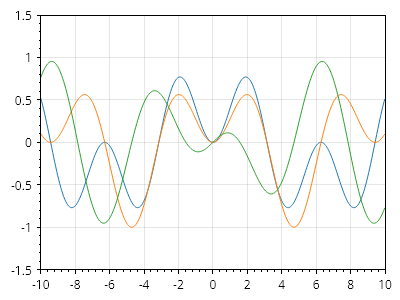
ScottPlot.Plot myPlot = new();

// 関数は、入力と出力を持つデリゲートとして定義されます
static double func1(double x) => (Math.Sin(x) *Math.Sin(x / 2));
static double func2(double x) => (Math.Sin(x)* Math.Sin(x / 3));
static double func3(double x) => (Math.Cos(x) * Math.Sin(x / 5));

// 関数をプロットに追加します
myPlot.Add.Function(func1);
myPlot.Add.Function(func2);
myPlot.Add.Function(func3);

// 関数には離散データ点がないため、軸の範囲を手動で設定します
myPlot.Axes.SetLimits(-10, 10, -1.5, 1.5);

myPlot.SavePng("demo.png", 400, 300);
このレシピは、関数カテゴリにある多数のレシピの 1 つです

関数の X 範囲制限

関数の X 範囲制限

関数は X 値の範囲に制限できます。
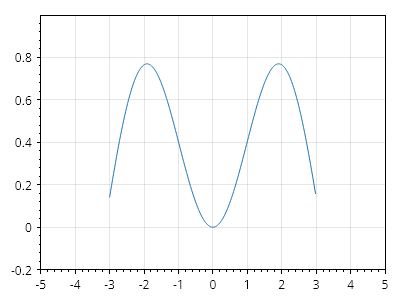
ScottPlot.Plot myPlot = new();

static double func1(double x) => (Math.Sin(x) * Math.Sin(x / 2));

var f = myPlot.Add.Function(func1);
f.MinX = -3;
f.MaxX = 3;

myPlot.Axes.SetLimits(-5, 5, -.2, 1.0);

myPlot.SavePng("demo.png", 400, 300);
このレシピは、関数カテゴリに含まれる多数のレシピの 1 つです

動的に生成される関数

動的に生成される関数

関数を静的メソッドとして表現できない場合(たとえば、カスタムパラメーターが必要な関数)、Func<double, double> 型の変数として表現し、それに応じてプロットできます。
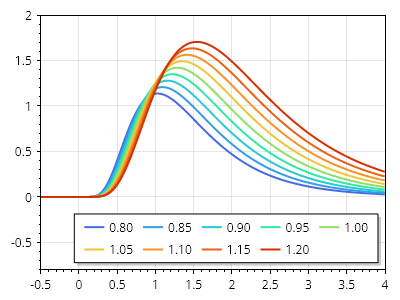
ScottPlot.Plot myPlot = new();

static double LogNormalDist(double x, double a, double b)
{
    double expNum = Math.Log(x / a);
    double exp = Math.Exp(-(expNum *expNum) / (2* b *b));
    double y = Math.Sqrt(2* Math.PI) *b* x * exp;
    return double.IsNaN(y) ? 0 : y;
}

double[] testValues = Generate.Range(0.8, 1.2, 0.05);
Color[] colors = new ScottPlot.Colormaps.MellowRainbow().GetColors(testValues.Length);
for (int i = 0; i &lt; testValues.Length; i++)
{
    double testValue = testValues[i];
    var myFunc = new Func&lt;double, double&gt;((x) =&gt; LogNormalDist(x, testValue, 0.5));
    var funcPlot = myPlot.Add.Function(myFunc);
    funcPlot.LegendText = $"{testValue:0.00}";
    funcPlot.LineWidth = 2;
    funcPlot.LineColor = colors[i];
}

myPlot.ShowLegend();
myPlot.Legend.Orientation = Orientation.Horizontal;

myPlot.Axes.SetLimitsX(-0.5, 4);
myPlot.Axes.SetLimitsY(-0.8, 2);

myPlot.SavePng("demo.png", 400, 300);
このレシピは、Function カテゴリにある多数のレシピの 1 つです

ヒートマップ

Heatmaps display values from 2D data as an image with cells of different intensities

レシピ

ヒートマップのクイックスタート

ヒートマップのクイックスタート

ヒートマップは2D配列から作成できます
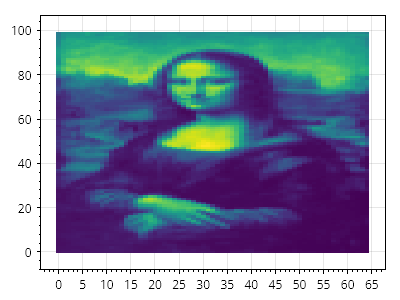
Heatmap.cs
ScottPlot.Plot myPlot = new();

double[,] data = SampleData.MonaLisa();
myPlot.Add.Heatmap(data);

myPlot.SavePng("demo.png", 400, 300);
このレシピは、ヒートマップカテゴリに含まれる多くのレシピの1つです

反転ヒートマップ

反転ヒートマップ

ヒートマップは、カラーマップ内の色の順序を逆にすることで反転できます
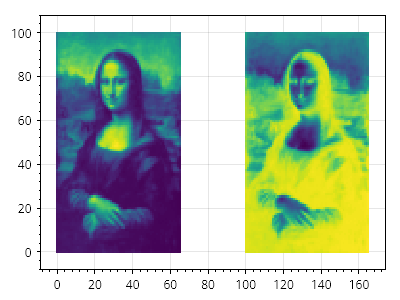
Heatmap.cs
ScottPlot.Plot myPlot = new();

double[,] data = SampleData.MonaLisa();

var hm1 = myPlot.Add.Heatmap(data);
hm1.Colormap = new ScottPlot.Colormaps.Viridis();
hm1.Position = new(0, 65, 0, 100);

var hm2 = myPlot.Add.Heatmap(data);
hm2.Colormap = new ScottPlot.Colormaps.Viridis().Reversed();
hm2.Position = new(100, 165, 0, 100);

myPlot.SavePng("demo.png", 400, 300);
このレシピは、ヒートマップカテゴリに含まれる多数のレシピの1つです

カスタムカラーマップを使用したヒートマップ

カスタムカラーマップを使用したヒートマップ

ヒートマップのカラーマップは、セルの値からセルの色へ変換するために使用されるロジックであり、ユーザーが設定できます。ScottPlot には多くの一般的なカラーマップが用意されていますが、ユーザーは IColormap を実装して独自のカラーマップを適用できます。どの色がどの値に対応するかを示すために、カラーバーを追加できます。
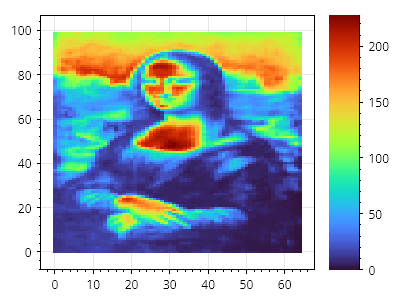
Heatmap.cs
ScottPlot.Plot myPlot = new();

double[,] data = SampleData.MonaLisa();

var hm1 = myPlot.Add.Heatmap(data);
hm1.Colormap = new ScottPlot.Colormaps.Turbo();

myPlot.Add.ColorBar(hm1);

myPlot.SavePng("demo.png", 400, 300);
このレシピは、ヒートマップカテゴリにある多数のレシピのうちの1つです

透明なカラーマップを使用したヒートマップ

透明なカラーマップを使用したヒートマップ

カスタムカラーマップには透明度を含めることができます。
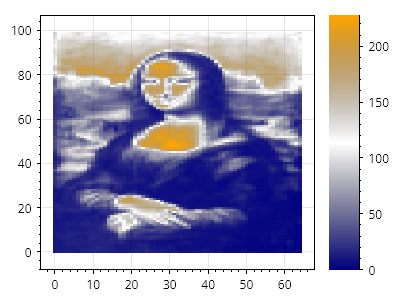
Heatmap.cs
ScottPlot.Plot myPlot = new();

double[,] data = SampleData.MonaLisa();
var hm1 = myPlot.Add.Heatmap(data);

Color[] colors = [Colors.Navy, Colors.Transparent, Colors.Orange];
hm1.Colormap = new ScottPlot.Colormaps.CustomInterpolated(colors);

myPlot.Add.ColorBar(hm1);

myPlot.SavePng("demo.png", 400, 300);
このレシピは、ヒートマップカテゴリにある多数のレシピの1つです

複数のカラーバー

複数のカラーバー

複数のカラーバーをプロットに追加できます。
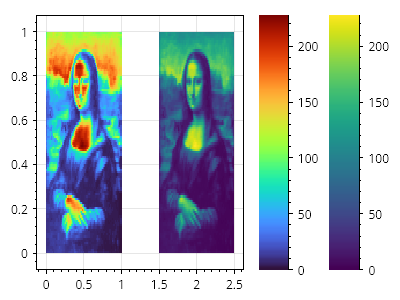
Heatmap.cs
ScottPlot.Plot myPlot = new();

double[,] data = SampleData.MonaLisa();

var hm1 = myPlot.Add.Heatmap(data);
hm1.Rectangle = new(0, 1, 0, 1);
hm1.Colormap = new ScottPlot.Colormaps.Turbo();
myPlot.Add.ColorBar(hm1);

var hm2 = myPlot.Add.Heatmap(data);
hm2.Rectangle = new(1.5, 2.5, 0, 1);
hm2.Colormap = new ScottPlot.Colormaps.Viridis();
myPlot.Add.ColorBar(hm2);

myPlot.SavePng("demo.png", 400, 300);
このレシピは、ヒートマップカテゴリにある多数のレシピの 1 つです

カラーバーのタイトル

カラーバーのタイトル

カラーバーはプロットの端にカラーマップを表示するもので、タイトルを表示するようにカスタマイズできる任意のラベルを持ちます。
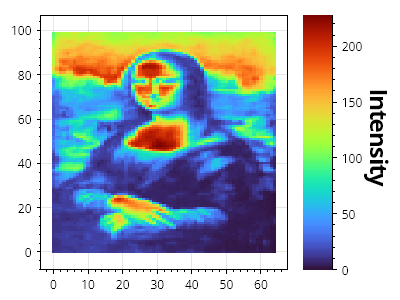
Heatmap.cs
ScottPlot.Plot myPlot = new();

double[,] data = SampleData.MonaLisa();

var hm = myPlot.Add.Heatmap(data);
hm.Colormap = new ScottPlot.Colormaps.Turbo();

var cb = myPlot.Add.ColorBar(hm);
cb.Label = "Intensity";
cb.LabelStyle.FontSize = 24;

myPlot.SavePng("demo.png", 400, 300);
このレシピは、ヒートマップカテゴリに含まれる多数のレシピの 1 つです

カラーバーの目盛りフォーマッター

カラーバーの目盛りフォーマッター

カラーバーには、ユーザーが目盛りラベルの文字列形式を制御できる、オプションのカスタム目盛りフォーマッターがあります。
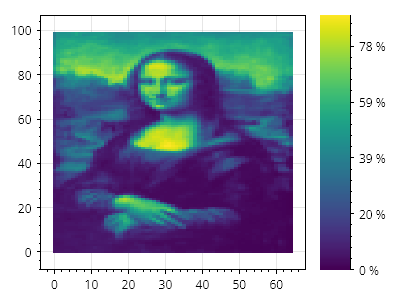
Heatmap.cs
ScottPlot.Plot myPlot = new();

double[,] data = SampleData.MonaLisa();

var hm = myPlot.Add.Heatmap(data);
var cb = myPlot.Add.ColorBar(hm);
cb.MinimumSize = 80; // カラーバーと目盛りラベルのためのスペースを確保する

// 文字列フォーマットのロジックを含む静的関数を作成する
static string CustomFormatter(double position)
{
    return $"{Math.Round(position / 2.55)} %";
}

// カスタムラベルフォーマッターを使用してカスタム目盛りジェネレーターを作成する
ScottPlot.TickGenerators.NumericAutomatic myTickGenerator = new()
{
    LabelFormatter = CustomFormatter
};

// カラーバーにカスタム目盛りジェネレーターを使用するよう指示する
cb.Axis.TickGenerator = myTickGenerator;

myPlot.SavePng("demo.png", 400, 300);
このレシピは、ヒートマップカテゴリにある多数のレシピの 1 つです

反転ヒートマップ

反転ヒートマップ

ヒートマップは水平方向および/または垂直方向に反転できます
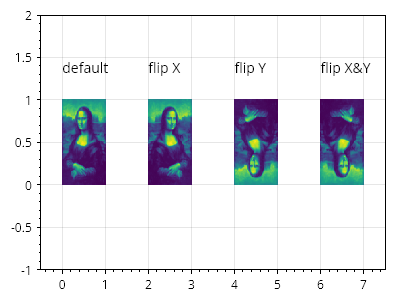
Heatmap.cs
ScottPlot.Plot myPlot = new();

double[,] data = SampleData.MonaLisa();

myPlot.Add.Text("デフォルト", 0, 1.5);
var hm1 = myPlot.Add.Heatmap(data);
hm1.Position = new CoordinateRect(0, 1, 0, 1);

myPlot.Add.Text("X 反転", 2, 1.5);
var hm2 = myPlot.Add.Heatmap(data);
hm2.Position = new CoordinateRect(2, 3, 0, 1);
hm2.FlipHorizontally = true;

myPlot.Add.Text("Y 反転", 4, 1.5);
var hm3 = myPlot.Add.Heatmap(data);
hm3.Position = new CoordinateRect(4, 5, 0, 1);
hm3.FlipVertically = true;

myPlot.Add.Text("X&amp;Y 反転", 6, 1.5);
var hm4 = myPlot.Add.Heatmap(data);
hm4.Position = new CoordinateRect(6, 7, 0, 1);
hm4.FlipHorizontally = true;
hm4.FlipVertically = true;

myPlot.Axes.SetLimits(-.5, 7.5, -1, 2);

myPlot.SavePng("demo.png", 400, 300);
このレシピは、ヒートマップカテゴリに含まれる多数のレシピの 1 つです

滑らかなヒートマップ

滑らかなヒートマップ

アンチエイリアスされたレンダリングを行うには、Smooth プロパティを有効にします
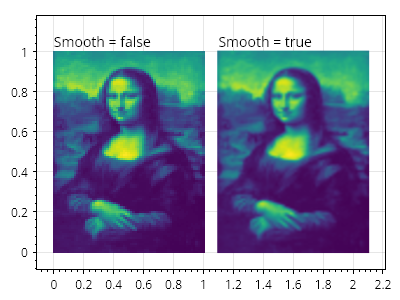
Heatmap.cs
ScottPlot.Plot myPlot = new();

double[,] data = SampleData.MonaLisa();

myPlot.Add.Text("Smooth = false", 0, 1.1);
var hm1 = myPlot.Add.Heatmap(data);
hm1.Position = new CoordinateRect(0, 1, 0, 1);

myPlot.Add.Text("Smooth = true", 1.1, 1.1);
var hm2 = myPlot.Add.Heatmap(data);
hm2.Position = new CoordinateRect(1.1, 2.1, 0, 1);
hm2.Smooth = true;

myPlot.SavePng("demo.png", 400, 300);
このレシピは、ヒートマップカテゴリに含まれる多数のレシピの 1 つです

透明なセル

透明なセル

ヒートマップのセルに double.NaN を代入すると、そのセルを透明にできます。
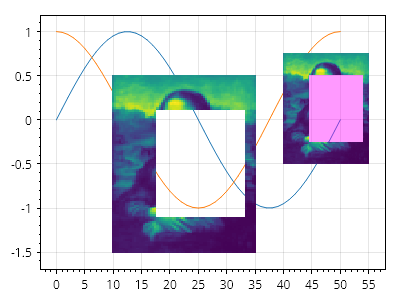
Heatmap.cs
ScottPlot.Plot myPlot = new();

// 2Dデータから始め、いくつかのセルをNaNに設定する
double[,] data = SampleData.MonaLisa();
for (int y = 20; y &lt; 80; y++)
{
    for (int x = 20; x &lt; 60; x++)
    {
        data[y, x] = double.NaN;
    }
}

// 折れ線グラフを作成する
myPlot.Add.Signal(Generate.Sin());
myPlot.Add.Signal(Generate.Cos());

// 折れ線グラフの上にヒートマップをプロットする
var hm1 = myPlot.Add.Heatmap(data);
hm1.Position = new(10, 35, -1.5, .5);

// NaNの透明色はカスタマイズできる
var hm2 = myPlot.Add.Heatmap(data);
hm2.Position = new(40, 55, -.5, .75);
hm2.NaNCellColor = Colors.Magenta.WithAlpha(.4);

myPlot.SavePng("demo.png", 400, 300);
このレシピは、ヒートマップカテゴリーに含まれる多数のレシピの1つです

グローバル透明度

グローバル透明度

ヒートマップ全体の透明度を調整できます。
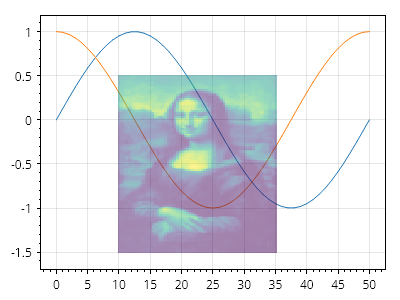
Heatmap.cs
ScottPlot.Plot myPlot = new();

double[,] data = SampleData.MonaLisa();

// 折れ線グラフを作成する
myPlot.Add.Signal(Generate.Sin());
myPlot.Add.Signal(Generate.Cos());

// 折れ線グラフの上にヒートマップをプロットする
var hm = myPlot.Add.Heatmap(data);
hm.Position = new(10, 35, -1.5, .5);
hm.Opacity = 0.5;

myPlot.SavePng("demo.png", 400, 300);
このレシピは、ヒートマップカテゴリにある多数のレシピの1つです

アルファマップ

アルファマップ

アルファマップ(バイト値の2次元配列)を使用すると、ヒートマップの各セルにカスタムの透明度を適用できます。
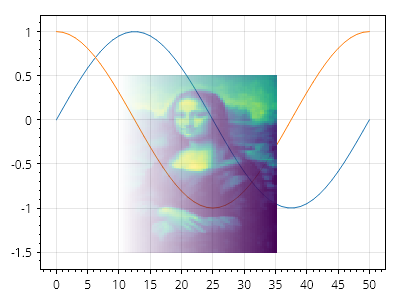
Heatmap.cs
ScottPlot.Plot myPlot = new();

// データ値はヒートマップのカラーマップに基づいて色に変換されます
double[,] data = SampleData.MonaLisa();

// アルファマップは各セルの透明度を制御します
byte[,] alphaMap = new byte[data.GetLength(0), data.GetLength(1)];

// アルファマップに 0(透明)から 255(不透明)までの値を設定します
for (int y = 0; y &lt; alphaMap.GetLength(0); y++)
{
    for (int x = 0; x &lt; alphaMap.GetLength(1); x++)
    {
        double fractionAcross = (double)x / alphaMap.GetLength(1);
        alphaMap[y, x] = (byte)(fractionAcross * 255);
    }
}

// 折れ線グラフを作成します
myPlot.Add.Signal(Generate.Sin());
myPlot.Add.Signal(Generate.Cos());

// 折れ線グラフの上にヒートマップをプロットします
var hm = myPlot.Add.Heatmap(data);
hm.Position = new(10, 35, -1.5, .5);
hm.AlphaMap = alphaMap;

myPlot.SavePng("demo.png", 400, 300);
このレシピは、ヒートマップカテゴリに含まれる多数のレシピの1つです

フレームレスヒートマップ

フレームレスヒートマップ

フレームレスヒートマップは、軸ラベルと目盛りを無効化し、余白を 0 に設定してデータ領域がデータにぴったり合うようにすることで実現できます。

Heatmap.cs
ScottPlot.Plot myPlot = new();

double[,] data = {
    { 1, 2, 3 },
    { 4, 5, 6 },
    { 7, 8, 9 },
};

// プロットにヒートマップを追加する
myPlot.Add.Heatmap(data);

// 図のすべての端の軸を非表示にする
myPlot.Layout.Frameless();

// ヒートマップデータの周囲のパディングを無効化する
myPlot.Axes.Margins(0, 0);

myPlot.SavePng("demo.png", 400, 300);
このレシピは、ヒートマップカテゴリに含まれる多数のレシピの 1 つです

HeatmapCellAlignment

HeatmapCellAlignment

ヒートマップのセルは、デフォルトで中央に配置されます。これは、左下のセルが (0, 0) を中心とし、その左下隅が原点の左下に位置することを意味します。セル配置を左下に設定すると、ヒートマップの左下が正確に (0, 0) になります。
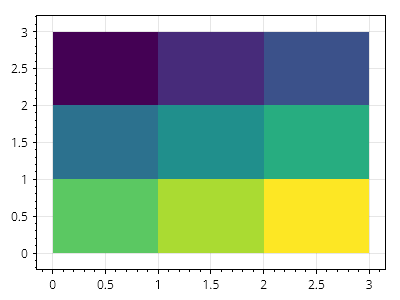
Heatmap.cs
ScottPlot.Plot myPlot = new();

double[,] data = {
    { 1, 2, 3 },
    { 4, 5, 6 },
    { 7, 8, 9 },
};

var hm = myPlot.Add.Heatmap(data);
hm.CellAlignment = Alignment.LowerLeft;

myPlot.SavePng("demo.png", 400, 300);
このレシピは、ヒートマップカテゴリに含まれる多数のレシピの 1 つです

ヒートマップのセルサイズ

ヒートマップのセルサイズ

ヒートマップの寸法は、セルの大きさをピクセル単位で指定することで設定できます。
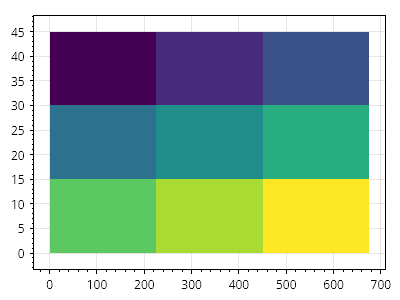
Heatmap.cs
ScottPlot.Plot myPlot = new();

double[,] data = {
    { 1, 2, 3 },
    { 4, 5, 6 },
    { 7, 8, 9 },
};

var hm = myPlot.Add.Heatmap(data);
hm.CellAlignment = Alignment.LowerLeft;
hm.CellWidth = 100;
hm.CellHeight = 10;

myPlot.SavePng("demo.png", 400, 300);
このレシピは、ヒートマップカテゴリにある多数のレシピのうちの1つです

ヒートマップの矩形

ヒートマップの矩形

ヒートマップの寸法は、ヒートマップがその内部にレンダリングされる矩形を定義することで設定できます。
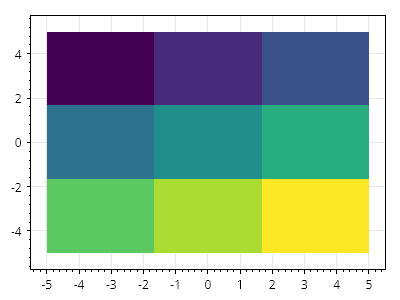
Heatmap.cs
ScottPlot.Plot myPlot = new();

// 任意のサイズのヒートマップを作成する
double[,] data = {
    { 1, 2, 3 },
    { 4, 5, 6 },
    { 7, 8, 9 },
};

// ヒートマップをプロットに追加する
var hm = myPlot.Add.Heatmap(data);

// 座標空間で定義された矩形内にヒートマップを配置する
hm.Rectangle = new CoordinateRect(-5, 5, -5, 5);

myPlot.SavePng("demo.png", 400, 300);
このレシピは、ヒートマップカテゴリにある多数のレシピの 1 つです

手動カラーレンジ付きヒートマップ

手動カラーレンジ付きヒートマップ

ユーザーは、カラーマップで色として表現する値の範囲を定義できます。その範囲外の値は、カラーマップ内の最も近い色にクリップされます。
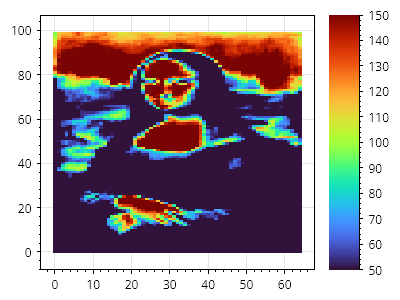
Heatmap.cs
ScottPlot.Plot myPlot = new();

// サンプルデータの値の範囲は 0~255
double[,] data = SampleData.MonaLisa();

// ヒートマップとカラーバーをプロットに追加する
var hm = myPlot.Add.Heatmap(data);
hm.Colormap = new ScottPlot.Colormaps.Turbo();
myPlot.Add.ColorBar(hm);

// カラーマップが手動の値範囲にまたがるように強制する
hm.ManualRange = new(50, 150);

myPlot.SavePng("demo.png", 400, 300);
このレシピは、ヒートマップカテゴリーに含まれる多くのレシピの 1 つです

ヒートマップのセルラベル

ヒートマップのセルラベル

セル上にテキストを配置して、セルラベルを提供できます。インタラクティブなアプリケーションでは、MouseMove イベントを使用して古いラベルを削除し、マウスの下にあるセル上にのみラベルを表示できます。詳細とコードサンプルについては、ScottPlot Demo ページを参照してください。
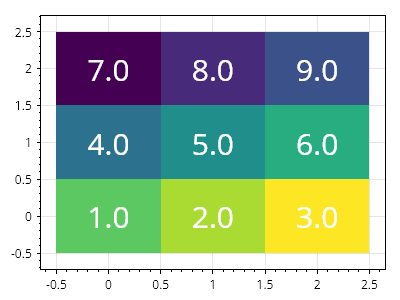
Heatmap.cs
ScottPlot.Plot myPlot = new();

double[,] data = {
    { 1, 2, 3 },
    { 4, 5, 6 },
    { 7, 8, 9 },
};

var hm = myPlot.Add.Heatmap(data);

for (int y = 0; y &lt; data.GetLength(0); y++)
{
    for (int x = 0; x &lt; data.GetLength(1); x++)
    {
        Coordinates coordinates = new(x, y);
        string cellLabel = data[y, x].ToString("0.0");
        var text = myPlot.Add.Text(cellLabel, coordinates);
        text.Alignment = Alignment.MiddleCenter;
        text.LabelFontSize = 30;
        text.LabelFontColor = Colors.White;
    }
}

myPlot.SavePng("demo.png", 400, 300);
このレシピは、ヒートマップカテゴリに含まれる多数のレシピの 1 つです

DateTime 軸を使用したヒートマップ

DateTime 軸を使用したヒートマップ

ヒートマップは、水平軸に数値ではなく日付を使用するプロットに表示できます。
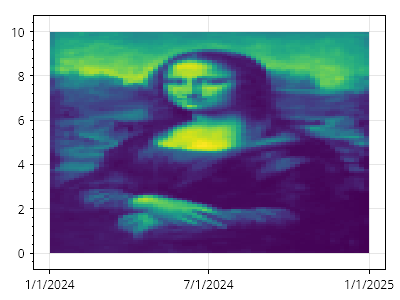
Heatmap.cs
ScottPlot.Plot myPlot = new();

// プロットにヒートマップを追加する
double[,] data = SampleData.MonaLisa();
var hm = myPlot.Add.Heatmap(data);

// 数値単位を使用してその高さを定義する
CoordinateRange yRange = new(0, 10);

// 日付単位を使用してその幅を定義する
DateTime start = new(2024, 01, 01);
DateTime end = new(2025, 01, 01);
CoordinateRange xRange = new(start.ToOADate(), end.ToOADate());

// ヒートマップに幅と高さを適用する
hm.Rectangle = new(xRange, yRange);

// X 軸の目盛りラベルに日付形式を使用するようプロットに指示する
myPlot.Axes.DateTimeTicksBottom();

myPlot.SavePng("demo.png", 400, 300);
このレシピは、ヒートマップカテゴリに含まれる多数のレシピの 1 つです

画像

Images can be placed on plots in a variety of ways

レシピ

画像の矩形

画像の矩形

画像は、座標単位で定義された矩形の内側に描画できます。
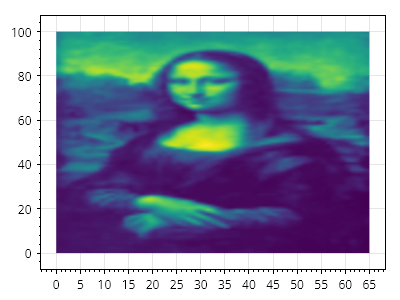
Images.cs
ScottPlot.Plot myPlot = new();

// 画像はファイルから読み込むことも、動的に作成することもできます
ScottPlot.Image img = ScottPlot.SampleImages.MonaLisa();

CoordinateRect rect = new(left: 0, right: img.Width, bottom: 0, top: img.Height);

myPlot.Add.ImageRect(img, rect);

myPlot.SavePng("demo.png", 400, 300);
このレシピは、画像カテゴリにある多数のレシピの 1 つです

インタラクティブ

Interactive plottables interact with the mouse without requiring the user to manually wire mouse tracking.

レシピ

インタラクティブな線分

インタラクティブな線分

2つのドラッグ可能な点と、その間を結ぶ直線です。
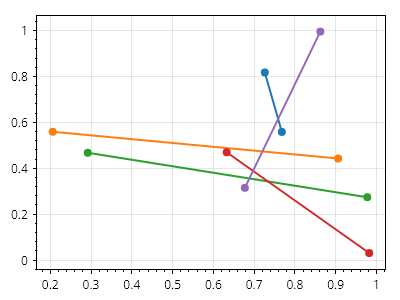
ScottPlot.Plot myPlot = new();

for (int i = 0; i &lt; 5; i++)
{
    CoordinateLine line = Generate.RandomLine();
    myPlot.Add.InteractiveLineSegment(line);
}

myPlot.SavePng("demo.png", 400, 300);
このレシピは、インタラクティブカテゴリに含まれる多くのレシピの1つです

インタラクティブな水平線分

インタラクティブな水平線分

水平線分は、左端と右端をドラッグすることで水平方向に拡張したり、中心線をドラッグすることで垂直方向にスライドしたりできます。
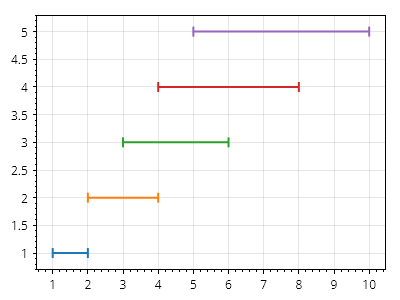
ScottPlot.Plot myPlot = new();

for (int i = 1; i &lt;= 5; i++)
{
    double y = i;
    double x1 = i;
    double x2 = i * 2;
    myPlot.Add.InteractiveHorizontalLineSegment(x1, x2, y);
}

myPlot.SavePng("demo.png", 400, 300);
このレシピは、インタラクティブカテゴリにある多数のレシピの 1 つです

インタラクティブな垂直線分

インタラクティブな垂直線分

垂直線分は、上端と下端をドラッグすることで垂直方向に拡張したり、中心線をドラッグすることで水平方向にスライドしたりできます。
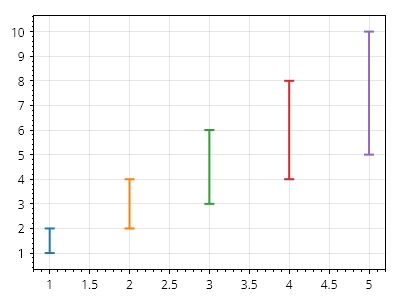
ScottPlot.Plot myPlot = new();

for (int i = 1; i &lt;= 5; i++)
{
    double x = i;
    double y1 = i;
    double y2 = i * 2;
    myPlot.Add.InteractiveVerticalLineSegment(x, y1, y2);
}

myPlot.SavePng("demo.png", 400, 300);
このレシピは、インタラクティブカテゴリーにある多くのレシピの 1 つです

インタラクティブな垂直線

インタラクティブな垂直線

インタラクティブな垂直線は X 位置を持ち、Y 軸方向に無限に延びます。
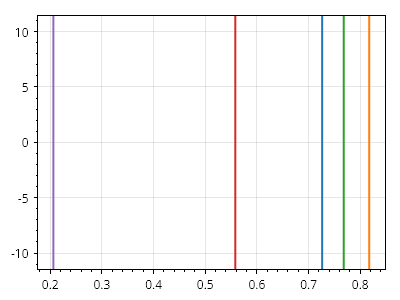
ScottPlot.Plot myPlot = new();

for (int i = 0; i &lt; 5; i++)
{
    double x = Generate.RandomNumber();
    myPlot.Add.InteractiveVerticalLine(x);
}

myPlot.SavePng("demo.png", 400, 300);
このレシピは、インタラクティブカテゴリに含まれる多数のレシピの 1 つです

インタラクティブな水平線

インタラクティブな水平線

インタラクティブな水平線は Y 位置を持ち、X 軸に沿って無限に伸びます。
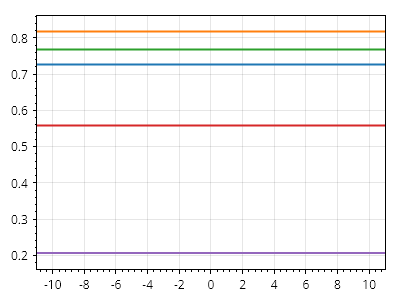
ScottPlot.Plot myPlot = new();

for (int i = 0; i &lt; 5; i++)
{
    double x = Generate.RandomNumber();
    myPlot.Add.InteractiveHorizontalLine(x);
}

myPlot.SavePng("demo.png", 400, 300);
このレシピは、インタラクティブカテゴリにある多数のレシピの 1 つです

インタラクティブなスパン

インタラクティブなスパン

インタラクティブな垂直スパンと水平スパンにより、ユーザーはそれぞれ垂直軸と水平軸に沿った範囲を選択できます。
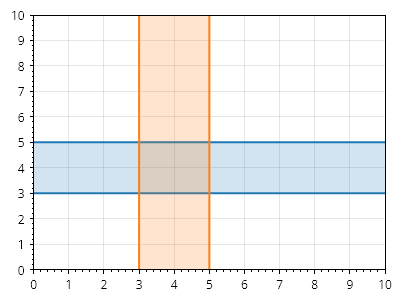
ScottPlot.Plot myPlot = new();

myPlot.Add.InteractiveVerticalSpan(3, 5);
myPlot.Add.InteractiveHorizontalSpan(3, 5);
myPlot.Axes.SetLimits(0, 10, 0, 10);

myPlot.SavePng("demo.png", 400, 300);
このレシピは、Interactiveカテゴリにある多数のレシピの1つです

インタラクティブマーカー

インタラクティブマーカー

インタラクティブマーカーはホバーイベントに応答し、ドラッグできます。
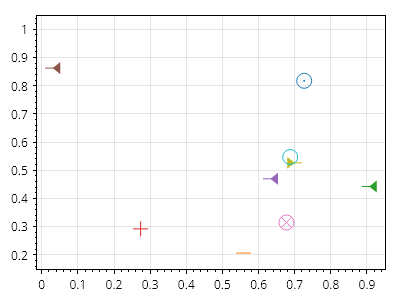
ScottPlot.Plot myPlot = new();

for (int i = 0; i &lt; 10; i++)
{
    Coordinates point = Generate.RandomCoordinates();
    var marker = myPlot.Add.InteractiveMarker(point);
    marker.MarkerStyle.Shape = Generate.RandomMarkerShape();
}

myPlot.SavePng("demo.png", 400, 300);
このレシピは、インタラクティブカテゴリに含まれる多数のレシピの1つです

インタラクティブな四角形

インタラクティブな四角形

インタラクティブな四角形は、辺をドラッグしてサイズ変更したり、本体をドラッグして位置変更したりできます
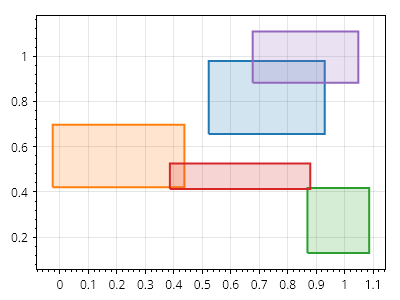
ScottPlot.Plot myPlot = new();

for (int i = 0; i &lt; 5; i++)
{
    CoordinateRect rect = Generate.RandomCoordinateRect();
    myPlot.Add.InteractiveRectangle(rect);
}

myPlot.SavePng("demo.png", 400, 300);
このレシピは、インタラクティブカテゴリにある多くのレシピの 1 つです

ラインプロット

Line plots can be placed on the plot in coordinate space using a Start, End, and an optional LineStyle.

レシピ

ラインプロットのクイックスタート

ラインプロットのクイックスタート

ラインプロットは、座標空間内の開始位置と終了位置を指定して配置されます。スタイルはカスタマイズできます。
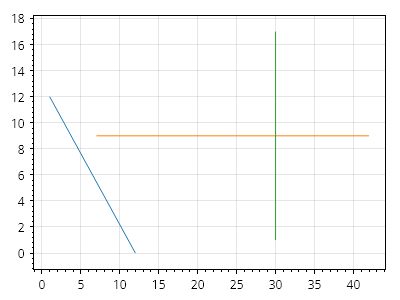
Line.cs
ScottPlot.Plot myPlot = new();

myPlot.Add.Line(1, 12, 12, 0);
myPlot.Add.Line(7, 9, 42, 9);
myPlot.Add.Line(30, 17, 30, 1);

myPlot.SavePng("demo.png", 400, 300);
このレシピは、ラインプロットカテゴリに含まれる多数のレシピの1つです

ラインプロットの形状

ラインプロットの形状

ラインプロットは LineStyle を使用してスタイル設定できます。
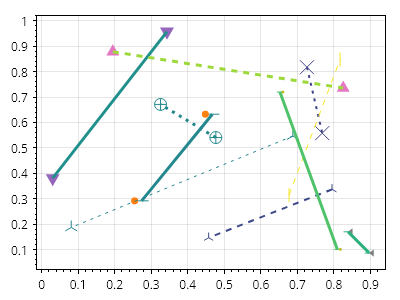
Line.cs
ScottPlot.Plot myPlot = new();

ScottPlot.Colormaps.Viridis colormap = new();

for (int i = 0; i &lt; 10; i++)
{
    // ラインを追加する
    Coordinates start = Generate.RandomCoordinates();
    Coordinates end = Generate.RandomCoordinates();
    var line = myPlot.Add.Line(start, end);

    // ラインをカスタマイズする
    line.LineColor = Generate.RandomColor(colormap);
    line.LineWidth = Generate.RandomInteger(1, 4);
    line.LinePattern = Generate.RandomLinePattern();

    // マーカーをカスタマイズする
    line.MarkerLineColor = line.LineStyle.Color;
    line.MarkerShape = Generate.RandomMarkerShape();
    line.MarkerSize = Generate.RandomInteger(5, 15);
}

myPlot.SavePng("demo.png", 400, 300);
このレシピは、ラインプロットカテゴリに含まれる多数のレシピの 1 つです

折れ線プロットの凡例

折れ線プロットの凡例

ラベル付きの折れ線プロットは凡例に表示されます。
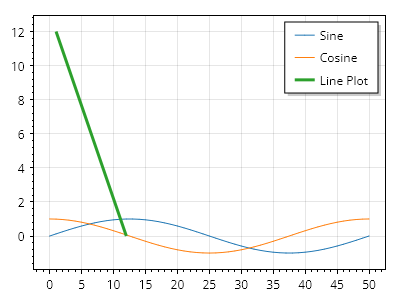
Line.cs
ScottPlot.Plot myPlot = new();

var sin = myPlot.Add.Signal(Generate.Sin());
sin.LegendText = "正弦";

var cos = myPlot.Add.Signal(Generate.Cos());
cos.LegendText = "余弦";

var line = myPlot.Add.Line(1, 12, 12, 0);
line.LineWidth = 3;
line.MarkerSize = 10;
line.LegendText = "折れ線プロット";

myPlot.ShowLegend(Alignment.UpperRight);

myPlot.SavePng("demo.png", 400, 300);
このレシピは、折れ線プロットカテゴリにある多数のレシピの 1 つです

線とマーカーの順序

線とマーカーの順序

マーカーは線の端に表示できます。また、マーカーを線の上に描画するか下に描画するかをフラグで制御します。
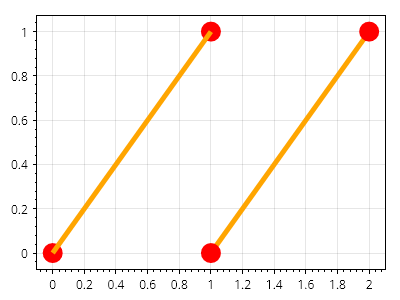
Line.cs
ScottPlot.Plot myPlot = new();

var line1 = myPlot.Add.Line(0, 0, 1, 1);
line1.LineColor = Colors.Orange;
line1.LineWidth = 5;
line1.MarkerColor = Colors.Red;
line1.MarkerSize = 20;
line1.MarkerShape = MarkerShape.FilledCircle;
line1.LineOnTop = true; // 描画順序はここで制御されます

var line2 = myPlot.Add.Line(1, 0, 2, 1);
line2.LineColor = Colors.Orange;
line2.LineWidth = 5;
line2.MarkerColor = Colors.Red;
line2.MarkerSize = 20;
line2.MarkerShape = MarkerShape.FilledCircle;
line2.MarkersOnTop = true; // 描画順序はここで制御されます

myPlot.SavePng("demo.png", 400, 300);
このレシピは、線プロットカテゴリにある多数のレシピの1つです

ライブデータ

Plottables like DataLogger and DataStreamer are designed for displaying datasets that change in real time. They have the ability to control axis limits to ensure the latest data is always in view. See the ScottPlot Demo for live example of these plot types.

レシピ

DataLogger クイックスタート

DataLogger クイックスタート

DataLogger を使用して、増大していくデータセット(センサーデータなど)を表示します。このプロットタイプは、新しいデータが常に既存データの末尾に追加されることを前提としているため、SignalXY と同様に、新しいデータ点の X 値は前の値以上でなければなりません。このプロットタイプのライブ例については、ScottPlot Demo を参照してください。
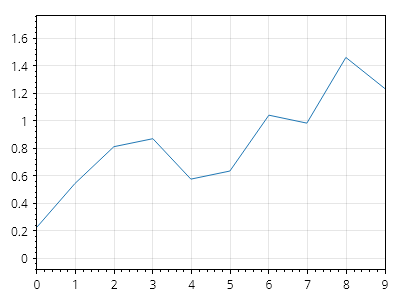
ScottPlot.Plot myPlot = new();

// データが追加されるにつれて拡張されるロガーを設定する
var logger = myPlot.Add.DataLogger();

// ライブデータのストリーミング入力をシミュレートする
for (int x = 0; x &lt; 10; x++)
{
    double y = Generate.RandomWalker.Next();
    logger.Add(x, y);
}

myPlot.SavePng("demo.png", 400, 300);
このレシピは、ライブデータカテゴリに含まれる多くのレシピの 1 つです

DataStreamer クイックスタート

DataStreamer クイックスタート

DataStreamer を使用すると、ポイント間の水平距離が固定された固定長表示でストリーミングデータを表示できます。この種類のプロットは、ECG(心電図モニター)波形のような信号に最適です。このプロットタイプには、新しいデータが古いデータをどのように置き換えるかを制御する高度なカスタマイズがあります(例: 右側に新しいデータが表示されるにつれて古いデータを左にスライドさせる、または新しいデータ値を左から右に配置し、その後先頭に折り返して、再び左から右に置き換えることで最も古いデータ値を消去する)。このプロットタイプのライブ例については、ScottPlot Demo を参照してください。
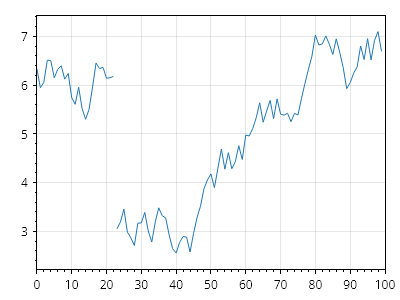
ScottPlot.Plot myPlot = new();

// 最新の100ポイントを表示するストリーマーをセットアップする
var streamer = myPlot.Add.DataStreamer(100);

// ライブデータのストリーミング入力をシミュレートする。
for (int x = 0; x &lt; 123; x++)
{
    double y = Generate.RandomWalker.Next();
    streamer.Add(y);
}

// 新しいデータが古いデータを左から右に上書きするように指示する
streamer.ViewWipeRight();

myPlot.SavePng("demo.png", 400, 300);
このレシピは、ライブデータカテゴリにある多数のレシピの1つです

DataLogger の編集

DataLogger の編集

データロガーによって蓄積された値は、取得後に編集できます。
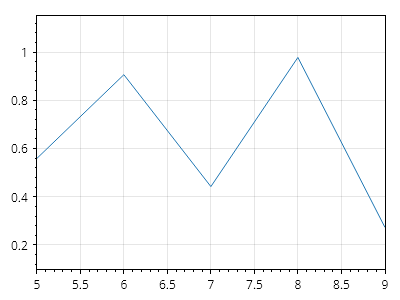
ScottPlot.Plot myPlot = new();

// データが追加されるにつれて増加するロガーを設定する
var logger = myPlot.Add.DataLogger();

// 10 個の値を追加する
logger.Add(Generate.RandomSample(10));

// 最も古い 5 個の値を削除する
logger.Data.Coordinates.RemoveRange(0, 5);

myPlot.SavePng("demo.png", 400, 300);
このレシピは、ライブデータカテゴリにある多数のレシピの 1 つです

Lollipopプロット

A lollipop chart is a variation of a bar chart that uses a line (stem) extending from a baseline to a marker (head) to represent data points. Lollipop highlight individual data points with less visual clutter than to traditional bar charts.

レシピ

ロリポッププロットのクイックスタート

ロリポッププロットのクイックスタート

ロリポッププロットは、値のシーケンスから作成できます
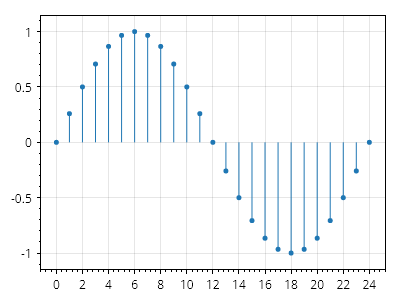
ScottPlot.Plot myPlot = new();

double[] values = Generate.Sin(25);
myPlot.Add.Lollipop(values);

myPlot.SavePng("demo.png", 400, 300);
このレシピは、ロリポッププロットカテゴリに含まれる多数のレシピのうちの1つです

ロリポップの位置

ロリポップの位置

各ロリポップの位置を定義できます。

ScottPlot.Plot myPlot = new();

double[] xs = Generate.Range(0, 6.28, 0.314);
double[] ys = xs.Select(Math.Sin).ToArray();
var lollipop = myPlot.Add.Lollipop(ys, xs);

myPlot.SavePng("demo.png", 400, 300);
このレシピは、ロリポッププロットカテゴリに含まれる多数のレシピの 1 つです

ロリポッププロットのカスタマイズ

ロリポッププロットのカスタマイズ

ステムラインとヘッドマーカーは、広範にカスタマイズできます。
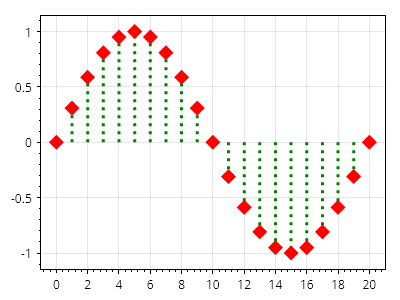
ScottPlot.Plot myPlot = new();

double[] values = Generate.Sin(21);
var lollipop = myPlot.Add.Lollipop(values);

lollipop.MarkerColor = Colors.Red;
lollipop.MarkerSize = 15;
lollipop.MarkerShape = MarkerShape.FilledDiamond;

lollipop.LineColor = Colors.Green;
lollipop.LineWidth = 3;
lollipop.LinePattern = LinePattern.Dotted;

myPlot.SavePng("demo.png", 400, 300);
このレシピは、ロリポッププロットカテゴリーに含まれる多数のレシピの1つです

水平ロリポッププロット

水平ロリポッププロット

ロリポッププロットの Orientation を Horizontal に変更すると、ステムが垂直方向ではなく水平方向に描画されます。
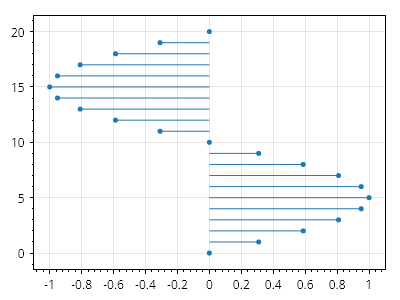
ScottPlot.Plot myPlot = new();

double[] xs = Generate.Sin(21);
double[] ys = Generate.Consecutive(21);
Coordinates[] coordinates = Coordinates.Zip(xs, ys);

var lollipop = myPlot.Add.Lollipop(coordinates);
lollipop.Orientation = Orientation.Horizontal;

myPlot.SavePng("demo.png", 400, 300);
このレシピは、ロリポッププロットカテゴリに含まれる多数のレシピの 1 つです

マーカー

Markers can be placed on the plot in coordinate space.

レシピ

Marker クイックスタート

Marker クイックスタート

マーカーは、座標空間内の位置に配置されるシンボルです。その形状、サイズ、色はカスタマイズできます。
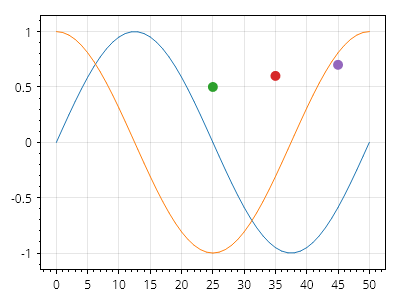
Marker.cs
ScottPlot.Plot myPlot = new();

myPlot.Add.Signal(Generate.Sin());
myPlot.Add.Signal(Generate.Cos());

myPlot.Add.Marker(25, .5);
myPlot.Add.Marker(35, .6);
myPlot.Add.Marker(45, .7);

myPlot.SavePng("demo.png", 400, 300);
このレシピは、Marker カテゴリに含まれる多数のレシピの 1 つです

マーカー形状

マーカー形状

標準のマーカー形状が用意されていますが、上級ユーザーは独自の形状を作成することもできます。
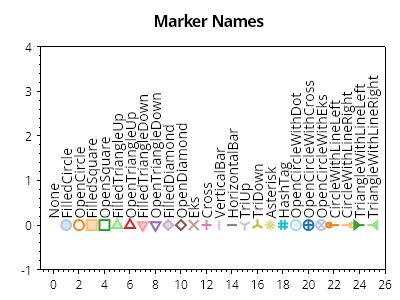
Marker.cs
ScottPlot.Plot myPlot = new();

MarkerShape[] markerShapes = Enum.GetValues&lt;MarkerShape&gt;().ToArray();
ScottPlot.Palettes.Category20 palette = new();

for (int i = 0; i &lt; markerShapes.Length; i++)
{
    var mp = myPlot.Add.Marker(x: i, y: 0);
    mp.MarkerStyle.Shape = markerShapes[i];
    mp.MarkerStyle.Size = 10;

    // 塗りつぶし形状で作成されたマーカーはカスタマイズできます
    mp.MarkerStyle.FillColor = palette.GetColor(i).WithAlpha(.5);

    // 塗りつぶし形状で作成されたマーカーには、任意でアウトラインを付けられます
    mp.MarkerStyle.OutlineColor = palette.GetColor(i);
    mp.MarkerStyle.OutlineWidth = 2;

    // 線で作成されたマーカーはカスタマイズできます
    mp.MarkerStyle.LineWidth = 2f;
    mp.MarkerStyle.LineColor = palette.GetColor(i);

    var txt = myPlot.Add.Text(markerShapes[i].ToString(), i, 0.15);
    txt.LabelRotation = -90;
    txt.LabelAlignment = Alignment.MiddleLeft;
    txt.LabelFontColor = Colors.Black;
}

myPlot.Title("マーカー名");
myPlot.Axes.SetLimits(-1, markerShapes.Length, -1, 4);
myPlot.HideGrid();

myPlot.SavePng("demo.png", 400, 300);
このレシピは、マーカーカテゴリにある多数のレシピのうちの1つです

マーカーの凡例

マーカーの凡例

ラベル付きのマーカーは凡例に表示されます。

Marker.cs
ScottPlot.Plot myPlot = new();

var sin = myPlot.Add.Signal(Generate.Sin());
sin.LegendText = "正弦";

var cos = myPlot.Add.Signal(Generate.Cos());
cos.LegendText = "余弦";

var marker = myPlot.Add.Marker(25, .5);
marker.LegendText = "マーカー";
myPlot.ShowLegend();

myPlot.SavePng("demo.png", 400, 300);
このレシピは、マーカーカテゴリに含まれる多数のレシピのうちの1つです

多数のマーカー

多数のマーカー

すべて同じスタイルが設定されたマーカーのコレクションをプロットに追加できます
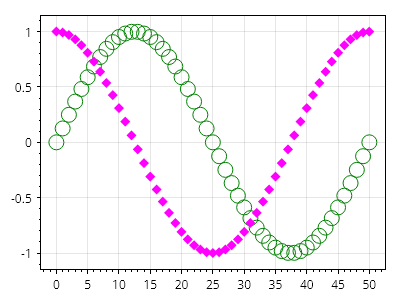
Marker.cs
ScottPlot.Plot myPlot = new();

double[] xs = Generate.Consecutive(51);
double[] sin = Generate.Sin(51);
double[] cos = Generate.Cos(51);

myPlot.Add.Markers(xs, sin, MarkerShape.OpenCircle, 15, Colors.Green);
myPlot.Add.Markers(xs, cos, MarkerShape.FilledDiamond, 10, Colors.Magenta);

myPlot.SavePng("demo.png", 400, 300);
このレシピは、マーカーカテゴリに含まれる多数のレシピの 1 つです

カラーマップ付きマーカー

カラーマップ付きマーカー

カラーマップを使用してマーカーのコレクションのスタイルを設定できます
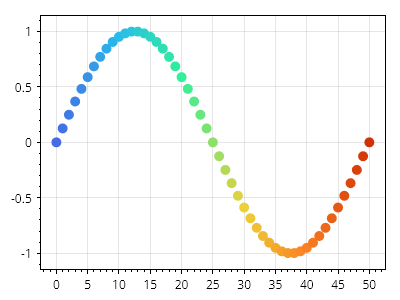
Marker.cs
ScottPlot.Plot myPlot = new();

double[] xs = Generate.Consecutive(51);
double[] ys = Generate.Sin(51);

var markers = myPlot.Add.Markers(xs, ys);
markers.Colormap = new ScottPlot.Colormaps.MellowRainbow();

myPlot.SavePng("demo.png", 400, 300);
このレシピは、Marker カテゴリにある多くのレシピの 1 つです

画像マーカー

画像マーカー

ImageMarker はプロット上に配置でき、座標空間内の位置を中心として画像を表示できます。
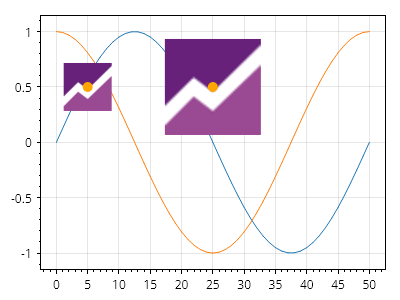
Marker.cs
ScottPlot.Plot myPlot = new();

myPlot.Add.Signal(Generate.Sin());
myPlot.Add.Signal(Generate.Cos());

// 画像はファイルから読み込むことも、動的に作成することもできます
ScottPlot.Image image = SampleImages.ScottPlotLogo(48, 48);

Coordinates location1 = new(5, .5);
Coordinates location2 = new(25, .5);

myPlot.Add.ImageMarker(location1, image);
myPlot.Add.ImageMarker(location2, image, scale: 2);

var m1 = myPlot.Add.Marker(location1);
var m2 = myPlot.Add.Marker(location2);
m1.Color = Colors.Orange;
m2.Color = Colors.Orange;

myPlot.SavePng("demo.png", 400, 300);
このレシピは、マーカーカテゴリにある多数のレシピの 1 つです

線のみのマーカー

線のみのマーカー

線のみで構成されるマーカーには塗りつぶしプロパティがありません。
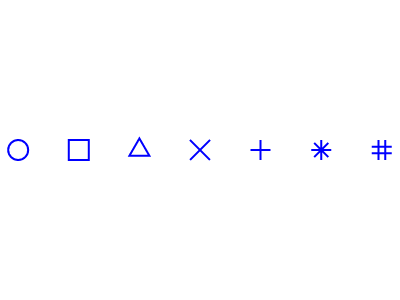
Marker.cs
ScottPlot.Plot myPlot = new();

MarkerShape[] lineOnlyMarkerShapes = [
    MarkerShape.OpenCircle,
    MarkerShape.OpenSquare,
    MarkerShape.OpenTriangleUp,
    MarkerShape.Eks,
    MarkerShape.Cross,
    MarkerShape.Asterisk,
    MarkerShape.HashTag,
];

for (int i = 0; i &lt; lineOnlyMarkerShapes.Length; i++)
{
    var marker = myPlot.Add.Marker(i, 0, lineOnlyMarkerShapes[i]);

    // 線のみのマーカーには線のカスタマイズオプションがあります
    marker.MarkerLineColor = Colors.Blue;
    marker.LineWidth = 2;
    marker.MarkerSize = 20;

    // 線のみのマーカーは塗りつぶしプロパティの変更による影響を受けません
    marker.MarkerFillColor = Colors.Green;
}

myPlot.Layout.Frameless();
myPlot.HideGrid();

myPlot.SavePng("demo.png", 400, 300);
このレシピは、マーカーカテゴリにある多数のレシピのうちの1つです

塗りつぶし付きマーカー

塗りつぶし付きマーカー

塗りつぶし付きマーカーはカスタマイズに対応しています。
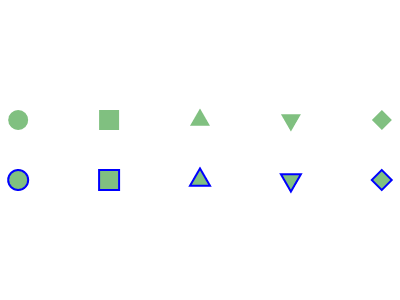
Marker.cs
ScottPlot.Plot myPlot = new();

MarkerShape[] filledMarkerShapes = [
    MarkerShape.FilledCircle,
    MarkerShape.FilledSquare,
    MarkerShape.FilledTriangleUp,
    MarkerShape.FilledTriangleDown,
    MarkerShape.FilledDiamond,
];

for (int i = 0; i &lt; filledMarkerShapes.Length; i++)
{
    var markerFill = myPlot.Add.Marker(i, 1, filledMarkerShapes[i]);
    markerFill.MarkerSize = 20;

    var markerFillAndOutline = myPlot.Add.Marker(i, -1, filledMarkerShapes[i]);
    markerFillAndOutline.MarkerSize = 20;

    // 塗りつぶし付きマーカーには、カスタマイズ可能な塗りつぶし色があります
    markerFill.MarkerFillColor = Colors.Green.WithAlpha(.5);
    markerFillAndOutline.MarkerFillColor = Colors.Green.WithAlpha(.5);

    // 塗りつぶし付きマーカーにはアウトラインを付けることができます
    markerFillAndOutline.MarkerLineColor = Colors.Blue;
    markerFillAndOutline.LineWidth = 2;
}

myPlot.Layout.Frameless();
myPlot.HideGrid();
myPlot.Axes.SetLimitsY(-5, 5);

myPlot.SavePng("demo.png", 400, 300);
このレシピは、Markerカテゴリにある多数のレシピの1つです

フェーザープロット

Phasor plots display vectors on a radial axis centered at the origin

レシピ

フェーザ線プロット

フェーザ線プロット

フェーザ線プロットには、矢印としてレンダリングされる極座標のコレクションが含まれます。
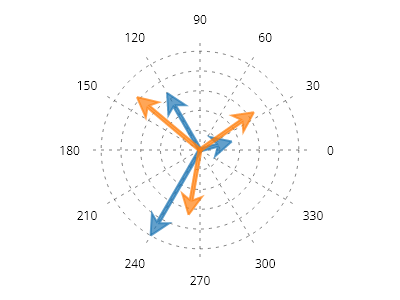
Phasor.cs
ScottPlot.Plot myPlot = new();

// まずプロット上に極座標軸システムを配置します
var polarAxis = myPlot.Add.PolarAxis(30);
polarAxis.Circles.ForEach(x =&gt; x.LinePattern = LinePattern.Dotted);
polarAxis.Spokes.ForEach(x =&gt; x.LinePattern = LinePattern.Dotted);

// Phasor は事前定義された点で追加できます
PolarCoordinates[] points1 = [
    new(10, Angle.FromDegrees(15)),
    new(20, Angle.FromDegrees(120)),
    new(30, Angle.FromDegrees(240)),
];
myPlot.Add.Phasor(points1);

// Phasor 上の点は、作成後に追加または変更できます
var phaser2 = myPlot.Add.Phasor();
phaser2.Points.Add(new PolarCoordinates(20, Angle.FromDegrees(35)));
phaser2.Points.Add(new PolarCoordinates(25, Angle.FromDegrees(140)));
phaser2.Points.Add(new PolarCoordinates(20, Angle.FromDegrees(260)));

myPlot.SavePng("demo.png", 400, 300);
このレシピは、フェーザプロットカテゴリに含まれる多数のレシピの 1 つです

ラベル付きフェーザープロット

ラベル付きフェーザープロット

テキストラベルは、フェーザープロットの個々の矢印に適用できます。
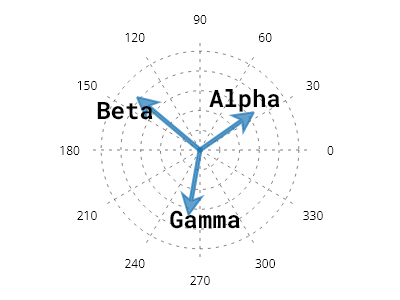
Phasor.cs
ScottPlot.Plot myPlot = new();

// 極軸をセットアップする
var polarAxis = myPlot.Add.PolarAxis(30);
polarAxis.Circles.ForEach(x =&gt; x.LinePattern = LinePattern.Dotted);
polarAxis.Spokes.ForEach(x =&gt; x.LinePattern = LinePattern.Dotted);

// フェーザープロットと座標空間内の点を作成する
var phaser = myPlot.Add.Phasor();
phaser.Points.Add(new PolarCoordinates(20, Angle.FromDegrees(35)));
phaser.Points.Add(new PolarCoordinates(25, Angle.FromDegrees(140)));
phaser.Points.Add(new PolarCoordinates(20, Angle.FromDegrees(260)));

// 点のラベルを追加する
phaser.Labels.Add("Alpha");
phaser.Labels.Add("Beta");
phaser.Labels.Add("Gamma");

// ラベルのスタイルを設定する
phaser.LabelStyle.FontSize = 24;
phaser.LabelStyle.ForeColor = Colors.Black;
phaser.LabelStyle.FontName = Fonts.Monospace;
phaser.LabelStyle.Bold = true;

myPlot.SavePng("demo.png", 400, 300);
このレシピは、フェーザープロットカテゴリーに含まれる多数のレシピの1つです

円グラフ

Pie charts illustrate numerical proportions as slices of a circle.

レシピ

値から作成する円グラフ

値から作成する円グラフ

円グラフは、いくつかの値から作成できます。
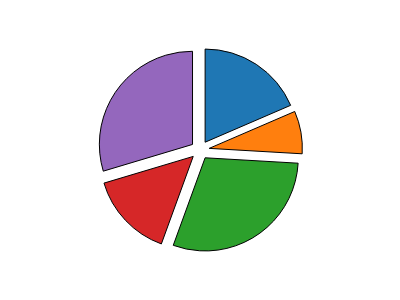
Pie.cs
ScottPlot.Plot myPlot = new();

double[] values = { 5, 2, 8, 4, 8 };
var pie = myPlot.Add.Pie(values);
pie.ExplodeFraction = .1;

// 不要なプロットコンポーネントを非表示にする
myPlot.Axes.Frameless();
myPlot.HideGrid();

myPlot.SavePng("demo.png", 400, 300);
このレシピは、Pie カテゴリにある多数のレシピの 1 つです

スライスから作成する円グラフ

スライスから作成する円グラフ

円グラフは、スライスのコレクションから作成できます。
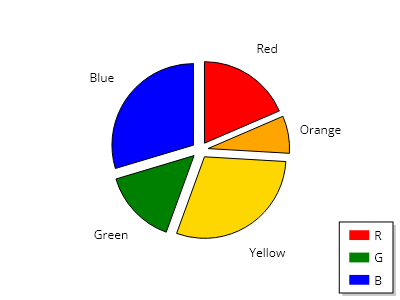
Pie.cs
ScottPlot.Plot myPlot = new();

List&lt;PieSlice&gt; slices =
[
    new PieSlice() { Value = 5, FillColor = Colors.Red, Label = "赤", LegendText = "R" },
    new PieSlice() { Value = 2, FillColor = Colors.Orange, Label = "オレンジ" },
    new PieSlice() { Value = 8, FillColor = Colors.Gold, Label = "黄" },
    new PieSlice() { Value = 4, FillColor = Colors.Green, Label = "緑", LegendText = "G" },
    new PieSlice() { Value = 8, FillColor = Colors.Blue, Label = "青", LegendText = "B" },
];

var pie = myPlot.Add.Pie(slices);
pie.ExplodeFraction = .1;
pie.SliceLabelDistance = 1.4;

myPlot.ShowLegend();

// 不要なプロットコンポーネントを非表示にする
myPlot.Axes.Frameless();
myPlot.HideGrid();

myPlot.SavePng("demo.png", 400, 300);
このレシピは、円グラフカテゴリにある多数のレシピのうちの 1 つです

スライスから作成するドーナツ

スライスから作成するドーナツ

ドーナツチャートは、中央が空いた円グラフです。ドーナツチャートは、スライスのコレクションから作成できます。
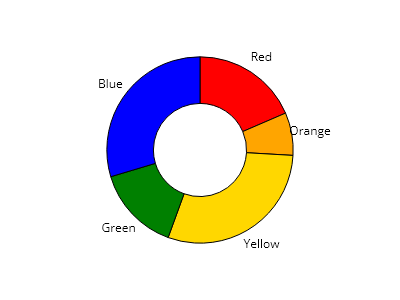
Pie.cs
ScottPlot.Plot myPlot = new();

List&lt;PieSlice&gt; slices = new()
{
    new PieSlice() { Value = 5, FillColor = Colors.Red, Label = "赤" },
    new PieSlice() { Value = 2, FillColor = Colors.Orange, Label = "オレンジ" },
    new PieSlice() { Value = 8, FillColor = Colors.Gold, Label = "黄色" },
    new PieSlice() { Value = 4, FillColor = Colors.Green, Label = "緑" },
    new PieSlice() { Value = 8, FillColor = Colors.Blue, Label = "青" },
};

var pie = myPlot.Add.Pie(slices);
pie.DonutFraction = .5;

myPlot.ShowLegend();

// 不要なプロットコンポーネントを非表示にする
myPlot.Axes.Frameless();
myPlot.HideGrid();

myPlot.SavePng("demo.png", 400, 300);
このレシピは、円グラフカテゴリにある多数のレシピの 1 つです

ハッチ付き円グラフのスライス

ハッチ付き円グラフのスライス

個々のスライスにはカスタムのハッチスタイルを指定できます
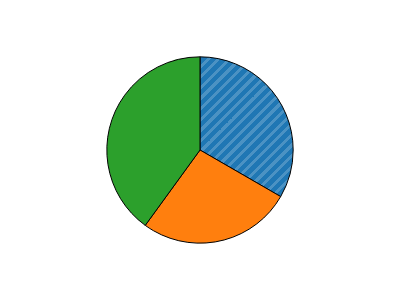
Pie.cs
ScottPlot.Plot myPlot = new();

var pie = myPlot.Add.Pie([5, 4, 6]);

// 単一のスライスのハッチスタイルをカスタマイズする
pie.Slices[0].Fill.Hatch = new ScottPlot.Hatches.Striped();
pie.Slices[0].Fill.HatchColor = pie.Slices[0].Fill.Color.Lighten(.2);

// 不要なプロットコンポーネントを非表示にする
myPlot.Axes.Frameless();
myPlot.HideGrid();

myPlot.SavePng("demo.png", 400, 300);
このレシピは、円グラフカテゴリにある多数のレシピの 1 つです

円グラフの回転

円グラフの回転

円グラフは、最初のスライスがどこから始まるかを制御するために回転できます。
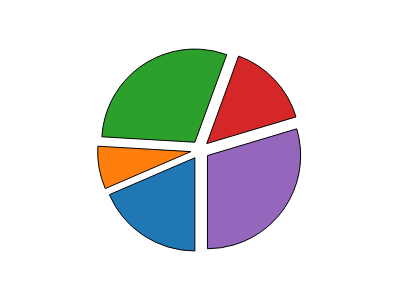
Pie.cs
ScottPlot.Plot myPlot = new();

double[] values = { 5, 2, 8, 4, 8 };
var pie = myPlot.Add.Pie(values);
pie.ExplodeFraction = .1;
pie.Rotation = Angle.FromDegrees(90);

// 不要なプロットコンポーネントを非表示にする
myPlot.Axes.Frameless();
myPlot.HideGrid();

myPlot.SavePng("demo.png", 400, 300);
このレシピは、円グラフカテゴリーに含まれる多数のレシピのうちの1つです

円グラフのスライスラベル

円グラフのスライスラベル

スライスラベルは、円グラフの中心からカスタマイズ可能な距離で、スライスの中央に表示できます。
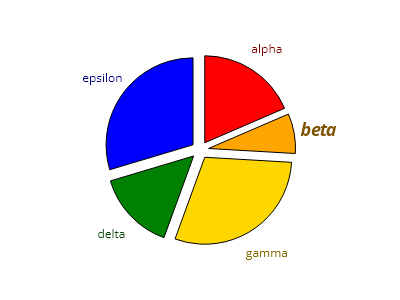
Pie.cs
ScottPlot.Plot myPlot = new();

PieSlice slice1 = new() { Value = 5, FillColor = Colors.Red, Label = "アルファ" };
PieSlice slice2 = new() { Value = 2, FillColor = Colors.Orange, Label = "ベータ" };
PieSlice slice3 = new() { Value = 8, FillColor = Colors.Gold, Label = "ガンマ" };
PieSlice slice4 = new() { Value = 4, FillColor = Colors.Green, Label = "デルタ" };
PieSlice slice5 = new() { Value = 8, FillColor = Colors.Blue, Label = "イプシロン" };

List&lt;PieSlice&gt; slices = new() { slice1, slice2, slice3, slice4, slice5 };

// スライスラベルを表示するように円グラフを設定する
var pie = myPlot.Add.Pie(slices);
pie.ExplodeFraction = .1;
pie.SliceLabelDistance = 1.3;

// 各ラベルのテキストの色をスライスに合わせる
slices.ForEach(x =&gt; x.LabelFontColor = x.FillColor.Darken(.5));

// 個々のスライスごとにスタイルをカスタマイズできる
slice2.LabelStyle.FontSize = 18;
slice2.LabelStyle.Bold = true;
slice2.LabelStyle.Italic = true;

// 不要なプロットコンポーネントを非表示にする
myPlot.Axes.Frameless();
myPlot.HideGrid();

myPlot.SavePng("demo.png", 400, 300);
このレシピは、円グラフカテゴリにある多数のレシピのうちの1つです

パーセントラベル付き円グラフ

パーセントラベル付き円グラフ

スライスラベルは、各スライスの中央に任意のテキスト(数値を含む)を表示するように調整できます。
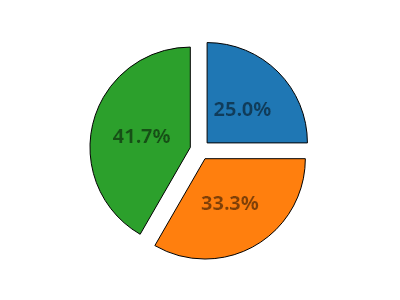
Pie.cs
ScottPlot.Plot myPlot = new();

// 円グラフを作成する
double[] values = [6, 8, 10];
var pie = myPlot.Add.Pie(values);
pie.ExplodeFraction = .1;
pie.SliceLabelDistance = 0.5;

// 各スライスのパーセンテージを決定する
double total = pie.Slices.Select(x =&gt; x.Value).Sum();
double[] percentages = pie.Slices.Select(x =&gt; x.Value / total * 100).ToArray();

// 各スライスラベルをそのパーセンテージに設定する
for (int i = 0; i &lt; pie.Slices.Count; i++)
{
    pie.Slices[i].Label = $"{percentages[i]:0.0}%";
    pie.Slices[i].LabelFontSize = 20;
    pie.Slices[i].LabelBold = true;
    pie.Slices[i].LabelFontColor = Colors.Black.WithAlpha(.5);
}

// 不要なプロットコンポーネントを非表示にする
myPlot.Axes.Frameless();
myPlot.HideGrid();

myPlot.SavePng("demo.png", 400, 300);
このレシピは、円グラフカテゴリにある多数のレシピの 1 つです

異なるラベルを持つ円グラフ

異なるラベルを持つ円グラフ

円グラフのスライスには、凡例に表示されるものとは独立したラベルを設定できます。
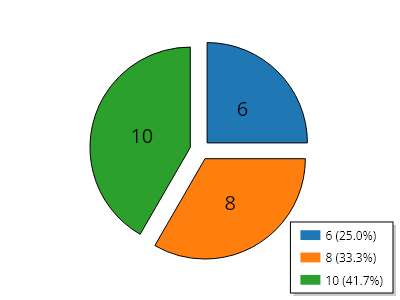
Pie.cs
ScottPlot.Plot myPlot = new();

// 円グラフを作成する
double[] values = [6, 8, 10];
var pie = myPlot.Add.Pie(values);
pie.ExplodeFraction = 0.1;
pie.SliceLabelDistance = 0.5;

// スライスと凡例に異なるラベルを設定する
double total = pie.Slices.Select(x =&gt; x.Value).Sum();
for (int i = 0; i &lt; pie.Slices.Count; i++)
{
    pie.Slices[i].LabelFontSize = 20;
    pie.Slices[i].Label = $"{pie.Slices[i].Value}";
    pie.Slices[i].LegendText = $"{pie.Slices[i].Value} " +
        $"({pie.Slices[i].Value / total:p1})";
}

// 不要なプロット要素を非表示にする
myPlot.Axes.Frameless();
myPlot.HideGrid();

myPlot.SavePng("demo.png", 400, 300);
このレシピは、円グラフカテゴリに含まれる多数のレシピのうちの1つです

極座標軸

Create a polar axis and add it to the plot to display data on a circular coordinate system.

レシピ

極座標軸

極座標軸

極座標軸をプロットに追加し、そのヘルパーメソッドを使用して極座標を直交座標単位に変換することで、他のプロットタイプ(マーカー、線、散布図など)をその上に配置できます。
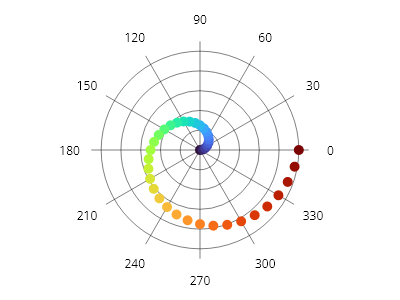
ScottPlot.Plot myPlot = new();

// 極座標軸をプロットに追加する
var polarAxis = myPlot.Add.PolarAxis();

IColormap colormap = new ScottPlot.Colormaps.Turbo();
foreach (double degrees in ScottPlot.Generate.Range(0, 360, 10))
{
    // 極座標空間内の位置からX/Y座標を取得するために極座標軸を使用する
    double radius = degrees / 360.0;
    Coordinates pt = polarAxis.GetCoordinates(radius, degrees);

    // 通常どおりX/Y座標を使用して、マーカーや他のプロットタイプを配置する
    var marker = myPlot.Add.Marker(pt);
    marker.Color = colormap.GetColor(radius);
}

myPlot.SavePng("demo.png", 400, 300);
このレシピは、極座標軸カテゴリに含まれる多数のレシピの1つです

極座標軸の回転

極座標軸の回転

極座標軸は、0 度のスポークの角度を定義するために回転できます。
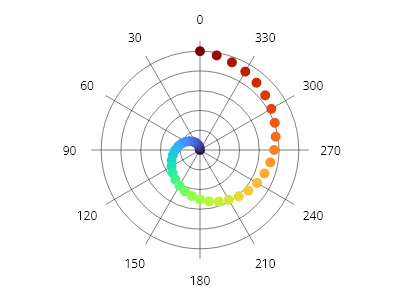
ScottPlot.Plot myPlot = new();

var polarAxis = myPlot.Add.PolarAxis();
polarAxis.Rotation = Angle.FromDegrees(90); // デフォルトの方向は反時計回りです

IColormap colormap = new ScottPlot.Colormaps.Turbo();
foreach (double degrees in ScottPlot.Generate.Range(0, 360, 10))
{
    double radius = degrees / 360.0;
    Coordinates pt = polarAxis.GetCoordinates(radius, degrees);

    var marker = myPlot.Add.Marker(pt);
    marker.Color = colormap.GetColor(radius);
}

myPlot.SavePng("demo.png", 400, 300);
このレシピは、極座標軸カテゴリに含まれる多数のレシピの 1 つです

時計回りの極座標軸

時計回りの極座標軸

時計回りの極座標プロットは、空間的な向きを表すためによく使用されます。
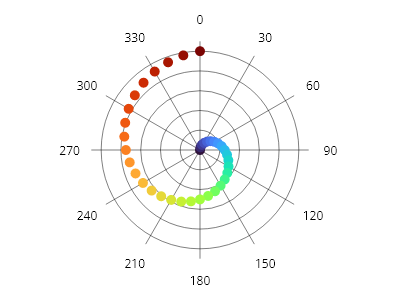
ScottPlot.Plot myPlot = new();

var polarAxis = myPlot.Add.PolarAxis();
polarAxis.Clockwise = true;
polarAxis.Rotation = Angle.FromDegrees(-90); // 方向は反時計回りになります

IColormap colormap = new ScottPlot.Colormaps.Turbo();
foreach (double degrees in ScottPlot.Generate.Range(0, 360, 10))
{
    double fraction = degrees / 360.0;
    Coordinates pt = polarAxis.GetCoordinates(fraction, degrees);
    var marker = myPlot.Add.Marker(pt);
    marker.Color = colormap.GetColor(fraction);
}

myPlot.SavePng("demo.png", 400, 300);
このレシピは、極座標軸カテゴリにある多数のレシピの1つです

矢印付き極座標軸

矢印付き極座標軸

矢印は、基点を中心に置き、先端で極座標空間内の点を示すために、極座標系上に配置できます。Phaser プロット型は、この戦略を使用して、同様のスタイルが適用された矢印のコレクションを表示します。
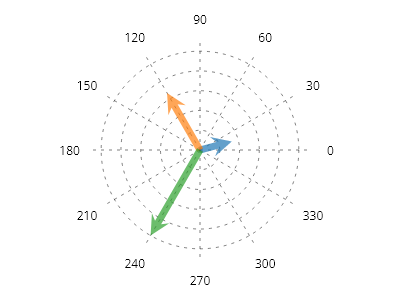
ScottPlot.Plot myPlot = new();

PolarCoordinates[] points = [
    new(10, Angle.FromDegrees(15)),
    new(20, Angle.FromDegrees(120)),
    new(30, Angle.FromDegrees(240)),
];

var polarAxis = myPlot.Add.PolarAxis(radius: 30);
polarAxis.Circles.ForEach(x =&gt; x.LinePattern = LinePattern.Dotted);
polarAxis.Spokes.ForEach(x =&gt; x.LinePattern = LinePattern.Dotted);

IPalette palette = new ScottPlot.Palettes.Category10();
Coordinates center = polarAxis.GetCoordinates(0, 0);
for (int i = 0; i &lt; points.Length; i++)
{
    Coordinates tip = polarAxis.GetCoordinates(points[i]);
    var arrow = myPlot.Add.Arrow(center, tip);
    arrow.ArrowLineWidth = 0;
    arrow.ArrowFillColor = palette.GetColor(i).WithAlpha(.7);
}

myPlot.SavePng("demo.png", 400, 300);
このレシピは、極座標軸カテゴリにある多数のレシピの 1 つです

極座標軸のスタイリング

極座標軸のスタイリング

極座標軸の線は幅広くスタイル設定できます。極座標軸には、放射状のスポーク(原点から最大半径まで伸びる直線)と円形の軸線(原点を中心とする同心円)があります。
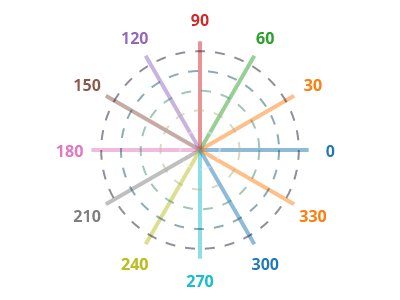
ScottPlot.Plot myPlot = new();

var polarAxis = myPlot.Add.PolarAxis();

// スポーク(回転を示すために中心から伸びる直線)をスタイル設定する
var radialPalette = new ScottPlot.Palettes.Category10();
for (int i = 0; i &lt; polarAxis.Spokes.Count; i++)
{
    polarAxis.Spokes[i].LineColor = radialPalette.GetColor(i).WithAlpha(.5);
    polarAxis.Spokes[i].LineWidth = 4;
    polarAxis.Spokes[i].LabelStyle.ForeColor = radialPalette.GetColor(i);
    polarAxis.Spokes[i].LabelStyle.FontSize = 16;
    polarAxis.Spokes[i].LabelStyle.Bold = true;
}

// 円(半径位置を示す同心円)をスタイル設定する
var circularColormap = new ScottPlot.Colormaps.Rain();
for (int i = 0; i &lt; polarAxis.Circles.Count; i++)
{
    double fraction = (double)i / (polarAxis.Circles.Count - 1);
    polarAxis.Circles[i].LineColor = circularColormap.GetColor(fraction).WithAlpha(.5);
    polarAxis.Circles[i].LineWidth = 2;
    polarAxis.Circles[i].LinePattern = LinePattern.Dashed;
}

myPlot.SavePng("demo.png", 400, 300);
このレシピは、極座標軸カテゴリにある多数のレシピのうちの1つです

極座標軸の背景

極座標軸の背景

極座標軸の背景スタイルはカスタマイズできます
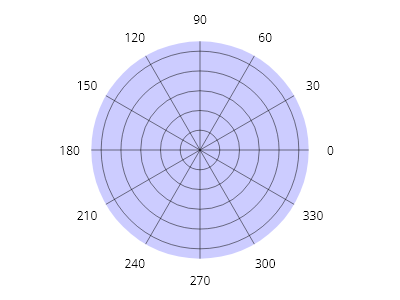
ScottPlot.Plot myPlot = new();

var polarAxis = myPlot.Add.PolarAxis();
polarAxis.FillColor = Colors.Blue.WithAlpha(.2);

myPlot.SavePng("demo.png", 400, 300);
このレシピは、極座標軸カテゴリに含まれる多数のレシピの 1 つです

Polar Axis のスポーク長

Polar Axis のスポーク長

スポークの長さはカスタマイズできます。スポーク長は、極軸の半径に対する割合として表されます。
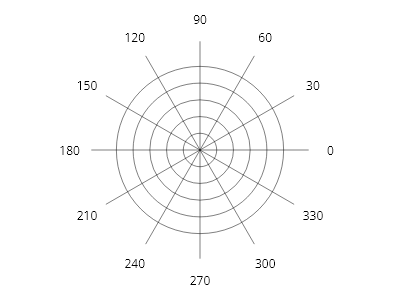
ScottPlot.Plot myPlot = new();

myPlot.Add.PolarAxis(spokeLength: 1.3);

myPlot.SavePng("demo.png", 400, 300);
このレシピは、Polar Axis カテゴリにある多数のレシピの 1 つです

極座標軸のスポークラベル

極座標軸のスポークラベル

極座標軸のスポークには、個別にラベルを付けることができます。
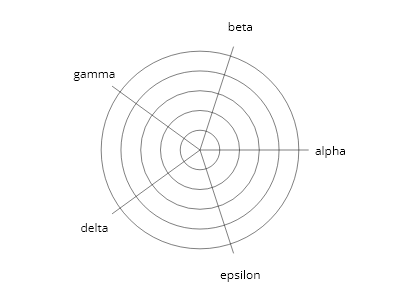
ScottPlot.Plot myPlot = new();

var polarAxis = myPlot.Add.PolarAxis();

string[] labels = { "alpha", "beta", "gamma", "delta", "epsilon" };
polarAxis.SetSpokes(labels, 1.1);

myPlot.SavePng("demo.png", 400, 300);
このレシピは、極座標軸カテゴリに含まれる多数のレシピのうちの1つです

極座標軸の目盛りラベル

極座標軸の目盛りラベル

極座標軸の目盛りは円で示され、それぞれ個別にラベルを付けることができます。
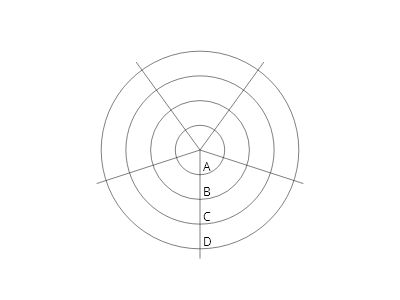
ScottPlot.Plot myPlot = new();

var polarAxis = myPlot.Add.PolarAxis();
polarAxis.Rotation = Angle.FromDegrees(-90);

double[] ticksPositions = { 5, 10, 15, 20 };
string[] tickLabels = { "A", "B", "C", "D" };
polarAxis.SetCircles(ticksPositions, tickLabels);

polarAxis.SetSpokes(count: 5, length: 22, degreeLabels: false);

myPlot.SavePng("demo.png", 400, 300);
このレシピは、極座標軸カテゴリに含まれる多数のレシピの 1 つです

極座標軸の線のカスタマイズ

極座標軸の線のカスタマイズ

スポークの角度と長さ、および円の位置は手動で定義できます。各スポークと円は個別にスタイル設定することもできます。
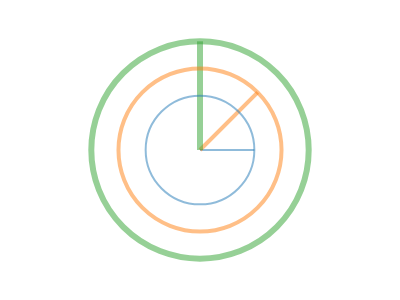
ScottPlot.Plot myPlot = new();

var polarAxis = myPlot.Add.PolarAxis();

// スポークの角度と長さを定義する
polarAxis.Spokes.Clear();
polarAxis.Spokes.Add(new(Angle.FromDegrees(0), 0.5));
polarAxis.Spokes.Add(new(Angle.FromDegrees(45), 0.75));
polarAxis.Spokes.Add(new(Angle.FromDegrees(90), 1.0));

// 円の半径を定義する
polarAxis.Circles.Clear();
polarAxis.Circles.Add(new(0.5));
polarAxis.Circles.Add(new(0.75));
polarAxis.Circles.Add(new(1.0));

// 個別のスポークと円のスタイルを設定する
ScottPlot.Palettes.Category10 pal = new();
for (int i = 0; i &lt; 3; i++)
{
    polarAxis.Circles[i].LineColor = pal.GetColor(i).WithAlpha(.5);
    polarAxis.Spokes[i].LineColor = pal.GetColor(i).WithAlpha(.5);

    polarAxis.Circles[i].LineWidth = 2 + i * 2;
    polarAxis.Spokes[i].LineWidth = 2 + i * 2;
}

myPlot.SavePng("demo.png", 400, 300);
このレシピは、極座標軸カテゴリに含まれる多数のレシピの1つです

極座標レーダープロット

極座標レーダープロット

極座標軸とポリゴンを組み合わせることは、レーダープロットを作成するための代替手法です。
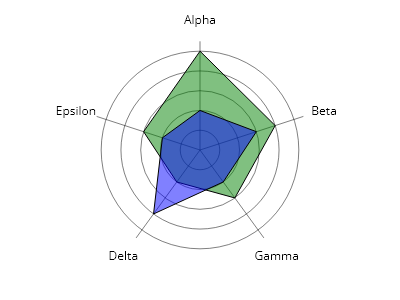
ScottPlot.Plot myPlot = new();

var polarAxis = myPlot.Add.PolarAxis();
polarAxis.Clockwise = true;
polarAxis.Rotation = Angle.FromDegrees(-90);

// ラベル付きスポークを追加する
string[] labels = { "Alpha", "Beta", "Gamma", "Delta", "Epsilon" };
polarAxis.SetSpokes(labels, length: 5.5);

// 定義済みの目盛りを追加する
double[] ticks = { 1, 2, 3, 4, 5 };
polarAxis.SetCircles(ticks);

// レーダー値を座標に変換する
double[] values1 = { 5, 4, 3, 2, 3 };
double[] values2 = { 2, 3, 2, 4, 2 };
Coordinates[] cs1 = polarAxis.GetCoordinates(values1);
Coordinates[] cs2 = polarAxis.GetCoordinates(values2);

// 各データセットのポリゴンを追加する
var poly1 = myPlot.Add.Polygon(cs1);
poly1.FillColor = Colors.Green.WithAlpha(.5);
poly1.LineColor = Colors.Black;

var poly2 = myPlot.Add.Polygon(cs2);
poly2.FillColor = Colors.Blue.WithAlpha(.5);
poly2.LineColor = Colors.Black;

myPlot.SavePng("demo.png", 400, 300);
このレシピは、極座標軸カテゴリに含まれる多数のレシピのうちの1つです

極座標スポークラベルのパディング

極座標スポークラベルのパディング

極座標スポーク上のラベルのパディングを変更します。
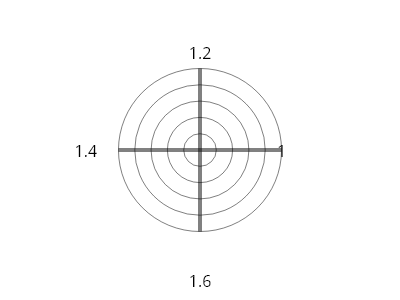
ScottPlot.Plot myPlot = new();

var polarAxis = myPlot.Add.PolarAxis();
polarAxis.SetSpokes(4, 1);

for (int i = 0; i &lt; polarAxis.Spokes.Count; i++)
{
    polarAxis.Spokes[i].LineWidth = 4;
    polarAxis.Spokes[i].LabelStyle.FontSize = 16;
    polarAxis.Spokes[i].LabelPaddingFraction = 0.2 * i;
    polarAxis.Spokes[i].LabelText = $"{polarAxis.Spokes[i].LabelLength}";
}

myPlot.SavePng("demo.png", 400, 300);
このレシピは、極座標軸カテゴリに含まれる多数のレシピの 1 つです

線付きの極座標軸

線付きの極座標軸

これは、点ではなく線を使用した極座標軸の例です
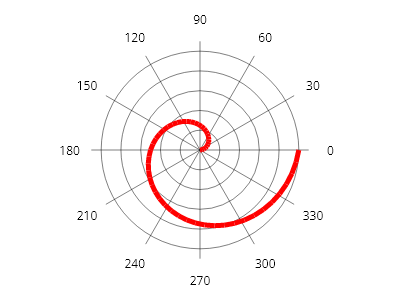
ScottPlot.Plot myPlot = new();

// プロットに極座標軸を追加する
var polarAxis = myPlot.Add.PolarAxis(radius: 100);

IColormap colormap = new ScottPlot.Colormaps.Turbo();
Coordinates? previousPt = null;

foreach (double fraction in ScottPlot.Generate.Range(0, 1, 0.02))
{
    // 極座標軸を使用して、極空間内の位置から X/Y 座標を取得する
    double radius = 100 *fraction;
    double degrees = 360* fraction;
    Coordinates pt = polarAxis.GetCoordinates(radius, degrees);

    if (previousPt != null)
    {
        ScottPlot.Plottables.LinePlot lp = myPlot.Add.Line(previousPt.Value.X, previousPt.Value.Y, pt.X, pt.Y);
        lp.LineWidth = 5;
        lp.Color = Colors.Red;
        previousPt = pt;
    }
    else
    {
        previousPt = pt;
    }
}

myPlot.SavePng("demo.png", 400, 300);
このレシピは、極座標軸カテゴリにある多数のレシピの 1 つです

母集団プロット

Population plots display collections of individual values.

レシピ

Population クイックスタート

Population クイックスタート

Population は、値のコレクションから作成し、必要に応じてスタイルを設定して、プロット上の任意の場所に配置できます。
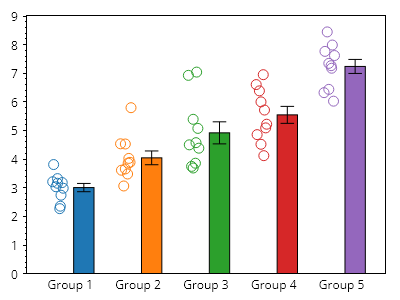
ScottPlot.Plot myPlot = new();

for (int i = 0; i &lt; 5; i++)
{
    double[] values = Generate.RandomNormal(10, mean: 3 + i);
    myPlot.Add.Population(values, x: i);
}

// デフォルトでプロットの下端がゼロにスナップするようにする
myPlot.Axes.Margins(bottom: 0);

// デフォルトの数値目盛りをカスタムのものに置き換える
double[] tickPositions = Generate.Consecutive(5);
string[] tickLabels = Enumerable.Range(1, 5).Select(x =&gt; $"グループ {x}").ToArray();
myPlot.Axes.Bottom.SetTicks(tickPositions, tickLabels);

// プロットの外観を調整する
myPlot.Axes.Bottom.MajorTickStyle.Length = 0;
myPlot.Axes.Margins(bottom: 0);
myPlot.HideGrid();

myPlot.SavePng("demo.png", 400, 300);
このレシピは、Population プロットカテゴリに含まれる多くのレシピの 1 つです

母集団箱ひげ図

母集団箱ひげ図

母集団統計は箱ひげ図を使用して表示できます。
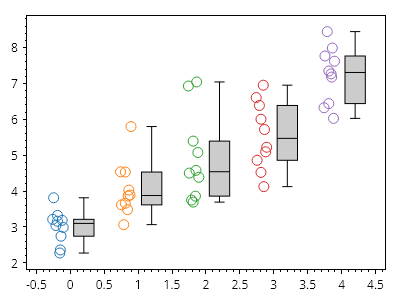
ScottPlot.Plot myPlot = new();

for (int i = 0; i &lt; 5; i++)
{
    double[] values = Generate.RandomNormal(10, mean: 3 + i);
    var pop = myPlot.Add.Population(values, x: i);

    // バー記号の表示を無効にする
    pop.Bar.IsVisible = false;

    // ボックス記号の表示を有効にする
    pop.Box.IsVisible = true;
}

// プロットの外観を調整する
myPlot.HideGrid();

myPlot.SavePng("demo.png", 400, 300);
このレシピは、母集団プロットカテゴリにある多数のレシピの 1 つです

母集団ボックス値

母集団ボックス値

ボックスの中央線、本体、ひげによって表示される値は、静的関数をボックス値設定プロパティに割り当てることで設定できます。
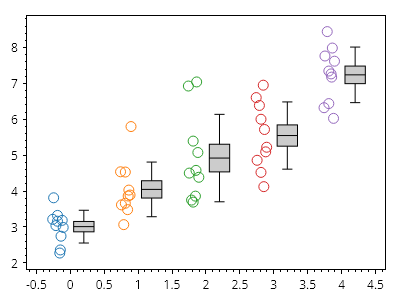
ScottPlot.Plot myPlot = new();

for (int i = 0; i &lt; 5; i++)
{
    double[] values = Generate.RandomNormal(10, mean: 3 + i);
    var pop = myPlot.Add.Population(values, x: i);
    pop.Bar.IsVisible = false;
    pop.Box.IsVisible = true;

    pop.BoxValueConfig = PopulationSymbol.BoxValueConfigurator_MeanStdErrStDev;
}

// プロットの外観を調整する
myPlot.HideGrid();

myPlot.SavePng("demo.png", 400, 300);
このレシピは、母集団プロットカテゴリに含まれる多数のレシピの1つです

Population バーのスタイル設定

Population バーのスタイル設定

population プロットのバーシンボルは、幅広くスタイル設定できます。
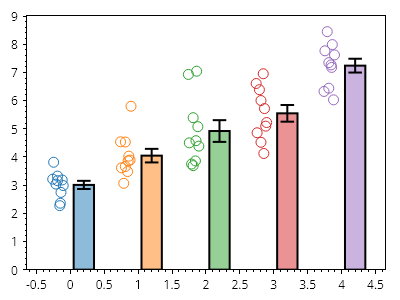
ScottPlot.Plot myPlot = new();

for (int i = 0; i &lt; 5; i++)
{
    double[] values = Generate.RandomNormal(10, mean: 3 + i);
    var pop = myPlot.Add.Population(values, x: i);

    pop.Bar.FillColor = pop.Marker.MarkerLineColor.WithAlpha(.5);
    pop.Bar.LineWidth = 2;
    pop.Bar.ErrorNegative = false;
}

// プロットの外観を調整する
myPlot.Axes.Margins(bottom: 0);
myPlot.HideGrid();

myPlot.SavePng("demo.png", 400, 300);
このレシピは、Population プロットカテゴリにある多数のレシピの 1 つです

Population ボックスのスタイリング

Population ボックスのスタイリング

Population プロットのボックス記号は、広範にスタイル設定できます。
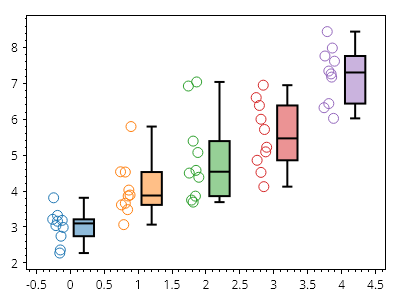
ScottPlot.Plot myPlot = new();

for (int i = 0; i &lt; 5; i++)
{
    double[] values = Generate.RandomNormal(10, mean: 3 + i);
    var pop = myPlot.Add.Population(values, x: i);
    pop.Bar.IsVisible = false;
    pop.Box.IsVisible = true;
    pop.Box.LineWidth = 2;
    pop.Box.FillColor = pop.Marker.MarkerLineColor.WithAlpha(.5);
}

// プロットの外観を調整する
myPlot.HideGrid();

myPlot.SavePng("demo.png", 400, 300);
このレシピは、Population プロットカテゴリにある多数のレシピの 1 つです

母集団マーカーのスタイリング

母集団マーカーのスタイリング

母集団プロットのデータマーカーは、幅広くスタイル設定できます。
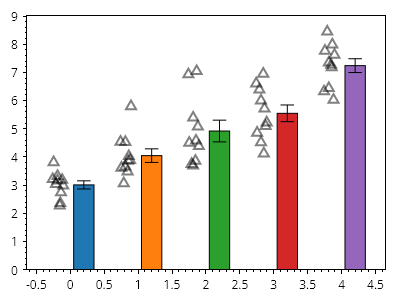
ScottPlot.Plot myPlot = new();

for (int i = 0; i &lt; 5; i++)
{
    double[] values = Generate.RandomNormal(10, mean: 3 + i);
    var pop = myPlot.Add.Population(values, x: i);

    pop.Marker.LineWidth = 2;
    pop.Marker.Color = Colors.Black.WithAlpha(.5);
    pop.Marker.Shape = MarkerShape.OpenTriangleUp;
}

// プロットの外観を調整する
myPlot.Axes.Margins(bottom: 0);
myPlot.HideGrid();

myPlot.SavePng("demo.png", 400, 300);
このレシピは、母集団プロットカテゴリに含まれる多数のレシピの 1 つです

母集団の配置

母集団の配置

ユーザーは、バーまたはボックスに対してデータを描画する位置をカスタマイズできます。すべてを中央揃えにすると、データ点がバーまたはボックスの上に描画される効果を実現できます。
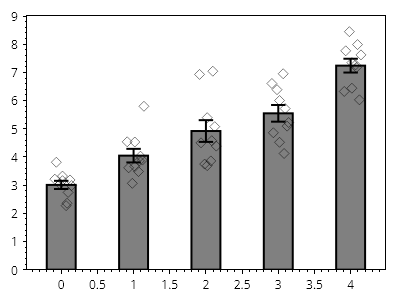
ScottPlot.Plot myPlot = new();

for (int i = 0; i &lt; 5; i++)
{
    double[] values = Generate.RandomNormal(10, mean: 3 + i);
    var pop = myPlot.Add.Population(values, x: i);

    pop.MarkerAlignment = HorizontalAlignment.Center;
    pop.BarAlignment = HorizontalAlignment.Center;
    pop.Marker.Shape = MarkerShape.OpenDiamond;
    pop.Marker.Color = Colors.Black.WithAlpha(.5);
    pop.Bar.FillColor = Colors.Gray;
    pop.Bar.LineWidth = 2;
    pop.Width = 0.5;
}

// プロットの外観を調整する
myPlot.Axes.Margins(bottom: 0);
myPlot.HideGrid();

myPlot.SavePng("demo.png", 400, 300);
このレシピは、母集団プロットカテゴリに含まれる多数のレシピの 1 つです

母集団グループ

母集団グループ

母集団のグループは、位置、色、軸ラベル、凡例項目をカスタマイズすることで実現できます。
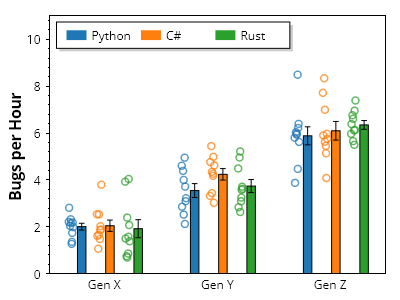
ScottPlot.Plot myPlot = new();

// グループを定義する
string[] groupNames = { "Gen X", "Gen Y", "Gen Z" };
string[] categoryNames = { "Python", "C#", "Rust" };
Color[] categoryColors = { Colors.C0, Colors.C1, Colors.C2 };

// ランダムデータをプロットに追加する
for (int groupIndex = 0; groupIndex &lt; groupNames.Length; groupIndex++)
{
    for (int categoryIndex = 0; categoryIndex &lt; categoryNames.Length; categoryIndex++)
    {
        double[] values = Generate.RandomNormal(10, mean: 2 + groupIndex *2);
        double x = groupIndex* (categoryNames.Length + 1) + categoryIndex;
        var pop = myPlot.Add.Population(values, x);
        pop.Marker.MarkerLineColor = categoryColors[categoryIndex].WithAlpha(.75);
        pop.Marker.Size = 7;
        pop.Marker.LineWidth = 1.5f;
        pop.Bar.FillColor = categoryColors[categoryIndex];
    }
}

// グループ名を水平方向の目盛ラベルに適用する
double tickDelta = categoryNames.Length + 1;
double[] tickPositions = Enumerable.Range(0, groupNames.Length)
    .Select(x =&gt; x * tickDelta + tickDelta / 2 - 1)
    .ToArray();
myPlot.Axes.Bottom.SetTicks(tickPositions, groupNames);
myPlot.Axes.Bottom.MajorTickStyle.Length = 0;

// 凡例にカテゴリの色を表示する
for (int i = 0; i &lt; categoryNames.Length; i++)
{
    LegendItem item = new()
    {
        FillColor = categoryColors[i],
        LabelText = categoryNames[i]
    };
    myPlot.Legend.ManualItems.Add(item);
}
myPlot.Legend.Orientation = Orientation.Horizontal;
myPlot.Legend.Alignment = Alignment.UpperLeft;

// プロットの外観を調整する
myPlot.Axes.Margins(bottom: 0, top: 0.3);
myPlot.YLabel("1時間あたりのバグ数");
myPlot.HideGrid();

myPlot.SavePng("demo.png", 400, 300);
このレシピは、母集団プロットカテゴリに含まれる多数のレシピの1つです

レーダープロット

Radar charts (also called a spider charts or star charts) represent multi-axis data as a 2D shape on axes arranged circularly around a center point.

レシピ

レーダープロットのクイックスタート

レーダープロットのクイックスタート

レーダーチャートは、値の単一の配列から作成できます。
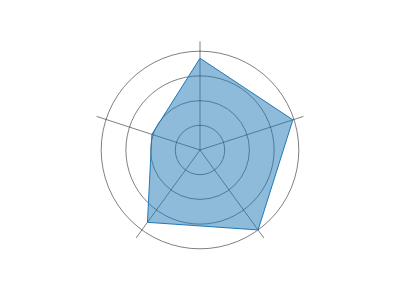
Radar.cs
ScottPlot.Plot myPlot = new();

double[] values = { 78, 83, 84, 76, 43 };
myPlot.Add.Radar(values);

myPlot.SavePng("demo.png", 400, 300);
このレシピは、レーダープロットカテゴリにある多数のレシピの 1 つです

複数系列のレーダープロット

複数系列のレーダープロット

単一のレーダーチャートで、2D 配列を使用して複数系列の値を表示できます
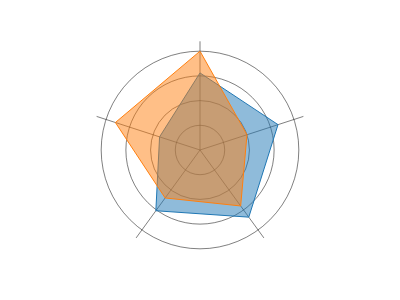
Radar.cs
ScottPlot.Plot myPlot = new();

double[,] values = {
    { 78,  83, 84, 76, 43 },
    { 100, 50, 70, 60, 90 }
};

myPlot.Add.Radar(values);

myPlot.SavePng("demo.png", 400, 300);
このレシピは、レーダープロットカテゴリに含まれる多数のレシピの 1 つです

レーダー凡例

レーダー凡例

レーダー値のコレクション(レーダー系列)にはラベルを付けることができ、凡例に表示されます
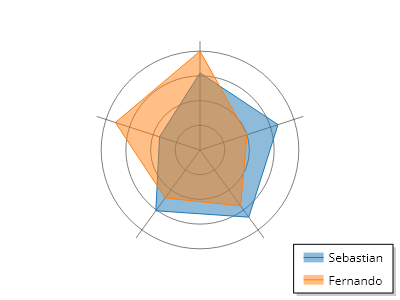
Radar.cs
ScottPlot.Plot myPlot = new();

double[,] values = {
    { 78,  83, 84, 76, 43 },
    { 100, 50, 70, 60, 90 }
};

var radar = myPlot.Add.Radar(values);
radar.Series[0].LegendText = "Sebastian";
radar.Series[1].LegendText = "Fernando";

myPlot.SavePng("demo.png", 400, 300);
このレシピは、レーダープロットカテゴリーに含まれる多数のレシピの1つです

レーダー系列のカスタマイズ

レーダー系列のカスタマイズ

レーダープロットには RadarSeries オブジェクトのコレクションがあり、それぞれが値のセットと、それをレーダープロット上の形状として表示するために使用されるスタイル情報を記述します。ユーザーはレーダー系列オブジェクトのプロパティを変更することで、各形状を高度にカスタマイズできます。
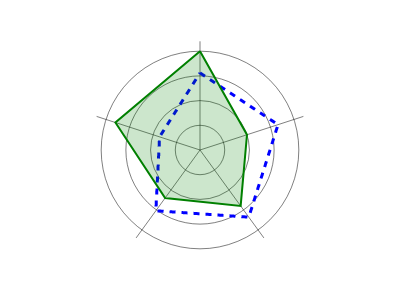
Radar.cs
ScottPlot.Plot myPlot = new();

double[,] values = {
    { 78,  83, 84, 76, 43 },
    { 100, 50, 70, 60, 90 }
};

var radar = myPlot.Add.Radar(values);

radar.Series[0].FillColor = Colors.Transparent;
radar.Series[0].LineColor = Colors.Blue;
radar.Series[0].LineWidth = 3;
radar.Series[0].LinePattern = LinePattern.DenselyDashed;

radar.Series[1].FillColor = Colors.Green.WithAlpha(.2);
radar.Series[1].LineColor = Colors.Green;
radar.Series[1].LineWidth = 2;

myPlot.SavePng("demo.png", 400, 300);
このレシピは、レーダープロットカテゴリに含まれる多数のレシピのうちの1つです

レーダーのスポークラベル

レーダーのスポークラベル

スポークにラベルを割り当てて、レーダープロットの円周上の値にラベルを付けることができます
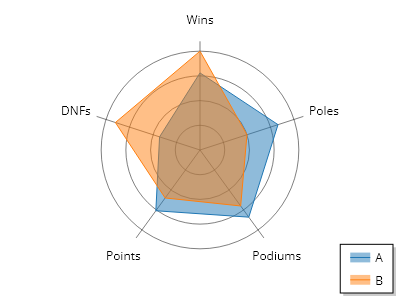
Radar.cs
ScottPlot.Plot myPlot = new();

double[,] values = {
    { 78,  83, 84, 76, 43 },
    { 100, 50, 70, 60, 90 }
};

var radar = myPlot.Add.Radar(values);
radar.Series[0].LegendText = "A";
radar.Series[1].LegendText = "B";

string[] spokeLabels = { "勝利数", "ポール数", "表彰台数", "ポイント", "リタイア数" };
radar.PolarAxis.SetSpokes(spokeLabels, length: 110);

myPlot.SavePng("demo.png", 400, 300);
このレシピは、レーダープロットカテゴリにある多数のレシピの1つです

Radar の放射状目盛ラベル

Radar の放射状目盛ラベル

Radar の放射状目盛の位置とラベルはユーザーが定義できます
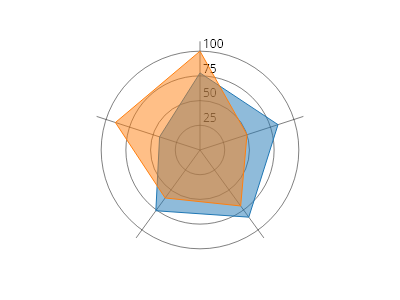
Radar.cs
ScottPlot.Plot myPlot = new();

double[,] values = {
    { 78,  83, 84, 76, 43 },
    { 100, 50, 70, 60, 90 }
};

var radar = myPlot.Add.Radar(values);

double[] tickPositions = { 25, 50, 75, 100 };
string[] tickLabels = tickPositions.Select(x =&gt; x.ToString()).ToArray();
radar.PolarAxis.SetCircles(tickPositions, tickLabels);

myPlot.SavePng("demo.png", 400, 300);
このレシピは、Radar プロットカテゴリにある多数のレシピの 1 つです

直線を使用したレーダー

直線を使用したレーダー

放射状の目盛りは、円の代わりに直線を使用してレンダリングできます
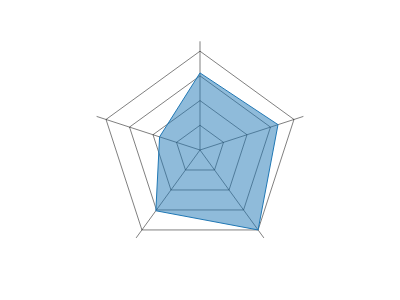
Radar.cs
ScottPlot.Plot myPlot = new();

double[] values = { 78, 83, 100, 76, 43 };
var radar = myPlot.Add.Radar(values);
radar.PolarAxis.StraightLines = true;

myPlot.SavePng("demo.png", 400, 300);
このレシピは、レーダープロットカテゴリに含まれる多数のレシピのうちの1つです

データの上に軸を表示

データの上に軸を表示

レーダーチャートは、軸がデータの上にレンダリングされるようにカスタマイズできます
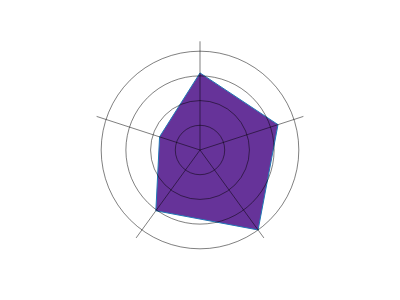
Radar.cs
ScottPlot.Plot myPlot = new();

double[] values = { 78, 83, 100, 76, 43 };
var radar = myPlot.Add.Radar(values);

// 図形を不透明にする
radar.Series[0].FillColor = Colors.RebeccaPurple;

// データの上に軸をレンダリングする
radar.IsAxisAboveData = true;

myPlot.SavePng("demo.png", 400, 300);
このレシピは、レーダープロットカテゴリに含まれる多数のレシピのうちの1つです

ラジアルゲージ

A radial gauge chart displays scalar data as circular gauges.

レシピ

値から作成するラジアルゲージ

値から作成するラジアルゲージ

ラジアルゲージチャートは、いくつかの値から作成できます。
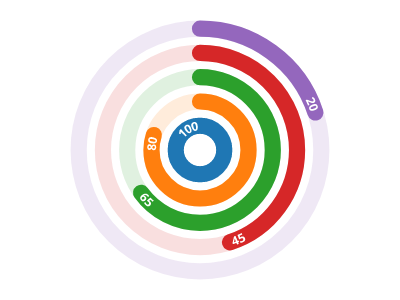
ScottPlot.Plot myPlot = new();

double[] values = { 100, 80, 65, 45, 20 };
myPlot.Add.RadialGaugePlot(values);

myPlot.SavePng("demo.png", 400, 300);
このレシピは、ラジアルゲージカテゴリにある多くのレシピの1つです

ゲージの色

ゲージの色

ゲージの色は、デフォルトのパレットを変更することでカスタマイズできます。
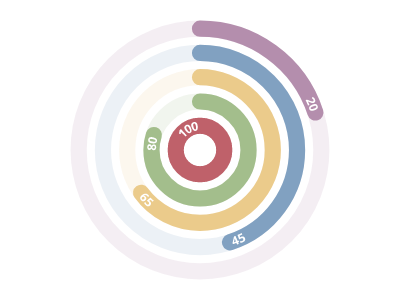
ScottPlot.Plot myPlot = new();

myPlot.Add.Palette = new ScottPlot.Palettes.Nord();
double[] values = { 100, 80, 65, 45, 20 };
myPlot.Add.RadialGaugePlot(values);

myPlot.SavePng("demo.png", 400, 300);
このレシピは、ラジアルゲージカテゴリに含まれる多数のレシピの 1 つです

負の値

負の値

ラジアルゲージプロットは、正の値と負の値をサポートします。

ScottPlot.Plot myPlot = new();

myPlot.Add.Palette = new ScottPlot.Palettes.Nord();
double[] values = { 100, 80, -65, 45, -20 };
myPlot.Add.RadialGaugePlot(values);

myPlot.SavePng("demo.png", 400, 300);
このレシピは、ラジアルゲージカテゴリに含まれる多くのレシピの 1 つです

シーケンシャルゲージモード

シーケンシャルゲージモード

シーケンシャルゲージモードは、各ゲージの基点が前のゲージの先端から始まることを示します。
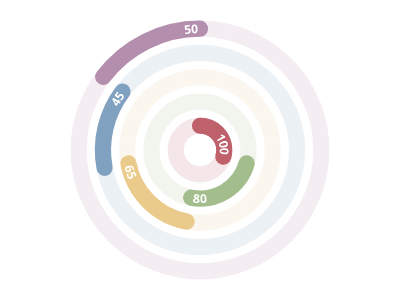
ScottPlot.Plot myPlot = new();

myPlot.Add.Palette = new ScottPlot.Palettes.Nord();
double[] values = { 100, 80, 65, 45, 50 };
var radialGaugePlot = myPlot.Add.RadialGaugePlot(values);
radialGaugePlot.GaugeMode = ScottPlot.RadialGaugeMode.Sequential;

myPlot.SavePng("demo.png", 400, 300);
このレシピは、ラジアルゲージカテゴリにある多数のレシピのうちの1つです

逆順

逆順

ゲージはデフォルトで中心から外側に向かって表示されますが、順序はカスタマイズできます。
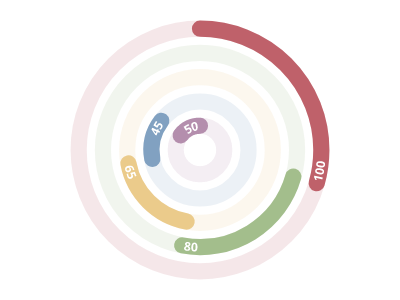
ScottPlot.Plot myPlot = new();

myPlot.Add.Palette = new ScottPlot.Palettes.Nord();
double[] values = { 100, 80, 65, 45, 50 };
var radialGaugePlot = myPlot.Add.RadialGaugePlot(values);
radialGaugePlot.GaugeMode = ScottPlot.RadialGaugeMode.Sequential;
radialGaugePlot.OrderInsideOut = false;

myPlot.SavePng("demo.png", 400, 300);
このレシピは、ラジアルゲージカテゴリに含まれる多数のレシピの1つです

単一ゲージモード

単一ゲージモード

SingleGauge モードは、すべてのゲージを 1 つのゲージとして重ねて描画します。これは、多数の個別の小さなゲージで構成される進捗ゲージを表示する場合に便利です。
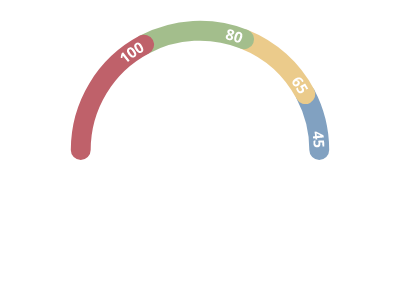
ScottPlot.Plot myPlot = new();

myPlot.Add.Palette = new ScottPlot.Palettes.Nord();
double[] values = { 100, 80, 65, 45 };

var radialGaugePlot = myPlot.Add.RadialGaugePlot(values);
radialGaugePlot.GaugeMode = ScottPlot.RadialGaugeMode.SingleGauge;
radialGaugePlot.MaximumAngle = 180;
radialGaugePlot.StartingAngle = 180;

myPlot.SavePng("demo.png", 400, 300);
このレシピは、放射状ゲージカテゴリに含まれる多数のレシピの 1 つです

ゲージの方向

ゲージの方向

ゲージの方向はカスタマイズできます。デフォルトでは時計回りが使用されます。
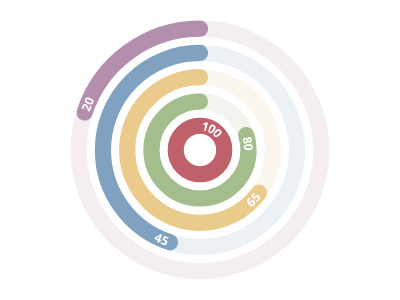
ScottPlot.Plot myPlot = new();

myPlot.Add.Palette = new ScottPlot.Palettes.Nord();
double[] values = { 100, 80, 65, 45, 20 };

var radialGaugePlot = myPlot.Add.RadialGaugePlot(values);
radialGaugePlot.Clockwise = false;

myPlot.SavePng("demo.png", 400, 300);
このレシピは、放射状ゲージカテゴリに含まれる多数のレシピの1つです

ゲージサイズ

ゲージサイズ

ゲージ間の空白は、ゲージの幅に対する割合として調整できます。
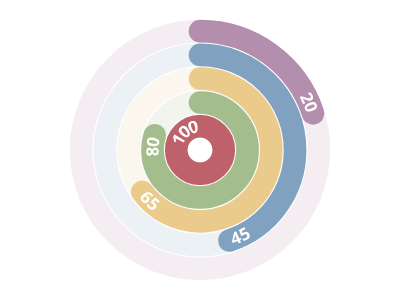
ScottPlot.Plot myPlot = new();

myPlot.Add.Palette = new ScottPlot.Palettes.Nord();
double[] values = { 100, 80, 65, 45, 20 };
var radialGaugePlot = myPlot.Add.RadialGaugePlot(values);
radialGaugePlot.SpaceFraction = .05;

myPlot.SavePng("demo.png", 400, 300);
このレシピは、ラジアルゲージカテゴリに含まれる多数のレシピのうちの1つです

ゲージの開始角度

ゲージの開始角度

ゲージの開始角度はカスタマイズできます。北は 270(デフォルト値)、東は 0、南は 90、西は 180、などです。
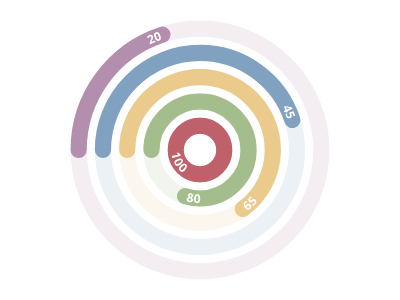
ScottPlot.Plot myPlot = new();

myPlot.Add.Palette = new ScottPlot.Palettes.Nord();
double[] values = { 100, 80, 65, 45, 20 };

var radialGaugePlot = myPlot.Add.RadialGaugePlot(values);
radialGaugePlot.StartingAngle = 180;

myPlot.SavePng("demo.png", 400, 300);
このレシピは、ラジアルゲージカテゴリにある多数のレシピの 1 つです

ゲージの角度範囲

ゲージの角度範囲

デフォルトでは、ゲージは完全な円(360度)ですが、ゲージのサイズをカスタマイズすることで、より小さなゲージを作成できます。
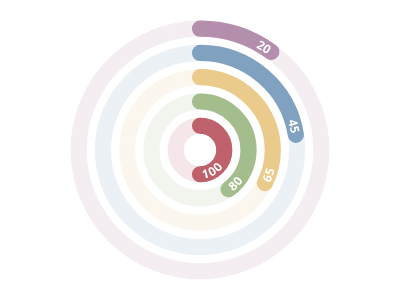
ScottPlot.Plot myPlot = new();

myPlot.Add.Palette = new ScottPlot.Palettes.Nord();
double[] values = { 100, 80, 65, 45, 20 };

var radialGaugePlot = myPlot.Add.RadialGaugePlot(values);
radialGaugePlot.MaximumAngle = 180;

myPlot.SavePng("demo.png", 400, 300);
このレシピは、放射ゲージカテゴリにある多数のレシピの1つです

レベルの表示

レベルの表示

各ゲージの値はデフォルトでテキストとして表示されますが、この動作は上書きできます。これは、凡例に表示される labels フィールドとは異なることに注意してください。

ScottPlot.Plot myPlot = new();

myPlot.Add.Palette = new ScottPlot.Palettes.Nord();
double[] values = { 100, 80, 65, 45, 20 };

var radialGaugePlot = myPlot.Add.RadialGaugePlot(values);
radialGaugePlot.ShowLevels = false;

myPlot.SavePng("demo.png", 400, 300);
このレシピは、Radial gauge カテゴリに含まれる多数のレシピの 1 つです

ゲージラベルの位置

ゲージラベルの位置

ゲージレベルのテキストはデフォルトで各ゲージの先端に配置されますが、この位置はユーザーが調整できます。
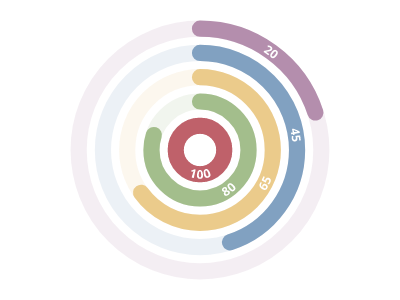
ScottPlot.Plot myPlot = new();

myPlot.Add.Palette = new ScottPlot.Palettes.Nord();
double[] values = { 100, 80, 65, 45, 20 };

var radialGaugePlot = myPlot.Add.RadialGaugePlot(values);
radialGaugePlot.LabelPositionFraction = 0.5;

myPlot.SavePng("demo.png", 400, 300);
このレシピは、ラジアルゲージカテゴリーに含まれる多数のレシピの 1 つです

ゲージラベルのフォント割合

ゲージラベルのフォント割合

ゲージ幅に対する割合としてのゲージレベルテキストのサイズ。
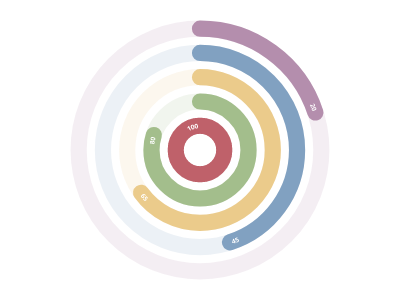
ScottPlot.Plot myPlot = new();

myPlot.Add.Palette = new ScottPlot.Palettes.Nord();
double[] values = { 100, 80, 65, 45, 20 };

var radialGaugePlot = myPlot.Add.RadialGaugePlot(values);
radialGaugePlot.FontSizeFraction = .4;

myPlot.SavePng("demo.png", 400, 300);
このレシピは、ラジアルゲージカテゴリにある多くのレシピの1つです

ゲージラベルの色

ゲージラベルの色

レベルテキストのフォントはカスタマイズできます。
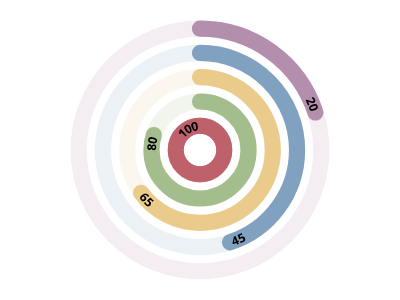
ScottPlot.Plot myPlot = new();

myPlot.Add.Palette = new ScottPlot.Palettes.Nord();
double[] values = { 100, 80, 65, 45, 20 };

var radialGaugePlot = myPlot.Add.RadialGaugePlot(values);
radialGaugePlot.Font.Color = Colors.Black;

myPlot.SavePng("demo.png", 400, 300);
このレシピは、ラジアルゲージカテゴリに含まれる多数のレシピの1つです

凡例内のゲージラベル

凡例内のゲージラベル

ラジアルゲージのラベルが割り当てられている場合、それらは凡例に表示されます。
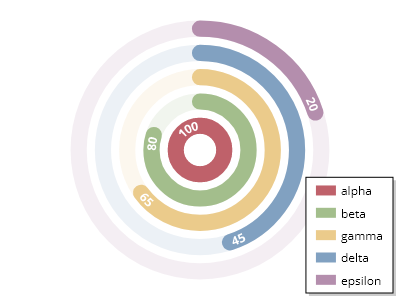
ScottPlot.Plot myPlot = new();

myPlot.Add.Palette = new ScottPlot.Palettes.Nord();
double[] values = { 100, 80, 65, 45, 20 };

var radialGaugePlot = myPlot.Add.RadialGaugePlot(values);
radialGaugePlot.Labels = new string[] { "alpha", "beta", "gamma", "delta", "epsilon" };
myPlot.ShowLegend();

myPlot.SavePng("demo.png", 400, 300);
このレシピは、ラジアルゲージカテゴリにある多数のレシピのうちの1つです

背景ゲージの淡色表示

背景ゲージの淡色表示

デフォルトでは、各ゲージの全範囲が半透明のリングとして描画されます。透明度は必要に応じて調整できます。
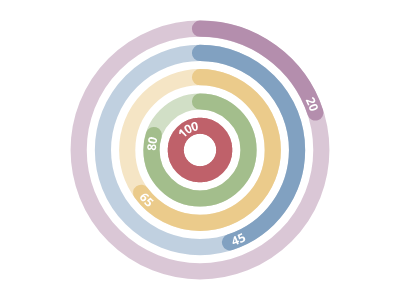
ScottPlot.Plot myPlot = new();

myPlot.Add.Palette = new ScottPlot.Palettes.Nord();
double[] values = { 100, 80, 65, 45, 20 };

var radialGaugePlot = myPlot.Add.RadialGaugePlot(values);
radialGaugePlot.BackgroundTransparencyFraction = .5;

myPlot.SavePng("demo.png", 400, 300);
このレシピは、ラジアルゲージカテゴリに含まれる多数のレシピの 1 つです

背景ゲージの正規化

背景ゲージの正規化

ゲージの背景は、デフォルトで完全な円として描画されます。この動作は無効化でき、非円形ゲージに対して部分的な背景を描画できます。
ScottPlot.Plot myPlot = new();

myPlot.Add.Palette = new ScottPlot.Palettes.Nord();
double[] values = { 100, 80, 65, 45, 20 };

var radialGaugePlot = myPlot.Add.RadialGaugePlot(values);
radialGaugePlot.CircularBackground = false;
radialGaugePlot.MaximumAngle = 180;
radialGaugePlot.StartingAngle = 180;

myPlot.SavePng("demo.png", 400, 300);
このレシピは、ラジアルゲージカテゴリに含まれる多数のレシピの1つです

スケールバー

Scalebars display a horizontal and/or vertical range using a line segment and may be used to convey axis scale as a minimal alternative to using axis frames, ticks, and tick labels.

レシピ

ScaleBar クイックスタート

ScaleBar クイックスタート

ScaleBar をプロットに追加すると、スケール情報を伝えられるため、軸フレーム、目盛り、ラベルを非表示にできます。
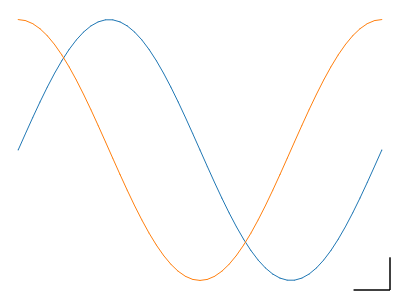
ScottPlot.Plot myPlot = new();

// サンプルデータをプロットする
myPlot.Add.Signal(Generate.Sin());
myPlot.Add.Signal(Generate.Cos());

// スケールバーを追加する
myPlot.Add.ScaleBar(5, 0.25);

// グリッドと軸ラベルを無効にする
myPlot.HideGrid();
myPlot.Axes.Frameless();

myPlot.SavePng("demo.png", 400, 300);
このレシピは、スケールバーカテゴリにある多数のレシピの 1 つです

ScaleBar ラベル

ScaleBar ラベル

L 字型のスケールバーの各次元にテキストを追加できます
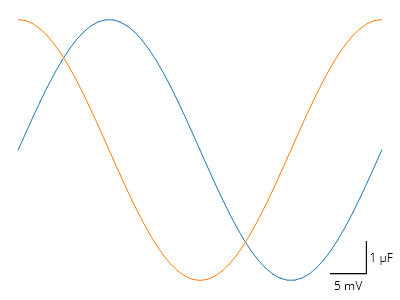
ScottPlot.Plot myPlot = new();

// サンプルデータをプロットする
myPlot.Add.Signal(Generate.Sin());
myPlot.Add.Signal(Generate.Cos());

// スケールバーを追加する
var scalebar = myPlot.Add.ScaleBar(5, 0.25);
scalebar.XLabel = "5 mV";
scalebar.YLabel = "1 µF";

// グリッドと軸ラベルを無効にする
myPlot.HideGrid();
myPlot.Axes.Frameless();

myPlot.SavePng("demo.png", 400, 300);
このレシピは、Scale Bar カテゴリにある多数のレシピの 1 つです

ScaleBar のスタイル設定

ScaleBar のスタイル設定

ScaleBar にはカスタマイズ可能なプロパティが多数あります
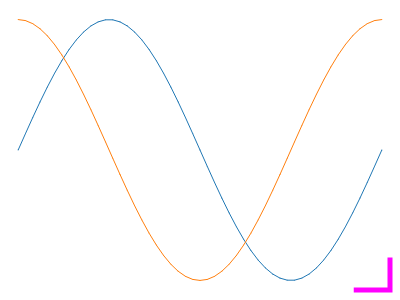
ScottPlot.Plot myPlot = new();

// サンプルデータをプロットする
myPlot.Add.Signal(Generate.Sin());
myPlot.Add.Signal(Generate.Cos());

// スケールバーを追加する
var scalebar = myPlot.Add.ScaleBar(5, 0.25);
scalebar.LineWidth = 5;
scalebar.LineColor = Colors.Magenta;

// グリッドと軸ラベルを無効にする
myPlot.HideGrid();
myPlot.Axes.Frameless();

myPlot.SavePng("demo.png", 400, 300);
このレシピは、Scale Bar カテゴリにある多数のレシピの 1 つです

ScaleBar 単一次元

ScaleBar 単一次元

Width または Height を 0 に設定すると、ScaleBar は単一の軸のみを使用します
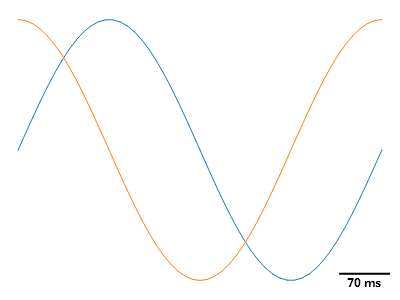
ScottPlot.Plot myPlot = new();

// サンプルデータをプロットする
myPlot.Add.Signal(Generate.Sin());
myPlot.Add.Signal(Generate.Cos());

// スケールバーを追加する
var scalebar = myPlot.Add.ScaleBar(7, 0);
scalebar.LineWidth = 2;
scalebar.XLabel = "70 ms";
scalebar.XLabelStyle.Bold = true;
scalebar.LabelPadding = new(0);

// グリッドと軸ラベルを無効にする
myPlot.HideGrid();
myPlot.Axes.Frameless();

myPlot.SavePng("demo.png", 400, 300);
このレシピは、Scale Bar カテゴリにある多数のレシピの 1 つです

散布図

Scatter plots display points at X/Y locations in coordinate space.

レシピ

散布図クイックスタート

散布図クイックスタート

散布図は、X 値と Y 値を含む 2 つの配列から作成できます。
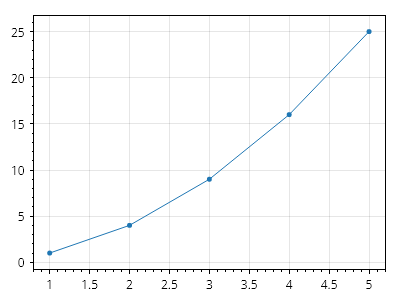
Scatter.cs
ScottPlot.Plot myPlot = new();

double[] xs = { 1, 2, 3, 4, 5 };
double[] ys = { 1, 4, 9, 16, 25 };

myPlot.Add.Scatter(xs, ys);

myPlot.SavePng("demo.png", 400, 300);
このレシピは、散布図カテゴリーに含まれる多くのレシピの 1 つです

散布図の座標

散布図の座標

散布図は、Coordinates のコレクションから作成できます。
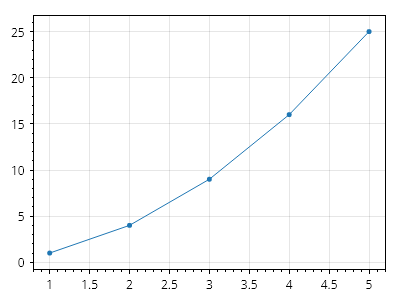
Scatter.cs
ScottPlot.Plot myPlot = new();

Coordinates[] coordinates =
{
    new(1, 1),
    new(2, 4),
    new(3, 9),
    new(4, 16),
    new(5, 25),
};

myPlot.Add.Scatter(coordinates);

myPlot.SavePng("demo.png", 400, 300);
このレシピは、散布図カテゴリにある多数のレシピの 1 つです

散布図のデータ型

散布図のデータ型

散布図は、double だけでなく、任意の数値データ型から作成できます。
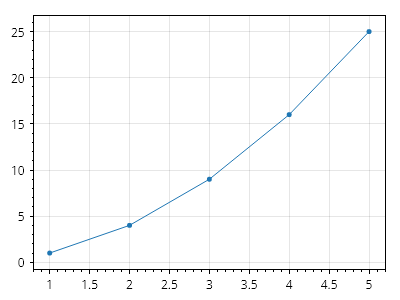
Scatter.cs
ScottPlot.Plot myPlot = new();

float[] xs = { 1, 2, 3, 4, 5 };
int[] ys = { 1, 4, 9, 16, 25 };

myPlot.Add.Scatter(xs, ys);

myPlot.SavePng("demo.png", 400, 300);
このレシピは、散布図カテゴリに含まれる多数のレシピの 1 つです

リストデータの散布図

リストデータの散布図

散布図は List から作成できますが、レンダリング中に項目を追加または削除しないよう十分に注意してください。そうしないと、インデックス例外がスローされる可能性があります。詳細については、Render Lock システムに関するドキュメントを参照してください。
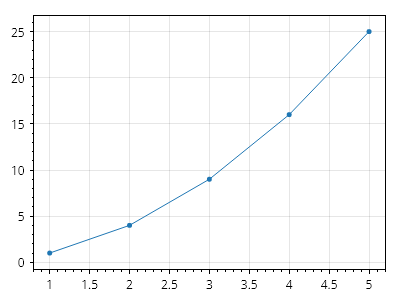
Scatter.cs
ScottPlot.Plot myPlot = new();

List&lt;double&gt; xs = new() { 1, 2, 3, 4, 5 };
List&lt;double&gt; ys = new() { 1, 4, 9, 16, 25 };

myPlot.Add.Scatter(xs, ys);

myPlot.SavePng("demo.png", 400, 300);
このレシピは、散布図カテゴリに含まれる多数のレシピの 1 つです

線のみの散布図

線のみの散布図

ScatterLine() メソッドを使用すると、線のみの散布図を作成できます(マーカーサイズは 0 に設定されます)。
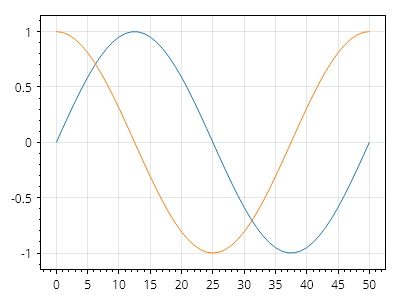
Scatter.cs
ScottPlot.Plot myPlot = new();

double[] xs = Generate.Consecutive(51);
double[] sin = Generate.Sin(51);
double[] cos = Generate.Cos(51);

myPlot.Add.ScatterLine(xs, sin);
myPlot.Add.ScatterLine(xs, cos);

myPlot.SavePng("demo.png", 400, 300);
このレシピは、散布図カテゴリに含まれる多数のレシピの 1 つです

点のみの散布図

点のみの散布図

ScatterPoints() メソッドを使用すると、マーカーのみの散布図を作成できます(線幅は 0 に設定されます)。
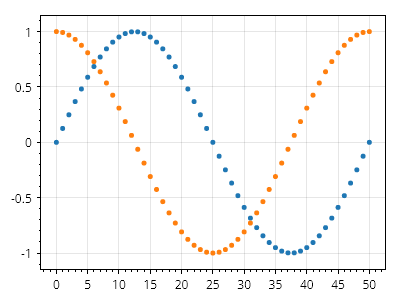
Scatter.cs
ScottPlot.Plot myPlot = new();

double[] xs = Generate.Consecutive(51);
double[] sin = Generate.Sin(51);
double[] cos = Generate.Cos(51);

myPlot.Add.ScatterPoints(xs, sin);
myPlot.Add.ScatterPoints(xs, cos);

myPlot.SavePng("demo.png", 400, 300);
このレシピは、散布図カテゴリにある多数のレシピの 1 つです

散布図のスタイリング

散布図のスタイリング

散布図は、散布図を追加した後に返されるオブジェクトを操作することで、広範囲にスタイル設定できます。散布図の Label プロパティにテキストを割り当てると、凡例に表示できるようになります。
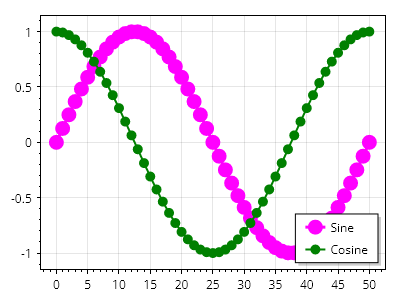
Scatter.cs
ScottPlot.Plot myPlot = new();

double[] xs = Generate.Consecutive(51);
double[] ys1 = Generate.Sin(51);
double[] ys2 = Generate.Cos(51);

var sp1 = myPlot.Add.Scatter(xs, ys1);
sp1.LegendText = "正弦";
sp1.LineWidth = 3;
sp1.Color = Colors.Magenta;
sp1.MarkerSize = 15;

var sp2 = myPlot.Add.Scatter(xs, ys2);
sp2.LegendText = "余弦";
sp2.LineWidth = 2;
sp2.Color = Colors.Green;
sp2.MarkerSize = 10;

myPlot.ShowLegend();

myPlot.SavePng("demo.png", 400, 300);
このレシピは、散布図カテゴリにある多数のレシピの 1 つです

散布図の線パターン

散布図の線パターン

いくつかの線パターンを利用できます

Scatter.cs
ScottPlot.Plot myPlot = new();

List&lt;LinePattern&gt; patterns = [];
patterns.AddRange(LinePattern.GetAllPatterns());
patterns.Add(new([2, 2, 5, 10], 0, "カスタム"));

ScottPlot.Palettes.ColorblindFriendly palette = new();

for (int i = 0; i &lt; patterns.Count; i++)
{
    double yOffset = patterns.Count - i;
    double[] xs = Generate.Consecutive(51);
    double[] ys = Generate.Sin(51, offset: yOffset);

    var sp = myPlot.Add.Scatter(xs, ys);
    sp.LineWidth = 2;
    sp.MarkerSize = 0;
    sp.LinePattern = patterns[i];
    sp.Color = palette.GetColor(i);

    var txt = myPlot.Add.Text(patterns[i].Name, 51, yOffset);
    txt.LabelFontColor = sp.Color;
    txt.LabelFontSize = 22;
    txt.LabelBold = true;
    txt.LabelAlignment = Alignment.MiddleLeft;
}

myPlot.Axes.Margins(.05, .5, .05, .05);

myPlot.SavePng("demo.png", 400, 300);
このレシピは、散布図カテゴリに含まれる多数のレシピのうちの1つです

Scatter ジェネリック

Scatter ジェネリック

散布図はジェネリックデータ型をサポートしていますが、通常は double が最も高性能です。
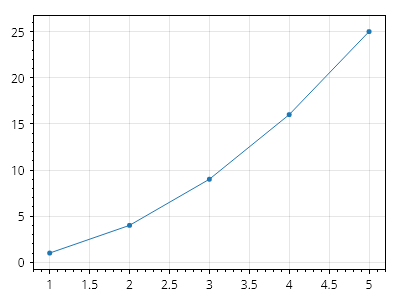
Scatter.cs
ScottPlot.Plot myPlot = new();

int[] xs = { 1, 2, 3, 4, 5 };
float[] ys = { 1, 4, 9, 16, 25 };

myPlot.Add.Scatter(xs, ys);

myPlot.SavePng("demo.png", 400, 300);
このレシピは、散布図カテゴリにある多数のレシピの 1 つです

散布図 DateTime

散布図 DateTime

散布図では DateTime 単位を使用できますが、対応する軸が DateTime 形式で表示されるように必ず設定してください。
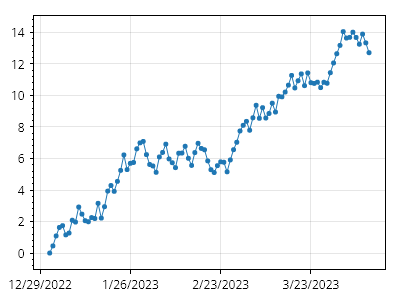
Scatter.cs
ScottPlot.Plot myPlot = new();

DateTime[] xs = Generate.ConsecutiveDays(100);
double[] ys = Generate.RandomWalk(xs.Length);

myPlot.Add.Scatter(xs, ys);
myPlot.Axes.DateTimeTicksBottom();

myPlot.SavePng("demo.png", 400, 300);
このレシピは、散布図カテゴリにある多数のレシピの 1 つです

ステッププロット

ステッププロット

散布図は、点を斜めの線ではなく直角で接続するステッププロット表示を使用して作成できます。ステップの方向はカスタマイズできます。
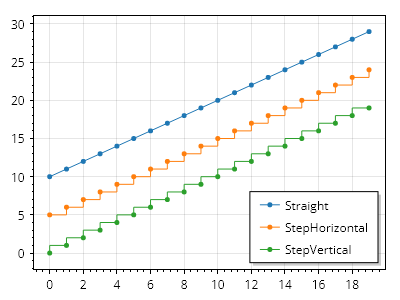
Scatter.cs
ScottPlot.Plot myPlot = new();

double[] xs = Generate.Consecutive(20);
double[] ys1 = Generate.Consecutive(20, first: 10);
double[] ys2 = Generate.Consecutive(20, first: 5);
double[] ys3 = Generate.Consecutive(20, first: 0);

var sp1 = myPlot.Add.Scatter(xs, ys1);
sp1.ConnectStyle = ConnectStyle.Straight;
sp1.LegendText = "直線";

var sp2 = myPlot.Add.Scatter(xs, ys2);
sp2.ConnectStyle = ConnectStyle.StepHorizontal;
sp2.LegendText = "水平ステップ";

var sp3 = myPlot.Add.Scatter(xs, ys3);
sp3.ConnectStyle = ConnectStyle.StepVertical;
sp3.LegendText = "垂直ステップ";

myPlot.ShowLegend();

myPlot.SavePng("demo.png", 400, 300);
このレシピは、散布図カテゴリに含まれる多数のレシピのうちの 1 つです

ギャップのある散布図

ギャップのある散布図

散布図のデータ内の NaN 値は、線のギャップとして表示されます。
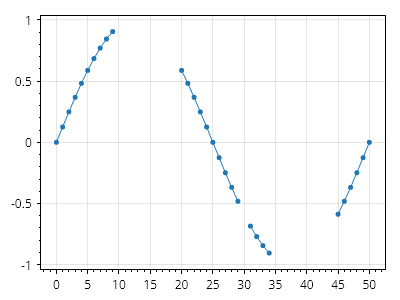
Scatter.cs
ScottPlot.Plot myPlot = new();

double[] xs = Generate.Consecutive(51);
double[] ys = Generate.Sin(51);

// 空データの長い区間
for (int i = 10; i &lt; 20; i++)
    ys[i] = double.NaN;

// 単一の欠損データ点
ys[30] = double.NaN;

// 単一の孤立したデータ点
for (int i = 35; i &lt; 40; i++)
    ys[i] = double.NaN;
for (int i = 40; i &lt; 45; i++)
    ys[i] = double.NaN;

myPlot.Add.Scatter(xs, ys);

myPlot.SavePng("demo.png", 400, 300);
このレシピは、散布図カテゴリに含まれる多数のレシピの 1 つです

滑らかな線を持つ散布図

滑らかな線を持つ散布図

散布図はデフォルトで点の間に直線を描画しますが、Smooth プロパティを設定すると、散布図は滑らかな線で点を接続できます。線は三次スプライン補間を使用して平滑化されます。
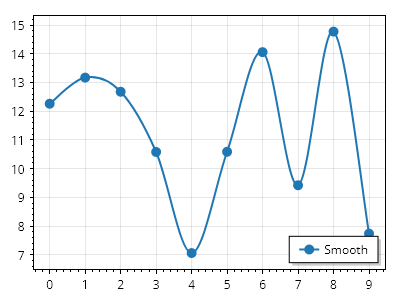
Scatter.cs
ScottPlot.Plot myPlot = new();

double[] xs = Generate.Consecutive(10);
double[] ys = Generate.RandomSample(10, 5, 15);

var sp = myPlot.Add.Scatter(xs, ys);
sp.Smooth = true;
sp.LegendText = "Smooth";
sp.LineWidth = 2;
sp.MarkerSize = 10;

myPlot.SavePng("demo.png", 400, 300);
このレシピは、散布図カテゴリに含まれる多数のレシピの 1 つです

滑らかな線の張力

滑らかな線の張力

一部の平滑化戦略では、滑らかな線の張力を調整できます。低い張力では「オーバーシュート」が発生し、高い張力では曲線がより直線に近く見えます。
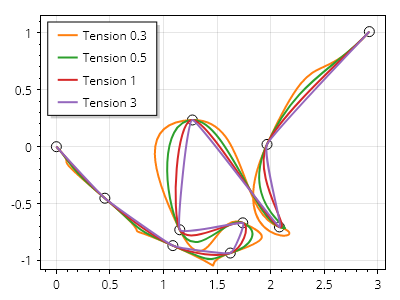
Scatter.cs
ScottPlot.Plot myPlot = new();

double[] xs = Generate.RandomWalk(10);
double[] ys = Generate.RandomWalk(10);

var mk = myPlot.Add.Markers(xs, ys);
mk.MarkerShape = MarkerShape.OpenCircle;
mk.Color = Colors.Black;

double[] tensions = { 0.3, 0.5, 1.0, 3.0 };

foreach (double tension in tensions)
{
    var sp = myPlot.Add.ScatterLine(xs, ys);
    sp.Smooth = true;
    sp.SmoothTension = tension;
    sp.LegendText = $"Tension {tension}";
    sp.LineWidth = 2;
}

myPlot.ShowLegend(Alignment.UpperLeft);

myPlot.SavePng("demo.png", 400, 300);
このレシピは、散布図カテゴリにある多数のレシピの 1 つです

オーバーシュートしない滑らかな散布図

オーバーシュートしない滑らかな散布図

二次半点パス戦略を使用すると、点を結ぶ滑らかな線で散布図を表示できますが、線は各点への入りと出がイージングされるため、垂直方向に値を「オーバーシュート」することはありません。
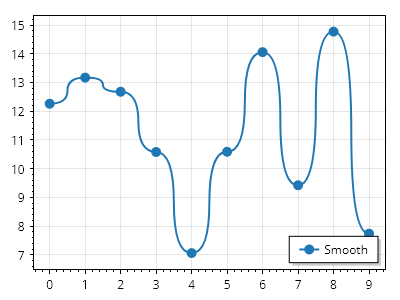
Scatter.cs
ScottPlot.Plot myPlot = new();

double[] xs = Generate.Consecutive(10);
double[] ys = Generate.RandomSample(10, 5, 15);

var sp = myPlot.Add.Scatter(xs, ys);
sp.PathStrategy = new ScottPlot.PathStrategies.QuadHalfPoint();
sp.LegendText = "滑らか";
sp.LineWidth = 2;
sp.MarkerSize = 10;

myPlot.SavePng("demo.png", 400, 300);
このレシピは、散布図カテゴリに含まれる多数のレシピのひとつです

レンダーインデックスによる表示の制限

レンダーインデックスによる表示の制限

散布図には非常に大量のデータが含まれる場合がありますが、その多くは未入力である可能性があります。ユーザーは最小および最大レンダーインデックスを定義でき、散布図がレンダリングされる際には、その範囲内の値のみが表示されます。
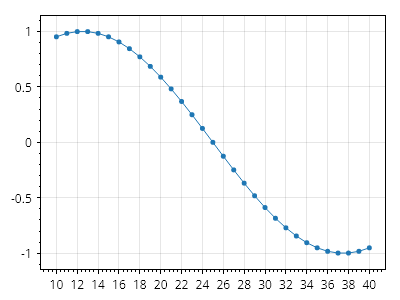
Scatter.cs
ScottPlot.Plot myPlot = new();

double[] xs = Generate.Consecutive(51);
double[] ys = Generate.Sin(51);

var sp = myPlot.Add.Scatter(xs, ys);
sp.MinRenderIndex = 10;
sp.MaxRenderIndex = 40;

myPlot.SavePng("demo.png", 400, 300);
このレシピは、散布図カテゴリにある多数のレシピの 1 つです

塗りつぶし付き散布図

塗りつぶし付き散布図

散布図の下の領域を塗りつぶすことができます。
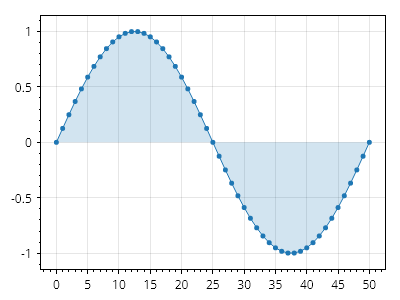
Scatter.cs
ScottPlot.Plot myPlot = new();

double[] xs = Generate.Consecutive(51);
double[] ys = Generate.Sin(51);

var sp = myPlot.Add.Scatter(xs, ys);
sp.FillY = true;
sp.FillYColor = sp.Color.WithAlpha(.2);

myPlot.SavePng("demo.png", 400, 300);
このレシピは、散布図カテゴリにある多数のレシピの 1 つです

値まで塗りつぶした散布図

値まで塗りつぶした散布図

塗りつぶしの基準を定義できます。
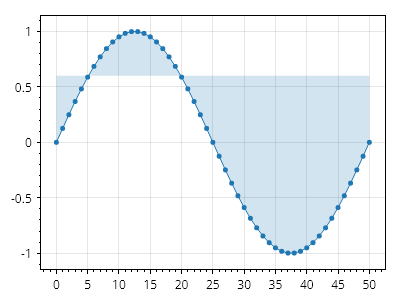
Scatter.cs
ScottPlot.Plot myPlot = new();

double[] xs = Generate.Consecutive(51);
double[] ys = Generate.Sin(51);

var sp = myPlot.Add.Scatter(xs, ys);
sp.FillY = true;
sp.FillYColor = sp.Color.WithAlpha(.2);
sp.FillYValue = 0.6;

myPlot.SavePng("demo.png", 400, 300);
このレシピは、散布図カテゴリにある多数のレシピのうちの1つです

上下が塗りつぶされた散布図

上下が塗りつぶされた散布図

FillY 値の上側と下側の塗りつぶし領域は、個別にカスタマイズできます
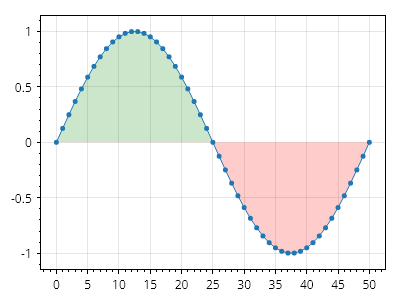
Scatter.cs
ScottPlot.Plot myPlot = new();

double[] xs = Generate.Consecutive(51);
double[] ys = Generate.Sin(51);

var sp = myPlot.Add.Scatter(xs, ys);
sp.FillY = true;
sp.FillYValue = 0;
sp.FillYAboveColor = Colors.Green.WithAlpha(.2);
sp.FillYBelowColor = Colors.Red.WithAlpha(.2);

myPlot.SavePng("demo.png", 400, 300);
このレシピは、散布図カテゴリに含まれる多数のレシピの 1 つです

グラデーション塗りつぶし付き散布図

グラデーション塗りつぶし付き散布図

散布図の下の領域は、カスタムの色グラデーションで塗りつぶすことができます。
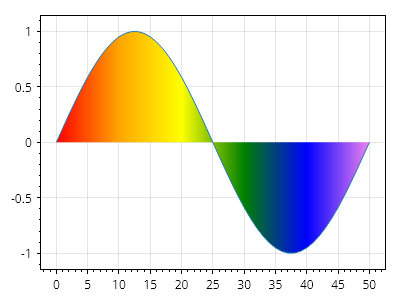
Scatter.cs
ScottPlot.Plot myPlot = new();

double[] xs = Generate.Consecutive(51);
double[] ys = Generate.Sin(51);

var poly = myPlot.Add.ScatterLine(xs, ys);
poly.FillY = true;

// 色はX軸上の特定の位置に配置されます
poly.AxisGradientDirection = AxisGradientDirection.Horizontal;
poly.ColorPositions.Add(new(Colors.Red, 0));
poly.ColorPositions.Add(new(Colors.Orange, 10));
poly.ColorPositions.Add(new(Colors.Yellow, 20));
poly.ColorPositions.Add(new(Colors.Green, 30));
poly.ColorPositions.Add(new(Colors.Blue, 40));
poly.ColorPositions.Add(new(Colors.Violet, 50));

myPlot.SavePng("demo.png", 400, 300);
このレシピは、散布図カテゴリに含まれる多数のレシピの1つです

垂直グラデーションを使用した散布図

垂直グラデーションを使用した散布図

散布図は垂直グラデーションで塗りつぶすことができます。
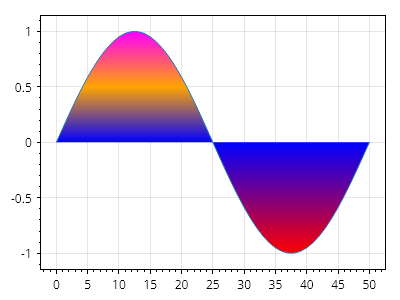
Scatter.cs
ScottPlot.Plot myPlot = new();

double[] xs = Generate.Consecutive(51);
double[] ys = Generate.Sin(51);

var poly = myPlot.Add.ScatterLine(xs, ys);
poly.FillY = true;

// 色はY軸上の特定の位置に配置されます
poly.AxisGradientDirection = AxisGradientDirection.Vertical;
poly.ColorPositions.Add(new(Colors.Red, -1));
poly.ColorPositions.Add(new(Colors.Blue, 0));
poly.ColorPositions.Add(new(Colors.Orange, .5));
poly.ColorPositions.Add(new(Colors.Magenta, 1));

myPlot.SavePng("demo.png", 400, 300);
このレシピは、散布図カテゴリにある多数のレシピの1つです

Scatter のスケールとオフセット

Scatter のスケールとオフセット

散布図の点には、カスタムの X および Y スケール係数を乗算したり、X および Y オフセット値を使用して水平方向または垂直方向に移動したりできます。
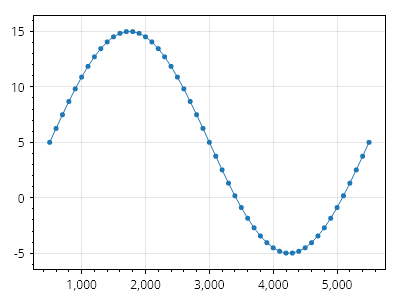
Scatter.cs
ScottPlot.Plot myPlot = new();

double[] xs = Generate.Consecutive(51);
double[] ys = Generate.Sin(51);
var sp = myPlot.Add.Scatter(xs, ys);
sp.ScaleX = 100;
sp.ScaleY = 10;
sp.OffsetX = 500;
sp.OffsetY = 5;

myPlot.SavePng("demo.png", 400, 300);
このレシピは、散布図カテゴリにある多数のレシピの 1 つです

積み上げ塗りつぶし折れ線プロット

積み上げ塗りつぶし折れ線プロット

積み上げ塗りつぶし折れ線プロットの効果は、領域を塗りつぶす ScatterLine を重ねることで実現できます。
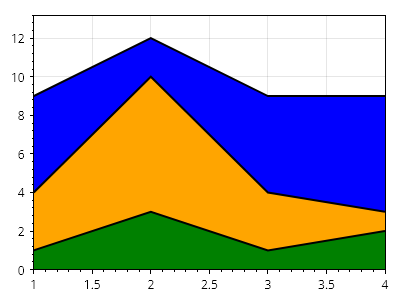
Scatter.cs
ScottPlot.Plot myPlot = new();

// サンプルデータを作成する
double[] xs = { 1, 2, 3, 4 };
double[] ys1 = { 1, 3, 1, 2 };
double[] ys2 = { 3, 7, 3, 1 };
double[] ys3 = { 5, 2, 5, 6 };

// 各プロットを、それより前のすべてのプロットの合計分だけ垂直方向にシフトする
ys2 = Enumerable.Range(0, ys2.Length).Select(x =&gt; ys2[x] + ys1[x]).ToArray();
ys3 = Enumerable.Range(0, ys2.Length).Select(x =&gt; ys3[x] + ys2[x]).ToArray();

// パディングされたデータポイントを ScatterLine としてプロットする
var sp3 = myPlot.Add.ScatterLine(xs, ys3, Colors.Black);
var sp2 = myPlot.Add.ScatterLine(xs, ys2, Colors.Black);
var sp1 = myPlot.Add.ScatterLine(xs, ys1, Colors.Black);

// プロットのスタイルを設定する
sp1.LineWidth = 2;
sp2.LineWidth = 2;
sp3.LineWidth = 2;
sp1.FillY = true;
sp2.FillY = true;
sp3.FillY = true;
sp1.FillYColor = Colors.Green;
sp2.FillYColor = Colors.Orange;
sp3.FillYColor = Colors.Blue;

// データがプロットの端まで届くように狭い余白を使用する
myPlot.Axes.Margins(0, 0, 0, 0.1);

myPlot.SavePng("demo.png", 400, 300);
このレシピは、散布図カテゴリに含まれる多数のレシピの 1 つです

シェーディング付き積み上げ散布図

シェーディング付き積み上げ散布図

塗りつぶし散布図に垂直方向および水平方向のオフセットを組み合わせて、興味深い視覚効果を実現する方法を示します。
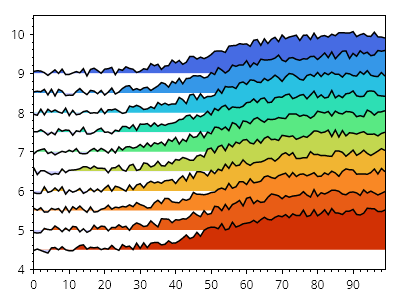
Scatter.cs
ScottPlot.Plot myPlot = new();

double[] xs = ScottPlot.Generate.Consecutive(100);
ScottPlot.Colormaps.MellowRainbow cmap = new();

for (int i = 0; i &lt; 10; i++)
{
    double yOffset = 9 - i * 0.5;
    double[] ys = Generate.Sigmoidal(xs.Length)
        .Select(y =&gt; y + yOffset)
        .ToArray();

    Generate.AddNoiseInPlace(ys, 0.1);

    var sig = myPlot.Add.ScatterLine(xs, ys);
    sig.LineColor = Colors.Black;
    sig.LineWidth = 1.5f;
    sig.FillY = true;
    sig.FillYValue = yOffset;
    sig.FillYAboveColor = cmap.GetColor(i, 10);
}

myPlot.HideGrid();
myPlot.Axes.MarginsX(0);

myPlot.SavePng("demo.png", 400, 300);
このレシピは、散布図カテゴリに含まれる多数のレシピの 1 つです

図形

Basic shapes that can be added to plots

レシピ

長方形

長方形

長方形をプロットに追加し、必要に応じてスタイルを設定できます。
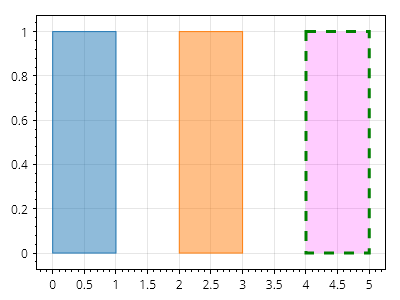
Shapes.cs
ScottPlot.Plot myPlot = new();

// 点を指定して長方形を追加する
myPlot.Add.Rectangle(0, 1, 0, 1);

// より表現力の高い図形を使用して長方形を追加する
Coordinates location = new(2, 0);
CoordinateSize size = new(1, 1);
CoordinateRect rect = new(location, size);
myPlot.Add.Rectangle(rect);

// プロットに追加した後で長方形のスタイルを設定する
var rp = myPlot.Add.Rectangle(4, 5, 0, 1);
rp.FillStyle.Color = Colors.Magenta.WithAlpha(.2);
rp.LineStyle.Color = Colors.Green;
rp.LineStyle.Width = 3;
rp.LineStyle.Pattern = LinePattern.Dashed;

myPlot.SavePng("demo.png", 400, 300);
このレシピは、図形カテゴリにある多数のレシピのうちの1つです

円はプロット上に配置でき、必要に応じてスタイルを設定できます。

Shapes.cs
ScottPlot.Plot myPlot = new();

var c1 = myPlot.Add.Circle(1, 0, .5);
var c2 = myPlot.Add.Circle(2, 0, .5);
var c3 = myPlot.Add.Circle(3, 0, .5);

c1.FillStyle.Color = Colors.Blue;
c2.FillStyle.Color = Colors.Blue.Darken(.75);
c3.FillStyle.Color = Colors.Blue.Lighten(.75);

c1.LineWidth = 0;
c2.LineWidth = 0;
c3.LineWidth = 0;

// 円が円のまま維持されるように強制する
ScottPlot.AxisRules.SquareZoomOut squareRule = new(myPlot.Axes.Bottom, myPlot.Axes.Left);
myPlot.Axes.Rules.Add(squareRule);

myPlot.SavePng("demo.png", 400, 300);
このレシピは、図形カテゴリに含まれる多くのレシピの1つです

楕円

楕円

楕円はプロット上に配置でき、必要に応じてスタイルを設定できます。
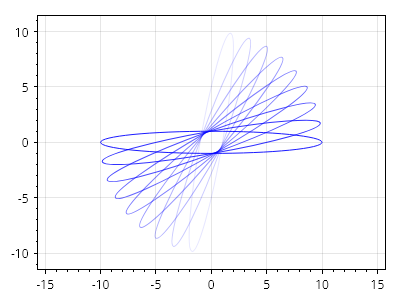
Shapes.cs
ScottPlot.Plot myPlot = new();

for (int i = 0; i &lt; 10; i++)
{
    var el = myPlot.Add.Ellipse(0, 0, 1, 10, rotation: Angle.FromDegrees(i * -10));
    double fraction = i / 10.0;
    el.LineColor = Colors.Blue.WithAlpha(fraction);
}

// 円が円のまま維持されるように強制する
ScottPlot.AxisRules.SquareZoomOut squareRule = new(myPlot.Axes.Bottom, myPlot.Axes.Left);
myPlot.Axes.Rules.Add(squareRule);

myPlot.SavePng("demo.png", 400, 300);
このレシピは、Shapesカテゴリに含まれる多数のレシピのうちの1つです

ポリゴンプロットのクイックスタート

ポリゴンプロットのクイックスタート

ポリゴンプロットは一連の頂点から追加でき、時計回りの順序でなければなりません。
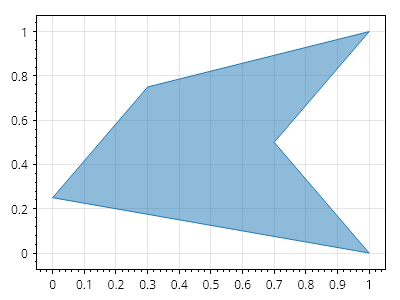
Shapes.cs
ScottPlot.Plot myPlot = new();

Coordinates[] points =
{
    new(0,   0.25),
    new(0.3, 0.75),
    new(1,   1),
    new(0.7, 0.5),
    new(1,   0)
};

myPlot.Add.Polygon(points);

myPlot.SavePng("demo.png", 400, 300);
このレシピは、図形カテゴリに含まれる多数のレシピの1つです

ポリゴンプロットのスタイリング

ポリゴンプロットのスタイリング

ポリゴンプロットは完全にカスタマイズできます。
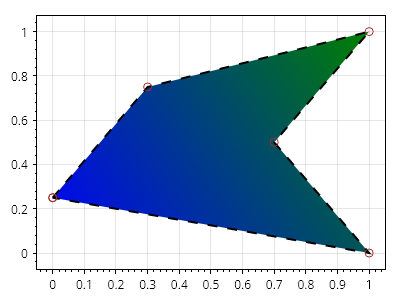
Shapes.cs
ScottPlot.Plot myPlot = new();

Coordinates[] points =
{
    new (0, 0.25),
    new (0.3, 0.75),
    new (1, 1),
    new (0.7, 0.5),
    new (1, 0)
};

var poly = myPlot.Add.Polygon(points);
poly.FillColor = Colors.Green;
poly.FillHatchColor = Colors.Blue;
poly.FillHatch = new Gradient()
{
    GradientType = GradientType.Linear,
    AlignmentStart = Alignment.UpperRight,
    AlignmentEnd = Alignment.LowerLeft,
};

poly.LineColor = Colors.Black;
poly.LinePattern = LinePattern.Dashed;
poly.LineWidth = 2;

poly.MarkerShape = MarkerShape.OpenCircle;
poly.MarkerSize = 8;
poly.MarkerFillColor = Colors.Gold;
poly.MarkerLineColor = Colors.Brown;

myPlot.SavePng("demo.png", 400, 300);
このレシピは、Shapesカテゴリに含まれる多くのレシピのうちの1つです

積み上げ折れ線グラフ

積み上げ折れ線グラフ

積み上げ折れ線グラフは、プリミティブ図形をプロット上で組み合わせることで実現できます。
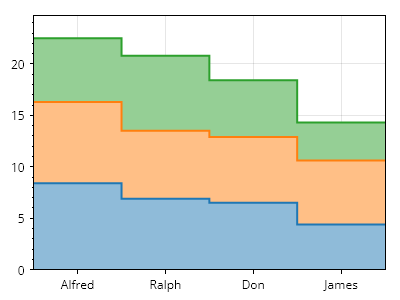
Shapes.cs
ScottPlot.Plot myPlot = new();

// 各線の値を準備する
double[] values1 = [8.4, 6.9, 6.5, 4.4];
double[] values2 = [7.9, 6.6, 6.4, 6.2];
double[] values3 = [6.2, 7.3, 5.5, 3.7];

// 各線の値を保持するコレクションを作成する
double[][] allValues = [values1, values2, values3];

// 各点を2回格納することで、各線のステップ点を計算する
double[] runningSum = new double[values1.Length];
for (int i = 0; i &lt; allValues.Length; i++)
{
    // 積み上げ効果を実現するために、実行合計の上に値を追加する
    runningSum = DataOperations.SumVertically([runningSum, allValues[i]]);

    List&lt;Coordinates&gt; points = [];
    for (int j = 0; j &lt; runningSum.Length; j++)
    {
        points.Add(new(j, runningSum[j]));
        points.Add(new(j + 1, runningSum[j]));
    }

    // 線を表示するために、点をそのままプロットする
    Coordinates[] lineCoordinates = [.. points];

    // 開始点と終了点を追加する
    points.Add(new(points.Last().X, 0));
    points.Add(new(points.First().X, 0));
    Coordinates[] fillCoordinates = [.. points];

    // ポリゴンを追加し、その上に線を重ねる
    var line = myPlot.Add.ScatterLine(lineCoordinates);
    line.Color = ScottPlot.Palette.Default.GetColor(i);
    line.LineWidth = 2;

    var poly = myPlot.Add.Polygon(fillCoordinates);
    poly.FillColor = line.Color.Lighten(.5);
    poly.LineWidth = 0;
}

// すべての順序を反転し、最小のポリゴン
// (最初に追加されたもの)が上に表示され、最後に描画されるようにする
myPlot.PlottableList.Reverse();

// データとプロット端の間のパディングを防ぐために、狭い余白を使用する
myPlot.Axes.Margins(0, 0, 0, 0.1);

// グループラベルを追加する
double[] positions = [0.5, 1.5, 2.5, 3.5];
string[] labels = { "Alfred", "Ralph", "Don", "James" };
myPlot.Axes.Bottom.SetTicks(positions, labels);

myPlot.SavePng("demo.png", 400, 300);
このレシピは、図形カテゴリに含まれる多数のレシピの1つです

円弧

円弧

円弧は、円周の一部に沿った曲線です。円は右端から始まり、反時計回りに伸びます。
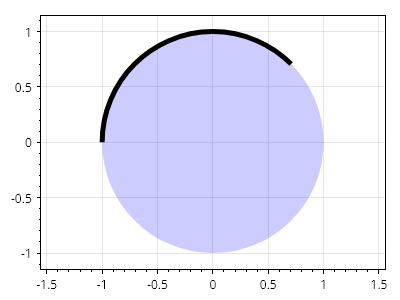
Shapes.cs
ScottPlot.Plot myPlot = new();

Coordinates center = new(0, 0);
double radius = 1.0;
Angle start = Angle.FromDegrees(45);
Angle sweep = Angle.FromDegrees(135);

var circle = myPlot.Add.Circle(center, radius);
circle.FillColor = Colors.Blue.WithAlpha(.2);
circle.LineWidth = 0;

var arc = myPlot.Add.Arc(center, radius, start, sweep);
arc.LineWidth = 5;
arc.LineColor = Colors.Black;

myPlot.Axes.SquareUnits(); // 円が引き伸ばされないように正方形単位を使用する

myPlot.SavePng("demo.png", 400, 300);
このレシピは、図形カテゴリに含まれる多数のレシピの 1 つです

楕円弧

楕円弧

楕円弧は、楕円の円周の一部に沿った曲線です。楕円は右端から始まり、反時計回りに延びます。
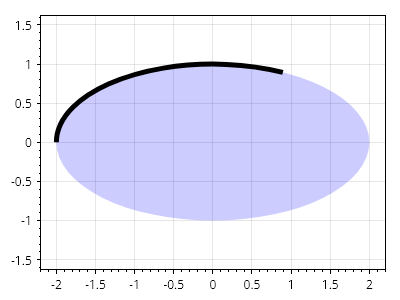
Shapes.cs
ScottPlot.Plot myPlot = new();

Coordinates center = new(0, 0);
double radiusX = 2.0;
double radiusY = 1.0;
Angle start = Angle.FromDegrees(45);
Angle sweep = Angle.FromDegrees(135);

var ellipse = myPlot.Add.Ellipse(center, radiusX, radiusY);
ellipse.FillColor = Colors.Blue.WithAlpha(.2);
ellipse.LineWidth = 0;

var arc = myPlot.Add.EllipticalArc(center, radiusX, radiusY, start, sweep);
arc.LineWidth = 5;
arc.LineColor = Colors.Black;

myPlot.Axes.SquareUnits(); // 円が引き伸ばされないように正方形単位を使用する

myPlot.SavePng("demo.png", 400, 300);
このレシピは、図形カテゴリにある多数のレシピの1つです

円の扇形

円の扇形

円の扇形は、円周上の弧と中心点の間にある円の内側の領域によって形成される2D形状です。
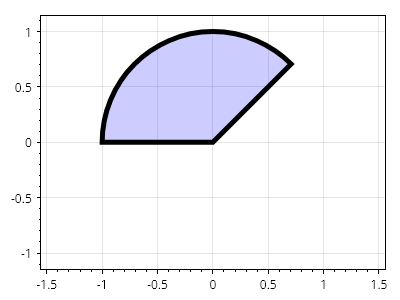
Shapes.cs
ScottPlot.Plot myPlot = new();

Coordinates center = new(0, 0);
double radius = 1.0;
Angle start = Angle.FromDegrees(45);
Angle sweep = Angle.FromDegrees(135);

var cs = myPlot.Add.CircleSector(center, radius, start, sweep);
cs.FillColor = Colors.Blue.WithAlpha(.2);
cs.LineColor = Colors.Black;
cs.LineWidth = 5;

myPlot.Axes.SquareUnits(); // 円が引き伸ばされないように正方形の単位を使用する

myPlot.SavePng("demo.png", 400, 300);
このレシピは、図形カテゴリに含まれる多数のレシピの1つです

楕円扇形

楕円扇形

楕円扇形は、楕円の内側で、その外周に沿った弧と中心点との間の領域によって形成される2D形状です。
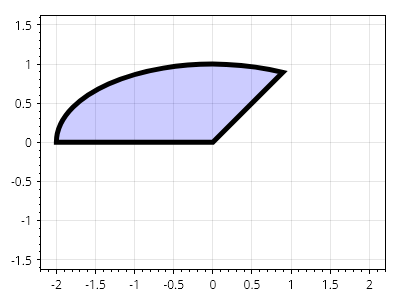
Shapes.cs
ScottPlot.Plot myPlot = new();

Coordinates center = new(0, 0);
double radiusX = 2.0;
double radiusY = 1.0;
Angle start = Angle.FromDegrees(45);
Angle sweep = Angle.FromDegrees(135);

var cs = myPlot.Add.EllipticalSector(center, radiusX, radiusY, start, sweep);
cs.FillColor = Colors.Blue.WithAlpha(.2);
cs.LineColor = Colors.Black;
cs.LineWidth = 5;

myPlot.Axes.SquareUnits(); // 円が引き伸ばされないように正方形単位を使用する

myPlot.SavePng("demo.png", 400, 300);
このレシピは、図形カテゴリにある多数のレシピの1つです

環状扇形

環状扇形

環状扇形は、2つの円の間にある2D図形(ドーナツのような形)で、中心点を基準とした2つの角度の間の領域だけを含むように切り取ることができます。
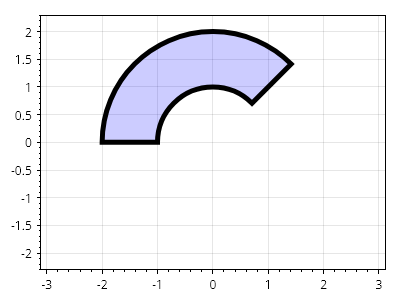
Shapes.cs
ScottPlot.Plot myPlot = new();

Coordinates center = new(0, 0);
double outerRadius = 2.0;
double innerRadius = 1.0;
Angle start = Angle.FromDegrees(45);
Angle sweep = Angle.FromDegrees(135);

var cs = myPlot.Add.AnnularSector(center, outerRadius, innerRadius, start, sweep);
cs.FillColor = Colors.Blue.WithAlpha(.2);
cs.LineColor = Colors.Black;
cs.LineWidth = 5;

myPlot.Axes.SquareUnits(); // 円が引き伸ばされないように正方形の単位を使用する

myPlot.SavePng("demo.png", 400, 300);
このレシピは、図形カテゴリにある多くのレシピの1つです

環状楕円扇形

環状楕円扇形

環状楕円扇形は、2つの楕円の間にある2D形状であり、中心点を基準とした2つの角度の間の領域のみを含むように切り出すことができます。
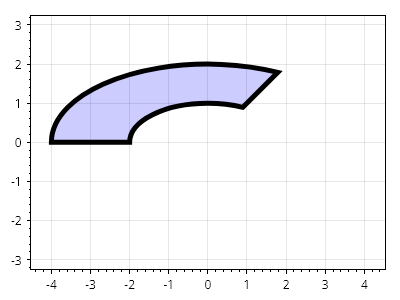
Shapes.cs
ScottPlot.Plot myPlot = new();

Coordinates center = new(0, 0);
double outerRadiusX = 4.0;
double outerRadiusY = 2.0;
double innerRadiusX = 2.0;
double innerRadiusY = 1.0;
Angle start = Angle.FromDegrees(45);
Angle sweep = Angle.FromDegrees(135);

var cs = myPlot.Add.AnnularEllipticalSector(center, outerRadiusX, outerRadiusY, innerRadiusX, innerRadiusY, start, sweep);
cs.FillColor = Colors.Blue.WithAlpha(.2);
cs.LineColor = Colors.Black;
cs.LineWidth = 5;

myPlot.Axes.SquareUnits(); // 円が引き伸ばされないように正方単位を使用する

myPlot.SavePng("demo.png", 400, 300);
このレシピは、図形カテゴリに含まれる多数のレシピの1つです

シグナルプロット

Signal plots display evenly-spaced data

レシピ

Signal プロットのクイックスタート

Signal プロットのクイックスタート

Signal プロットは、非常に大規模なデータセットに最適です。数百万のデータポイントを含むプロットで高速なインタラクティブ操作を可能にする特別な最適化を使用してレンダリングします。
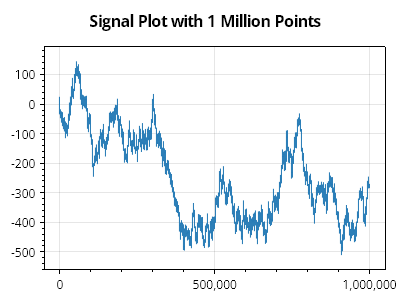
Signal.cs
ScottPlot.Plot myPlot = new();

double[] values = Generate.RandomWalk(1_000_000);

myPlot.Add.Signal(values);

myPlot.Title("100 万点の Signal プロット");

myPlot.SavePng("demo.png", 400, 300);
このレシピは、Signal プロットカテゴリに含まれる多数のレシピの 1 つです

Signal プロットのスタイル設定

Signal プロットのスタイル設定

Signal プロットはさまざまな方法でスタイル設定できます。
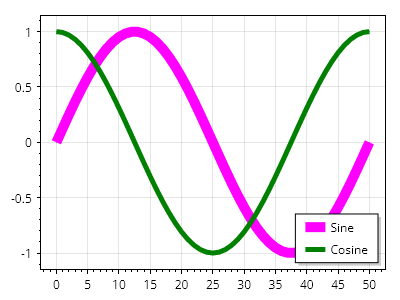
Signal.cs
ScottPlot.Plot myPlot = new();

var sig1 = myPlot.Add.Signal(Generate.Sin());
sig1.Color = Colors.Magenta;
sig1.LineWidth = 10;
sig1.LegendText = "サイン";

var sig2 = myPlot.Add.Signal(Generate.Cos());
sig2.Color = Colors.Green;
sig2.LineWidth = 5;
sig2.LegendText = "コサイン";

myPlot.ShowLegend();

myPlot.SavePng("demo.png", 400, 300);
このレシピは、Signal プロットカテゴリに含まれる多数のレシピの 1 つです

Signal オフセット

Signal オフセット

Signal プロットは、指定された X 値と Y 値でオフセットできます。
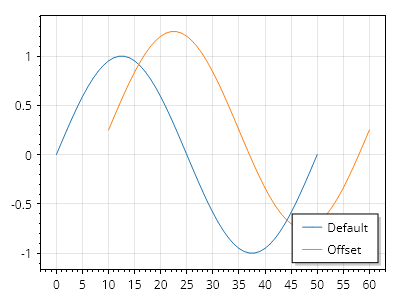
Signal.cs
ScottPlot.Plot myPlot = new();

double[] values = ScottPlot.Generate.Sin(51);

var sig1 = myPlot.Add.Signal(values);
sig1.LegendText = "デフォルト";

var sig2 = myPlot.Add.Signal(values);
sig2.Data.XOffset = 10;
sig2.Data.YOffset = .25;
sig2.LegendText = "オフセット";

myPlot.Legend.IsVisible = true;

myPlot.SavePng("demo.png", 400, 300);
このレシピは、Signal プロットカテゴリにある多数のレシピの 1 つです

信号のスケーリング

信号のスケーリング

信号プロットは、ユーザー定義の量に応じて垂直方向にスケーリングできます。
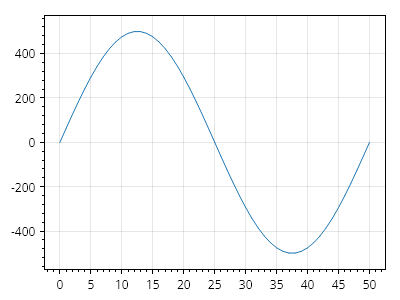
Signal.cs
ScottPlot.Plot myPlot = new();

// -1 から 1 までの値をプロットする
double[] values = ScottPlot.Generate.Sin(51);
var signal = myPlot.Add.Signal(values);

// 垂直方向のスケーリングを増やす
signal.Data.YScale = 500;

myPlot.SavePng("demo.png", 400, 300);
このレシピは、信号プロットカテゴリに含まれる多数のレシピの 1 つです

シグナルマーカーサイズ

シグナルマーカーサイズ

シグナルプロットでは、プロットを拡大したときにのみ表示されるマーカーを各点に表示できます。
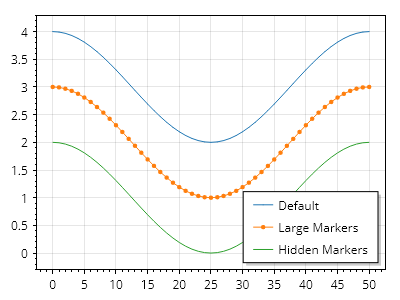
Signal.cs
ScottPlot.Plot myPlot = new();

var sig1 = myPlot.Add.Signal(Generate.Cos());
sig1.LegendText = "デフォルト";
sig1.Data.YOffset = 3;

var sig2 = myPlot.Add.Signal(Generate.Cos());
sig2.LegendText = "大きなマーカー";
sig2.MaximumMarkerSize = 20;
sig2.Data.YOffset = 2;

var sig3 = myPlot.Add.Signal(Generate.Cos());
sig3.LegendText = "非表示のマーカー";
sig3.MaximumMarkerSize = 0;
sig3.Data.YOffset = 1;

myPlot.Legend.IsVisible = true;

myPlot.SavePng("demo.png", 400, 300);
このレシピは、シグナルプロットカテゴリに含まれる多数のレシピの1つです

部分的なシグナルレンダリング

部分的なシグナルレンダリング

シグナルプロットが大きなデータ配列を参照している場合でも、レンダリングを値の範囲に制限できます。設定した場合、最小レンダリングインデックスと最大レンダリングインデックスの間のデータ範囲のみが表示されます。
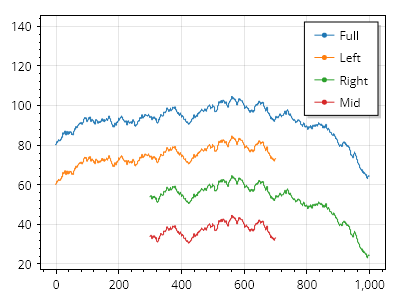
Signal.cs
ScottPlot.Plot myPlot = new();

double[] values = Generate.RandomWalk(1000);

var sigAll = myPlot.Add.Signal(values);
sigAll.LegendText = "全体";
sigAll.Data.YOffset = 80;

var sigLeft = myPlot.Add.Signal(values);
sigLeft.LegendText = "左";
sigLeft.Data.YOffset = 60;
sigLeft.Data.MaximumIndex = 700;

var sigRight = myPlot.Add.Signal(values);
sigRight.LegendText = "右";
sigRight.Data.YOffset = 40;
sigRight.Data.MinimumIndex = 300;

var sigMid = myPlot.Add.Signal(values);
sigMid.LegendText = "中央";
sigMid.Data.YOffset = 20;
sigMid.Data.MinimumIndex = 300;
sigMid.Data.MaximumIndex = 700;

myPlot.ShowLegend(Alignment.UpperRight);
myPlot.Axes.Margins(top: .5);

myPlot.SavePng("demo.png", 400, 300);
このレシピは、シグナルプロットカテゴリにある多数のレシピの 1 つです

Signal Generic

Signal Generic

信号プロットは汎用データ型をサポートしていますが、通常は double が最も高性能です。
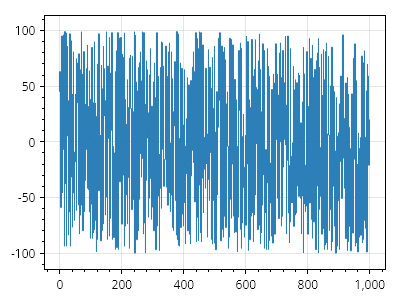
Signal.cs
ScottPlot.Plot myPlot = new();

int[] values = Generate.RandomIntegers(1000, -100, 100);

myPlot.Add.Signal(values);

myPlot.SavePng("demo.png", 400, 300);
このレシピは、信号プロットカテゴリにある多くのレシピの 1 つです

Signal DateTime

Signal DateTime

シグナルプロットでは DateTime 単位を使用できますが、対応する軸を DateTime 形式で表示するように必ず設定してください。
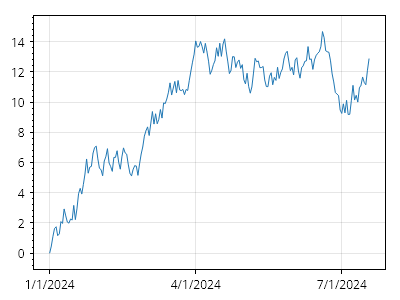
Signal.cs
ScottPlot.Plot myPlot = new();

DateTime start = new(2024, 1, 1);
double[] ys = Generate.RandomWalk(200);

var sig = myPlot.Add.Signal(ys);
sig.Data.XOffset = start.ToOADate();
sig.Data.Period = 1.0; // 各点の間隔は1日

myPlot.Axes.DateTimeTicksBottom();

myPlot.SavePng("demo.png", 400, 300);
このレシピは、シグナルプロットカテゴリにある多数のレシピの1つです

SignalConst

SignalConst is a type of signal plot which contains immutable data points and occupies more memory but offers greater performance for extremely large datasets. It is rarely needed, but best use for plotting data containing millions of points.

レシピ

SignalConst クイックスタート

SignalConst クイックスタート

SignalConst は、高いフレームレートで数百万点のデータを表示でき、大規模なデータセットのインタラクティブな操作に最適です。
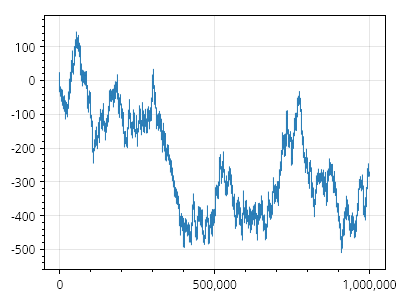
ScottPlot.Plot myPlot = new();

double[] data = Generate.RandomWalk(1_000_000);
myPlot.Add.SignalConst(data);

myPlot.SavePng("demo.png", 400, 300);
このレシピは、SignalConst カテゴリにある多数のレシピのうちの 1 つです

SignalXY プロット

SignalXY are a high performance plot type optimized for X/Y pairs where the X values are always ascending. For large datasets SignalXY plots are much more performant than Scatter plots (which allow unordered X points) but not as performant as Signal plots (which require fixed spacing between X points).

レシピ

SignalXY クイックスタート

SignalXY クイックスタート

SignalXY プロットは、X 値が常に昇順である X/Y データ向けの高性能なプロットタイプです。
ScottPlot.Plot myPlot = new();

// 欠損を含むサンプルデータを生成する
List&lt;double&gt; xList = new();
List&lt;double&gt; yList = new();
for (int i = 0; i &lt; 5; i++)
{
    xList.AddRange(Generate.Consecutive(1000, first: 2000 * i));
    yList.AddRange(Generate.RandomSample(1000));
}
double[] xs = xList.ToArray();
double[] ys = yList.ToArray();

// SignalXY プロットを追加する
myPlot.Add.SignalXY(xs, ys);

myPlot.SavePng("demo.png", 400, 300);
このレシピは、SignalXY プロットカテゴリにある多数のレシピの 1 つです

SignalXY ジェネリック配列

SignalXY ジェネリック配列

SignalXY プロットはジェネリックデータ型の配列をサポートしますが、通常は double が最も高性能です。
ScottPlot.Plot myPlot = new();

// 欠損のあるサンプルデータを生成する
List&lt;int&gt; xList = new();
List&lt;float&gt; yList = new();
for (int i = 0; i &lt; 5; i++)
{
    xList.AddRange(Generate.Consecutive(1000, first: 2000 * i).Select(x =&gt; (int)x));
    yList.AddRange(Generate.RandomSample(1000).Select(x =&gt; (float)x));
}

// この例では変換する
int[] xs = xList.ToArray();
float[] ys = yList.ToArray();

// SignalXY プロットを追加する
myPlot.Add.SignalXY(xs, ys);

myPlot.SavePng("demo.png", 400, 300);
このレシピは、SignalXY プロットカテゴリにある多数のレシピの 1 つです

SignalXY 汎用リスト

SignalXY 汎用リスト

SignalXY プロットは汎用リストをサポートしています。
ScottPlot.Plot myPlot = new();

// 初期データを含む X と Y のリストを作成する
List&lt;double&gt; xs = new(Generate.Consecutive(count: 10, first: 0));
List&lt;double&gt; ys = new(Generate.RandomSample(10));

// X と Y のリストから信号プロットを作成する
myPlot.Add.SignalXY(xs, ys);

// データは後からリストに追加できる
xs.AddRange(Generate.Consecutive(count: 10, first: 50));
ys.AddRange(Generate.RandomSample(10));

myPlot.SavePng("demo.png", 400, 300);
このレシピは、SignalXY プロットカテゴリにある多数のレシピの 1 つです

SignalXY DateTime 軸

SignalXY DateTime 軸

SignalXY プロットは、DateTime 水平軸を使用して、不均一な間隔の時系列データを表示できます。
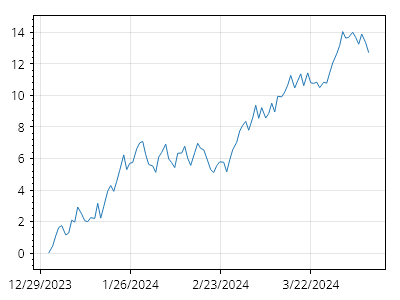
ScottPlot.Plot myPlot = new();

DateTime start = new(2024, 01, 01);
DateTime[] xs = Generate.ConsecutiveDays(100, start);

double[] ys = Generate.RandomWalk(100);

myPlot.Add.SignalXY(xs, ys);
myPlot.Axes.DateTimeTicksBottom();

myPlot.SavePng("demo.png", 400, 300);
このレシピは、SignalXY プロットカテゴリにある多数のレシピのうちの 1 つです

部分的な SignalXY レンダリング

部分的な SignalXY レンダリング

SignalXY プロットが大きなデータ配列を参照している場合でも、レンダリングを値の範囲に制限できます。設定すると、最小レンダリングインデックスと最大レンダリングインデックスの間にあるデータ範囲のみが表示されます。
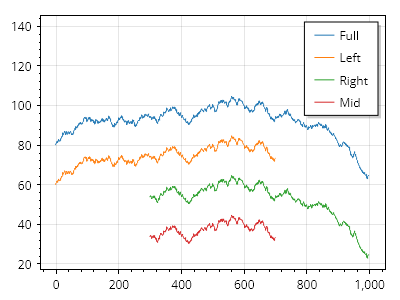
ScottPlot.Plot myPlot = new();

double[] xs = Generate.Consecutive(1000);
double[] ys = Generate.RandomWalk(1000);

var sigAll = myPlot.Add.SignalXY(xs, ys);
sigAll.LegendText = "全体";
sigAll.Data.YOffset = 80;

var sigLeft = myPlot.Add.SignalXY(xs, ys);
sigLeft.LegendText = "左";
sigLeft.Data.YOffset = 60;
sigLeft.Data.MaximumIndex = 700;

var sigRight = myPlot.Add.SignalXY(xs, ys);
sigRight.LegendText = "右";
sigRight.Data.YOffset = 40;
sigRight.Data.MinimumIndex = 300;

var sigMid = myPlot.Add.SignalXY(xs, ys);
sigMid.LegendText = "中央";
sigMid.Data.YOffset = 20;
sigMid.Data.MinimumIndex = 300;
sigMid.Data.MaximumIndex = 700;

myPlot.ShowLegend(Alignment.UpperRight);
myPlot.Axes.Margins(top: .5);

myPlot.SavePng("demo.png", 400, 300);
このレシピは、SignalXY プロットカテゴリにある多くのレシピの 1 つです

SignalXY オフセット

SignalXY オフセット

固定オフセットを SignalXY プロットに適用できます。
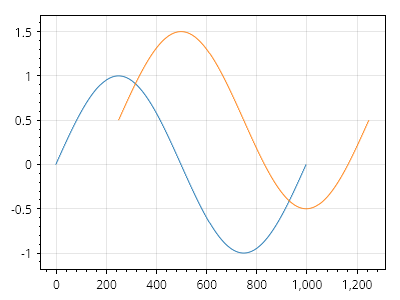
ScottPlot.Plot myPlot = new();

double[] xs = Generate.Consecutive(1000);
double[] ys = Generate.Sin(1000);

var sig1 = myPlot.Add.SignalXY(xs, ys);

var sig2 = myPlot.Add.SignalXY(xs, ys);
sig2.Data.XOffset = 250;
sig2.Data.YOffset = .5;

myPlot.SavePng("demo.png", 400, 300);
このレシピは、SignalXY プロットカテゴリに含まれる多くのレシピの 1 つです

SignalXY のスケーリング

SignalXY のスケーリング

SignalXY プロットは、ユーザー定義の量に従って垂直方向にスケーリングできます。
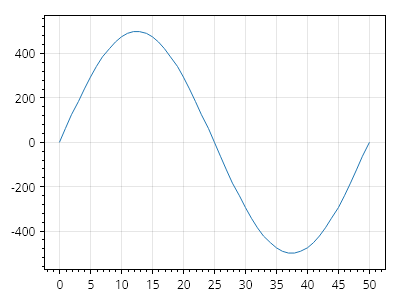
ScottPlot.Plot myPlot = new();

// -1 から 1 までの値をプロットする
double[] values = ScottPlot.Generate.Sin(51);
double[] xs = ScottPlot.Generate.Consecutive(51);
var signalXY = myPlot.Add.SignalXY(xs, values);

// 垂直方向のスケーリングを増やす
signalXY.Data.YScale = 500;

myPlot.SavePng("demo.png", 400, 300);
このレシピは、SignalXY プロットカテゴリにある多数のレシピの 1 つです

垂直 SignalXY

垂直 SignalXY

SignalXY プロットは通常、データを左から右へ表示しますが、このプロットタイプを使用してデータを下から上へ表示することもできます。
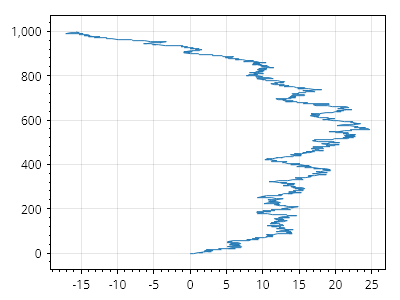
ScottPlot.Plot myPlot = new();

double[] xs = Generate.Consecutive(1000);
double[] ys = Generate.RandomWalk(1000);

var sig1 = myPlot.Add.SignalXY(xs, ys);
sig1.Data.Rotated = true;

myPlot.SavePng("demo.png", 400, 300);
このレシピは、SignalXY プロットカテゴリに含まれる多数のレシピの 1 つです

X 軸が反転した垂直 SignalXY

X 軸が反転した垂直 SignalXY

回転した SignalXY プロット(下から上へ進むようにする)を、反転した水平軸(正の値が左側にある)上にも表示する方法を示します。
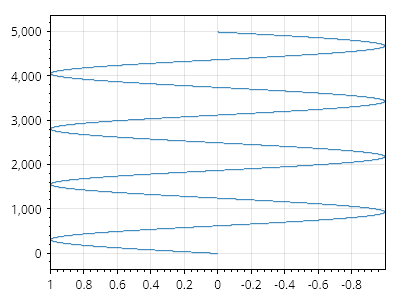
ScottPlot.Plot myPlot = new();

// シグナルプロットを追加する
double[] xs = Generate.Consecutive(5_000);
double[] ys = Generate.Sin(count: xs.Length, oscillations: 4);

// 垂直になるように回転する
var signal = myPlot.Add.SignalXY(xs, ys);
signal.Data.Rotated = true;

// 水平軸を反転する
myPlot.Axes.SetLimitsX(1, -1);

myPlot.SavePng("demo.png", 400, 300);
このレシピは、SignalXY プロットカテゴリにある多数のレシピの 1 つです

Y 軸を反転した垂直 SignalXY

Y 軸を反転した垂直 SignalXY

データが上から下へ進むように、反転した垂直軸上に回転した SignalXY プロットを表示する方法を示します。
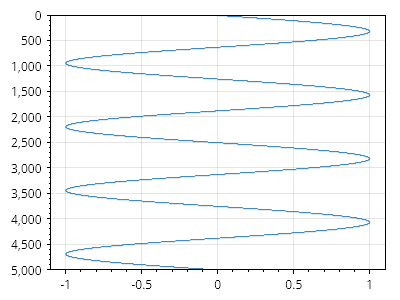
ScottPlot.Plot myPlot = new();

// 信号プロットを追加する
double[] xs = Generate.Consecutive(5_000);
double[] ys = Generate.Sin(count: xs.Length, oscillations: 4);

// 垂直になるように回転する
var signal = myPlot.Add.SignalXY(xs, ys);
signal.Data.Rotated = true;

// 垂直軸を反転する
myPlot.Axes.SetLimitsY(5000, 0);

myPlot.SavePng("demo.png", 400, 300);
このレシピは、SignalXY プロットカテゴリに含まれる多数のレシピの 1 つです

マーカー付き SignalXY

マーカー付き SignalXY

ユーザーは、各データポイントにマーカーを表示するように有効化できます。ただし、非常に大きなデータセットではパフォーマンスが低下する可能性があります。
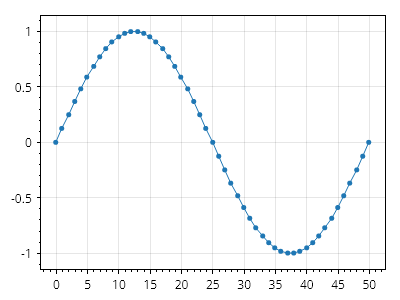
ScottPlot.Plot myPlot = new();

double[] xs = Generate.Consecutive(51);
double[] ys = Generate.Sin(51);

var sig = myPlot.Add.SignalXY(xs, ys);
sig.MarkerStyle.Shape = MarkerShape.FilledCircle;
sig.MarkerStyle.Size = 5;

myPlot.SavePng("demo.png", 400, 300);
このレシピは、SignalXY プロットカテゴリに含まれる多数のレシピの 1 つです

スミスチャート

Create a Smith chart axis and add it to the plot to display impedance of RF signals using a horizontal axis indicating resistance and vertical axis indicating reactance.

レシピ

Smith チャートのクイックスタート

Smith チャートのクイックスタート

プロットに Smith チャートを追加し、そのメソッドを使用してインピーダンスを、他のプロットコンポーネントの配置に使用できるデカルト座標に変換します。
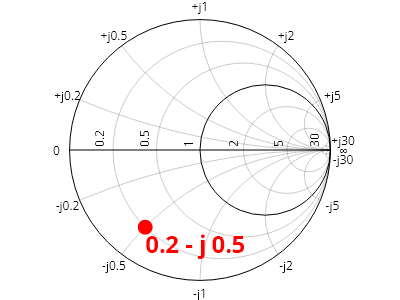
ScottPlot.Plot myPlot = new();

var smith = myPlot.Add.SmithChartAxis();

// Smith チャート上のインピーダンス位置をプロット上の 2D 位置に変換する
double resistance = 0.2;
double reactance = -0.5;
Coordinates location = smith.GetCoordinates(resistance, reactance);

// その位置を使用して従来のプロットコンポーネントを追加する
myPlot.Add.Marker(location, MarkerShape.FilledCircle, size: 15, Colors.Red);
var txt = myPlot.Add.Text("0.2 - j 0.5", location);
txt.LabelStyle.FontSize = 24;
txt.LabelStyle.Bold = true;
txt.LabelStyle.ForeColor = Colors.Red;

myPlot.SavePng("demo.png", 400, 300);
このレシピは、Smith チャートカテゴリにある多数のレシピの 1 つです

テキスト

Text labels can be placed on the plot in coordinate space

レシピ

Text クイックスタート

Text クイックスタート

テキストは座標空間の任意の場所に配置できます。
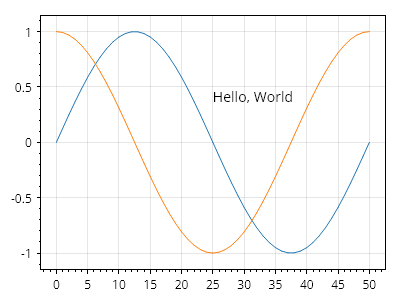
Text.cs
ScottPlot.Plot myPlot = new();

myPlot.Add.Signal(Generate.Sin());
myPlot.Add.Signal(Generate.Cos());
myPlot.Add.Text("Hello, World", 25, 0.5);

myPlot.SavePng("demo.png", 400, 300);
このレシピは、Text カテゴリにある多数のレシピの 1 つです

テキストの書式設定

テキストの書式設定

テキストの書式設定は幅広くカスタマイズできます。
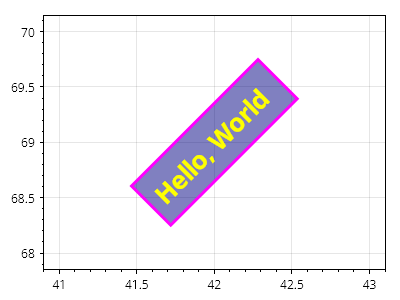
Text.cs
ScottPlot.Plot myPlot = new();

var text = myPlot.Add.Text("こんにちは、世界", 42, 69);
text.LabelFontSize = 26;
text.LabelBold = true;
text.LabelRotation = -45;
text.LabelFontColor = Colors.Yellow;
text.LabelBackgroundColor = Colors.Navy.WithAlpha(.5);
text.LabelBorderColor = Colors.Magenta;
text.LabelBorderWidth = 3;
text.LabelPadding = 10;
text.LabelAlignment = Alignment.MiddleCenter;

myPlot.SavePng("demo.png", 400, 300);
このレシピは、テキストカテゴリに含まれる多数のレシピの 1 つです

行の高さ

行の高さ

複数行ラベルには、書体とフォントサイズから推定されるデフォルトの行の高さがありますが、ユーザーが行の高さを手動で定義することもできます。
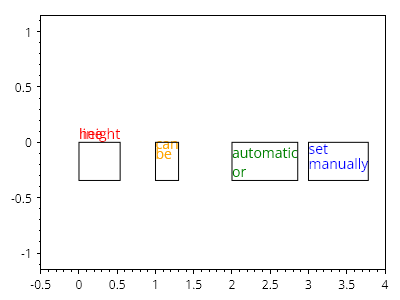
Text.cs
ScottPlot.Plot myPlot = new();

var label1 = myPlot.Add.Text($"行の\n高さ", 0, 0);
label1.LabelLineSpacing = 0;
label1.LabelFontColor = Colors.Red;
label1.LabelBorderColor = Colors.Black;

var label2 = myPlot.Add.Text($"設定\n可能", 1, 0);
label2.LabelLineSpacing = 10;
label2.LabelFontColor = Colors.Orange;
label2.LabelBorderColor = Colors.Black;

var label3 = myPlot.Add.Text($"自動\nまたは", 2, 0);
label3.LabelLineSpacing = null;
label3.LabelFontColor = Colors.Green;
label3.LabelBorderColor = Colors.Black;

var label4 = myPlot.Add.Text($"手動で\n設定", 3, 0);
label4.LabelLineSpacing = 15;
label4.LabelFontColor = Colors.Blue;
label4.LabelBorderColor = Colors.Black;

myPlot.HideGrid();
myPlot.Axes.SetLimitsX(-.5, 4);

myPlot.SavePng("demo.png", 400, 300);
このレシピは、テキストカテゴリにある多数のレシピの1つです

テキストオフセット

テキストオフセット

オフセットプロパティを使用すると、テキストの位置をピクセル単位で微調整できます
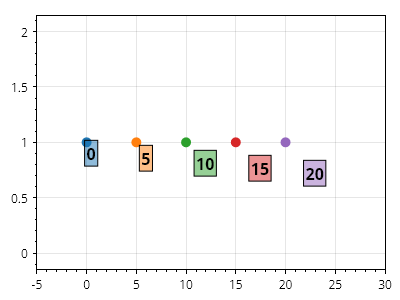
Text.cs
ScottPlot.Plot myPlot = new();

for (int i = 0; i &lt; 25; i += 5)
{
    // 点にマーカーを配置する
    var marker = myPlot.Add.Marker(i, 1);

    // 点にスタイル付きテキストラベルを配置する
    var txt = myPlot.Add.Text($"{i}", i, 1);
    txt.LabelFontSize = 16;
    txt.LabelBorderColor = Colors.Black;
    txt.LabelBorderWidth = 1;
    txt.LabelPadding = 2;
    txt.LabelBold = true;
    txt.LabelBackgroundColor = marker.Color.WithAlpha(.5);

    // 指定されたピクセル数だけテキストラベルをオフセットする
    txt.OffsetX = i;
    txt.OffsetY = i;
}

myPlot.Axes.SetLimitsX(-5, 30);

myPlot.SavePng("demo.png", 400, 300);
このレシピは、テキストカテゴリにある多数のレシピのひとつです

ツールチップ

Tooltips are annotations that point to an X/Y coordinate on the plot.

レシピ

Tooltip クイックスタート

Tooltip クイックスタート

ツールチップは、プロット上の X/Y 座標を指し示す注釈です。
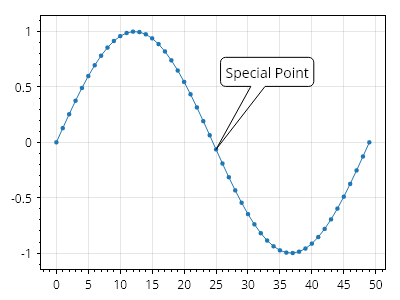
Tooltip.cs
ScottPlot.Plot myPlot = new();

double[] ys = Generate.Sin(50);
var plt = myPlot.Add.Signal(ys);
plt.MaximumMarkerSize = 20;

Coordinates tip = new(25, ys[25]);
Coordinates label = tip.WithDelta(8, .7);
myPlot.Add.Tooltip(tip, "特別な点", label);

myPlot.SavePng("demo.png", 400, 300);
このレシピは、Tooltip カテゴリにある多数のレシピの 1 つです

ツールチップラベルのスタイル設定

ツールチップラベルのスタイル設定

ツールチップのフォントはカスタマイズできます。
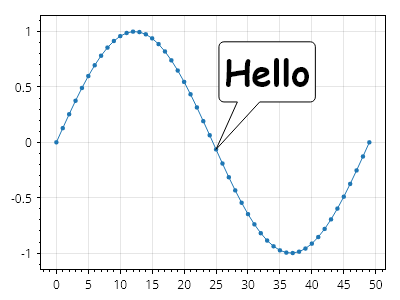
Tooltip.cs
ScottPlot.Plot myPlot = new();

double[] ys = Generate.Sin(50);
var plt = myPlot.Add.Signal(ys);
plt.MaximumMarkerSize = 20;

Coordinates tip = new(25, ys[25]);
Coordinates label = tip.WithDelta(8, .7);
var tooltip = myPlot.Add.Tooltip(tip, "こんにちは", label);
tooltip.LabelFontName = "Comic Sans MS";
tooltip.LabelFontSize = 36;
tooltip.LabelBold = true;

myPlot.SavePng("demo.png", 400, 300);
このレシピは、ツールチップカテゴリにある多数のレシピの 1 つです

ツールチップの色

ツールチップの色

ツールチップの境界線と塗りつぶしのスタイルはカスタマイズできます。
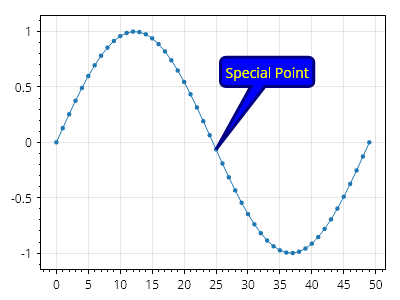
Tooltip.cs
ScottPlot.Plot myPlot = new();

double[] ys = Generate.Sin(50);
var plt = myPlot.Add.Signal(ys);
plt.MaximumMarkerSize = 20;

Coordinates tip = new(25, ys[25]);
Coordinates label = tip.WithDelta(8, .7);
var tooltip = myPlot.Add.Tooltip(tip, "Special Point", label);
tooltip.FillColor = Colors.Blue;
tooltip.LineColor = Colors.Navy;
tooltip.LineWidth = 3;
tooltip.LabelFontColor = Colors.Yellow;

myPlot.SavePng("demo.png", 400, 300);
このレシピは、ツールチップカテゴリにある多数のレシピの 1 つです

ツールチップのテール幅

ツールチップのテール幅

カスタマイズ可能なツールチップのテール幅の割合です。テールの実際の幅は、ツールチップ本体の長さまたは幅のうち小さい方になります。
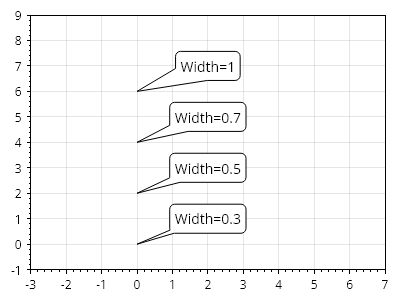
Tooltip.cs
ScottPlot.Plot myPlot = new();

double[] widthFraction = [0.3, 0.5, 0.7, 1.0];

for (int i = 0; i &lt; widthFraction.Length; i++)
{

    Coordinates tip = new(0, i * 2);
    Coordinates label = tip.WithDelta(2, 1);
    var tooltip = myPlot.Add.Tooltip(tip, $"幅={widthFraction[i]}", label);
    tooltip.TailWidthPercentage = widthFraction[i];
}

myPlot.Axes.SetLimits(-3, 7, -1, 9);

myPlot.SavePng("demo.png", 400, 300);
このレシピは、ツールチップカテゴリーに含まれる多数のレシピの 1 つです

ツールチップの角度

ツールチップの角度

ツールチップの形状は、ラベルに対する先端の位置に応じて自動的に調整されます。
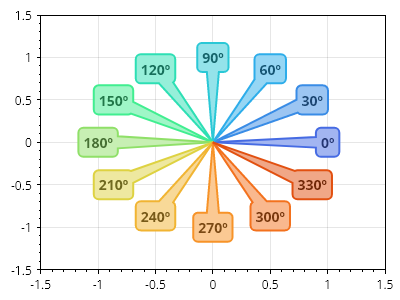
Tooltip.cs
ScottPlot.Plot myPlot = new();

for (int i = 0; i &lt; 360; i += 30)
{
    Coordinates tip = new(0, 0);
    PolarCoordinates polar = new(1, Angle.FromDegrees(i));
    Coordinates label = polar.ToCartesian();
    var tooltip = myPlot.Add.Tooltip(tip, $"{i}º", label);
    tooltip.FillColor = Colormap.Default.GetColor(i, 360).Lighten(0.5);
    tooltip.LineColor = Colormap.Default.GetColor(i, 360);
    tooltip.LineWidth = 2;
    tooltip.LabelBold = true;
    tooltip.LabelFontColor = Colormap.Default.GetColor(i, 360).Darken(0.5);
}

myPlot.Axes.SetLimits(-1.5, 1.5, -1.5, 1.5);

myPlot.SavePng("demo.png", 400, 300);
このレシピは、ツールチップカテゴリに含まれる多数のレシピの 1 つです

三角軸

Create a triangular axis and add it to the plot to display data on a triangular coordinate system.

レシピ

Triangular Axis クイックスタート

Triangular Axis クイックスタート

三角軸を作成してプロットに追加し、三角グリッド上にデータを表示します。また、三角単位を、任意のプロットタイプを上に配置するために使用できる直交座標に変換するために操作します。
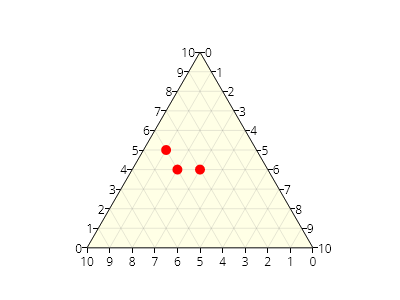
ScottPlot.Plot myPlot = new();

// 三角軸をプロットに追加する
var ta = myPlot.Add.TriangularAxis();

// 三角空間内のさまざまな位置から点を取得する
Coordinates[] points = [
    ta.GetCoordinates(0.50, 0.40),
    ta.GetCoordinates(0.60, 0.40),
    ta.GetCoordinates(0.65, 0.50),
];

// 任意のプロットタイプを三角軸の上に追加できる
myPlot.Add.Markers(points, MarkerShape.FilledCircle, 10, Colors.Red);

myPlot.SavePng("demo.png", 400, 300);
このレシピは、Triangular Axis カテゴリに含まれる多数のレシピの 1 つです

三角軸の反転

三角軸の反転

三角軸は一般的な用途では通常、時計回り方向に増加しますが、地質学用途では反時計回りのラベル付けを持つ三角プロットが使用されることもあります。
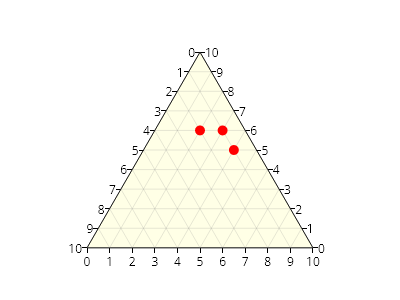
ScottPlot.Plot myPlot = new();

// 反時計回りの三角軸をプロットに追加する
var ta = myPlot.Add.TriangularAxis(clockwise: false);

// 三角空間内のさまざまな位置から点を取得する
Coordinates[] points = [
    ta.GetCoordinates(0.50, 0.40),
    ta.GetCoordinates(0.60, 0.40),
    ta.GetCoordinates(0.65, 0.50),
];

// 任意のプロットタイプを三角軸の上に追加できる
myPlot.Add.Markers(points, MarkerShape.FilledCircle, 10, Colors.Red);

myPlot.SavePng("demo.png", 400, 300);
このレシピは、三角軸カテゴリに含まれる多数のレシピの1つです

三角軸のスタイル設定

三角軸のスタイル設定

三角軸の背景とグリッド線はカスタマイズできます。
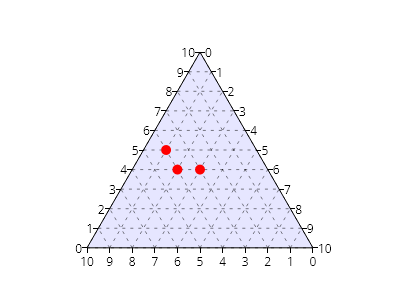
ScottPlot.Plot myPlot = new();

var ta = myPlot.Add.TriangularAxis();

// 背景をカスタマイズする
ta.FillStyle.Color = Colors.Blue.WithAlpha(.1);

// グリッド線をカスタマイズする
ta.GridLineStyle.Color = Colors.Black.WithAlpha(.5);
ta.GridLineStyle.Pattern = LinePattern.Dotted;

// サンプルデータを追加する
Coordinates[] points = [
    ta.GetCoordinates(0.50, 0.40),
    ta.GetCoordinates(0.60, 0.40),
    ta.GetCoordinates(0.65, 0.50),
];
myPlot.Add.Markers(points, MarkerShape.FilledCircle, 10, Colors.Red);

myPlot.SavePng("demo.png", 400, 300);
このレシピは、三角軸カテゴリーに含まれる多数のレシピの1つです

三角軸のエッジのスタイリング

三角軸のエッジのスタイリング

エッジ線、目盛り、目盛りラベル、タイトルテキストのスタイリングオプションは、各軸に対して個別にカスタマイズできます。
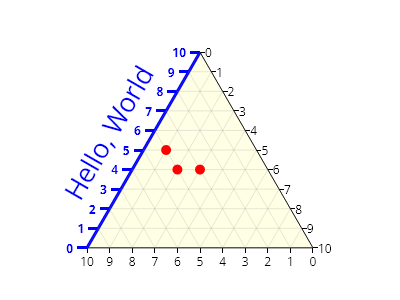
ScottPlot.Plot myPlot = new();

var ta = myPlot.Add.TriangularAxis();

// エッジ線は一方の角からもう一方の角まで伸びます
ta.Left.EdgeLineStyle.Width = 3;
ta.Left.EdgeLineStyle.Color = Colors.Blue;

// 目盛りラベルと目盛りは個別にスタイル設定できます
ta.Left.TickLabelStyle.ForeColor = Colors.Blue;
ta.Left.TickMarkStyle.Color = Colors.Blue;
ta.Left.TickMarkStyle.Width = 3;
ta.Left.TickOffset = new(-10, 0);
ta.Left.TickLabelStyle.Bold = true;
ta.Left.TickLabelStyle.OffsetX = -4;

// 軸タイトルを追加してスタイル設定できます
ta.Left.LabelText = "Hello, World";
ta.Left.LabelStyle.ForeColor = Colors.Blue;
ta.Left.LabelStyle.FontSize = 26;
ta.Left.LabelStyle.Bold = false;
ta.Left.LabelStyle.OffsetX = -20;

// サンプルデータを追加
Coordinates[] points = [
    ta.GetCoordinates(0.50, 0.40),
    ta.GetCoordinates(0.60, 0.40),
    ta.GetCoordinates(0.65, 0.50),
];
myPlot.Add.Markers(points, MarkerShape.FilledCircle, 10, Colors.Red);

myPlot.SavePng("demo.png", 400, 300);
このレシピは、三角軸カテゴリにある多くのレシピの1つです

三角軸タイトル

三角軸タイトル

三角軸の辺には、タイトルを簡単に追加し、すべての辺コンポーネントに同様に色を付けるためのヘルパーメソッドがあります。
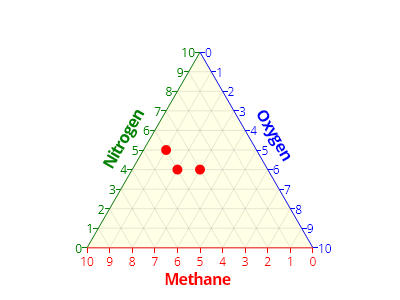
ScottPlot.Plot myPlot = new();

var ta = myPlot.Add.TriangularAxis();

// 各軸にタイトルと色を指定する
ta.Bottom.Title("Methane", Colors.Red);
ta.Left.Title("Nitrogen", Colors.Green);
ta.Right.Title("Oxygen", Colors.Blue);

// サンプルデータを追加する
Coordinates[] points = [
    ta.GetCoordinates(0.50, 0.40),
    ta.GetCoordinates(0.60, 0.40),
    ta.GetCoordinates(0.65, 0.50),
];
myPlot.Add.Markers(points, MarkerShape.FilledCircle, 10, Colors.Red);

myPlot.SavePng("demo.png", 400, 300);
このレシピは、三角軸カテゴリにある多数のレシピの1つです

ベクトル場

Vector fields display a collection of vectors rooted at points in coordinate space

レシピ

ベクトル場クイックスタート

ベクトル場クイックスタート

ベクトル(大きさと方向を表す)は、座標空間内の特定の点に配置して、ベクトル場として表示できます。
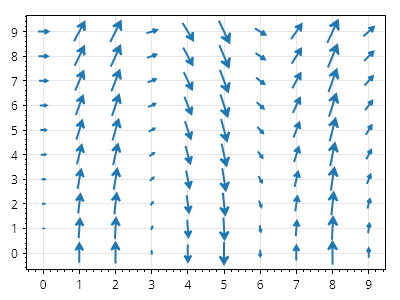
ScottPlot.Plot myPlot = new();

// 位置のグリッドを生成する
double[] xs = Generate.Consecutive(10);
double[] ys = Generate.Consecutive(10);

// ベクトルのコレクションを作成する
List&lt;RootedCoordinateVector&gt; vectors = new();
for (int i = 0; i &lt; xs.Length; i++)
{
    for (int j = 0; j &lt; ys.Length; j++)
    {
        // グリッド上の点
        Coordinates pt = new(xs[i], ys[j]);

        // 方向と大きさ
        float dX = (float)ys[j];
        float dY = -9.81f / 0.5f * (float)Math.Sin(xs[i]);
        System.Numerics.Vector2 v = new(dX, dY);

        // コレクションに追加する
        RootedCoordinateVector vector = new(pt, v);
        vectors.Add(vector);
    }
}

// 根付きベクトルのコレクションをベクトル場としてプロットする
myPlot.Add.VectorField(vectors);

myPlot.SavePng("demo.png", 400, 300);
このレシピは、ベクトル場カテゴリにある多数のレシピの 1 つです

ベクトル場のカラーマップ

ベクトル場のカラーマップ

ベクトル場の矢印は、その大きさに応じて色付けできます。
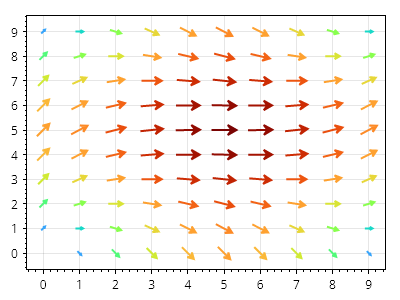
ScottPlot.Plot myPlot = new();

RootedCoordinateVector[] vectors = Generate.SampleVectors();
var vf = myPlot.Add.VectorField(vectors);
vf.Colormap = new ScottPlot.Colormaps.Turbo();

myPlot.SavePng("demo.png", 400, 300);
このレシピは、ベクトル場カテゴリに含まれる多数のレシピの1つです

ベクトル場の矢印の長さ

ベクトル場の矢印の長さ

ベクトル場の矢印の長さは、最長のベクトルを表示する長さ(ピクセル単位)を定義することでカスタマイズできます。
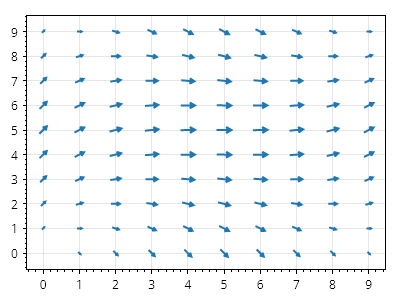
ScottPlot.Plot myPlot = new();

RootedCoordinateVector[] vectors = Generate.SampleVectors();
var vf = myPlot.Add.VectorField(vectors);
vf.MaximumArrowLength = 15;

myPlot.SavePng("demo.png", 400, 300);
このレシピは、ベクトル場カテゴリに含まれる多数のレシピの 1 つです

api

レシピ

ScottPlot 5.1.58 API

Generated 3/29/2026 7:20:38 AM

 
List<ScottPlot.IGrid> AllGrids Return the <see cref="P:ScottPlot.AxisManager.DefaultGrid" /> and all <see cref="P:ScottPlot.AxisManager.CustomGrids" />
ScottPlot.IAutoScaler AutoScaler Logic that determines padding around the data area when <see cref="!:AutoScale()" /> is called
ScottPlot.IXAxis Bottom The primary horizontal axis below the plot
Action<ScottPlot.RenderPack> ContinuousAutoscaleAction When <see cref="P:ScottPlot.AxisManager.ContinuouslyAutoscale" /> is true, this action is called before each frame is rendered. Users can assign their own static function to customize continuous autoscaling behavior.
bool ContinuouslyAutoscale If enabled, AutoScale() will be called at the start of each render. This can negatively impact performance of plots with an extremely large number of data points.
List<ScottPlot.IGrid> CustomGrids List of custom grids. If in use, it is likely the default grid visibility should be disabled.
ScottPlot.Grids.DefaultGrid DefaultGrid The standard grid that is added when a Plot is created. Users can achieve custom grid functionality by disabling the visibility of this grid and adding their own classes to the List of <see cref="P:ScottPlot.AxisManager.CustomGrids" />.
ScottPlot.IYAxis Left The primary vertical axis to the left of the plot
bool LimitsHaveBeenSet Indicates whether the axis limits have been set (manually or by autoscale)
ScottPlot.IYAxis Right The primary vertical axis to the right of the plot
List<ScottPlot.IAxisRule> Rules Rules that are applied before each render
ScottPlot.Panels.TitlePanel Title A special panel
ScottPlot.IXAxis Top The primary horizontal axis above the plot
IEnumerable<ScottPlot.IAxis> GetAxes() All axes
IEnumerable<ScottPlot.IXAxis> GetXAxes() All X axes
IEnumerable<ScottPlot.IYAxis> GetYAxes() All Y axes
IEnumerable<ScottPlot.IAxis> GetAxes(ScottPlot.Edge edge) All axes
ScottPlot.IPanel[] GetPanels() Returns all axes, panels, and the title
void DefaultContinuousAutoscaleAction(ScottPlot.RenderPack rp)
void Color(ScottPlot.Color color)
void Color(ScottPlot.IAxis axis, ScottPlot.Color color)
void Frame(bool enable)
void FrameWidth(single width)
void FrameColor(ScottPlot.Color color)
void Remove(ScottPlot.Edge edge)
void Remove(ScottPlot.IAxis axis)
void Remove(ScottPlot.IPanel panel)
void AddPanel(ScottPlot.IPanel panel)
ScottPlot.AxisPanels.DateTimeXAxis DateTimeTicksBottom() Remove all bottom axes, create a DateTime bottom axis, add it to the plot, and return it.
ScottPlot.AxisPanels.BottomAxis NumericTicksBottom() Remove all bottom axes, create a numeric bottom axis, add it to the plot, and return it.
void AddYAxis(ScottPlot.IYAxis axis)
void AddXAxis(ScottPlot.IXAxis axis)
ScottPlot.AxisPanels.LeftAxis AddLeftAxis() Crete a new axis, add it to the plot, and return it
void AddLeftAxis(ScottPlot.IYAxis axis) Crete a new axis, add it to the plot, and return it
ScottPlot.AxisPanels.RightAxis AddRightAxis() Crete a new axis, add it to the plot, and return it
void AddRightAxis(ScottPlot.IYAxis axis) Crete a new axis, add it to the plot, and return it
ScottPlot.AxisPanels.BottomAxis AddBottomAxis() Crete a new axis, add it to the plot, and return it
void AddBottomAxis(ScottPlot.IXAxis axis) Crete a new axis, add it to the plot, and return it
ScottPlot.AxisPanels.TopAxis AddTopAxis() Crete a new axis, add it to the plot, and return it
void AddTopAxis(ScottPlot.IXAxis axis) Crete a new axis, add it to the plot, and return it
void SetLimitsX(double left, double right, ScottPlot.IXAxis xAxis)
void SetLimitsY(double bottom, double top, ScottPlot.IYAxis yAxis)
void SetLimitsX(double left, double right)
void SetLimitsY(double bottom, double top)
void SetLimits(double left, double right, double bottom, double top)
void SetLimits(double left, double right, double bottom, double top, ScottPlot.IXAxis xAxis, ScottPlot.IYAxis yAxis)
void SetLimits(double? left, double? right, double? bottom, double? top)
void SetLimits(ScottPlot.CoordinateRect rect)
void SetLimitsX(ScottPlot.CoordinateRect limits)
void SetLimitsY(ScottPlot.CoordinateRect limits)
void SetLimitsX(ScottPlot.AxisLimits limits)
void SetLimitsX(ScottPlot.AxisLimits limits, ScottPlot.IXAxis xAxis)
void SetLimitsY(ScottPlot.AxisLimits limits)
void SetLimitsY(ScottPlot.AxisLimits limits, ScottPlot.IYAxis yAxis)
void SetLimits(ScottPlot.AxisLimits limits)
void SetLimits(ScottPlot.AxisLimits limits, ScottPlot.IXAxis xAxis, ScottPlot.IYAxis yAxis)
void InvertX() Adjust the horizontal axis so values descend from left to right
void RectifyX() Adjust the horizontal axis so values ascend from left to right
void InvertY() Adjust the vertical axis so values descend from bottom to top
void RectifyY() Adjust the vertical axis so values ascend from bottom to top
ScottPlot.AxisLimits GetLimits() Return the 2D axis limits for the default axes
ScottPlot.AxisLimits GetLimits(ScottPlot.IXAxis xAxis, ScottPlot.IYAxis yAxis) Return the 2D axis limits for the default axes
ScottPlot.AxisLimits GetLimits(ScottPlot.IAxes axes) Return the 2D axis limits for the default axes
ScottPlot.AxisLimits GetDataLimits() Return the 2D axis limits of data for all plottables using the default axes
ScottPlot.AxisLimits GetDataLimits(ScottPlot.IXAxis xAxis, ScottPlot.IYAxis yAxis) Return the 2D axis limits of data for all plottables using the default axes
void ReplaceNullAxesWithDefaults() Adds the default X and Y axes to all plottables with unset axes
void AutoScale(bool? invertX, bool? invertY)
void AutoScale(ScottPlot.IXAxis xAxis, ScottPlot.IYAxis yAxis, bool horizontal, bool vertical)
void AutoScaleExpand() Automatically expand the default axes to fit the data in all plottables.
void AutoScaleExpand(ScottPlot.IXAxis xAxis, ScottPlot.IYAxis yAxis) Automatically expand the default axes to fit the data in all plottables.
void AutoScaleExpandX(ScottPlot.IXAxis xAxis) Automatically expand the default horizontal axis to fit the data in all plottables.
void AutoScaleExpandX() Automatically expand the default horizontal axis to fit the data in all plottables.
void AutoScaleExpandY(ScottPlot.IYAxis yAxis) Automatically expand the default vertical axis to fit the data in all plottables.
void AutoScaleExpandY() Automatically expand the default vertical axis to fit the data in all plottables.
void AutoScaleX() Autoscale the bottom horizontal axis limits to fit the data of all plotted objects
void AutoScaleY() Autoscale the left vertical axis limits to fit the data of all plotted objects
void AutoScaleX(ScottPlot.IXAxis xAxis) Autoscale the bottom horizontal axis limits to fit the data of all plotted objects
void AutoScaleY(ScottPlot.IYAxis yAxis) Autoscale the left vertical axis limits to fit the data of all plotted objects
void AutoScale(IEnumerable<ScottPlot.IPlottable> plottables)
void AutoScaleX(IEnumerable<ScottPlot.IPlottable> plottables) Autoscale the bottom horizontal axis limits to fit the data of all plotted objects
void AutoScaleY(IEnumerable<ScottPlot.IPlottable> plottables) Autoscale the left vertical axis limits to fit the data of all plotted objects
void Pan(ScottPlot.Pixel mouseDown, ScottPlot.Pixel mouseUp)
void Pan(ScottPlot.PixelOffset offset)
void Pan(ScottPlot.CoordinateOffset distance)
void Zoom(ScottPlot.Pixel px1, ScottPlot.Pixel px2)
void Zoom(ScottPlot.Pixel px, double fracX, double fracY)
void Zoom(double fracX, double fracY)
void ZoomIn(double fracX, double fracY)
void ZoomOut(double x, double y)
void ZoomOutX(double x)
void ZoomOutY(double y)
void Margins() Reset plot data margins to their default value.
void Margins(double horizontal, double vertical) Reset plot data margins to their default value.
void MarginsX(double horizontal)
void MarginsY(double vertical)
void TightMargins() Auto-scale to tightly fit the data so there is no spacing between data points and the edge of the data area
void Margins(double left, double right, double bottom, double top) Reset plot data margins to their default value.
void SquareUnits() Force pixels to have a 1:1 scale ratio. This allows circles to always appear as circles and not stretched ellipses.
void SquareUnits(bool enable) Force pixels to have a 1:1 scale ratio. This allows circles to always appear as circles and not stretched ellipses.
void Frameless(bool hideAllPanels)
void AntiAlias(bool enable)
void Hairline(bool enable)
void Link(ScottPlot.IAxis thisPlotAxis, ScottPlot.IAxis otherPlotAxis, ScottPlot.Plot otherPlot)
void Link(ScottPlot.IPlotControl target, bool x, bool y)
void Link(ScottPlot.Plot target, bool x, bool y)
void UnlinkAll() Remove all linked axes rules
void Unlink(ScottPlot.IPlotControl target)
void Unlink(ScottPlot.Plot target)
void Unlink(ScottPlot.IAxis axis)
void ApplyLinkedAxisRules() This is called in the render system after AxisLimitsChanged has been invoked
<see cref="T:System.Collections.Generic.IComparer`1" /> for various types provided by ScottPlot
ScottPlot.BinarySearchComparer Instance Thread-Safe singleton
IComparer<T> GetComparer()
int Compare(double a, double b)
double[,] ResizeHalf(double[,] values)
double[,] ReplaceNullWithNaN(T? values)
T? ReplaceNaNWithNull(double[,] values)
void Multiply2D(double[,] values, double mult)
double[] SumVertically(IEnumerable<double[]> arrays)
int CachePeriod
ScottPlot.DataSources.SignalRangeY GetMinMax(int start, int end)
bool IsAscending(IEnumerable<T> values, IComparer<T> comparer)
int BinarySearch(TList sortedList, int index, int length, T value, IComparer<T> comparer)
int GetClosestIndex(double[] sortedList, double value, ScottPlot.IndexRange indexRange)
int GetClosestIndex(List<double> sortedList, double value, ScottPlot.IndexRange indexRange)
int GetClosestIndex(ScottPlot.Coordinates[] sortedList, ScottPlot.Coordinates value, ScottPlot.IndexRange indexRange)
int GetClosestIndex(List<ScottPlot.Coordinates> sortedList, ScottPlot.Coordinates value, ScottPlot.IndexRange indexRange)
int GetClosestIndex(TList sortedList, TValue value, ScottPlot.IndexRange indexRange, IComparer<TValue> comparer)
int GetRenderIndexCount(ScottPlot.IDataSource dataSource)
ScottPlot.IndexRange GetRenderIndexRange(ScottPlot.IDataSource dataSource)
double ScaleXY(double value, double scalingFactor, double offset)
double ScaleXY(T value, double scalingFactor, double offset)
double ScaleXY(T[] collection, int index, double scalingFactor, double offset)
double ScaleXY(IReadOnlyList<T> collection, int index, double scalingFactor, double offset)
double UnscaleXY(double value, double scalingFactor, double offset)
ScottPlot.Coordinates ScaleCoordinate(ScottPlot.Coordinates coordinate, double xScalingFactor, double xOffset, double yScalingFactor, double yOffset)
ScottPlot.Coordinates UnScaleCoordinate(ScottPlot.Coordinates coordinate, double xScalingFactor, double xOffset, double yScalingFactor, double yOffset)
ScottPlot.Coordinates UnScaleCoordinate(ScottPlot.Coordinates pixelCoordinate, ScottPlot.RenderDetails renderInfo, double xScalingFactor, double xOffset, double yScalingFactor, double yOffset, ScottPlot.IXAxis xaxis, ScottPlot.IYAxis yaxis)
ScottPlot.DataPoint GetNearestSmart(ScottPlot.IDataSource dataSource, ScottPlot.Coordinates mouseLocation, ScottPlot.RenderDetails renderInfo, single maxDistance, ScottPlot.IXAxis xAxis, ScottPlot.IYAxis yAxis)
ScottPlot.DataPoint GetNearestXSmart(ScottPlot.IDataSource dataSource, ScottPlot.Coordinates mouseLocation, ScottPlot.RenderDetails renderInfo, single maxDistance, ScottPlot.IXAxis xAxis)
ScottPlot.DataPoint GetNearest(ScottPlot.IDataSource dataSource, ScottPlot.Coordinates mouseLocation, ScottPlot.RenderDetails renderInfo, single maxDistance, ScottPlot.IXAxis xAxis, ScottPlot.IYAxis yAxis)
ScottPlot.DataPoint GetNearestX(ScottPlot.IDataSource dataSource, ScottPlot.Coordinates mouseLocation, ScottPlot.RenderDetails renderInfo, single maxDistance, ScottPlot.IXAxis xAxis)
ScottPlot.DataPoint GetNearestFast(ScottPlot.IDataSource dataSource, ScottPlot.Coordinates mouseLocation, ScottPlot.RenderDetails renderInfo, single maxDistance, ScottPlot.IXAxis xAxis, ScottPlot.IYAxis yAxis)
ScottPlot.DataPoint GetNearestXFast(ScottPlot.IDataSource dataSource, ScottPlot.Coordinates mouseLocation, ScottPlot.RenderDetails renderInfo, single maxDistance, ScottPlot.IXAxis xAxis)
Common operations using the default rendering system.
void DrawLine(SkiaSharp.SKCanvas canvas, ScottPlot.Paint paint, ScottPlot.PixelLine pixelLine)
void DrawLine(SkiaSharp.SKCanvas canvas, ScottPlot.Paint paint, ScottPlot.Pixel pt1, ScottPlot.Pixel pt2)
void DrawLine(SkiaSharp.SKCanvas canvas, ScottPlot.Paint paint, ScottPlot.PixelLine pxLine, ScottPlot.LineStyle lineStyle)
void DrawLines(SkiaSharp.SKCanvas canvas, ScottPlot.Paint paint, IEnumerable<ScottPlot.PixelLine> pxLines, ScottPlot.LineStyle lineStyle)
void DrawLine(SkiaSharp.SKCanvas canvas, ScottPlot.Paint paint, ScottPlot.Pixel pt1, ScottPlot.Pixel pt2, ScottPlot.LineStyle lineStyle)
void DrawLine(SkiaSharp.SKCanvas canvas, ScottPlot.Paint paint, ScottPlot.Pixel pt1, ScottPlot.Pixel pt2, ScottPlot.Color color, single width, bool antiAlias, ScottPlot.LinePattern pattern)
void DrawArrow(SkiaSharp.SKCanvas canvas, ScottPlot.Paint paint, SkiaSharp.SKPath path, ScottPlot.ArrowStyle arrowStyle)
void DrawPath(SkiaSharp.SKCanvas canvas, ScottPlot.Paint paint, SkiaSharp.SKPath path, SkiaSharp.SKShader shader)
void DrawPath(SkiaSharp.SKCanvas canvas, ScottPlot.Paint paint, IEnumerable<ScottPlot.Pixel> pixels, ScottPlot.LineStyle lineStyle, bool close)
void FillPath(SkiaSharp.SKCanvas canvas, ScottPlot.Paint paint, IEnumerable<ScottPlot.Pixel> pixels, ScottPlot.FillStyle fillStyle, ScottPlot.PixelRect rect)
void FillPath(SkiaSharp.SKCanvas canvas, ScottPlot.Paint paint, SkiaSharp.SKPath path, ScottPlot.FillStyle fillStyle)
void DrawPath(SkiaSharp.SKCanvas canvas, ScottPlot.Paint paint, IEnumerable<ScottPlot.Pixel> pixels, ScottPlot.LineStyle lineStyle, string label, ScottPlot.LabelStyle labelStyle, bool close)
void DrawTextOnPath(SkiaSharp.SKCanvas canvas, ScottPlot.Paint paint, SkiaSharp.SKPath path, string text, single xOffset, single yOffset)
void DrawPath(SkiaSharp.SKCanvas canvas, ScottPlot.Paint paint, ScottPlot.PixelPath path, ScottPlot.LineStyle lineStyle)
void DrawPath(SkiaSharp.SKCanvas canvas, ScottPlot.Paint paint, ScottPlot.PixelPath path, ScottPlot.LineStyle lineStyle, string text, ScottPlot.LabelStyle labelStyle)
void DrawPath(SkiaSharp.SKCanvas canvas, ScottPlot.Paint paint, ScottPlot.PixelPath path, ScottPlot.FillStyle fillStyle)
void FillPath(SkiaSharp.SKCanvas canvas, ScottPlot.Paint paint, ScottPlot.PixelPath path, ScottPlot.FillStyle fillStyle)
void DrawPath(SkiaSharp.SKCanvas canvas, ScottPlot.Paint paint, IEnumerable<ScottPlot.Pixel> pixels, ScottPlot.FillStyle fillStyle)
void FillPath(SkiaSharp.SKCanvas canvas, ScottPlot.Paint paint, IEnumerable<ScottPlot.Pixel> pixels, ScottPlot.FillStyle fillStyle)
void DrawPath(SkiaSharp.SKCanvas canvas, ScottPlot.Paint paint, SkiaSharp.SKPath path, ScottPlot.LineStyle lineStyle)
void DrawPath(SkiaSharp.SKCanvas canvas, ScottPlot.Paint paint, SkiaSharp.SKPath path, ScottPlot.FillStyle fillStyle, ScottPlot.PixelRect rect)
void FillPath(SkiaSharp.SKCanvas canvas, ScottPlot.Paint paint, SkiaSharp.SKPath path, ScottPlot.FillStyle fillStyle, ScottPlot.PixelRect rect)
void DrawLines(SkiaSharp.SKCanvas canvas, ScottPlot.Paint paint, IEnumerable<ScottPlot.Pixel> pixels, ScottPlot.LineStyle lineStyle)
void DrawLines(SkiaSharp.SKCanvas canvas, ScottPlot.Paint paint, SkiaSharp.SKPath path, ScottPlot.LineStyle lineStyle)
void FillRectangle(SkiaSharp.SKCanvas canvas, ScottPlot.PixelRect rect, ScottPlot.Paint paint, ScottPlot.FillStyle fillStyle)
void DrawRoundRectangle(SkiaSharp.SKCanvas canvas, ScottPlot.PixelRect rect, ScottPlot.Paint paint, single radiusX, single radiusY)
void DrawRectangle(SkiaSharp.SKCanvas canvas, ScottPlot.PixelRect rect, ScottPlot.Paint paint, ScottPlot.LineStyle lineStyle)
void DrawDebugRectangle(SkiaSharp.SKCanvas canvas, ScottPlot.Paint paint, ScottPlot.PixelRect rect, ScottPlot.Pixel? point, ScottPlot.Color? color, single lineWidth)
void DrawCircle(SkiaSharp.SKCanvas canvas, ScottPlot.Pixel center, single radius, ScottPlot.LineStyle lineStyle, ScottPlot.Paint paint)
void DrawCircle(SkiaSharp.SKCanvas canvas, ScottPlot.Pixel center, single radius, ScottPlot.FillStyle fillStyle, ScottPlot.Paint paint)
void FillCircle(SkiaSharp.SKCanvas canvas, ScottPlot.Pixel center, single radius, ScottPlot.FillStyle fillStyle, ScottPlot.Paint paint)
void DrawOval(SkiaSharp.SKCanvas canvas, ScottPlot.Paint paint, ScottPlot.LineStyle lineStyle, ScottPlot.PixelRect rect)
void FillOval(SkiaSharp.SKCanvas canvas, ScottPlot.Paint paint, ScottPlot.FillStyle fillStyle, ScottPlot.PixelRect rect)
void DrawArc(SkiaSharp.SKCanvas canvas, ScottPlot.Paint paint, ScottPlot.LineStyle lineStyle, ScottPlot.PixelRect rect, single startAngle, single sweepAngle)
void DrawEllipticalArc(SkiaSharp.SKCanvas canvas, ScottPlot.Paint paint, ScottPlot.LineStyle lineStyle, ScottPlot.PixelRect rect, single startAngle, single sweepAngle)
void DrawAnnularSector(SkiaSharp.SKCanvas canvas, ScottPlot.Paint paint, ScottPlot.LineStyle lineStyle, ScottPlot.PixelRect rect, ScottPlot.PixelRect innerRect, single startAngle, single sweepAngle)
void FillAnnularSector(SkiaSharp.SKCanvas canvas, ScottPlot.Paint paint, ScottPlot.FillStyle fillStyle, ScottPlot.PixelRect rect, ScottPlot.PixelRect innerRect, single startAngle, single sweepAngle)
void DrawEllipticalAnnulus(SkiaSharp.SKCanvas canvas, ScottPlot.Paint paint, ScottPlot.LineStyle lineStyle, ScottPlot.PixelRect outerRect, ScottPlot.PixelRect innerRect)
void FillEllipticalAnnulus(SkiaSharp.SKCanvas canvas, ScottPlot.Paint paint, ScottPlot.FillStyle fillStyle, ScottPlot.PixelRect outerRect, ScottPlot.PixelRect innerRect)
void DrawSector(SkiaSharp.SKCanvas canvas, ScottPlot.Paint paint, ScottPlot.LineStyle lineStyle, ScottPlot.PixelRect rect, single startAngle, single sweepAngle)
void FillSector(SkiaSharp.SKCanvas canvas, ScottPlot.Paint paint, ScottPlot.FillStyle fillStyle, ScottPlot.PixelRect rect, single startAngle, single sweepAngle)
void DrawMarker(SkiaSharp.SKCanvas canvas, ScottPlot.Paint paint, ScottPlot.Pixel pixel, ScottPlot.MarkerStyle style)
void DrawMarkers(SkiaSharp.SKCanvas canvas, ScottPlot.Paint paint, IEnumerable<ScottPlot.Pixel> pixels, ScottPlot.MarkerStyle style)
void DrawMarkers(SkiaSharp.SKCanvas canvas, ScottPlot.Paint paint, IReadOnlyList<ScottPlot.Pixel> pixels, ScottPlot.MarkerStyle style, ScottPlot.IColormap colormap)
SkiaSharp.SKBitmap BitmapFromArgbs(uint[] argbs, int width, int height)
SkiaSharp.SKColorFilter GetMaskColorFilter(ScottPlot.Color foreground, ScottPlot.Color? background)
SkiaSharp.SKSurface CreateSurface(int width, int height)
void SavePng(SkiaSharp.SKSurface surface, string filename)
void DrawImage(SkiaSharp.SKCanvas canvas, SkiaSharp.SKBitmap image, ScottPlot.PixelRect target, ScottPlot.Paint paint)
void DrawImage(SkiaSharp.SKCanvas canvas, SkiaSharp.SKImage image, ScottPlot.PixelRect target, ScottPlot.Paint paint)
void DrawImage(SkiaSharp.SKCanvas canvas, ScottPlot.Image image, ScottPlot.PixelRect target, ScottPlot.Paint paint)
void DrawText(SkiaSharp.SKCanvas canvas, string text, ScottPlot.Pixel px, ScottPlot.Paint paint)
void DrawShapedText(SkiaSharp.SKCanvas canvas, SkiaSharp.HarfBuzz.SKShaper shaper, string text, ScottPlot.Pixel px, ScottPlot.Paint paint)
SkiaSharp.SKFontStyleWidth ToSKFontStyleWidth(ScottPlot.FontSpacing width)
SkiaSharp.SKFontStyleSlant ToSKFontStyleSlant(ScottPlot.FontSlant slant)
SkiaSharp.SKFontStyleWeight ToSKFontStyleWeight(ScottPlot.FontWeight weight)
Cross-platform tools for working with fonts
string Default This font is used for almost all text rendering.
SkiaSharp.SKTypeface DefaultFontStyle
ScottPlot.FontSlant? DefaultSlant
ScottPlot.FontWeight? DefaultWeight
List<ScottPlot.IFontResolver> FontResolvers Collection of font resolvers that return typefaces from font names and style information
string Monospace Name of a monospace font present on the system
string Sans Name of a sans-serif font present on the system
string Serif Name of a serif font present on the system
string System Default system font name
void AddFontFile(string name, string path, bool bold, bool italic)
bool Exists(string fontName)
bool Exists(string fontName, bool bold, bool italic)
SkiaSharp.SKTypeface GetTypeface(string fontName, ScottPlot.FontWeight weight, ScottPlot.FontSlant slant, ScottPlot.FontSpacing spacing)
SkiaSharp.SKTypeface GetTypeface(string fontName, bool bold, bool italic)
SkiaSharp.SKTypeface GetTypeface(string fontName, bool bold, bool italic, ScottPlot.FontSpacing width)
string Detect(string text)
string GetDefaultFontFamily()
List<string> GetCandidateFontsForString(List<int> standaloneCodePoints)
int CountMissingGlyphs(string fontName, List<int> standaloneCodePoints)
List<int> GetStandaloneCodePoints(string inputText)
List<string> ConvertStringToTextElements(string textString)
List<int> ConvertTextElementToUtf32CodePoints(string textElement)
List<int> GetStandaloneCodePoints(IEnumerable<List<T>> codePointLists)
void Reset()
This class contains methods which generate sample data for testing and demonstration purposes
double[] Consecutive(int count, double delta, double first)
double[] Sin(int count, double mult, double offset, double oscillations, double phase)
double[] Sigmoidal(int count, double mult, double steepness)
double[] Cos(int count, double mult, double offset, double oscillations, double phase)
double[] NoisySin(int count, double magnitude)
double[] NoisyExponential(int count, double mult, double noise, double tau)
double[] SquareWave(uint cycles, uint pointsPerCycle, double duty, double low, double high)
double[] SquareWaveFromSines(int pointCount, double oscillations, int sineCount)
double[] Zeros(int count)
double[] Ones(int count)
double[] Repeating(int count, double value)
double[] NaN(int count)
double[] Range(double start, double stop, double step)
double[] RangeWithStep(double start, double stop, double step)
double[] RangeWithCount(double start, double stop, int count)
double[,] Consecutive2D(int rows, int columns, double spacing, double offset)
double[,] Sin2D(int width, int height, double xPeriod, double yPeriod, double multiple)
double[,] Ramp2D(int width, int height, double min, double max)
ScottPlot.RootedCoordinateVector[] SampleVectors(int columns, int rows, double oscillations)
double[] RandomWalk(int count, double mult, double offset)
double[] Random(int count, double min, double max)
double[] RandomSample(int count, double min, double max)
double[] RandomAscending(int count, double minDelta, double maxDelta)
double[] RandomNormal(int count, double mean, double stdDev)
int RandomInteger(int max)
int RandomInteger(int min, int max)
int[] RandomIntegers(int count, int max)
int[] RandomIntegers(int count, int min, int max)
double RandomNumber() RandomSample integer between 0 (inclusive) and 1 (exclusive)
double RandomNumber(double max) RandomSample integer between 0 (inclusive) and 1 (exclusive)
double RandomNumber(double min, double max) RandomSample integer between 0 (inclusive) and 1 (exclusive)
double RandomNormalNumber(double mean, double stdDev)
double[] RandomNumbers(int count, double max)
double[] RandomNumbers(int count, double min, double max)
double[] AddNoise(double[] input, double magnitude)
void AddNoiseInPlace(double[] values, double magnitude)
double[] AddSinInPlace(double[] values, double mult, double offset, double oscillations, double phase)
double[] AddSin(double[] values, double mult, double offset, double oscillations, double phase)
char RandomChar()
string RandomString(int length)
ScottPlot.CoordinateRect RandomCoordinateRect(double xMult, double yMult, double width, double height)
ScottPlot.CoordinateLine RandomCoordinateLine(double xMult, double yMult, double xOffset, double yOffset)
ScottPlot.Coordinates RandomCoordinates(double xMult, double yMult, double xOffset, double yOffset)
ScottPlot.Coordinates[] RandomCoordinates(int count, double xMult, double yMult, double xOffset, double yOffset)
ScottPlot.Coordinates RandomLocation()
ScottPlot.Coordinates[] RandomLocations(int count)
ScottPlot.Coordinates[] RandomLocations(int count, ScottPlot.AxisLimits limits)
DateTime[] Consecutive(int count, DateTime start, TimeSpan timeSpan)
DateTime[] ConsecutiveDateTimes(int count, DateTime start, TimeSpan timeSpan)
DateTime[] ConsecutiveDays(int count, int year, int month, int day)
DateTime[] ConsecutiveDays(int count, DateTime start)
DateTime[] ConsecutiveWeekdays(int count, int year, int month, int day)
DateTime[] ConsecutiveWeekdays(int count, DateTime start)
DateTime[] ConsecutiveHours(int count)
DateTime[] ConsecutiveHours(int count, DateTime start)
DateTime[] ConsecutiveQuarterHours(int count, DateTime start)
DateTime[] ConsecutiveMinutes(int count, DateTime start)
DateTime[] ConsecutiveSeconds(int count, DateTime start)
System.DateTimeOffset[] Consecutive(int count, System.DateTimeOffset start, TimeSpan timeSpan)
System.DateTimeOffset[] ConsecutiveDateTimes(int count, System.DateTimeOffset start, TimeSpan timeSpan)
System.DateTimeOffset[] ConsecutiveDays(int count, System.DateTimeOffset start)
System.DateTimeOffset[] ConsecutiveWeekdays(int count, System.DateTimeOffset start)
System.DateTimeOffset[] ConsecutiveHours(int count, System.DateTimeOffset start)
System.DateTimeOffset[] ConsecutiveQuarterHours(int count, System.DateTimeOffset start)
System.DateTimeOffset[] ConsecutiveMinutes(int count, System.DateTimeOffset start)
System.DateTimeOffset[] ConsecutiveSeconds(int count, System.DateTimeOffset start)
ScottPlot.OHLC RandomOHLC()
ScottPlot.OHLC RandomOHLC(DateTime date)
List<ScottPlot.OHLC> RandomOHLCs(int count)
List<ScottPlot.OHLC> RandomOHLCs(int count, DateTime startDate)
ScottPlot.Box RandomBox(double position)
ScottPlot.Color RandomHue()
ScottPlot.Color RandomColor()
ScottPlot.Color RandomColor(byte max)
ScottPlot.Color RandomColor(ScottPlot.IColormap colormap)
ScottPlot.Color[] RandomColors(int count, ScottPlot.IColormap colormap)
ScottPlot.MarkerShape RandomMarkerShape()
ScottPlot.MarkerShape RandomFilledMarkerShape()
ScottPlot.LinePattern RandomLinePattern()
Generic helper used to provide <see cref="T:System.Collections.Generic.IComparer`1" /> on supported types.
        &lt;typeparam name="T"&gt;&lt;inheritdoc cref="F:ScottPlot.GenericComparer`1.Default" path="/remarks" /&gt;&lt;/typeparam&gt;</div>
IComparer<T> Default An appropriate <see cref="T:System.Collections.Generic.IComparer`1" /> for this type.
        &lt;remarks&gt;
         If the type is supported, this will be either &lt;see cref="F:ScottPlot.BinarySearchComparer.Instance" /&gt; or &lt;see cref="P:System.Collections.Generic.Comparer`1.Default" /&gt;
         &lt;br /&gt; If the type is unsupported, throws &lt;see cref="T:System.TypeInitializationException" /&gt;
         &lt;para /&gt; Supported Types :
         &lt;br /&gt; - All primitive types
         &lt;br /&gt; - Types comparable via &lt;see cref="F:ScottPlot.BinarySearchComparer.Instance" /&gt;
         &lt;br /&gt; - Types that implement &lt;see cref="T:System.IComparable`1" /&gt;
        &lt;/remarks&gt;</span></div>
string GetImageHtml(byte[] bytes, string imageType, string classContent, string styleContent)
Contains settings and logic for how to draw an arrow once the base and tip pixels have been determined
This interface describes a pair of 1D axes. It is intended to be stored inside <see cref="T:ScottPlot.IPlottable" /> objects, defining which axes they use and providing logic for coordinate/pixel conversions.
ScottPlot.PixelRect DataRect Describes the region in the center of the figure where plottable data will be displayed. This region is set by the renderer immediately before a Plottable's Render() method is called.
ScottPlot.Pixel GetPixel(ScottPlot.Coordinates coordinates)
single GetPixelX(double xCoordinate)
single GetPixelY(double yCoordinate)
ScottPlot.Coordinates GetCoordinates(ScottPlot.Pixel pixel)
double GetCoordinateX(single pixel)
double GetCoordinateY(single pixel)
void SetSpanX(ScottPlot.IAxes axes, double span)
void SetSpanY(ScottPlot.IAxes axes, double span)
This interface describes a 1D axis (horizontal or vertical). Responsibilities include: min/max management, unit/pixel conversion, tick generation (and rendering), axis label rendering, and self-measurement for layout purposes.
ScottPlot.LineStyle FrameLineStyle
ScottPlot.LabelStyle Label The label is the text displayed distal to the ticks
ScottPlot.TickMarkStyle MajorTickStyle
double Max
double Min
ScottPlot.TickMarkStyle MinorTickStyle
ScottPlot.CoordinateRangeMutable Range Min/Max range currently displayed by this axis
ScottPlot.ITickGenerator TickGenerator Logic for determining tick positions and formatting tick labels
ScottPlot.LabelStyle TickLabelStyle
single GetPixel(double position, ScottPlot.PixelRect dataArea)
double GetCoordinate(single pixel, ScottPlot.PixelRect dataArea)
double GetPixelDistance(double coordinateDistance, ScottPlot.PixelRect dataArea)
double GetCoordinateDistance(single pixelDistance, ScottPlot.PixelRect dataArea)
void SetTicks(double[] xs, string[] labels)
void RegenerateTicks(ScottPlot.PixelLength size, ScottPlot.Paint paint)
bool IsInverted(ScottPlot.IAxis axis)
void RemoveTickGenerator(ScottPlot.IAxis axis)
void Collapse(ScottPlot.IAxis axis)
These rules are applied just before each render
void Apply(ScottPlot.RenderPack rp, bool beforeLayout)
string Name Human readable name for this colormap
ScottPlot.Color GetColor(double position)
ScottPlot.Color[] GetColors(ScottPlot.IColormap colormap, int count, double minFraction, double maxFraction)
ScottPlot.Color GetColor(ScottPlot.IColormap cmap, int index, int count, double startFraction, double endFraction)
ScottPlot.Color GetColor(ScottPlot.IColormap cmap, double position, ScottPlot.Range range)
ScottPlot.Image GetImageHorizontal(ScottPlot.IColormap colormap, int height, int width)
ScottPlot.Image GetImageVertical(ScottPlot.IColormap colormap, int height, int width)
Internal interface used for Utility Functions within <see cref="T:ScottPlot.DataSourceUtilities" />
int Length The length of the collection
int MaxRenderIndex
int MinRenderIndex
bool PreferCoordinates When set true, <see cref="T:ScottPlot.DataSourceUtilities" /> should prefer paths that utilize <see cref="!:GetCoordinates" />
int GetXClosestIndex(ScottPlot.Coordinates mouseLocation)
ScottPlot.Coordinates GetCoordinate(int index)
ScottPlot.Coordinates GetCoordinateScaled(int index)
double GetX(int index)
double GetXScaled(int index)
double GetY(int index)
double GetYScaled(int index)
bool IsSorted() When the collection is sorted, this will enable much quicker execution by allowing usage of BinarySearch methods ( GetNearest should call GetXClosestIndex when this is true )
List<ValueTuple<T1, T2>> GetTicks(DateTime[] DateTimes, int minIndexInView, int maxIndexInView)
Provides functionality that converts a requested typeface into a physical font
SkiaSharp.SKTypeface CreateTypeface(string fontName, ScottPlot.FontWeight weight, ScottPlot.FontSlant slant, ScottPlot.FontSpacing spacing)
SkiaSharp.SKTypeface CreateTypeface(string fontName, bool bold, bool italic)
double Get(double x)
ScottPlot.DataPoint GetNearest(ScottPlot.Coordinates mouseLocation, ScottPlot.RenderDetails renderInfo, single maxDistance)
ScottPlot.DataPoint GetNearestX(ScottPlot.Coordinates mouseLocation, ScottPlot.RenderDetails renderInfo, single maxDistance)
Implement this interface to create a custom grid
bool IsBeneathPlottables
bool IsVisible
void Render(ScottPlot.RenderPack rp)
ScottPlot.Color ArrowFillColor
single ArrowheadAxisLength
single ArrowheadLength
single ArrowheadWidth
ScottPlot.Color ArrowLineColor
single ArrowLineWidth
single ArrowMaximumLength
single ArrowMinimumLength
single ArrowOffset
single ArrowWidth
ScottPlot.Color BackgroundColor
ScottPlot.FillStyle BackgroundFillStyle
ScottPlot.IHatch BackgroundHatch
ScottPlot.Color BackgroundHatchColor
ScottPlot.Range GetRange()
ScottPlot.Color FillColor
ScottPlot.IHatch FillHatch
ScottPlot.Color FillHatchColor
void PressHandle(ScottPlot.InteractiveHandle handle)
void MoveHandle(ScottPlot.InteractiveHandle handle, ScottPlot.Coordinates point)
void ReleaseHandle(ScottPlot.InteractiveHandle handle)
ScottPlot.Alignment LabelAlignment
ScottPlot.Color LabelBackgroundColor
bool LabelBold
ScottPlot.Color LabelBorderColor
single LabelBorderRadius
single LabelBorderWidth
ScottPlot.Color LabelFontColor
string LabelFontName
single LabelFontSize
bool LabelItalic
single? LabelLineSpacing
single LabelOffsetX
single LabelOffsetY
single LabelPadding
ScottPlot.PixelPadding LabelPixelPadding
single LabelRotation
ScottPlot.Color LabelShadowColor
ScottPlot.PixelOffset LabelShadowOffset
string LabelText
string LegendText If populated, this text appears in the legend
Classes with a <see cref="P:ScottPlot.IHasLine.LineStyle" /> can implement this to guide addition of standard shortcuts to its most commonly used properties.
ScottPlot.Color LineColor
single LineWidth
ScottPlot.Color MarkerColor
ScottPlot.Color MarkerFillColor
ScottPlot.Color MarkerLineColor
single MarkerLineWidth
single MarkerSize
ScottPlot.Color OutlineColor
ScottPlot.LinePattern OutlinePattern
ScottPlot.LineStyle OutlineStyle
single OutlineWidth
ScottPlot.Alignment ShadowAlignment
ScottPlot.Color ShadowColor
ScottPlot.FillStyle ShadowFillStyle
ScottPlot.PixelOffset ShadowOffset
SkiaSharp.SKShader GetShader(ScottPlot.Color backgroundColor, ScottPlot.Color hatchColor, ScottPlot.PixelRect rect)
This interface describes a class that decides how to lay-out a collection of panels around the edges of a figure and create a final layout containing size and position of all panels and also the size and position of the data area.
This interface is applied to plottables which modify axis limits at render time. The update method is called at render time before the ticks are calculated.
bool ManageAxisLimits
void UpdateAxisLimits(ScottPlot.Plot plot)
Describes logic necessary to render a marker at a point
void Render(SkiaSharp.SKCanvas canvas, ScottPlot.Paint paint, ScottPlot.Pixel center, single size, ScottPlot.MarkerStyle markerStyle)
IEnumerable<double> GetMinorTicks(double[] majorTicks, ScottPlot.CoordinateRange visibleRange)
ScottPlot.MultiplotLayoutSnapshot LastRender Stores state about previous renders that can be used to determine plots at specific pixel positions.
ScottPlot.IMultiplotLayout Layout This logic is used at render time to place subplots within the rectangle containing the entire multiplot figure.
List<ScottPlot.IMultiplotPreRenderAction> PreRenderActions Actions invoked before each render to coordinate shared state between subplots.
ScottPlot.MultiplotSharedAxisManager SharedAxes Logic for linking subplot axis limits together.
void Render(SkiaSharp.SKCanvas canvas, ScottPlot.PixelRect figureRect)
void Reset(ScottPlot.IMultiplot multiplot, ScottPlot.Plot plot)
void Reset(ScottPlot.IMultiplot multiplot)
ScottPlot.Image Render(ScottPlot.IMultiplot multiplot, int width, int height)
void Render(ScottPlot.IMultiplot multiplot, SkiaSharp.SKSurface surface)
ScottPlot.SavedImageInfo SavePng(ScottPlot.IMultiplot multiplot, string filename, int width, int height)
void AddPlots(ScottPlot.IMultiplot multiplot, int total)
ScottPlot.Plot GetPlotAtPixel(ScottPlot.IMultiplot multiplot, ScottPlot.Pixel pixel)
int Count(ScottPlot.IMultiplot multiplot)
void AddPlot(ScottPlot.IMultiplot multiplot, ScottPlot.Plot plot)
void RemovePlot(ScottPlot.IMultiplot multiplot, ScottPlot.Plot plot)
ScottPlot.Plot GetPlot(ScottPlot.IMultiplot multiplot, int index)
void CollapseVertically(ScottPlot.IMultiplot multiplot)
ScottPlot.PixelRect[] GetSubplotRectangles(ScottPlot.SubplotCollection subplots, ScottPlot.PixelRect figureRect)
An action that may be included in the collection of <see cref="P:ScottPlot.IMultiplot.PreRenderActions" /> which gets invoked at the start of a multiplot render, before any subplots are rendered. Useful for coordinating information across subplots (e.g., shared axes or plottable positions).
void Invoke() Called at the start of a multiplot render, before any of the subplots are rendered.
void Lock() Returns only when the plot is successfully locked and rendering has stopped.
void UnLock() Releases the plot lock and permits rendering again.
bool TryLock() Attempt to lock the plot and return whether a lock was achieved. If true is returned, the plot is locked and rendering has stopped. If false is returned, the plot was not successfully locked and rendering is permitted.
void IsLocked() Returns whether true if the plot currently locked.
void IsEntered() Returns whether true if the plot is locked by the calling thread.
int Count
IReadOnlyList<ScottPlot.OHLC> GetOHLCs()
ScottPlot.CoordinateRange GetPriceRange(int index1, int index2)
ScottPlot.Color[] Colors All colors in this palette
string Description Additional information such as the source of this palette
string Name Display name
ScottPlot.Color GetColor(int index)
ScottPlot.Color[] GetColors(ScottPlot.IPalette palette, int count)
int Count(ScottPlot.IPalette palette)
A panel is a rectangular region outside the data area of a plot. Example panels include axes, colorbars, and titles
ScottPlot.Edge Edge Indicates which edge of the data rectangle this panel lays on
bool IsVisible If false, the panel will not be displayed or report any size
single MaximumSize Disallow the panel to be larger than this
single MinimumSize Disallow the panel to be smaller than this
bool ShowDebugInformation Enable this to display extra information on the axis to facilitate development
single Measure(ScottPlot.Paint paint)
void Render(ScottPlot.RenderPack rp, single size, single offset)
ScottPlot.PixelRect GetPanelRect(ScottPlot.PixelRect dataRect, single size, single offset, ScottPlot.Paint paint)
bool IsHorizontal(ScottPlot.IPanel panel)
bool IsVertical(ScottPlot.IPanel panel)
void LockSize(ScottPlot.IPanel panel, single size)
void ResetSize(ScottPlot.IPanel panel)
Strategy for generating a path that connects a collection of pixels
SkiaSharp.SKPath GetPath(IEnumerable<ScottPlot.Pixel> pixels)
single DisplayScale The value of the present display scaling. Mouse positions are multiplied by this value for pixel/coordinate conversions.
SkiaSharp.GRContext GRContext Context for hardware-accelerated graphics (or null if not available)
ScottPlot.IPlotMenu Menu Platform-specific logic for managing the context menu
ScottPlot.IMultiplot Multiplot The multiplot managed by this interactive control
ScottPlot.Plot Plot The primary <see cref="P:ScottPlot.IPlotControl.Plot" /> displayed by this interactive control
ScottPlot.Interactivity.UserInputProcessor UserInputProcessor This object takes in UI events and contains logic for how to respond to them. This is a newer alternative to the older <see cref="!:Interaction" /> system.
void Refresh() Render the plot and update the image
void ShowContextMenu(ScottPlot.Pixel position)
single DetectDisplayScale() Determine the DPI scaling ratio of the present display. A value of 1.0 means no scaling, and 1.5 means 150% scaling. This operation may be costly so do not call it frequently.
void Reset() Disposes the current Plot and creates a new one for the control
void Reset(ScottPlot.Plot plot) Disposes the current Plot and creates a new one for the control
void SetCursor(ScottPlot.Cursor cursor)
ScottPlot.Plot GetPlotAtPixel(ScottPlot.IPlotControl plotControl, ScottPlot.Pixel pixel)
List<ScottPlot.ContextMenuItem> ContextMenuItems
void Reset()
void Clear()
void Add(string Label, Action<ScottPlot.Plot> action)
void AddSeparator()
void ShowContextMenu(ScottPlot.Pixel pixel)
Any object that renders shapes on the canvas using scale information from the axes must implement this interface.
ScottPlot.IAxes Axes This object performs coordinate/pixel translation at render time based on the latest data area. It stores the axes to use for this plottable and also the data area (in pixels) updated just before each render. If this object is null it will be constructed using the default X and Y axes at render time.
bool IsVisible Toggles whether this plottable is shown and contributes to the automatic axis limit detection. The calling method will check this variable (it does not need to be checked inside the Render method).
IEnumerable<ScottPlot.LegendItem> LegendItems Items which will appear in the legend
ScottPlot.AxisLimits GetAxisLimits() Return the 2D area (in coordinate space) occupied by the data contained in this plottable
void Render(ScottPlot.RenderPack rp)
This interface is applied to plottables which can be rendered directly on the GPU using an OpenGL shader
ScottPlot.IPlotControl PlotControl The control used to display this plottable. It is used to access the <see cref="T:SkiaSharp.GRContext" /> at render time.
void GLFinish() Used to manually synchronize rendering
void StoreGLState() Store OpenGL atributes
void RestoreGLState() Restore previously saved OpenGL atributes
void Render(ScottPlot.RenderPack rp)
void RenderLast(ScottPlot.RenderPack rp)
Represents a series of data points with distinct X and Y positions in coordinate space.
int MaxRenderIndex
int MinRenderIndex
IReadOnlyList<ScottPlot.Coordinates> GetScatterPoints() Return a copy of the data in <see cref="T:ScottPlot.Coordinates" /> format.
ScottPlot.DataPoint GetNearest(ScottPlot.Coordinates location, ScottPlot.RenderDetails renderInfo, single maxDistance)
ScottPlot.DataPoint GetNearestX(ScottPlot.Coordinates location, ScottPlot.RenderDetails renderInfo, single maxDistance)
This interface is used by plottables to access data while rendering. This interface describes Y data sampled along an X axis at a fixed period.
int MaximumIndex Do not display data above this index
int MinimumIndex Do not display data below this index
double Period X distance between Y points
double XOffset X position of the first data point
double YOffset Shift Y position of all values by this amount
double YScale Multiply Y values by this scale factor (before applying offset)
ScottPlot.PixelColumn GetPixelColumn(ScottPlot.IAxes axes, int xPixelIndex)
int GetIndex(double x, bool clamp)
double GetX(int index)
double GetY(int index)
IReadOnlyList<double> GetYs() Return an object for working with all Y values.
IEnumerable<double> GetYs(int index1, int index2) Return an object for working with all Y values.
int Count Number of values in the data source
int MaximumIndex Do not display data above this index
int MinimumIndex Do not display data below this index
bool Rotated If enabled, Xs will be vertical and Ys will be horizontal.
double XOffset X position of the first data point
double XScale Multiply X values by this scale factor (before applying offset)
double YOffset Shift Y position of all values by this amount
double YScale Multiply Y values by this scale factor (before applying offset)
ScottPlot.AxisLimits GetAxisLimits() Return the axis limits covered by these data
IReadOnlyList<ScottPlot.Pixel> GetPixelsToDraw(ScottPlot.RenderPack rp, ScottPlot.IAxes axes, ScottPlot.ConnectStyle connectStyle)
ScottPlot.DataPoint GetNearest(ScottPlot.Coordinates location, ScottPlot.RenderDetails renderInfo, single maxDistance)
ScottPlot.DataPoint GetNearestX(ScottPlot.Coordinates location, ScottPlot.RenderDetails renderInfo, single maxDistance)
void Render(ScottPlot.RenderPack rp, ScottPlot.IAxes axes, double maxSpokeLength, int numSpokes, single rotationDegrees)
int MaxTickCount Do not generate more than this number of ticks
ScottPlot.Tick[] Ticks Ticks to display the next time the axis is rendered. This array and its contents should not be modified directly. Call Regenerate() to update this array.
int MaxRenderIndex
int MinRenderIndex
IReadOnlyList<ScottPlot.RootedCoordinateVector> GetRootedVectors()
ScottPlot.DataPoint GetNearest(ScottPlot.Coordinates location, ScottPlot.RenderDetails renderInfo, single maxDistance)
Horizontal axis
double Width
Vertical axis
double Height
bool HorizontalSpan
bool IsVisible
ScottPlot.Pixel MouseDown
bool VerticalSpan
void Apply(ScottPlot.IXAxis xAxes)
void Apply(ScottPlot.IYAxis yAxes)
void Render(ScottPlot.RenderPack rp)
A collection of methods for making common adjustments to plot layouts
void Default() Automatically resize the layout on each render to achieve the best fit
void Fixed(ScottPlot.PixelRect dataRect)
void Fixed(ScottPlot.PixelPadding padding)
void Frameless(bool hideAllPanels)
List<ScottPlot.IMultiplotPreRenderAction> PreRenderActions
void Render(SkiaSharp.SKCanvas canvas, ScottPlot.PixelRect figureRect)
void ShareX(IEnumerable<ScottPlot.Plot> plots)
void ShareY(IEnumerable<ScottPlot.Plot> plots)
void UpdateSharedPlotAxisLimits()
void Invoke()
This class contains type-specific methods to convert between generic values and doubles optimized for performance using platform-specific features. See discussion in https://github.com/ScottPlot/ScottPlot/pull/1927
double[] GenericToDoubleArray(T[] values)
double[] GenericToDoubleArray(IEnumerable<T> values)
double GenericToDouble(T& value)
ScottPlot.Coordinates GenericToCoordinates(T1& x, T2& y)
ScottPlot.Coordinates[] GenericToCoordinates(IEnumerable<T1> xs, IEnumerable<T2> ys)
double GenericToDouble(IReadOnlyList<T> list, int i)
double GenericToDouble(T[] array, int i)
void DoubleToGeneric(double value, T& v)
T DoubleToGeneric(double value)
T[] DoubleToGeneric(double[] input)
T[] ToGenericArray(double[] input)
byte AddBytes(byte a, byte b)
byte Multiply(byte a, byte b)
byte SubtractBytes(byte a, byte b)
bool LessThanOrEqualBytes(byte a, byte b)
Func<T1, T2, T3> CreateAddFunction()
Func<T1, T2, T3> CreateMultFunction()
Func<T1, T2, T3> CreateSubtractFunction()
Func<T1, T2, T3> CreateLessThanOrEqualFunction()
T Clamp(T input, T min, T max)
System.SByte Clamp(System.SByte value, System.SByte min, System.SByte max)
byte Clamp(byte value, byte min, byte max)
Int16 Clamp(Int16 value, Int16 min, Int16 max)
System.UInt16 Clamp(System.UInt16 value, System.UInt16 min, System.UInt16 max)
int Clamp(int value, int min, int max)
uint Clamp(uint value, uint min, uint max)
System.Int64 Clamp(System.Int64 value, System.Int64 min, System.Int64 max)
System.UInt64 Clamp(System.UInt64 value, System.UInt64 min, System.UInt64 max)
single Clamp(single value, single min, single max)
double Clamp(double value, double min, double max)
System.Decimal Clamp(System.Decimal value, System.Decimal min, System.Decimal max)
bool AreReal(double x, double y)
bool IsReal(double x)
bool IsReal(single x)
DateTime ToDateTime(double value)
double ToNumber(DateTime value)
double IncrementLargeDouble(double value)
double DecrementLargeDouble(double value)
ScottPlot.BackgroundStyle DataBackground Style for the data area (the area within the axis frames)
ScottPlot.BackgroundStyle FigureBackground Style for the background of the entire figure
ScottPlot.LineStyle FigureBorder
EventHandler<ScottPlot.InteractiveHandle> HandleHoverChanged
EventHandler<ScottPlot.InteractiveHandle> HandleMoved
EventHandler<ScottPlot.InteractiveHandle> HandlePressed
EventHandler<ScottPlot.InteractiveHandle> HandleReleased
ScottPlot.IPlotControl PlotControl In GUI environments this property holds a reference to the interactive plot control
List<ScottPlot.IPlottable> PlottableList
double ScaleFactor
object Sync This object is locked by the Render() methods. Logic that manipulates the plot (UI inputs or editing data) can lock this object to prevent rendering artifacts.
void Dispose()
ScottPlot.Pixel GetPixel(ScottPlot.Coordinates coordinates)
ScottPlot.Coordinates GetCoordinates(single x, single y, ScottPlot.IXAxis xAxis, ScottPlot.IYAxis yAxis)
ScottPlot.CoordinateRect GetCoordinateRect(single x, single y, single radius, ScottPlot.IXAxis xAxis, ScottPlot.IYAxis yAxis)
ScottPlot.CoordinateRect GetCoordinateRect(ScottPlot.Pixel pixel, single radius, ScottPlot.IXAxis xAxis, ScottPlot.IYAxis yAxis)
ScottPlot.CoordinateRect GetCoordinateRect(ScottPlot.Coordinates coordinates, single radius, ScottPlot.IXAxis xAxis, ScottPlot.IYAxis yAxis)
ScottPlot.IPanel GetPanel(ScottPlot.Pixel pixel, bool axesOnly)
ScottPlot.InteractiveHandle GetInteractiveHandle(single xPixel, single yPixel, single radius, ScottPlot.IXAxis xAxis, ScottPlot.IYAxis yAxis)
void Render(int width, int height)
void RenderInMemory(int width, int height)
void Render(SkiaSharp.SKCanvas canvas, int width, int height)
void Render(SkiaSharp.SKCanvas canvas, ScottPlot.PixelRect rect)
void Render(SkiaSharp.SKSurface surface)
ScottPlot.Image GetImage(int width, int height)
string GetImageHtml(int width, int height)
string GetPngHtml(int width, int height, string classContent, string styleContent)
string GetSvgHtml(int width, int height)
ScottPlot.SavedImageInfo SaveJpeg(string filePath, int width, int height, int quality)
ScottPlot.SavedImageInfo SavePng(string filePath, int width, int height)
ScottPlot.SavedImageInfo SaveBmp(string filePath, int width, int height)
ScottPlot.SavedImageInfo SaveWebp(string filePath, int width, int height, int quality)
ScottPlot.SavedImageInfo SaveSvg(string filePath, int width, int height)
string GetSvgXml(int width, int height)
ScottPlot.SavedImageInfo Save(string filePath, int width, int height)
ScottPlot.SavedImageInfo Save(string filePath, int width, int height, ScottPlot.ImageFormat format, int quality)
byte[] GetImageBytes(int width, int height, ScottPlot.ImageFormat format)
ScottPlot.Image GetLegendImage() Returns the content of the legend as a raster image
string GetLegendSvgXml() Returns the content of the legend as SVG (vector) image
IEnumerable<ScottPlot.IPlottable> GetPlottables() Return contents of <see cref="P:ScottPlot.Plot.PlottableList" />.
IEnumerable<T> GetPlottables() Return contents of <see cref="P:ScottPlot.Plot.PlottableList" />.
void Remove(ScottPlot.IPlottable plottable)
void Remove(ScottPlot.IPanel panel)
void Remove(ScottPlot.IAxis axis)
void Remove(type plotType)
void Remove()
void Remove(Func<T1, T2> predicate)
void MoveToTop(ScottPlot.IPlottable plottable)
void MoveToBottom(ScottPlot.IPlottable plottable)
void MoveToFront(ScottPlot.IPlottable plottable)
void MoveToBack(ScottPlot.IPlottable plottable)
void HideAxesAndGrid() Disable visibility for all axes and grids
void ShowAxesAndGrid() Enable visibility for all axes and grids
void HideGrid() Disable visibility for all grids
void ShowGrid() Enable visibility for all grids
ScottPlot.Legend ShowLegend() Helper method for setting visibility of the <see cref="P:ScottPlot.Plot.Legend" />
ScottPlot.Legend ShowLegend(ScottPlot.Alignment alignment) Helper method for setting visibility of the <see cref="P:ScottPlot.Plot.Legend" />
ScottPlot.Legend ShowLegend(ScottPlot.Alignment alignment, ScottPlot.Orientation orientation) Helper method for setting visibility of the <see cref="P:ScottPlot.Plot.Legend" />
ScottPlot.Legend ShowLegend(IEnumerable<ScottPlot.LegendItem> items, ScottPlot.Alignment location) Helper method for setting visibility of the <see cref="P:ScottPlot.Plot.Legend" />
ScottPlot.Panels.LegendPanel ShowLegend(ScottPlot.Edge edge) Helper method for setting visibility of the <see cref="P:ScottPlot.Plot.Legend" />
ScottPlot.Legend HideLegend() Helper method for setting visibility of the <see cref="P:ScottPlot.Plot.Legend" />
void Clear() Clears the <see cref="P:ScottPlot.Plot.PlottableList" /> list
void Title(string text, single? size)
void Title(bool show)
void XLabel(string label, single? size)
void YLabel(string label, single? size)
ScottPlot.Grids.DefaultGrid GetDefaultGrid()
ScottPlot.PlotStyle GetStyle() Return the current style settings for this plot
void SetStyle(ScottPlot.PlotStyle style)
void SetStyle(ScottPlot.Plot otherPlot)
void Developer_ShowAxisDetails(bool enable)
Helper methods to create plottable objects and add them to the plot
ScottPlot.IPalette Palette Color set used for adding new plottables
ScottPlot.Color GetNextColor(bool incrementCounter)
ScottPlot.Plottables.Annotation Annotation(string text, ScottPlot.Alignment alignment)
ScottPlot.Plottables.Ellipse AnnularEllipticalSector(ScottPlot.Coordinates center, double outerRadiusX, double outerRadiusY, double innerRadiusX, double innerRadiusY, ScottPlot.Angle startAngle, ScottPlot.Angle sweepAngle, ScottPlot.Angle? rotation)
ScottPlot.Plottables.Ellipse AnnularEllipticalSector(int xCenter, int yCenter, double outerRadiusX, double outerRadiusY, double innerRadiusX, double innerRadiusY, ScottPlot.Angle startAngle, ScottPlot.Angle sweepAngle, ScottPlot.Angle? rotation)
ScottPlot.Plottables.Ellipse AnnularSector(ScottPlot.Coordinates center, double outerRadius, double innerRadius, ScottPlot.Angle startAngle, ScottPlot.Angle sweepAngle, ScottPlot.Angle? rotation)
ScottPlot.Plottables.Ellipse AnnularSector(int xCenter, int yCenter, double outerRadius, double innerRadius, ScottPlot.Angle startAngle, ScottPlot.Angle sweepAngle, ScottPlot.Angle? rotation)
ScottPlot.Plottables.Ellipse Arc(ScottPlot.Coordinates center, double radius, ScottPlot.Angle startAngle, ScottPlot.Angle sweepAngle)
ScottPlot.Plottables.Ellipse Arc(double xCenter, double yCenter, double radius, ScottPlot.Angle startAngle, ScottPlot.Angle sweepAngle)
ScottPlot.Plottables.Arrow Arrow(double xBase, double yBase, double xTip, double yTip)
ScottPlot.Plottables.Annotation BackgroundText(string text, ScottPlot.Color? color, double size)
ValueTuple<T1, T2> BackgroundText(string line1, string line2, ScottPlot.Color? color, double size1, double size2)
ScottPlot.Plottables.BarPlot Bar(double position, double value, double error)
ScottPlot.Plottables.BarPlot Bars(List<ScottPlot.Bar> bars)
ScottPlot.Plottables.BarPlot Bars(double[] values)
ScottPlot.Plottables.BarPlot Bars(IEnumerable<double> positions, IEnumerable<T> values)
ScottPlot.Plottables.BarPlot Bars(IEnumerable<double> positions, IEnumerable<double> values)
ScottPlot.Plottables.BoxPlot Boxes(IEnumerable<ScottPlot.Box> boxes)
ScottPlot.Plottables.Bracket Bracket(double x1, double y1, double x2, double y2, string label)
ScottPlot.Plottables.Callout Callout(string text, double textX, double textY, double tipX, double tipY)
ScottPlot.Plottables.Callout Callout(string text, ScottPlot.Coordinates textLocation, ScottPlot.Coordinates tipLocation)
ScottPlot.Plottables.CandlestickPlot Candlestick(List<ScottPlot.OHLC> ohlcs)
ScottPlot.Plottables.Ellipse Circle(double xCenter, double yCenter, double radius)
ScottPlot.Plottables.Ellipse CircleSector(ScottPlot.Coordinates center, double radius, ScottPlot.Angle startAngle, ScottPlot.Angle sweepAngle)
ScottPlot.Plottables.Ellipse CircleSector(int xCenter, int yCenter, int radius, ScottPlot.Angle startAngle, ScottPlot.Angle sweepAngle)
ScottPlot.Plottables.ContourLines ContourLines(ScottPlot.Coordinates3d[] coordinates, int count)
ScottPlot.Plottables.Coxcomb Coxcomb(IList<ScottPlot.PieSlice> slices)
ScottPlot.Plottables.Coxcomb Coxcomb(IEnumerable<double> values)
ScottPlot.Plottables.Crosshair Crosshair(double x, double y)
ScottPlot.Plottables.DataLogger DataLogger(List<ScottPlot.Coordinates> coordinates)
ScottPlot.Plottables.DataStreamer DataStreamer(int points, double period)
ScottPlot.Plottables.DataStreamerXY DataStreamerXY(int capacity)
ScottPlot.Plottables.Ellipse Ellipse(ScottPlot.Coordinates center, double radiusX, double radiusY, ScottPlot.Angle? rotation)
ScottPlot.Plottables.Ellipse Ellipse(double xCenter, double yCenter, double radiusX, double radiusY, ScottPlot.Angle? rotation)
ScottPlot.Plottables.Ellipse EllipticalArc(ScottPlot.Coordinates center, double radiusX, double radiusY, ScottPlot.Angle startAngle, ScottPlot.Angle sweepAngle, ScottPlot.Angle? rotation)
ScottPlot.Plottables.Ellipse EllipticalArc(double xCenter, double yCenter, double radiusX, double radiusY, ScottPlot.Angle startAngle, ScottPlot.Angle sweepAngle, ScottPlot.Angle? rotation)
ScottPlot.Plottables.Ellipse EllipticalSector(ScottPlot.Coordinates center, double radiusX, double radiusY, ScottPlot.Angle startAngle, ScottPlot.Angle sweepAngle, ScottPlot.Angle? rotation)
ScottPlot.Plottables.Ellipse EllipticalSector(double xCenter, double yCenter, double radiusX, double radiusY, ScottPlot.Angle startAngle, ScottPlot.Angle sweepAngle, ScottPlot.Angle? rotation)
ScottPlot.Plottables.ErrorBar ErrorBar(IReadOnlyList<double> xs, IReadOnlyList<double> ys, IReadOnlyList<double> yErrors)
ScottPlot.Plottables.FillY FillY(double[] xs, double[] ys1, double[] ys2)
ScottPlot.Plottables.FillY FillY(ICollection<ValueTuple<T1, T2, T3>> data)
ScottPlot.Plottables.FillY FillY(ICollection<T> data, Func<T1, T2> function)
ScottPlot.Plottables.FunctionPlot Function(Func<T1, T2> func)
ScottPlot.Plottables.Heatmap Heatmap(double[,] intensities)
ScottPlot.Plottables.HistogramBars Histogram(ScottPlot.Statistics.Histogram histogram, ScottPlot.Color? color, bool disableBottomPadding)
ScottPlot.Plottables.HorizontalLine HorizontalLine(double y, single width, ScottPlot.Color? color, ScottPlot.LinePattern pattern)
ScottPlot.Plottables.HorizontalSpan HorizontalSpan(double x1, double x2, ScottPlot.Color? color)
ScottPlot.Plottables.ImageMarker ImageMarker(ScottPlot.Coordinates location, ScottPlot.Image image, single scale)
ScottPlot.Plottables.Interactive.InteractiveHorizontalLineSegment InteractiveHorizontalLineSegment(double x1, double x2, double y)
ScottPlot.Plottables.Interactive.InteractiveHorizontalSpan InteractiveHorizontalSpan(double x1, double x2)
ScottPlot.Plottables.Interactive.InteractiveVerticalLineSegment InteractiveVerticalLineSegment(double x, double y1, double y2)
ScottPlot.Plottables.Interactive.InteractiveVerticalSpan InteractiveVerticalSpan(double y1, double y2)
ScottPlot.Plottables.LinePlot Line(double x1, double y1, double x2, double y2)
ScottPlot.Plottables.LollipopPlot Lollipop(double[] values)
ScottPlot.Plottables.LollipopPlot Lollipop(double[] values, double[] positions)
ScottPlot.Plottables.LollipopPlot Lollipop(IEnumerable<ScottPlot.Coordinates> coordinates)
ScottPlot.Plottables.Marker Marker(double x, double y, ScottPlot.MarkerShape shape, single size, ScottPlot.Color? color)
ScottPlot.Plottables.Markers Markers(double[] xs, double[] ys, ScottPlot.MarkerShape shape, single size, ScottPlot.Color? color)
ScottPlot.Plottables.Markers Markers(List<ScottPlot.Coordinates> coordinates, ScottPlot.MarkerShape shape, single size, ScottPlot.Color? color)
ScottPlot.Plottables.Markers Markers(TX[] xs, TY[] ys, ScottPlot.MarkerShape shape, single size, ScottPlot.Color? color)
ScottPlot.Plottables.Markers Markers(List<TX> xs, List<TY> ys, ScottPlot.MarkerShape shape, single size, ScottPlot.Color? color)
ScottPlot.Plottables.OhlcPlot OHLC(List<ScottPlot.OHLC> ohlcs)
ScottPlot.Plottables.Phasor Phasor(IEnumerable<ScottPlot.PolarCoordinates> points)
ScottPlot.Plottables.Pie Pie(IList<ScottPlot.PieSlice> slices)
ScottPlot.Plottables.Pie Pie(IEnumerable<double> values)
ScottPlot.Plottables.PolarAxis PolarAxis(double radius, double spokeLength, int circleCount, int spokeCount)
ScottPlot.Plottables.Polygon Polygon(IEnumerable<TX> xs, IEnumerable<TY> ys)
ScottPlot.Plottables.PopulationSymbol Population(double[] values, double x)
ScottPlot.Plottables.Radar Radar(double[] values)
ScottPlot.Plottables.Radar Radar(double[,] values)
ScottPlot.Plottables.Radar Radar(IEnumerable<IEnumerable<T>> series)
ScottPlot.Plottables.RadialGaugePlot RadialGaugePlot(IEnumerable<double> values)
ScottPlot.Plottables.BarPlot Ranges(List<ValueTuple<T1, T2>> ranges, ScottPlot.Color? color, bool horizontal)
ScottPlot.Plottables.Rectangle Rectangle(double left, double right, double bottom, double top)
ScottPlot.Plottables.ScaleBar ScaleBar(double width, double height)
ScottPlot.Plottables.Scatter Scatter(double x, double y, ScottPlot.Color? color)
ScottPlot.Plottables.Scatter Scatter(double[] xs, double[] ys, ScottPlot.Color? color)
ScottPlot.Plottables.Scatter Scatter(List<ScottPlot.Coordinates> coordinates, ScottPlot.Color? color)
ScottPlot.Plottables.Scatter Scatter(T1[] xs, T2[] ys, ScottPlot.Color? color)
ScottPlot.Plottables.Scatter Scatter(List<T1> xs, List<T2> ys, ScottPlot.Color? color)
ScottPlot.Plottables.Scatter ScatterLine(double[] xs, double[] ys, ScottPlot.Color? color)
ScottPlot.Plottables.Scatter ScatterLine(List<ScottPlot.Coordinates> coordinates, ScottPlot.Color? color)
ScottPlot.Plottables.Scatter ScatterLine(T1[] xs, T2[] ys, ScottPlot.Color? color)
ScottPlot.Plottables.Scatter ScatterLine(List<T1> xs, List<T2> ys, ScottPlot.Color? color)
ScottPlot.Plottables.Scatter ScatterPoints(double[] xs, double[] ys, ScottPlot.Color? color)
ScottPlot.Plottables.Scatter ScatterPoints(List<ScottPlot.Coordinates> coordinates, ScottPlot.Color? color)
ScottPlot.Plottables.Scatter ScatterPoints(T1[] xs, T2[] ys, ScottPlot.Color? color)
ScottPlot.Plottables.Scatter ScatterPoints(List<T1> xs, List<T2> ys, ScottPlot.Color? color)
ScottPlot.Plottables.Signal Signal(double[] ys, double period, ScottPlot.Color? color)
ScottPlot.Plottables.Signal Signal(T[] ys, double period, ScottPlot.Color? color)
ScottPlot.Plottables.Signal Signal(IReadOnlyList<T> ys, double period, ScottPlot.Color? color)
ScottPlot.Plottables.Signal SignalConst(T[] ys, double period, ScottPlot.Color? color)
ScottPlot.Plottables.SignalXY SignalXY(double[] xs, double[] ys, ScottPlot.Color? color)
ScottPlot.Plottables.SignalXY SignalXY(TX[] xs, TY[] ys, ScottPlot.Color? color)
ScottPlot.Plottables.SignalXY SignalXY(IReadOnlyList<TX> xs, IReadOnlyList<TY> ys, ScottPlot.Color? color)
ScottPlot.Plottables.BarPlot[] StackedRanges(List<ValueTuple<T1, T2>> ranges, ScottPlot.IPalette palette, bool horizontal)
ScottPlot.Plottables.Text Text(string text, double x, double y)
ScottPlot.Plottables.Tooltip Tooltip(ScottPlot.Coordinates tipLocation, string text, ScottPlot.Coordinates labelLocation)
ScottPlot.Plottables.Tooltip Tooltip(double tipX, double tipY, string text, double labelX, double labelY)
ScottPlot.Plottables.TriangularAxis TriangularAxis(bool clockwise, bool hideAxisAndGrid, bool useSquareAxisUnits)
ScottPlot.Plottables.VectorField VectorField(IList<ScottPlot.RootedCoordinateVector> vectors, ScottPlot.Color? color)
ScottPlot.Plottables.VerticalLine VerticalLine(double x, single width, ScottPlot.Color? color, ScottPlot.LinePattern pattern)
ScottPlot.Plottables.VerticalSpan VerticalSpan(double y1, double y2, ScottPlot.Color? color)
Represents the location of a point relative to a rectangle. UpperLeft means the point is at the top left of the rectangle.
ScottPlot.Alignment LowerCenter
ScottPlot.Alignment MiddleCenter
ScottPlot.Alignment MiddleRight
ScottPlot.Alignment UpperCenter
ScottPlot.Alignment[,] AlignmentMatrix
single HorizontalFraction(ScottPlot.Alignment alignment)
single VerticalFraction(ScottPlot.Alignment alignment)
bool IsUpperEdge(ScottPlot.Alignment a)
bool IsLowerEdge(ScottPlot.Alignment a)
bool IsLeftEdge(ScottPlot.Alignment a)
bool IsRightEdge(ScottPlot.Alignment a)
SkiaSharp.SKTextAlign ToSKTextAlign(ScottPlot.Alignment alignment)
double Degrees
ScottPlot.Angle Inverted
ScottPlot.Angle Normalized
double Radians
ScottPlot.Angle FromDegrees(double degrees)
ScottPlot.Angle FromRadians(double radians)
ScottPlot.Angle FromFraction(double fraction, bool clockwise)
ScottPlot.Angle FromFraction(double fraction, ScottPlot.Angle start, bool clockwise)
ScottPlot.Angle op_UnaryNegation(ScottPlot.Angle a)
ScottPlot.Angle op_Multiply(ScottPlot.Angle a, double b)
ScottPlot.Angle op_Multiply(double a, ScottPlot.Angle b)
ScottPlot.Angle op_Division(ScottPlot.Angle a, double b)
ScottPlot.Angle op_Modulus(ScottPlot.Angle a, double b)
ScottPlot.ArrowShape ArrowheadLine
single ArrowheadAxisLength
single ArrowheadLength
single ArrowheadWidth
single ArrowWidth
ScottPlot.Color FillColor
ScottPlot.IHatch FillHatch
ScottPlot.Color FillHatchColor
bool IsVisible
ScottPlot.Color LineColor
single LineWidth
single MaximumLength The arrow will always be rendered to its length never exceeds this value (in pixels). If too large, its base will move toward the tip.
single MinimumLength The arrow will always be rendered to be at least this long (in pixels). If too small, its base will move away from the tip.
single Offset Back the arrow away from its tip along its axis by this many pixels
void ApplyToPaint(ScottPlot.Paint paint)
void Render(SkiaSharp.SKCanvas canvas, ScottPlot.PixelLine line, ScottPlot.Paint paint)
This object holds an X axis and Y axis and performs 2D coordinate/pixel conversions
ScottPlot.Coordinates GetCoordinates(ScottPlot.Pixel pixel)
double GetCoordinateX(single pixel)
double GetCoordinateY(single pixel)
ScottPlot.Pixel GetPixel(ScottPlot.Coordinates coordinates)
single GetPixelX(double xCoordinate)
single GetPixelY(double yCoordinate)
Defines position of a color in a gradient at a particular position in axis units
double Position
Describes the direction a <see cref="T:ScottPlot.AxisGradientColorPosition" /> is using for its position
ScottPlot.AxisGradientDirection Horizontal Assumes <see cref="T:ScottPlot.AxisGradientColorPosition" /> positions are on the X axis
ScottPlot.AxisGradientDirection Vertical Assumes <see cref="T:ScottPlot.AxisGradientColorPosition" /> positions are on the Y axis
This object represents the rectangular visible area on a 2D coordinate system. It simply stores a <see cref="T:ScottPlot.CoordinateRect" /> but has axis-related methods to act upon it.
double Bottom
bool HasArea
double HorizontalCenter
ScottPlot.CoordinateRange HorizontalRange
double HorizontalSpan
bool IsReal
bool IsRealX
bool IsRealY
double Left
double Right
double Top
double VerticalCenter
double VerticalSpan
ScottPlot.AxisLimits InvertedVertically()
ScottPlot.AxisLimits InvertedHorizontally()
ScottPlot.AxisLimits ExpandedToInclude(ScottPlot.AxisLimits otherLimits)
ScottPlot.AxisLimits FromPoint(double x, double y)
ScottPlot.AxisLimits VerticalOnly(double yMin, double yMax)
ScottPlot.AxisLimits HorizontalOnly(double xMin, double xMax)
ScottPlot.AxisLimits Expanded(double x, double y)
ScottPlot.AxisLimits WithPan(double deltaX, double deltaY)
ScottPlot.AxisLimits WithZoom(double fracX, double fracY)
ScottPlot.AxisLimits WithZoom(double fracX, double fracY, double zoomToX, double zoomToY)
bool Contains(double x, double y)
bool Contains(ScottPlot.Coordinates pt)
ScottPlot.AxisLimits AxisLimits2d
double XMax
double XMin
double YMax
double YMin
double ZMax
double ZMin
ScottPlot.AxisLimits3d FromPoints(IEnumerable<ScottPlot.Coordinates3d> coordinates)
bool IsMoving
bool IsResizing
bool IsResizingHorizontally
bool IsResizingVertically
bool ResizeEdge1
bool ResizeEdge2
void DragTo(ScottPlot.Coordinates mouseNow)
bool AntiAlias
void Dispose()
ScottPlot.PixelRect GetImageRect(ScottPlot.PixelRect targetRect)
void Render(ScottPlot.RenderPack rp, ScottPlot.PixelRect target)
Represents a single bar in a bar chart
ScottPlot.Color BorderColor
single BorderLineWidth
bool CenterLabel Enabling this causes the value label to be rendered in the center of the bar
double Error Size of the error bar extending from <see cref="P:ScottPlot.Bar.Value" />
IEnumerable<ScottPlot.CoordinateLine> ErrorLines
single ErrorLineWidth
bool ErrorNegative
bool ErrorPositive
double ErrorSize Width of the error bar whiskers in axis units (same units as <see cref="P:ScottPlot.Bar.Position" />)
ScottPlot.Color FillColor
ScottPlot.IHatch FillHatch
ScottPlot.Color FillHatchColor
bool IsVisible
string Label Text to display on, above, or below the bar. Typically this is the string representation of the value of the bar.
double LabelInvertWhenValueBelow Labels for bars less than this value will be displayed beneath the bar. Set this value to negative infinity to force labels to be always on top of the bar.
single LabelOffset Place the value label this many pixels away from the edge of the bar
bool LabelOnTop If enabled, labels will be rendered last (after all other plottables)
ScottPlot.Color LineColor
single LineWidth
double Position Position (not the value) of the bar. Increment position of successive bars so they do not overlap. For simple bar plots, position of successive bars is 1, 2, 3, etc. on the horizontal axis.
double Size Thickness of the bar in the same units as <see cref="P:ScottPlot.Bar.Position" />. Typically the size of each bar is equal to or less than the difference in <see cref="P:ScottPlot.Bar.Position" /> between adjacent bars.
double Value The value this bar represents. This is the top of the bar for bars representing positive values.
double ValueBase The position where the bar begins. This is the bottom of the bar for bars representing positive values. Typically this is zero, so bars extend from zero toward their value.
string ValueLabel Text to display on, above, or below the bar. Typically this is the string representation of the value of the bar.
void Render(ScottPlot.RenderPack rp, ScottPlot.IAxes axes, ScottPlot.LabelStyle labelStyle)
void RenderBody(ScottPlot.RenderPack rp, ScottPlot.IAxes axes)
void RenderText(ScottPlot.RenderPack rp, ScottPlot.IAxes axes, ScottPlot.LabelStyle labelStyle)
Holds a collection of bars which are all styled the same and have a common label
IList<ScottPlot.Bar> Bars
string Label
Holds values for drawing a box-and-whisker symbol
double BoxMax
double? BoxMiddle
double BoxMin
ScottPlot.Color FillColor
ScottPlot.IHatch FillHatch
ScottPlot.Color FillHatchColor
bool IsVisible
ScottPlot.Color LineColor
single LineWidth
double Position
double? WhiskerMax
double? WhiskerMin
double WhiskerSize
double WhiskerSizeFraction
double Width
ScottPlot.AxisLimits GetAxisLimits()
void Render(ScottPlot.RenderPack rp, ScottPlot.IAxes axes)
This object manages wraps a SKCanvas and manages calls to SkiaSharp methods to ensure state is tracked across complex render systems.
int SaveLevels Number of times <see cref="M:ScottPlot.CanvasState.Save" /> was called without <see cref="M:ScottPlot.CanvasState.Restore" />
void Save() Save the current state of the canvas. This state can be recalled by calling <see cref="M:ScottPlot.CanvasState.Restore" />.
void Restore() Restore the canvas to the state the last time <see cref="M:ScottPlot.CanvasState.Save" /> was called. This method will throw if a canvas is restored more times than it was saved. Use the <see cref="M:ScottPlot.CanvasState.RestoreAll" /> method to restore a canvas to its original state if the number of saves is unknown.
void RestoreAll() Restore the canvas to its original state, regardless of how many times <see cref="M:ScottPlot.CanvasState.Save" /> was called.
void DisableClipping() Restore the canvas to its original state. Disables all clipping and transformations.
void Clip(ScottPlot.PixelRect rect)
void Translate(single dX, single dY)
void Translate(ScottPlot.Pixel delta)
void RotateDegrees(double degrees)
void RotateDegrees(double degrees, ScottPlot.Pixel px)
void RotateRadians(double radians)
void RotateRadians(double radians, ScottPlot.Pixel px)
byte A
byte Alpha
uint ARGB
byte B
byte Blue
byte G
byte Green
single Hue Hue as a fraction from 0 to 1
single Luminance Luminance as a fraction from 0 to 1
double Opacity
uint PremultipliedARGB
byte R
byte Red
single Saturation Saturation as a fraction from 0 to 1
ScottPlot.Color WithRed(byte red)
ScottPlot.Color WithGreen(byte green)
ScottPlot.Color WithBlue(byte blue)
ScottPlot.Color WithAlpha(byte alpha)
ScottPlot.Color WithAlpha(double alpha)
ScottPlot.Color WithOpacity(double opacity)
ScottPlot.Color Gray(byte value)
ScottPlot.Color FromARGB(int argb)
ScottPlot.Color FromARGB(uint argb)
ScottPlot.Color FromHex(string hex)
ScottPlot.Color FromHtml(string html)
ScottPlot.Color[] FromHex(IEnumerable<string> hex)
ScottPlot.Color FromColor(System.Drawing.Color color)
string ToHex() return a string like "#6699AA" or "#6699AA42" if a semitransparent alpha is in use
ScottPlot.Color FromSKColor(SkiaSharp.SKColor skcolor)
ScottPlot.Color FromSDColor(System.Drawing.Color sdColor)
string ToStringRGB() return a string like "#6699AA"
string ToStringRGBA() return a string like "#6699AAFF"
SkiaSharp.SKColor ToSKColor() Create a SkiaSharp color
System.Drawing.Color ToSDColor()
ValueTuple<T1, T2, T3> ToHSL() Hue, Saturation, and Luminance (as fractions from 0 to 1)
ScottPlot.Color FromHSL(single hue, single saturation, single luminosity, single alpha)
ScottPlot.Color WithLightness(single lightness)
ScottPlot.Color Lighten(double fraction)
ScottPlot.Color Darken(double fraction)
ScottPlot.Color Inverted()
ScottPlot.Color InvertedHue()
ScottPlot.Color MixedWith(ScottPlot.Color otherColor, double fraction)
ScottPlot.Color InterpolateRgb(ScottPlot.Color c1, double fraction)
ScottPlot.Color[] InterpolateArrayRgb(ScottPlot.Color c1, int steps)
ScottPlot.Color InterpolateRgb(ScottPlot.Color c1, ScottPlot.Color c2, double fraction)
ScottPlot.Color[] InterpolateRgbArray(ScottPlot.Color c1, ScottPlot.Color c2, int steps)
ScottPlot.Color RandomHue()
System.Drawing.Color ToColor(ScottPlot.Color color)
ScottPlot.IColormap[] GetColormaps() Return an array containing every available colormap
ScottPlot.Image GetImage(ScottPlot.IColormap colormap, int width, int height)
ScottPlot.IColormap FromColors(ScottPlot.Color[] colors, bool smooth)
ScottPlot.Color AliceBlue
ScottPlot.Color AntiqueWhite
ScottPlot.Color Aquamarine
ScottPlot.Color BlanchedAlmond
ScottPlot.Color BlueViolet
ScottPlot.Color BurlyWood
ScottPlot.Color CadetBlue
ScottPlot.Color[] Category10
ScottPlot.Color[] Category20
ScottPlot.Color Chartreuse
ScottPlot.Color Chocolate
ScottPlot.Color[] ColorblindFriendly
ScottPlot.Color[] ColorblindFriendlyDark
ScottPlot.Color CornflowerBlue
ScottPlot.Color Cornsilk
ScottPlot.Color DarkBlue
ScottPlot.Color DarkCyan
ScottPlot.Color DarkGoldenRod
ScottPlot.Color DarkGray
ScottPlot.Color DarkGreen
ScottPlot.Color DarkGrey
ScottPlot.Color DarkKhaki
ScottPlot.Color DarkMagenta
ScottPlot.Color DarkOliveGreen
ScottPlot.Color DarkOrange
ScottPlot.Color DarkOrchid
ScottPlot.Color DarkSalmon
ScottPlot.Color DarkSeaGreen
ScottPlot.Color DarkSlateBlue
ScottPlot.Color DarkSlateGray
ScottPlot.Color DarkSlateGrey
ScottPlot.Color DarkTurquoise
ScottPlot.Color DarkViolet
ScottPlot.Color DeepPink
ScottPlot.Color DeepSkyBlue
ScottPlot.Color DodgerBlue
ScottPlot.Color FireBrick
ScottPlot.Color FloralWhite
ScottPlot.Color ForestGreen
ScottPlot.Color Gainsboro
ScottPlot.Color GhostWhite
ScottPlot.Color GoldenRod
ScottPlot.Color GreenYellow
ScottPlot.Color HoneyDew
ScottPlot.Color IndianRed
ScottPlot.Color Lavender
ScottPlot.Color LavenderBlush
ScottPlot.Color LawnGreen
ScottPlot.Color LemonChiffon
ScottPlot.Color LightBlue
ScottPlot.Color LightCoral
ScottPlot.Color LightCyan
ScottPlot.Color LightGoldenRodYellow
ScottPlot.Color LightGray
ScottPlot.Color LightGreen
ScottPlot.Color LightGrey
ScottPlot.Color LightPink
ScottPlot.Color LightSalmon
ScottPlot.Color LightSeaGreen
ScottPlot.Color LightSkyBlue
ScottPlot.Color LightSlateGray
ScottPlot.Color LightSlateGrey
ScottPlot.Color LightSteelBlue
ScottPlot.Color LightYellow
ScottPlot.Color LimeGreen
ScottPlot.Color MediumAquaMarine
ScottPlot.Color MediumBlue
ScottPlot.Color MediumOrchid
ScottPlot.Color MediumPurple
ScottPlot.Color MediumSeaGreen
ScottPlot.Color MediumSlateBlue
ScottPlot.Color MediumSpringGreen
ScottPlot.Color MediumTurquoise
ScottPlot.Color MediumVioletRed
ScottPlot.Color MidnightBlue
ScottPlot.Color MintCream
ScottPlot.Color MistyRose
ScottPlot.Color Moccasin
ScottPlot.Color NavajoWhite
ScottPlot.Color OliveDrab
ScottPlot.Color OrangeRed
ScottPlot.Color PaleGoldenRod
ScottPlot.Color PaleGreen
ScottPlot.Color PaleTurquoise
ScottPlot.Color PaleVioletRed
ScottPlot.Color PapayaWhip
ScottPlot.Color PeachPuff
ScottPlot.Color PowderBlue
ScottPlot.Color RebeccaPurple
ScottPlot.Color RosyBrown
ScottPlot.Color RoyalBlue
ScottPlot.Color SaddleBrown
ScottPlot.Color SandyBrown
ScottPlot.Color ScottPlotPink
ScottPlot.Color ScottPlotPurple
ScottPlot.Color SeaGreen
ScottPlot.Color SeaShell
ScottPlot.Color SlateBlue
ScottPlot.Color SlateGray
ScottPlot.Color SlateGrey
ScottPlot.Color SpringGreen
ScottPlot.Color SteelBlue
ScottPlot.Color Transparent
ScottPlot.Color Turquoise
ScottPlot.Color WhiteSmoke
ScottPlot.Color YellowGreen
ScottPlot.Color[] RandomHue(int count)
IEnumerable<ScottPlot.Color> Rainbow(int count)
List<ValueTuple<T1, T2>> GetNamedColors()
ScottPlot.ConnectStyle StepHorizontal Connect points with a line horizontally, then vertically
ScottPlot.ConnectStyle StepVertical Connect points with a line vertically, then horizontally
ScottPlot.ConnectStyle Straight Connect points with straight lines
Represents a single item in a right-click pop-up menu
bool IsSeparator
string Label
Action<ScottPlot.Plot> OnInvoke
double Z
Represents a straight line in coordinate space
single Length
double Slope
double SlopeDegrees
double SlopeRadians
double X1
double X2
double XMax
double XMin
double XSpan
double Y1
double Y2
double YIntercept
double YMax
double YMin
double YSpan
double X(double y)
double Y(double x)
ScottPlot.CoordinateLine WithDelta(double dX, double dY)
double X
double Y
bool Close
ScottPlot.CoordinatePath Closed(IEnumerable<ScottPlot.Coordinates> points)
ScottPlot.CoordinatePath Open(IEnumerable<ScottPlot.Coordinates> points)
Represents a range of values between a pair of bounding coordinates on a single axis. Inverted ranges are permitted, but <see cref="F:ScottPlot.CoordinateRange.Min" /> is always less than <see cref="F:ScottPlot.CoordinateRange.Max" /> and <see cref="F:ScottPlot.CoordinateRange.IsInverted" /> indicates whether this range is inverted.
double Center Value located in the center of the range, between <see cref="F:ScottPlot.CoordinateRange.Value1" /> and <see cref="F:ScottPlot.CoordinateRange.Value2" /> (may be negative)
bool IsInverted
double Length Distance from <see cref="F:ScottPlot.CoordinateRange.Min" /> to <see cref="F:ScottPlot.CoordinateRange.Max" /> (always positive)
double Max
double Min
ScottPlot.CoordinateRange NoLimits This magic value is used to indicate the range has no defined limits. It is equal to an inverted infinite range [NaN, NaN]
ScottPlot.CoordinateRange NotSet This magic value is used to indicate the range has not been set. It is equal to an inverted infinite range [∞, -∞]
double Span Distance from <see cref="F:ScottPlot.CoordinateRange.Value1" /> to <see cref="F:ScottPlot.CoordinateRange.Value2" /> (may be negative)
double Value1
double Value2
ScottPlot.CoordinateRange Rectified() Return the present range rectified so <see cref="F:ScottPlot.CoordinateRange.Value1" /> is not greater than <see cref="F:ScottPlot.CoordinateRange.Value2" />
bool Contains(double value)
bool Overlaps(ScottPlot.CoordinateRange other)
ScottPlot.CoordinateRange Extrema(IEnumerable<double> values)
ScottPlot.CoordinateRange Expanded(double value)
Represents a range of values between two coordinates on a single axis
double Center
bool HasBeenSet
double Max
double Min
ScottPlot.CoordinateRangeMutable NotSet This infinite inverted range is used to indicate a range that has not yet been set
double Span
ScottPlot.CoordinateRange ToCoordinateRange
ScottPlot.CoordinateRange ToRectifiedCoordinateRange
bool Contains(double position)
void Expand(double value)
void Expand(ScottPlot.CoordinateRange range)
void Reset() Reset this range to inverted infinite values to indicate the range has not yet been set
void Set(double min, double max)
void Set(ScottPlot.CoordinateRange range)
void Set(ScottPlot.IAxis otherAxis)
void Pan(double delta)
void PanMouse(single mouseDeltaPx, single dataSizePx)
void ZoomFrac(double frac)
void ZoomOut(double multiple)
void ZoomMouseDelta(single deltaPx, single dataSizePx)
void ZoomFrac(double frac, double zoomTo)
Describes a rectangle in 2D coordinate space.
double Area
double Bottom
bool HasArea
double Height
double HorizontalCenter
bool IsInvertedX
bool IsInvertedY
double Left
double Right
double Top
double VerticalCenter
double Width
bool Contains(double x, double y)
bool ContainsX(double x)
bool ContainsY(double y)
bool Contains(ScottPlot.Coordinates point)
ScottPlot.CoordinateRect WithTranslation(double x, double y)
Represents a point in coordinate space (X and Y axis units)
bool AreReal
ScottPlot.Coordinates Rotated The inverse of the present coordinate. E.g., the point (X, Y) becomes (Y, X).
double X
double Y
ScottPlot.Coordinates[] Zip(double[] xs, double[] ys)
double DistanceSquared(ScottPlot.Coordinates pt)
double Distance(ScottPlot.Coordinates pt)
ScottPlot.CoordinateRect ToRect(double radiusX, double radiusY)
ScottPlot.CoordinateRect ToRect(double radius)
ScottPlot.Coordinates WithDelta(double dX, double dY)
Represents a 3d point in coordinate space
bool AreReal
double X
double Y
double Z
double DistanceSquared(ScottPlot.Coordinates3d pt)
double Distance(ScottPlot.Coordinates3d pt)
ScottPlot.Coordinates3d WithDelta(double dX, double dY, double dZ)
ScottPlot.Coordinates Coordinates2d()
double Area
double Height
double Width
int Count
Dictionary<T1, T2> Counts
IEnumerable<T> SortedKeys
bool Any()
void Add(T item)
void AddRange(IEnumerable<T> items)
string GetLongString()
ScottPlot.Cursor SizeNorthSouth
ScottPlot.Cursor SizeWestEast
Represents a specific point in a DataSource
int Index
bool IsReal
double X
double Y
bool IsHorizontal(ScottPlot.Edge edge)
bool IsVertical(ScottPlot.Edge edge)
A stateful analog to <see cref="P:ScottPlot.ExpandingAxisLimits.AxisLimits" /> deisgned to expand to include given data
double Bottom
bool HasArea
double HorizontalSpan
bool IsReal
bool IsRealX
bool IsRealY
double Left
double Right
double Top
double VerticalSpan
void SetX(double left, double right)
void SetY(double bottom, double top)
void Expand(double x, double y)
void Expand(ScottPlot.IPlottable plottable)
void ExpandX(double x)
void ExpandY(double y)
void Expand(ScottPlot.Coordinates coordinates)
void Expand(IEnumerable<ScottPlot.Coordinates> coordinates)
void Expand(IEnumerable<ScottPlot.Coordinates3d> coordinates)
void Expand(ScottPlot.CoordinateRect rect)
void Expand(ScottPlot.AxisLimits limits)
void ExpandX(ScottPlot.AxisLimits limits)
void ExpandY(ScottPlot.AxisLimits limits)
This configuration object (reference type) permanently lives inside objects which require styling. It is recommended to use this object as an init-only property.
bool AntiAlias
bool CanBeRendered
bool HasValue
ScottPlot.Color HatchColor
bool IsVisible
void Render(SkiaSharp.SKCanvas canvas, ScottPlot.PixelRect rect, ScottPlot.Paint paint)
void ApplyToPaint(ScottPlot.Paint paint, ScottPlot.PixelRect rect)
ScottPlot.FontSpacing ExtraCondensed
ScottPlot.FontSpacing ExtraExpanded
ScottPlot.FontSpacing SemiCondensed
ScottPlot.FontSpacing SemiExpanded
ScottPlot.FontSpacing UltraCondensed
ScottPlot.FontSpacing UltraExpanded
This configuration object (reference type) permanently lives inside objects which require styling. It is recommended to use this object as an init-only property.
bool AntiAlias
bool Bold
bool Italic
string Name
single Size
SkiaSharp.SKTypeface Typeface
SkiaSharp.SKTypeface CreateTypefaceFromName(string font, bool bold, bool italic)
SkiaSharp.SKTypeface CreateTypefaceFromFile(string path)
void SetBestFont(string text)
void ApplyToPaint(ScottPlot.Paint paint)
Describes a rectangular region of a larger rectangle using fractional units
double Bottom
double Height
double Left
double Right
double Top
double Width
ScottPlot.PixelRect GetPixelRect(single width, single height)
ScottPlot.FractionRect Column(int columnIndex, int columnCount)
ScottPlot.FractionRect Row(int rowIndex, int rowCount)
ScottPlot.FractionRect GridCell(int columnIndex, int rowIndex, int columnCount, int rowCount)
ScottPlot.Alignment AlignmentEnd End of linear gradient
ScottPlot.Alignment AlignmentStart Start of linear gradient
System.Single[] ColorPositions Get or set the positions (in the range of 0..1) of each corresponding color, or null to evenly distribute the colors.
ScottPlot.Color[] Colors Colors used for the gradient, or null to use the Hatch colors.
single EndAngle Get or set the end angle in degrees for sweep gradient
ScottPlot.GradientType GradientType Describes the geometry of a color gradient used to fill an area
single StartAngle Get or set the start angle in degrees for sweep gradient
SkiaSharp.SKShaderTileMode TileMode Get or set how the shader should handle drawing outside the original bounds.
SkiaSharp.SKShader GetShader(ScottPlot.Color backgroundColor, ScottPlot.Color hatchColor, ScottPlot.PixelRect rect)
ScottPlot.Gradient FromAxisLimits(ScottPlot.RenderPack rp, ScottPlot.AxisLimits limits, ScottPlot.AxisGradientDirection direction, ScottPlot.IAxes axes, List<ScottPlot.AxisGradientColorPosition> colorPositions)
Describes the geometry of a color gradient used to fill an area
ScottPlot.GradientType TwoPointConical
Represents a single cell in a rectangular grid.
ScottPlot.Color FillColor1 Fill the region between every other pair of major grid lines with this color.
ScottPlot.Color FillColor2 Fill the region between every other pair of major grid lines with this color.
bool IsBeneathPlottables When set to false the grid will be rendered on top of plottables instead of beneath them.
bool IsVisible
ScottPlot.LineStyle MajorLineStyle
int MaximumNumberOfGridLines
ScottPlot.LineStyle MinorLineStyle
void Render(ScottPlot.RenderPack rp, ScottPlot.IAxis axis, IEnumerable<ScottPlot.Tick> ticks)
SkiaSharp.SKTextAlign ToSKTextAlign(ScottPlot.HorizontalAlignment ha)
Contains logic for determining new axis limits when Autoscale() is called
bool InvertedX
bool InvertedY
void AutoScaleAll(IEnumerable<ScottPlot.IPlottable> plottables)
An axis manager contains logic to suggest axis limits given the current view and size of the data.
Bitmap representation of an image with helper methods for manipulating the image and enabling IO with other platforms
int Height
int Width
byte[] GetImageBytes(ScottPlot.ImageFormat format, int quality)
ScottPlot.SavedImageInfo SaveJpeg(string path, int quality)
ScottPlot.SavedImageInfo SavePng(string path)
ScottPlot.SavedImageInfo SaveBmp(string path)
ScottPlot.SavedImageInfo SaveWebp(string path, int quality)
ScottPlot.SavedImageInfo Save(string path, ScottPlot.ImageFormat format, int quality)
void Dispose()
void Render(SkiaSharp.SKCanvas canvas, ScottPlot.PixelRect target, ScottPlot.Paint paint, bool antiAlias)
byte[,] GetArrayGrayscale() Return the image as a 2D byte array grayscale image with axes representing X and Y positions. Grayscale values for each pixel are the mean of R, G, and B channels.
byte[,,] GetArrayRGB() Return the image as a 3D byte array with axes representing X position, Y position, and Color
ScottPlot.Image GetAutoscaledImage() Return a new image with brightness/contrast maximized to fit the range of the data
ScottPlot.Image Scaled(double scale, bool antiAlias)
ScottPlot.Image Scaled(double scaleX, double scaleY, bool antiAlias)
ScottPlot.Image Resized(int newWidth, int newHeight, bool antiAlias)
ScottPlot.ImageFormat FromFileExtension(string ext)
ScottPlot.ImageFormat FromFilename(string filename)
bool IsRasterFormat(ScottPlot.ImageFormat format)
SkiaSharp.SKEncodedImageFormat ToSKFormat(ScottPlot.ImageFormat fmt)
Describes how to size and position an image inside a given rectangle
ScottPlot.ImagePosition Center Image placed at the center of the rectangle with no scaling.
ScottPlot.ImagePosition Fill Scale the image as large as possible such that it will fit entirely within the rectangle. This may result in whitespace on the edges if the image and rectangle have different aspect ratios.
ScottPlot.ImagePosition Stretch Fill image in X and Y to completely fill the area. The aspect ratio may change, appearing to distort the image.
ScottPlot.ImagePosition TopLeft Image placed at the upper-left of the rectangle with no scaling.
Represents a range of indexes in an array (inclusive)
bool IsValid
int Length
int Max
int Min
ScottPlot.IndexRange None The IndexRange that represents an empty collection
ScottPlot.Cursor Cursor Cursor the control should use when interacting with this handle
int Index The index that uniquely identifies this handle. This value is only useful for interactive objects with multiple handles.
ScottPlot.IHasInteractiveHandles Parent The plottable this handle belongs to. This is useful when events pass handles themselves.
bool AntiAlias
bool AntiAliasBackground
bool AntiAliasText
ScottPlot.Color BackColor
ScottPlot.Color BackgroundColor
bool Bold
ScottPlot.Color BorderColor
single BorderRadius
single BorderRadiusX
single BorderRadiusY
single BorderWidth
SkiaSharp.SKTypeface Font
string FontName
single FontSize
ScottPlot.Color ForeColor
ScottPlot.Image Image If supplied, this label will be displayed as an image and its text and styling properties will be ignored
bool IsVisible
bool Italic
ScottPlot.PixelRect LastRenderPixelRect
single? LineSpacing Manually defined line height in pixels. If not defined, the default line spacing will be used (according to the typeface, size, etc.)
single OffsetX
single OffsetY
single Padding
ScottPlot.Color PointColor
bool PointFilled
single PointSize
single Rotation Rotation in degrees clockwise from 0 (horizontal text)
ScottPlot.Color ShadowColor
ScottPlot.PixelOffset ShadowOffset
bool SubpixelText
string Text
bool Underline
double UnderlineOffset
double UnderlineWidth
void SetBestFont() Use the characters in <see cref="P:ScottPlot.LabelStyle.Text" /> to determine an installed system font most likely to support this character set.
void ApplyToPaint(ScottPlot.Paint paint)
ScottPlot.MeasuredText Measure(string text, ScottPlot.Paint paint)
ScottPlot.Pixel GetRenderLocation(ScottPlot.PixelRect rect, ScottPlot.Alignment rectAlignment, single offsetX, single offsetY, ScottPlot.Paint paint)
void Render(SkiaSharp.SKCanvas canvas, ScottPlot.Pixel px, ScottPlot.Paint paint, string text, bool bottom)
void Render(SkiaSharp.SKCanvas canvas, ScottPlot.Pixel px, ScottPlot.Paint paint, bool bottom)
ValueTuple<T1, T2> MeasureHighestString(string[] strings, ScottPlot.Paint paint)
ValueTuple<T1, T2> MeasureWidestString(string[] strings, ScottPlot.Paint paint)
bool AntiAlias
bool AntiAliasBackground
bool AntiAliasText
ScottPlot.Color BackColor
ScottPlot.Color BackgroundColor
bool Bold
ScottPlot.Color BorderColor
single BorderRadius
single BorderRadiusX
single BorderRadiusY
single BorderWidth
SkiaSharp.SKTypeface Font
string FontName
single FontSize
ScottPlot.Color ForeColor
ScottPlot.Image Image If supplied, this label will be displayed as an image and its text and styling properties will be ignored
bool IsVisible
bool Italic
ScottPlot.PixelRect LastRenderPixelRect
single? LineSpacing Manually defined line height in pixels. If not defined, the default line spacing will be used (according to the typeface, size, etc.)
single OffsetX
single OffsetY
single Padding
ScottPlot.Color PointColor
bool PointFilled
single PointSize
single Rotation Rotation in degrees clockwise from 0 (horizontal text)
bool RTLSupport Set this to globally enable support for right-to-left (RTL) languages
ScottPlot.Color ShadowColor
ScottPlot.PixelOffset ShadowOffset
bool SubpixelText
string Text
bool Underline
double UnderlineOffset
double UnderlineWidth
void SetBestFont() Use the characters in <see cref="P:ScottPlot.LabelStyle.Text" /> to determine an installed system font most likely to support this character set.
void ApplyToPaint(ScottPlot.Paint paint)
ScottPlot.MeasuredText Measure(string text, ScottPlot.Paint paint)
ScottPlot.Pixel GetRenderLocation(ScottPlot.PixelRect rect, ScottPlot.Alignment rectAlignment, single offsetX, single offsetY, ScottPlot.Paint paint)
void Render(SkiaSharp.SKCanvas canvas, ScottPlot.Pixel px, ScottPlot.Paint paint, string text, bool bottom)
void Render(SkiaSharp.SKCanvas canvas, ScottPlot.Pixel px, ScottPlot.Paint paint, bool bottom)
ValueTuple<T1, T2> MeasureHighestString(string[] strings, ScottPlot.Paint paint)
ValueTuple<T1, T2> MeasureWidestString(string[] strings, ScottPlot.Paint paint)
Classes with a <see cref="P:ScottPlot.LabelStyleProperties.LabelStyle" /> can inherit this to include shortcuts to its most commonly used properties.
ScottPlot.Alignment LabelAlignment
ScottPlot.Color LabelBackgroundColor
bool LabelBold
ScottPlot.Color LabelBorderColor
single LabelBorderRadius
single LabelBorderRadiusX
single LabelBorderRadiusY
single LabelBorderWidth
ScottPlot.Color LabelFontColor
string LabelFontName
single LabelFontSize
bool LabelItalic
ScottPlot.PixelRect LabelLastRenderPixelRect
single? LabelLineSpacing
single LabelOffsetX
single LabelOffsetY
single LabelPadding
ScottPlot.PixelPadding LabelPixelPadding
single LabelRotation
ScottPlot.Color LabelShadowColor
ScottPlot.PixelOffset LabelShadowOffset
string LabelText
bool LabelUnderline
double LabelUnderlineOffset
double LabelUnderlineWidth
ScottPlot.PixelRect DataRect Final size of the data area
ScottPlot.PixelRect FigureRect Size of the figure this layout represents
Dictionary<T1, T2> PanelOffsets Distance (pixels) each panel is to be placed from the edge of the data rectangle
Dictionary<T1, T2> PanelSizes Size (pixels) of each panel in the dimension perpendicular to the data edge it is placed on
ScottPlot.Alignment Alignment Position of the legend relative to the data area
bool AllowMultiline
ScottPlot.Color BackgroundColor
ScottPlot.FillStyle BackgroundFill
ScottPlot.FillStyle BackgroundFillStyle
ScottPlot.IHatch BackgroundHatch
ScottPlot.Color BackgroundHatchColor
bool DisplayPlottableLegendItems
ScottPlot.Color? FontColor If set, this overrides the value in the LegendItem's FontStyle
string FontName If set, this overrides the value in the LegendItem's FontStyle
single? FontSize If set, this overrides the value in the LegendItem's FontStyle
double HiddenItemOpacity This property controls how visible legend items are when their parent control's visibility is disabled. This property is only used when <see cref="P:ScottPlot.Legend.ShowItemsFromHiddenPlottables" /> is enabled.
ScottPlot.PixelPadding InterItemPadding Space separating legend items
bool IsVisible
ScottPlot.PixelSize LastRenderSize
IEnumerable<ScottPlot.LegendItem> LegendItems
ScottPlot.Alignment Location Position of the legend relative to the data area
List<ScottPlot.LegendItem> ManualItems Items in this list will always be displayed in the legend
ScottPlot.PixelPadding Margin Distance from the edge of the data area to the edge of the legend
ScottPlot.MarkerShape? MarkerShapeOverride If supplied, always use this marker shape
ScottPlot.Orientation Orientation Stack items in the legend according to this preferred orientation
ScottPlot.Color OutlineColor
ScottPlot.LinePattern OutlinePattern
ScottPlot.LineStyle OutlineStyle
single OutlineWidth
ScottPlot.PixelPadding Padding Distance between the legend frame and the items within it
bool SetBestFontOnEachRender Enabling this allows multi-language text in the figure legend, but may slow down the render loop.
ScottPlot.Alignment ShadowAlignment
ScottPlot.Color ShadowColor
ScottPlot.FillStyle ShadowFillStyle
ScottPlot.PixelOffset ShadowOffset
bool ShowItemRectangles_DEBUG
bool ShowItemsFromHiddenPlottables If enabled, the legend will include items from hidden plottables. They will be partially painted over using the background color to simulate semitransparency.
single SymbolHeight Height of the symbol in a legend item
single SymbolPadding Padding between a symbol and label within a legend item
single SymbolWidth Width of the symbol in a legend item
bool TightHorizontalWrapping If enabled, items in horizontal oriented legends will not be aligned in columns but instead resized tightly to fit their contents
ScottPlot.AxisLimits GetAxisLimits()
ScottPlot.Image GetImage() Return an Image containing just the legend
string GetSvgXml() Return contents of a SVG image containing just the legend
        &lt;returns&gt;&lt;/returns&gt;</span></div>
void Render(ScottPlot.RenderPack rp)
void Render(SkiaSharp.SKCanvas canvas, ScottPlot.Paint paint, ScottPlot.PixelRect rect, ScottPlot.Alignment alignment)
ScottPlot.Color ArrowFillColor
single ArrowheadAxisLength
single ArrowheadLength
single ArrowheadWidth
ScottPlot.Color ArrowLineColor
single ArrowLineWidth
single ArrowMaximumLength
single ArrowMinimumLength
single ArrowOffset
single ArrowWidth
ScottPlot.Color FillColor
ScottPlot.IHatch FillHatch
ScottPlot.Color FillHatchColor
int? Index If populated, this legend item will appear at the top in the legend, sequenced in order according to this index.
bool IsVisible
string Label
ScottPlot.Alignment LabelAlignment
ScottPlot.Color LabelBackgroundColor
bool LabelBold
ScottPlot.Color LabelBorderColor
single LabelBorderRadius
single LabelBorderRadiusX
single LabelBorderRadiusY
single LabelBorderWidth
ScottPlot.Color LabelFontColor
string LabelFontName
single LabelFontSize
bool LabelItalic
ScottPlot.PixelRect LabelLastRenderPixelRect
single? LabelLineSpacing
single LabelOffsetX
single LabelOffsetY
single LabelPadding
ScottPlot.PixelPadding LabelPixelPadding
single LabelRotation
ScottPlot.Color LabelShadowColor
ScottPlot.PixelOffset LabelShadowOffset
string LabelText
bool LabelUnderline
double LabelUnderlineOffset
double LabelUnderlineWidth
ScottPlot.Color LineColor
single LineWidth
ScottPlot.Color MarkerColor
ScottPlot.Color MarkerFillColor
ScottPlot.Color MarkerLineColor
single MarkerLineWidth
single MarkerSize
IEnumerable<ScottPlot.LegendItem> None
ScottPlot.Color OutlineColor
ScottPlot.LinePattern OutlinePattern
ScottPlot.LineStyle OutlineStyle
single OutlineWidth
ScottPlot.IPlottable Plottable Plottable this legend item is associated with
IEnumerable<ScottPlot.LegendItem> Single(ScottPlot.LegendItem item)
IEnumerable<ScottPlot.LegendItem> Single(ScottPlot.IPlottable plottable, string label, ScottPlot.MarkerStyle markerStyle)
IEnumerable<ScottPlot.LegendItem> Single(ScottPlot.IPlottable plottable, string label, ScottPlot.MarkerStyle markerStyle, ScottPlot.LineStyle lineStyle)
IEnumerable<ScottPlot.LegendItem> Single(ScottPlot.IPlottable plottable, string label, ScottPlot.LineStyle lineStyle)
IEnumerable<ScottPlot.LegendItem> Single(ScottPlot.IPlottable plottable, string label, ScottPlot.FillStyle fillStyle)
IEnumerable<ScottPlot.LegendItem> Single(ScottPlot.IPlottable plottable, string label, ScottPlot.FillStyle fillStyle, ScottPlot.LineStyle lineStyle)
IEnumerable<ScottPlot.LegendItem> Single(ScottPlot.IPlottable plottable, string label, ScottPlot.LineStyle lineStyle, ScottPlot.MarkerStyle markerStyle)
ScottPlot.LinePattern DenselyDashed
System.Single[] Intervals
string Name
single Phase
ScottPlot.LinePattern[] GetAllPatterns()
SkiaSharp.SKPathEffect GetPathEffect()
This configuration object (reference type) permanently lives inside objects which require styling. It is recommended to use this object as an init-only property.
bool AntiAlias
bool CanBeRendered
bool Hairline If enabled, <see cref="P:ScottPlot.LineStyle.Width" /> is ignored and lines are rendered as a single pixel (regardless of scale factor)
bool HandDrawn If enabled will make this line appear hand drawn.
double HandDrawnJitter
double HandDrawnSegmentLength
bool IsVisible
bool Rounded
SkiaSharp.SKStrokeCap StrokeCap
SkiaSharp.SKStrokeJoin StrokeJoin
single StrokeMiter
single Width Width of the line (in pixels)
void Render(SkiaSharp.SKCanvas canvas, ScottPlot.Pixel[] starts, ScottPlot.Pixel[] ends, ScottPlot.Paint paint)
void Render(SkiaSharp.SKCanvas canvas, ScottPlot.PixelLine[] lines, ScottPlot.Paint paint)
void Render(SkiaSharp.SKCanvas canvas, ScottPlot.PixelLine line, ScottPlot.Paint paint)
void Render(SkiaSharp.SKCanvas canvas, ScottPlot.PixelRect rect, ScottPlot.Paint paint, bool contract)
void Render(SkiaSharp.SKCanvas canvas, SkiaSharp.SKPath path, ScottPlot.Paint paint)
void Render(SkiaSharp.SKCanvas canvas, ScottPlot.Paint paint, ScottPlot.PixelLine line)
void ApplyToPaint(ScottPlot.Paint paint)
ScottPlot.IAxis SourceAxis
ScottPlot.IAxis TargetAxis
ScottPlot.Plot TargetPlot
Describes X/Y location in pixel or coordinate space
ScottPlot.Location Unspecified
double X
double Y
ScottPlot.Pixel GetPixel()
ScottPlot.Coordinates GetCoordinates()
ScottPlot.Location Pixel(single x, single y)
ScottPlot.Location Coordinates(single x, single y)
Standard markers supported by ScottPlot. See demo app for information about creating custom marker shapes.
ScottPlot.MarkerShape CircleWithLineLeft
ScottPlot.MarkerShape CircleWithLineRight
ScottPlot.MarkerShape FilledCircle
ScottPlot.MarkerShape FilledDiamond
ScottPlot.MarkerShape FilledSquare
ScottPlot.MarkerShape FilledTriangleDown
ScottPlot.MarkerShape FilledTriangleUp
ScottPlot.MarkerShape HorizontalBar
ScottPlot.MarkerShape OpenCircleWithCross
ScottPlot.MarkerShape OpenCircleWithDot
ScottPlot.MarkerShape OpenCircleWithEks
ScottPlot.MarkerShape OpenTriangleDown
ScottPlot.MarkerShape OpenTriangleUp
ScottPlot.MarkerShape TriangleWithLineLeft
ScottPlot.MarkerShape TriangleWithLineRight
bool IsLineOnly(ScottPlot.MarkerShape shape)
This configuration object (reference type) permanently lives inside objects which require styling. It is recommended to use this object as an init-only property.
ScottPlot.IMarker CustomRenderer
ScottPlot.Color FillColor
ScottPlot.IHatch FillHatch
ScottPlot.Color FillHatchColor
bool FillOutline
bool IsVisible
ScottPlot.Color LineColor
single LineWidth
ScottPlot.Color MarkerColor
ScottPlot.Color OutlineColor
ScottPlot.LinePattern OutlinePattern
ScottPlot.LineStyle OutlineStyle
single OutlineWidth
single Size Diameter of the marker (in pixels)
void Render(SkiaSharp.SKCanvas canvas, ScottPlot.Pixel px, ScottPlot.Paint paint)
single Bottom Distance below the baseline the rendered font may occupy.
single Height Height of the entire text.
single LineHeight Vertical spacing between each line. This is the value returned by GetFontMetrics().
System.Single[] LineWidths Width of each line of text in pixel units.
ScottPlot.PixelSize Size Size of the entire multiline label in pixels. Width is the largest value returned by paint.MeasureText(). Height is the line height multiplied by the number of lines.
single VerticalOffset Recommended vertical offset when calling SKCanvas.DrawText(). See https://github.com/ScottPlot/ScottPlot/issues/3700 for details.
single Width Width of the entire text. Equals the length of the widest line.
Stores the <see cref="T:ScottPlot.CoordinateRange" /> for all axes on the plot and has methods that can be used to recall them at a future point in time.
void Recall() Set all axis limits to their original ranges
void Remember(ScottPlot.Plot plot, ScottPlot.PixelRect subplotRect)
ScottPlot.PixelRect? GetLastRenderRectangle(ScottPlot.Plot plot)
void Forget(ScottPlot.Plot plot)
void Reset()
ScottPlot.Plot GetPlotAtPixel(ScottPlot.Pixel pixel)
ScottPlot.CoordinateLine CoordinateLine
double X1
double X2
double XMax
double XMin
double Y1
double Y2
double YMax
double YMin
void Update(ScottPlot.CoordinateLine line)
double Close
DateTime DateTime
double High
double Low
double Open
TimeSpan TimeSpan
ScottPlot.OHLC WithOpen(double price)
ScottPlot.OHLC WithHigh(double price)
ScottPlot.OHLC WithLow(double price)
ScottPlot.OHLC WithClose(double price)
ScottPlot.OHLC WithDate(DateTime dateTime)
ScottPlot.OHLC WithTimeSpan(TimeSpan timeSpan)
ScottPlot.OHLC ShiftedBy(TimeSpan timeSpan)
ScottPlot.OHLC ShiftedBy(double delta)
bool Bold
single FontSpacing
bool IsAntialias
bool IsStroke
SkiaSharp.SKColor SKColor
SkiaSharp.SKFont SKFont
SkiaSharp.SKPaint SKPaint
SkiaSharp.SKPaintStyle SKPaintStyle
SkiaSharp.SKPathEffect SKPathEffect
SkiaSharp.SKSamplingOptions SKSamplingOptions
SkiaSharp.SKShader SKShader
SkiaSharp.SKStrokeCap SKStrokeCap
SkiaSharp.SKStrokeJoin SKStrokeJoin
SkiaSharp.SKTextAlign SKTextAlign
SkiaSharp.SKTypeface SKTypeface
single StrokeMiter
single StrokeWidth
bool SubpixelText
single TextSize
ScottPlot.Paint NewDisposablePaint()
void Dispose()
ScottPlot.PixelRect MeasureText(string str)
ValueTuple<T1, T2> GetFontMetrics()
ScottPlot.IPalette FromColors(string[] hexColors)
ScottPlot.IPalette[] GetPalettes() Return an array containing every available palette
ScottPlot.Color FillColor
string Label
ScottPlot.Alignment LabelAlignment
ScottPlot.Color LabelBackgroundColor
bool LabelBold
ScottPlot.Color LabelBorderColor
single LabelBorderRadius
single LabelBorderRadiusX
single LabelBorderRadiusY
single LabelBorderWidth
ScottPlot.Color LabelFontColor
string LabelFontName
single LabelFontSize
bool LabelItalic
ScottPlot.PixelRect LabelLastRenderPixelRect
single? LabelLineSpacing
single LabelOffsetX
single LabelOffsetY
single LabelPadding
ScottPlot.PixelPadding LabelPixelPadding
single LabelRotation
ScottPlot.Color LabelShadowColor
ScottPlot.PixelOffset LabelShadowOffset
string LabelText
bool LabelUnderline
double LabelUnderlineOffset
double LabelUnderlineWidth
string LegendText
double Value
Represents an X/Y location on screen in pixel units. Pixels in screen units are distinct from <see cref="T:ScottPlot.Coordinates" /> with axis units. Pixels use <see cref="T:System.Single" /> precision, whereas <see cref="T:ScottPlot.Coordinates" /> use <see cref="T:System.Double" /> precision.
ScottPlot.Pixel NaN Represents an invalid pixel location
single X Horizontal position on the screen in pixel units. Larger numbers are farther right on the screen.
single Y Vertical position on the screen in pixel units. Larger numbers are lower on the screen.
SkiaSharp.SKPoint ToSKPoint() Convert the ScottPlot pixel to a SkiaSharp point
ScottPlot.Pixel op_Multiply(ScottPlot.Pixel a, single b)
ScottPlot.Pixel op_Division(ScottPlot.Pixel a, single b)
single DistanceFrom(ScottPlot.Pixel px2)
ScottPlot.Pixel WithOffset(single dX, single dY)
ScottPlot.Pixel MovedRight(single dX)
ScottPlot.Pixel MovedLeft(single dX)
ScottPlot.Pixel MovedUp(single dY)
ScottPlot.Pixel MovedDown(single dY)
ScottPlot.Pixel Divide(single v)
ScottPlot.Pixel Divide(single x, single y)
ScottPlot.Pixel Multiply(single v)
ScottPlot.Pixel Multiply(single x, single y)
This data structure describes a single vertical column of pixels that represents the Y span of an X range of data points.
single Bottom
single Enter
single Exit
bool HasData
single Top
single X
ScottPlot.PixelColumn WithoutData(single x)
Represents a distance in pixel units
single Length
ScottPlot.PixelLength op_Implicit(single length)
Describes a straight line in pixel space
single AngleDegrees
single AngleRadians
single DeltaX
single DeltaY
single Length
single Slope
single SlopeDegrees
single SlopeRadians
single X1
single X2
single XSpan
single Y1
single Y2
single YIntercept
single YSpan
ScottPlot.PixelLine BackedUpBy(single distance)
ScottPlot.PixelLine WithDelta(single dx, single dy)
single X(single y)
single Y(single x)
Represents the distance from one pixel relative to another in pixel units. Increasing X offset moves a pixel to the right. Increasing Y offset moves a pixel downward.
single X
single Y
ScottPlot.PixelOffset WithY(single newY)
ScottPlot.PixelOffset WithX(single newX)
Represents the size (in pixels) of padding on all edges of a rectangle
single Bottom
single Horizontal
single Left
single Right
single Top
single Vertical
void Expand(single amount)
void Contract(single amount)
bool Close
ScottPlot.PixelPath Closed(IEnumerable<ScottPlot.Pixel> pixels)
ScottPlot.PixelPath Open(IEnumerable<ScottPlot.Pixel> pixels)
Represents a range of pixels between two pixels on the horizontal axis. The value of <see cref="P:ScottPlot.PixelRangeX.Left" /> will be SMALLER than the value of <see cref="P:ScottPlot.PixelRangeX.Right" />.
single Left
single Right
single Span
void Expand(single value)
bool Contains(single position)
Represents a range of pixels between two pixels on the vertical axis used in Signal plots. The value of <see cref="P:ScottPlot.PixelRangeY.Top" /> will be SMALLER than the value of <see cref="P:ScottPlot.PixelRangeY.Bottom" />.
single Bottom
single Span
single Top
void Expand(single value)
bool Contains(single position)
single Bottom
ScottPlot.Pixel BottomCenter
ScottPlot.Pixel BottomLeft
ScottPlot.Pixel BottomRight
bool HasArea
single Height
single HorizontalCenter
single Left
ScottPlot.Pixel LeftCenter
single Right
ScottPlot.Pixel RightCenter
single Top
ScottPlot.Pixel TopCenter
ScottPlot.Pixel TopRight
single VerticalCenter
single Width
ScottPlot.PixelRect WithPan(single x, single y)
SkiaSharp.SKRect ToSKRect()
ScottPlot.PixelRect Contract(single delta)
ScottPlot.PixelRect Contract(single x, single y)
ScottPlot.PixelRect Expand(single delta)
ScottPlot.PixelRect ExpandX(single x)
ScottPlot.PixelRect ExpandY(single y)
ScottPlot.PixelRect WithDelta(single x, single y)
ScottPlot.PixelRect WithDelta(single x, single y, ScottPlot.Alignment alignment)
bool Contains(ScottPlot.Pixel px)
bool Contains(single x, single y)
bool ContainsX(single x)
bool ContainsY(single y)
ScottPlot.Pixel GetAlignedPixel(ScottPlot.Alignment alignment)
ScottPlot.PixelRect AlignedInside(ScottPlot.PixelRect largerRect, ScottPlot.Alignment alignment)
ScottPlot.PixelRect ToPixelRect(SkiaSharp.SKRect rect)
ScottPlot.PixelRect ToPixelRect(SkiaSharp.SKRectI rect)
single Area
single Diagonal
single Height
single Width
ScottPlot.PixelRect ToPixelRect()
bool Contains(ScottPlot.PixelSize size)
void LaunchWebBrowser(string url)
void LaunchFile(string filePath)
This object holds many common plot style customizations and facilitates switching between styles or copying styles from one plot to another.
ScottPlot.Color? AxisColor
ScottPlot.Color? DataBackgroundColor
ScottPlot.Color? FigureBackgroundColor
ScottPlot.Color? GridMajorLineColor
ScottPlot.Color? LegendBackgroundColor
ScottPlot.Color? LegendFontColor
ScottPlot.Color? LegendOutlineColor
void Apply(ScottPlot.Plot plot)
ScottPlot.PlotStyle WhereDifferentFrom(ScottPlot.PlotStyle other)
A polar axis tick describes the radius of a circle centered at the origin and includes the styling information required to render it
ScottPlot.Angle LabelAngle
string LabelText
ScottPlot.Color LineColor
single LineWidth
double Radius
ScottPlot.Angle StartAngle
ScottPlot.Angle SweepAngle
A straight line extending outward from the origin
double LabelLength
double LabelPaddingFraction
string LabelText
double Length
ScottPlot.Color LineColor
single LineWidth
Represents a point in polar coordinate space
ScottPlot.Coordinates CartesianCoordinates
double Radius
ScottPlot.PolarCoordinates WithRadius(double radius)
ScottPlot.PolarCoordinates WithAngleDegrees(double degrees)
ScottPlot.PolarCoordinates WithAngleRadians(double radians)
ScottPlot.Coordinates ToCartesian()
int Count
double Max
double Mean
double Median
double Min
IReadOnlyList<double> SortedValues
double StandardDeviation
double StandardError
IReadOnlyList<double> Values
double Variance
double GetPercentile(double percentile)
Defines values and styling information for displaying a single shape on a radar chart
ScottPlot.Color FillColor
ScottPlot.IHatch FillHatch
ScottPlot.Color FillHatchColor
ScottPlot.Alignment LabelAlignment
ScottPlot.Color LabelBackgroundColor
bool LabelBold
ScottPlot.Color LabelBorderColor
single LabelBorderRadius
single LabelBorderRadiusX
single LabelBorderRadiusY
single LabelBorderWidth
ScottPlot.Color LabelFontColor
string LabelFontName
single LabelFontSize
bool LabelItalic
ScottPlot.PixelRect LabelLastRenderPixelRect
single? LabelLineSpacing
single LabelOffsetX
single LabelOffsetY
single LabelPadding
ScottPlot.PixelPadding LabelPixelPadding
single LabelRotation
ScottPlot.Color LabelShadowColor
ScottPlot.PixelOffset LabelShadowOffset
string LabelText
bool LabelUnderline
double LabelUnderlineOffset
double LabelUnderlineWidth
string LegendText
ScottPlot.Color LineColor
single LineWidth
IReadOnlyList<double> Values
ScottPlot.RadialGaugeMode Sequential Successive gauges start outward from the center and start at sequential angles
ScottPlot.RadialGaugeMode SingleGauge Gauges are all the same distance from the center but start at sequential angles
ScottPlot.RadialGaugeMode Stacked Successive gauges start outward from the center but start at the same angle
Represents a range between any two finite values (inclusive)
double Max
double Min
double Normalize(double value, bool clamp)
double Clamp(double value)
ScottPlot.Range GetRange(double[,] input)
ScottPlot.Range GetRange(IEnumerable<double> input)
Details about a completed render
ScottPlot.AxisLimits AxisLimits Axis limits of the primary axes for this render
Dictionary<T1, T2> AxisLimitsByAxis Axis limits for every axis
bool AxisLimitsChanged Indicates whether the axis view (coordinate units) of this render differs from the previous
int Count The number of total renders including this one
ScottPlot.PixelRect DataRect Size of the data area of the plot in pixel units
TimeSpan Elapsed Total time required to render this image
ScottPlot.PixelRect FigureRect Size of the plot image in pixel units
ScottPlot.Layout Layout Arrangement of all panels
ScottPlot.PixelPadding Padding Distance between the data area and the edge of the figure
ScottPlot.AxisLimits PreviousAxisLimits Axis limits of the primary axes for the previous render
Dictionary<T1, T2> PreviousAxisLimitsByAxis Axis limits of all axes from the previous render
double PxPerUnitX
double PxPerUnitY
bool SizeChanged Indicates whether the size (pixels) of this render differs from the previous
ValueTuple<T1, T2> TimedActions Each step of the render and how long it took to execute
DateTime Timestamp Time the render was completed
double UnitsPerPxX
double UnitsPerPxY
bool TryGetPixelPerUnitX(ScottPlot.IXAxis axis, System.Double& value)
bool TryGetPixelPerUnitY(ScottPlot.IYAxis axis, System.Double& value)
bool TryGetUnitPerPixelX(ScottPlot.IXAxis axis, System.Double& value)
bool TryGetUnitPerPixelY(ScottPlot.IYAxis axis, System.Double& value)
ScottPlot.ResizeFilter NearestNeighbor
Represents a vector at a point in coordinate space
single Angle Angle of the vector in radians
single Magnitude Length of the vector in coordinate units
single MagnitudeSquared Length of the vector squared in coordinate units
System.Numerics.Vector2 Vector
Represents a vector at a point in pixel space
single Angle Angle of the vector in radians
single Magnitude Length of the vector in pixel units
single MagnitudeSquared Length of the vector squared in pixel units
System.Numerics.Vector2 Vector
int FileSize
string Path
ScottPlot.SavedImageInfo WithRenderDetails(ScottPlot.RenderDetails renderDetails)
void LaunchFile()
void ConsoleWritePath()
void LaunchInBrowser(double refresh)
Logic that manages a collection of subplots with logic that can perform custom actions when subplots are added or removed.
int Count
Action<List<T>> PlotAddedAction
void Add(ScottPlot.Plot plot)
void Remove(ScottPlot.Plot plot)
void RemoveAt(int index)
ScottPlot.Plot GetPlot(int index)
ScottPlot.Plot[] GetPlots()
void CopyStyleOntoLastPlot(List<ScottPlot.Plot> plots)
SkiaSharp.SKCanvas Canvas
int Height
int Width
string GetXml()
void Dispose()
bool IsMajor
string Label
double Position
ScottPlot.Tick Major(double position, string label)
ScottPlot.Tick Minor(double position)
bool AntiAlias
bool Hairline
single Length
single Width
void Render(SkiaSharp.SKCanvas canvas, ScottPlot.Paint paint, ScottPlot.PixelLine pxLine)
void ApplyToPaint(ScottPlot.Paint paint)
Represents a label at a corner of the triangular plot triangle and includes styling information.
string LabelText
ScottPlot.LineStyle EdgeLineStyle
string LabelText
double MaxY
ScottPlot.LabelStyle TickLabelStyle
List<ValueTuple<T1, T2>> Ticks
void Title(string title)
void Title(string title, ScottPlot.Color color)
void Color(ScottPlot.Color color)
ScottPlot.TriangularAxisEdge Left(bool clockwise)
ScottPlot.TriangularAxisEdge Right(bool clockwise)
ScottPlot.TriangularAxisEdge Bottom(bool clockwise)
ScottPlot.Coordinates GetCoordinates(double fraction)
void Seed(int seed)
double RandomNumber() Return a uniformly random number between 0 (inclusive) and 1 (exclusive)
double RandomNumber(double max) Return a uniformly random number between 0 (inclusive) and 1 (exclusive)
double RandomNumber(double min, double max) Return a uniformly random number between 0 (inclusive) and 1 (exclusive)
double RandomNonZeroNumber(double max)
int RandomInteger() Return a random integer up to the maximum integer size
byte RandomByte() Return a random byte (0-255)
byte RandomByte(byte min, byte max) Return a random byte (0-255)
int RandomInteger(int max) Return a random integer up to the maximum integer size
int RandomInteger(int min, int max) Return a random integer up to the maximum integer size
double RandomNormalNumber(double mean, double stdDev)
void AddNoiseInPlace(double[] values, double magnitude)
double[] AddNoise(double[] input, double magnitude)
double[] RandomSample(int count, double mult, double offset)
double[] RandomNormalSample(int count, double mean, double stdDev)
double[] RandomSin(int count)
double[] RandomWalk(int count, double mult, double offset, double slope)
List<ScottPlot.OHLC> RandomOHLCs(int count)
List<ScottPlot.OHLC> RandomOHLCs(int count, DateTime start)
This object pairs a Plot with pixel/canvas information and is passed throughout the render system to provide screen and canvas information to methods performing rendering.
SkiaSharp.SKCanvas Canvas
TimeSpan Elapsed
ScottPlot.PixelRect ScaledFigureRect
void Dispose()
Sample data used for testing
double[] Faithful
double[] FirstHundredPrimes The first 100 prime numbers
double[,] MonaLisa() The Mona Lisa represented as as a 2D array (65 x 100) of grayscale values from 0 (dark) to 255 (bright)
double DunningKrugerCurve(double x)
double[] MaleHeights(int count)
double[] FemaleHeights(int count)
ScottPlot.Image MonaLisa()
ScottPlot.Image ScottPlotLogo(int width, int height)
ScottPlot.Image NoiseGrayscale(int width, int height, int seed)
ScottPlot.Image NoisyText(string text, int width, int height)
int Build
string LongString Version formatted like "ScottPlot 1.2.3-beta"
int Major
int Minor
string VersionString Version formatted like "1.2.3-beta"
void ShouldBe(int major)
void ShouldBe(int major, int minor)
void ShouldBe(int major, int minor, int build)
ScottPlot.CoordinateLine CoordinateLine
int Index
ScottPlot.Coordinates PCoordinates
ScottPlot.Coordinates QCoordinates
int Index
double MaxZ
double MinZ
IEnumerable<ScottPlot.Coordinates3d> Points
int Index
int[] HalfEdges One value per half-edge, containing the opposite half-edge in the adjacent triangle, or -1 if there is no adjacent triangle
int[] Hull A list of point indices that traverses the hull of the points.
ScottPlot.Coordinates3d[] Points The initial points Delaunator was constructed with.
int[] Triangles One value per half-edge, containing the point index of where a given half edge starts.
IEnumerable<ScottPlot.Triangulation.Triangle3D> GetTriangles()
IEnumerable<ScottPlot.Triangulation.Edge3D> GetEdges()
IEnumerable<ScottPlot.Triangulation.Edge3D> GetVoronoEdges(Func<T1, T2> triangleVerticeSelector)
IEnumerable<ScottPlot.Triangulation.Edge3D> GetVoronoEdgesBasedOnCircumCenter()
IEnumerable<ScottPlot.Triangulation.Edge3D> GetVoronoEdgesBasedOnCentroids()
IEnumerable<ScottPlot.Triangulation.VoronoiCell> GetVoronoiCells(Func<T1, T2> triangleVerticeSelector)
IEnumerable<ScottPlot.Triangulation.VoronoiCell> GetVoronoiCellsBasedOnCircumcenters()
IEnumerable<ScottPlot.Triangulation.VoronoiCell> GetVoronoiCellsBasedOnCentroids()
IEnumerable<ScottPlot.Triangulation.Edge3D> GetHullEdges()
ScottPlot.Coordinates3d[] GetHullPoints()
ScottPlot.Coordinates3d[] GetTrianglePoints(int t)
ScottPlot.Coordinates3d[] GetRelaxedPoints()
IEnumerable<ScottPlot.Triangulation.Edge3D> GetEdgesOfTriangle(int t)
IEnumerable<ScottPlot.Triangulation.Edge3D> CreateHull(IEnumerable<ScottPlot.Coordinates3d> points)
ScottPlot.Coordinates3d GetTriangleCircumcenter(int t)
ScottPlot.Coordinates3d GetCentroid(int t)
IEnumerable<int> EdgesAroundPoint(int start)
IEnumerable<int> PointsOfTriangle(int t)
IEnumerable<int> TrianglesAdjacentToTriangle(int t)
int NextHalfedge(int e)
int PreviousHalfedge(int e)
int[] EdgesOfTriangle(int t)
int TriangleOfEdge(int e)
List<ScottPlot.ContourLine> GetContourLines(ScottPlot.Coordinates3d[,] coordinateGrid, double[] zs, bool fixContourDirections)
List<ScottPlot.ContourLine> FixContourDirections(List<ScottPlot.ContourLine> contours)
int i
int j
ScottPlot.Triangulation.Vertex $()
int CellID
int CellID
ScottPlot.Coordinates Interpolate(ScottPlot.Coordinates3d[,] coordinateGrid, double Z)
double MaxZ
double MinZ
void Update(IEnumerable<ScottPlot.Coordinates3d> coordinates)
double[] GetZsByCount(int count)
double[] GetZsByInterval(double interval)
ScottPlot.ContourLine[] GetContourLines(double[] zs)
Func<T1, T2> LabelFormatter If assigned, this function will be used to create tick labels
int MaxTickCount
IEnumerable<double> ConvertToCoordinateSpace(IEnumerable<DateTime> dates)
Func<T1, T2> GetIntervalStartFunc An optional function to override where the intervals for ticks start. The DateTime argument provided is the start range of the axis (i.e. <see cref="P:ScottPlot.IAxis.Min" />).
        &lt;remarks&gt;
        If omitted, the ticks will start from &lt;see cref="P:ScottPlot.IAxis.Min" /&gt;. This may have undesirable effects when zooming
        and panning. If provided, the ticks will start from the returned DateTime.
        &lt;/remarks&gt;
        &lt;example&gt;
        If the plot contains weekly data, and it is desired to have ticks on the 1st of each month:
        &lt;code&gt;
        dt =&gt; new DateTime(dt.Year, dt.Month, 1);
        &lt;/code&gt;
        If the plot contains hourly data, and it is desired to have ticks every 6 hours at 00:00, 6:00, 12:00, etc,
        then set &lt;see cref="P:ScottPlot.TickGenerators.DateTimeFixedInterval.Interval" /&gt; to &lt;see cref="T:ScottPlot.TickGenerators.TimeUnits.Hour" /&gt;, &lt;see cref="P:ScottPlot.TickGenerators.DateTimeFixedInterval.IntervalsPerTick" /&gt; to 6, and provide the function:
        &lt;code&gt;
        dt =&gt; new DateTime(dt.Year, dt.Month, dt.Day);
        &lt;/code&gt;
        &lt;/example&gt;</span></div>
ScottPlot.TickGenerators.ITimeUnit Interval The time unit to use for major ticks
int IntervalsPerTick The number of <see cref="P:ScottPlot.TickGenerators.DateTimeFixedInterval.Interval" /> units between major ticks (e.g. major ticks every 7 <see cref="T:ScottPlot.TickGenerators.TimeUnits.Day" />s)
Func<T1, T2> LabelFormatter If assigned, this function will be used to create tick labels
int MaxTickCount
ScottPlot.TickGenerators.ITimeUnit MinorInterval The time unit to use for minor ticks. If null, no minor ticks are generated.
int MinorIntervalsPerTick The number of <see cref="P:ScottPlot.TickGenerators.DateTimeFixedInterval.MinorInterval" /> units between minor ticks.
IEnumerable<double> ConvertToCoordinateSpace(IEnumerable<DateTime> dates)
int MaxTickCount
void Add(ScottPlot.Tick tick)
void AddMajor(DateTime position, string label)
void AddMinor(DateTime position)
int MaximumTickCount
double[] GenerateTickPositions(ScottPlot.CoordinateRange range, ScottPlot.PixelLength axisLength, ScottPlot.PixelLength maxLabelLength)
int MaxTickCount
double MinorTicksPerMajorTick
IEnumerable<double> GetMinorTicks(double[] majorTicks, ScottPlot.CoordinateRange visibleRange)
Experimental tick generator designed for displaying financial time series data where values are evenly spaced visually despite having DateTimes which may contain gaps.
int MaxTickCount
IEnumerable<double> ConvertToCoordinateSpace(IEnumerable<DateTime> dates)
IReadOnlyList<int> Divisors An array of integers that serve as good divisors to subdivide this time unit
TimeSpan MinSize Minimum span this time unit can represent. To represent spans smaller than this, try the next smaller unit.
string GetDateTimeFormatString() Returns the format string used to display tick labels of this time unit. https://learn.microsoft.com/en-us/dotnet/api/system.datetime.tostring
DateTime Next(DateTime dateTime, int increment)
DateTime Snap(DateTime dateTime)
A collection of methods which contain logic for choosing how a value is representing with text
string Numeric(double value)
int TicksPerDecade
IEnumerable<double> GetMinorTicks(double[] majorPositions, ScottPlot.CoordinateRange visibleRange)
int Divisions
IEnumerable<double> GetMinorTicks(double[] majorPositions, ScottPlot.CoordinateRange visibleRange)
bool IntegerTicksOnly
Func<T1, T2> LabelFormatter
int MaxTickCount
single MinimumTickSpacing
ScottPlot.IMinorTickGenerator MinorTickGenerator
int? TargetTickCount
double TickDensity
double Interval
Func<T1, T2> LabelFormatter
int MaxTickCount
int MaxTickCount
void Add(ScottPlot.Tick tick)
void AddMajor(double position, string label)
void AddMinor(double position)
IReadOnlyList<int> Divisors
TimeSpan MinSize
DateTime Snap(DateTime dt)
string GetDateTimeFormatString()
DateTime Next(DateTime dateTime, int increment)
IReadOnlyList<int> Divisors
TimeSpan MinSize
DateTime Snap(DateTime dt)
string GetDateTimeFormatString()
DateTime Next(DateTime dateTime, int increment)
IReadOnlyList<int> Divisors
TimeSpan MinSize
DateTime Snap(DateTime dt)
string GetDateTimeFormatString()
DateTime Next(DateTime dateTime, int increment)
IReadOnlyList<int> Divisors
TimeSpan MinSize
DateTime Snap(DateTime dt)
string GetDateTimeFormatString()
DateTime Next(DateTime dateTime, int increment)
IReadOnlyList<int> Divisors
TimeSpan MinSize
DateTime Snap(DateTime dt)
string GetDateTimeFormatString()
DateTime Next(DateTime dateTime, int increment)
IReadOnlyList<int> Divisors
TimeSpan MinSize
DateTime Snap(DateTime dt)
string GetDateTimeFormatString()
DateTime Next(DateTime dateTime, int increment)
IReadOnlyList<int> Divisors
TimeSpan MinSize
DateTime Snap(DateTime dt)
string GetDateTimeFormatString()
DateTime Next(DateTime dateTime, int increment)
IReadOnlyList<int> Divisors
TimeSpan MinSize
DateTime Snap(DateTime dt)
string GetDateTimeFormatString()
DateTime Next(DateTime dateTime, int increment)
IReadOnlyList<int> Days
IReadOnlyList<int> Decimal
IReadOnlyList<int> Dozenal
IReadOnlyList<int> Hexadecimal
IReadOnlyList<int> Months
IReadOnlyList<int> Sexagesimal
IReadOnlyList<int> Years
IReadOnlyList<int> Divisors
TimeSpan MinSize
DateTime Snap(DateTime dt)
string GetDateTimeFormatString()
DateTime Next(DateTime dateTime, int increment)
List<ValueTuple<T1, T2>> GetTicks(DateTime[] DateTimes, int minIndexInView, int maxIndexInView)
Helper class to detect for duplicate items in complex collections and display helpful error messages to the console the facilitate debugging.
void Add(string id, T thing)
void ShouldHaveNoDuplicates()
Compare two raster images to identify and quantify differences
ScottPlot.Image DifferenceImage
double MaxDifference
double NumberOfDifferentPixels
double PercentOfDifferencePixels
double TotalDifference
string GetHash(string input)
A plot control that renders in-memory and has functionality useful for testing interactivity.
int ContextMenuLaunchCount
single DisplayScale
SkiaSharp.GRContext GRContext
int Height
int RefreshCount
int Width
single DetectDisplayScale()
void Refresh()
void Reset()
void Reset(ScottPlot.Plot plot)
void ShowContextMenu(ScottPlot.Pixel position)
void ScrollWheelUp(ScottPlot.Pixel pixel)
void ScrollWheelDown(ScottPlot.Pixel pixel)
void PressShift()
void ReleaseShift()
void PressCtrl()
void ReleaseCtrl()
void PressAlt()
void ReleaseAlt()
void TapRightArrow()
void TapLeftArrow()
void TapUpArrow()
void TapDownArrow()
void PressKey(ScottPlot.Interactivity.Key key)
void ReleaseKey(ScottPlot.Interactivity.Key key)
void TapKey(ScottPlot.Interactivity.Key key)
void MoveMouse(ScottPlot.Pixel px)
void LeftMouseDown(ScottPlot.Pixel px)
void LeftMouseUp(ScottPlot.Pixel px)
void LeftClick(ScottPlot.Pixel px)
void LeftClickDrag(ScottPlot.Pixel px1, ScottPlot.Pixel px2)
void RightMouseDown(ScottPlot.Pixel px)
void RightMouseUp(ScottPlot.Pixel px)
void RightClick(ScottPlot.Pixel px)
void RightClickDrag(ScottPlot.Pixel px1, ScottPlot.Pixel px2)
void MiddleMouseDown(ScottPlot.Pixel px)
void MiddleMouseUp(ScottPlot.Pixel px)
void MiddleClick(ScottPlot.Pixel px)
void MiddleClickDrag(ScottPlot.Pixel px1, ScottPlot.Pixel px2)
void SetCursor(ScottPlot.Cursor cursor)
Helper methods for setting fonts to all components of a plot
SkiaSharp.SKTypeface Set(string fontName, ScottPlot.FontWeight weight, ScottPlot.FontSlant slant, ScottPlot.FontSpacing spacing)
void Automatic() Detects the best font to apply to every label in the plot based on the characters the they contain. If the best font for a label cannot be detected, the font last defined by <see cref="!:Set(string)" /> will be used.
void Background(ScottPlot.Color figure, ScottPlot.Color data)
void ColorAxes(ScottPlot.Color color)
void ColorLegend(ScottPlot.Color background, ScottPlot.Color foreground, ScottPlot.Color border)
void AxisFrame(single left, single right, single bottom, single top)
void SetFont(string fontName)
void SetBestFonts()
void DarkMode()
double Sum(double[] values)
double Sum(IReadOnlyList<T> values)
double Mean(double[] values)
double Median(double[] values)
double SortedMedian(IReadOnlyList<double> sortedValues)
double SortedPercentile(IReadOnlyList<double> sortedValues, double percentile)
double Percentile(IReadOnlyList<double> values, double percentile)
double Mean(IEnumerable<T> values)
double Variance(double[] values)
double Variance(IReadOnlyList<T> values)
double VarianceP(double[] values)
double VarianceP(IReadOnlyList<T> values)
double StandardDeviation(double[] values)
double StandardDeviation(IEnumerable<T> values)
double StandardDeviationP(double[] values)
double StandardDeviationP(IEnumerable<T> values)
double StandardError(IReadOnlyList<T> values)
IReadOnlyList<double> RemoveNaN(IReadOnlyList<T> values)
double[] RemoveNaN(double[] values)
double NanMean(IReadOnlyList<T> values)
double NanVariance(IReadOnlyList<T> values)
double NanVarianceP(IReadOnlyList<T> values)
double NanStandardDeviation(IReadOnlyList<T> values)
double NanStandardDeviationP(IReadOnlyList<T> values)
double NanStandardError(IReadOnlyList<T> values)
double[,] ArrayTranspose(double[,] matrix)
double[] ArrayToVector(double[,] values, uint? row, uint? column)
double NanMean(double[,] values, uint row, uint? column)
double NanVariance(double[,] values, uint row, uint? column)
double NanVarianceP(double[,] values, uint row, uint? column)
double NanStandardDeviation(double[,] values, uint row, uint? column)
double NanStandardDeviationP(double[,] values, uint row, uint? column)
double NanStandardError(double[,] values, uint row, uint? column)
double[] VerticalSlice(double[,] values, int columnIndex)
double[] VerticalMean(double[,] values)
double[] VerticalNanMean(double[,] values)
double[] VerticalStandardDeviation(double[,] values)
double[] VerticalNanStandardDeviation(double[,] values)
double[] VerticalStandardError(double[,] values)
double[] VerticalNanStandardError(double[,] values)
A histogram that accumulates the number of values observed in a continuous range of evenly-sized, user defined bins
double[] Bins Lower edge of each bin
int[] Counts Number of values in each bin
double[] Edges Lower edge of each bin plus a final value representing the upper edge of the last bin
double FirstBinSize Size of the first bin (distance between the first pair of bin edges)
bool IncludeOutliers If enabled, values below or above the bin range will be accumulated in the lowest or highest bin
ScottPlot.Statistics.Histogram WithBinSize(double binSize, double firstBin, double lastBin)
ScottPlot.Statistics.Histogram WithBinSize(double binSize, IEnumerable<double> values)
ScottPlot.Statistics.Histogram WithBinCount(int count, double minValue, double maxValue)
ScottPlot.Statistics.Histogram WithBinCount(int count, IEnumerable<double> values)
void Clear()
void Add(double value)
void AddRange(IEnumerable<double> values)
double[] GetProbability(double scale)
double[] GetNormalized(double maxValue)
int[] GetCumulativeCounts() Return the cumulative sum of all counts. Each value is the number of counts in that bin plus all bins below it.
double[] GetCumulativeProbability(double scale)
double Estimate(double x, IReadOnlyList<double> values, Func<T1, T2> kernel, double bandwidth)
IEnumerable<double> Estimate(IEnumerable<double> xs, IReadOnlyList<double> values, Func<T1, T2> kernel, double bandwidth)
double Estimate(double x, IReadOnlyList<double> values, ScottPlot.Statistics.KdeKernel kernel, ScottPlot.Statistics.KdeBandWidthRule bandwidthRule)
IEnumerable<double> Estimate(IEnumerable<double> xs, IReadOnlyList<double> values, ScottPlot.Statistics.KdeKernel kernel, ScottPlot.Statistics.KdeBandWidthRule bandwidthRule)
string Formula
string FormulaWithRSquared
double Offset
double Rsquared
double Slope
double GetValue(double x)
double[] GetValues(double[] xs)
Represents a Gaussian distribution of probabilities for a normal distributed population.
double Mean
double StDev
double GetY(double x, double scale)
double[] GetYs(double[] xs, double scale)
double[] MovingAverage(double[] values, int window, bool preserveLength)
double[] SimpleMovingStandardDeviation(double[] values, int window, bool preserveLength)
int DF Degrees of freedom
double P
double T T statistic
double Gauss(double z)
void Render(ScottPlot.RenderPack rp, ScottPlot.IAxes axes, double maxSpokeLength, int numSpokes, single rotationDegrees)
void RenderSpokes(ScottPlot.RenderPack rp, ScottPlot.IAxes axes, double spokeLength, int numSpokes, single rotationDegrees)
void Render(ScottPlot.RenderPack rp, ScottPlot.IAxes axes, double maxSpokeLength, int numSpokes, single rotationDegrees)
void RenderSpokes(ScottPlot.RenderPack rp, ScottPlot.IAxes axes, double spokeLength, int numSpokes, single rotationDegrees)
void Render(ScottPlot.RenderPack rp, ScottPlot.IAxes axes, double maxSpokeLength, int numSpokes, single rotationDegrees)
void RenderSpokes(ScottPlot.RenderPack rp, ScottPlot.IAxes axes, double spokeLength, int numSpokes, single rotationDegrees)
int DefaultPlotHeight
int DefaultPlotWidth
string Description
List<ScottPlot.Reporting.PlotFigure> Figures
string Template
string Title
void Add(ScottPlot.Plot plot, string title, string description)
void AddHeading(string text, int level)
void AddParagraph(string text)
void AddHtml(string html)
void AddPlotPng(ScottPlot.Plot plot, string title, string description)
void AddPlotPng(ScottPlot.Plot plot, string title, string description, int width, int height)
void AddPlotSvg(ScottPlot.Plot plot, string title, string description)
void AddPlotSvg(ScottPlot.Plot plot, string title, string description, int width, int height)
void AddPageBreak()
string GetHtml()
void SaveAs(string filePath)
void Add(ScottPlot.Plot plot, string title, string description)
List<ScottPlot.Reporting.PlotFigure> Figures
void Add(ScottPlot.Plot plot, string title, string description)
string Description
string Title
ScottPlot.Reporting.PlotFigure $()
EventHandler<ScottPlot.RenderDetails> AxisLimitsChanged This event is invoked during a render where the axis limits (in coordinate units) changed from the previous render This event occurs after render actions are performed.
bool ClearCanvasBeforeEachRender
bool DisableAxisLimitsChangedEventOnNextRender Prevents <see cref="P:ScottPlot.Rendering.RenderManager.AxisLimitsChanged" /> from being invoked in situations that may cause infinite loops
bool EnableEvents
bool EnableRendering If false, any calls to Render() return immediately
bool IsRendering Indicates whether this plot is in the process of executing a render
ScottPlot.RenderDetails LastRender Information about the previous render
EventHandler PreRenderLock These events are invoked before any render action. Users can add blocking code to this event to ensure processes that modify plottables are complete before rendering begins. Alternatively, lock the <see cref="P:ScottPlot.Plot.Sync" /> object.
List<ScottPlot.IRenderAction> RenderActions This list of actions is performed in sequence to render a plot. It may be modified externally to inject custom functionality.
int RenderCount Total number of renders completed
EventHandler<ScottPlot.RenderDetails> RenderFinished This event is invoked after each render
EventHandler<ScottPlot.RenderPack> RenderStarting This event is invoked just before each render, after axis limits are determined, tick labels are measured, and data area has been decided
EventHandler<ScottPlot.RenderDetails> SizeChanged This event a render where the figure size (in pixels) changed from the previous render
void Remove()
void Render(SkiaSharp.SKCanvas canvas, ScottPlot.PixelRect rect)
void ForgetLastRender()
void Render(ScottPlot.RenderPack rp)
ScottPlot.FractionRect FractionRect The annotation will be placed inside this fractional portion of the data area according to <see cref="P:ScottPlot.Plottables.Annotation.Alignment" /> and <see cref="P:ScottPlot.Plottables.Annotation.PixelOffset" />
bool IsVisible
ScottPlot.Alignment LabelAlignment
ScottPlot.Color LabelBackgroundColor
bool LabelBold
ScottPlot.Color LabelBorderColor
single LabelBorderRadius
single LabelBorderRadiusX
single LabelBorderRadiusY
single LabelBorderWidth
ScottPlot.Color LabelFontColor
string LabelFontName
single LabelFontSize
bool LabelItalic
ScottPlot.PixelRect LabelLastRenderPixelRect
single? LabelLineSpacing
single LabelOffsetX
single LabelOffsetY
single LabelPadding
ScottPlot.PixelPadding LabelPixelPadding
single LabelRotation
ScottPlot.Color LabelShadowColor
ScottPlot.PixelOffset LabelShadowOffset
string LabelText
bool LabelUnderline
double LabelUnderlineOffset
double LabelUnderlineWidth
IEnumerable<ScottPlot.LegendItem> LegendItems
single OffsetX
single OffsetY
string Text
ScottPlot.AxisLimits GetAxisLimits()
void Render(ScottPlot.RenderPack rp)
ScottPlot.Color ArrowColor
ScottPlot.Color ArrowFillColor
single ArrowheadAxisLength
single ArrowheadLength
single ArrowheadWidth
ScottPlot.Color ArrowLineColor
single ArrowLineWidth
single ArrowMaximumLength
single ArrowMinimumLength
single ArrowOffset
single ArrowWidth
bool IsVisible
string Label
IEnumerable<ScottPlot.LegendItem> LegendItems
string LegendText
single LineWidth
single MinimumLength
single Offset
ScottPlot.AxisLimits GetAxisLimits()
void Render(ScottPlot.RenderPack rp)
bool EnableAutoscale
bool ExcludeFromLegend
bool FontBold
ScottPlot.Color FontColor
string FontName
single FontSize
bool IsDraggable
bool IsVisible
ScottPlot.Alignment LabelAlignment
ScottPlot.Color LabelBackgroundColor
bool LabelBold
ScottPlot.Color LabelBorderColor
single LabelBorderRadius
single LabelBorderRadiusX
single LabelBorderRadiusY
single LabelBorderWidth
ScottPlot.Color LabelFontColor
string LabelFontName
single LabelFontSize
bool LabelItalic
ScottPlot.PixelRect LabelLastRenderPixelRect
single? LabelLineSpacing
single LabelOffsetX
single LabelOffsetY
bool LabelOppositeAxis
single LabelPadding
ScottPlot.PixelPadding LabelPixelPadding
single LabelRotation
ScottPlot.Color LabelShadowColor
ScottPlot.PixelOffset LabelShadowOffset
string LabelText
bool LabelUnderline
double LabelUnderlineOffset
double LabelUnderlineWidth
IEnumerable<ScottPlot.LegendItem> LegendItems
string LegendText
ScottPlot.Color LineColor
single LineWidth
ScottPlot.Alignment? ManualLabelAlignment
double Position
string Text
ScottPlot.Alignment? TextAlignment
ScottPlot.Color TextBackgroundColor
ScottPlot.Color TextColor
single TextRotation
single TextSize
bool IsUnderMouse(ScottPlot.CoordinateRect rect)
ScottPlot.AxisLimits GetAxisLimits()
void Render(ScottPlot.RenderPack rp)
void RenderLast(ScottPlot.RenderPack rp)
bool EnableAutoscale
ScottPlot.Color FillColor
ScottPlot.IHatch FillHatch
ScottPlot.Color FillHatchColor
bool IsDraggable
bool IsResizable
bool IsVisible
IEnumerable<ScottPlot.LegendItem> LegendItems
string LegendText
ScottPlot.Color LineColor
single LineWidth
ScottPlot.AxisLimits GetAxisLimits()
void Render(ScottPlot.RenderPack rp)
bool IsUnderMouse(ScottPlot.CoordinateRect rect)
Holds a collection of individually styled bars
List<ScottPlot.Bar> Bars
ScottPlot.Color Color Apply a fill color to all bars
bool Horizontal Define orientation for all bars
bool IsVisible
string Label
bool LabelsOnTop
IEnumerable<ScottPlot.LegendItem> LegendItems
string LegendText
string ValueLabel Text displayed above each bar, typically containing string representation of the value. This label is displayed below the bar for negative bars.
ScottPlot.LabelStyle ValueLabelStyle
ScottPlot.AxisLimits GetAxisLimits()
void Render(ScottPlot.RenderPack rp)
void RenderLast(ScottPlot.RenderPack rp)
bool IsVisible
ScottPlot.Alignment LabelAlignment
ScottPlot.Color LabelBackgroundColor
bool LabelBold
ScottPlot.Color LabelBorderColor
single LabelBorderRadius
single LabelBorderRadiusX
single LabelBorderRadiusY
single LabelBorderWidth
ScottPlot.Color LabelFontColor
string LabelFontName
single LabelFontSize
bool LabelItalic
ScottPlot.PixelRect LabelLastRenderPixelRect
single? LabelLineSpacing
single LabelOffsetX
single LabelOffsetY
single LabelPadding
ScottPlot.PixelPadding LabelPixelPadding
single LabelRotation
ScottPlot.Color LabelShadowColor
ScottPlot.PixelOffset LabelShadowOffset
string LabelText
bool LabelUnderline
double LabelUnderlineOffset
double LabelUnderlineWidth
IEnumerable<ScottPlot.LegendItem> LegendItems
ScottPlot.AxisLimits GetAxisLimits()
void Render(ScottPlot.RenderPack rp)
Displays 1 or more boxes all styled the same
List<ScottPlot.Box> Boxes
ScottPlot.Color FillColor
bool IsVisible
string Label
IEnumerable<ScottPlot.LegendItem> LegendItems
string LegendText
ScottPlot.Color LineColor
single LineWidth
ScottPlot.Color StrokeColor
single StrokeWidth
ScottPlot.AxisLimits GetAxisLimits()
void Render(ScottPlot.RenderPack rp)
single EdgeLength Size of the small lines (in pixels) placed the edges of the bracket and between the center of the bracket and the label
bool IsVisible
bool LabelCounterClockwise Controls whether the tip of the bracket is counter-clockwise from the line formed by the bracket base.
IEnumerable<ScottPlot.LegendItem> LegendItems
string Text Text displayed near the center of the bracket
ScottPlot.AxisLimits GetAxisLimits()
void Render(ScottPlot.RenderPack rp)
ScottPlot.Color ArrowColor
ScottPlot.Color ArrowFillColor
single ArrowheadAxisLength
single ArrowheadLength
single ArrowheadWidth
ScottPlot.Color ArrowLineColor
single ArrowLineWidth
single ArrowMaximumLength
single ArrowMinimumLength
single ArrowOffset
single ArrowWidth
bool Bold
single FontSize
bool IsVisible
ScottPlot.Alignment LabelAlignment
ScottPlot.Color LabelBackgroundColor
bool LabelBold
ScottPlot.Color LabelBorderColor
single LabelBorderRadius
single LabelBorderRadiusX
single LabelBorderRadiusY
single LabelBorderWidth
ScottPlot.Color LabelFontColor
string LabelFontName
single LabelFontSize
bool LabelItalic
ScottPlot.PixelRect LabelLastRenderPixelRect
single? LabelLineSpacing
single LabelOffsetX
single LabelOffsetY
single LabelPadding
ScottPlot.PixelPadding LabelPixelPadding
single LabelRotation
ScottPlot.Color LabelShadowColor
ScottPlot.PixelOffset LabelShadowOffset
string LabelText
bool LabelUnderline
double LabelUnderlineOffset
double LabelUnderlineWidth
ScottPlot.PixelRect LastRenderRect
IEnumerable<ScottPlot.LegendItem> LegendItems
string Text
ScottPlot.Color TextBackgroundColor
ScottPlot.Color TextBorderColor
single TextBorderWidth
ScottPlot.Color TextColor
ScottPlot.Coordinates TextCoordinates
ScottPlot.Pixel TextPixel
ScottPlot.Coordinates TipCoordinates
ScottPlot.Pixel TipPixel
ScottPlot.AxisLimits GetAxisLimits()
ScottPlot.Coordinates CalculateClosestAttachPoint(ScottPlot.Paint paint)
void Render(ScottPlot.RenderPack rp)
ScottPlot.Color FallingColor
ScottPlot.FillStyle FallingFillStyle
ScottPlot.LineStyle FallingLineStyle
bool IsVisible
IEnumerable<ScottPlot.LegendItem> LegendItems
ScottPlot.Color RisingColor
ScottPlot.FillStyle RisingFillStyle
ScottPlot.LineStyle RisingLineStyle
bool Sequential X position of candles is sourced from the OHLC's DateTime by default. If this option is enabled, X position will be an ascending integers starting at 0 with no gaps.
double SymbolWidth Fractional width of the candle symbol relative to its time span
ScottPlot.AxisLimits GetAxisLimits()
ScottPlot.CoordinateRange GetPriceRangeInView()
ValueTuple<T1, T2>? GetOhlcNearX(double x)
void Render(ScottPlot.RenderPack rp)
int ContourLineCount If defined, contour lines will be drawn at this height and <see cref="F:ScottPlot.Plottables.ContourLines.ContourLineCount" /> will be ignored.
double[] ContourLineLevels If defined, contour lines will be drawn at this height and <see cref="F:ScottPlot.Plottables.ContourLines.ContourLineCount" /> will be ignored.
bool IsVisible
IEnumerable<ScottPlot.LegendItem> LegendItems
ScottPlot.Color LineColor
List<ScottPlot.ContourLine> Lines
single LineWidth
double MaxZ
double MinZ
ScottPlot.AxisLimits GetAxisLimits()
void Update(IEnumerable<ScottPlot.Coordinates3d> coordinates)
void Update(ScottPlot.Coordinates3d[,] coordinateGrid)
void Render(ScottPlot.RenderPack rp)
bool IsVisible
IEnumerable<ScottPlot.LegendItem> LegendItems
ScottPlot.Color LineColor
single LineWidth
bool ManageAxisLimits Enable this to modify the axis limits at render time to achieve "square axes" where the units/px values are equal for horizontal and vertical axes, allowing circles to always appear as circles instead of ellipses.
double Padding
ScottPlot.Angle Rotation
double SliceLabelDistance
IList<ScottPlot.PieSlice> Slices
ScottPlot.AxisLimits GetAxisLimits()
void Render(ScottPlot.RenderPack rp)
void UpdateAxisLimits(ScottPlot.Plot plot)
bool EnableAutoscale
bool FontBold
ScottPlot.Color FontColor
string FontName
single FontSize
bool IsVisible
IEnumerable<ScottPlot.LegendItem> LegendItems
ScottPlot.Color LineColor
single LineWidth
ScottPlot.Color MarkerColor
ScottPlot.Color MarkerFillColor
ScottPlot.Color MarkerLineColor
single MarkerLineWidth
single MarkerSize
ScottPlot.Color TextBackgroundColor
ScottPlot.Color TextColor
double X
double Y
ScottPlot.AxisLimits GetAxisLimits()
void Render(ScottPlot.RenderPack rp)
void RenderLast(ScottPlot.RenderPack rp)
ScottPlot.ConnectStyle ConnectStyle The style of lines to use when connecting points.
bool HasNewData
bool InvertX
bool InvertY
bool IsVisible
string Label
IEnumerable<ScottPlot.LegendItem> LegendItems
string LegendText
ScottPlot.Color LineColor
single LineWidth
bool ManageAxisLimits
ScottPlot.Color MarkerColor
ScottPlot.Color MarkerFillColor
ScottPlot.Color MarkerLineColor
single MarkerLineWidth
single MarkerSize
double Period
bool Rotated
ScottPlot.AxisLimits GetAxisLimits()
ScottPlot.DataPoint GetNearest(ScottPlot.Coordinates mouseLocation, ScottPlot.PixelRect dataRect, single maxDistance)
ScottPlot.DataPoint GetNearestX(ScottPlot.Coordinates mouseLocation, ScottPlot.PixelRect dataRect, single maxDistance)
void Render(ScottPlot.RenderPack rp)
void Add(ScottPlot.Coordinates coordinates)
void Add(double x, double y)
void Add(double y)
void Add(IEnumerable<double> ys)
void Add(double[] xs, double[] ys)
void Add(ScottPlot.Coordinates[] coordinates)
void Clear()
void UpdateAxisLimits(ScottPlot.Plot plot)
void ViewFull() Automatically expand the axis as needed to ensure the full dataset is visible before each render.
void ViewJump(double width, double paddingFraction)
void ViewSlide(double width)
bool ContinuouslyAutoscale
int Count
int CountTotal
bool FillY
ScottPlot.Color FillYAboveColor
ScottPlot.Color FillYBelowColor
ScottPlot.Color FillYColor
double FillYValue
bool HasNewData Returns true if data has been added since the last render
bool IsVisible
string Label
IEnumerable<ScottPlot.LegendItem> LegendItems
string LegendText
ScottPlot.Color LineColor
single LineWidth
bool ManageAxisLimits If enabled, axis limits will be adjusted automatically if new data runs off the screen.
ScottPlot.Color MarkerColor
ScottPlot.Color MarkerFillColor
ScottPlot.Color MarkerLineColor
single MarkerLineWidth
single MarkerSize
double Period
ScottPlot.DataViews.IDataStreamerView Renderer Logic for displaying the fixed-length Y values in <see cref="P:ScottPlot.Plottables.DataStreamer.Data" />
void Add(double value)
void Add(double[] ys)
void AddRange(IEnumerable<double> values)
void Clear(double value)
void ViewWipeRight(double blankFraction)
void ViewWipeLeft() Display the data using a view where new data overlaps old data from right to left.
void ViewScrollLeft() Display the data using a view that continuously shifts data to the left, placing the newest data on the right.
void ViewScrollRight() Display the data using a view that continuously shifts data to the right, placing the newest data on the left.
ScottPlot.AxisLimits GetAxisLimits()
void UpdateAxisLimits(ScottPlot.Plot plot)
void Render(ScottPlot.RenderPack rp)
bool IsVisible
IEnumerable<ScottPlot.LegendItem> LegendItems
string LegendText
ScottPlot.Color LineColor
single LineWidth
bool ManageAxisLimits
ScottPlot.Color MarkerColor
ScottPlot.Color MarkerFillColor
ScottPlot.Color MarkerLineColor
single MarkerLineWidth
single MarkerSize
ScottPlot.AxisLimits GetAxisLimits()
void UpdateAxisLimits(ScottPlot.Plot plot)
void Add(double x, double y)
void Add(DateTime x, double y)
void Add(ScottPlot.Coordinates point)
void Render(ScottPlot.RenderPack rp)
bool IsVisible
IEnumerable<ScottPlot.LegendItem> LegendItems
void StartDrag(ScottPlot.Coordinates start)
void DragTo(ScottPlot.Coordinates to)
ScottPlot.AxisLimits GetAxisLimits()
bool IsHit(ScottPlot.Pixel pixel, single radius)
void Render(ScottPlot.RenderPack rp)
void Dispose()
ScottPlot.Color FillColor
ScottPlot.IHatch FillHatch
ScottPlot.Color FillHatchColor
double InnerRadiusX Horizontal inner annular radius (axis units)
double InnerRadiusY Horizontal inner annular radius (axis units)
bool IsAnnulus
bool IsSector if false, it is an elliptical arc If true, it is an elliptical sector;
bool IsVisible
string Label
IEnumerable<ScottPlot.LegendItem> LegendItems
string LegendText
ScottPlot.Color LineColor
single LineWidth
double RadiusX Horizontal radius (axis units)
double RadiusY Horizontal radius (axis units)
ScottPlot.Angle Rotation Rotation of the ellipse (degrees)
ScottPlot.Angle StartAngle Start angle of elliptical arc or elliptical sector (degrees)
ScottPlot.Angle SweepAngle Sweep angle of elliptical arc or elliptical sector (degrees)
ScottPlot.AxisLimits GetAxisLimits()
void Render(ScottPlot.RenderPack rp)
single CapSize
bool IsVisible
string Label
IEnumerable<ScottPlot.LegendItem> LegendItems
string LegendText
ScottPlot.Color LineColor
single LineWidth
IReadOnlyList<double> XErrorNegative
IReadOnlyList<double> XErrorPositive
IReadOnlyList<double> Xs
IReadOnlyList<double> YErrorNegative
IReadOnlyList<double> YErrorPositive
IReadOnlyList<double> Ys
ScottPlot.AxisLimits GetAxisLimits()
void Render(ScottPlot.RenderPack rp)
ScottPlot.Color FillColor
ScottPlot.IHatch FillHatch
ScottPlot.Color FillHatchColor
bool IsVisible
string Label
IEnumerable<ScottPlot.LegendItem> LegendItems
string LegendText
ScottPlot.Color LineColor
single LineWidth
ScottPlot.Color MarkerColor
ScottPlot.Color MarkerFillColor
ScottPlot.Color MarkerLineColor
single MarkerLineWidth
single MarkerSize
void SetDataSource(ICollection<ValueTuple<T1, T2, T3>> items)
void SetDataSource(ICollection<T> items, Func<T1, T2> coordinateSolver)
ScottPlot.AxisLimits GetAxisLimits()
void Render(ScottPlot.RenderPack rp)
This plottable renders date tick labels for financial charts where data is displayed sequentially along the horizontal axis despite DateTimes not being evenly spaced (e.g., data may include gaps)
DateTime[] DateTimes
bool IsVisible
IEnumerable<ScottPlot.LegendItem> LegendItems
ScottPlot.AxisLimits GetAxisLimits()
void Render(ScottPlot.RenderPack rp)
This plottable renders an axis line, ticks, and tick labels inside the data area
bool IsVertical
bool IsVisible
IEnumerable<ScottPlot.LegendItem> LegendItems
double Position
ScottPlot.AxisLimits GetAxisLimits()
void Render(ScottPlot.RenderPack rp)
void RenderVerticalAxis(ScottPlot.RenderPack rp)
void RenderHorizontalAxis(ScottPlot.RenderPack rp)
bool IsVisible
string Label
IEnumerable<ScottPlot.LegendItem> LegendItems
string LegendText
ScottPlot.Color LineColor
single LineWidth
double MaxX
double MinX
double GetY(double x)
ScottPlot.AxisLimits GetAxisLimits()
void Render(ScottPlot.RenderPack rp)
byte[,] AlphaMap If present, this array defines transparency for each cell in the heatmap. Values range from 0 (transparent) through 255 (opaque).
ScottPlot.Alignment CellAlignment
double CellHeight Height of a single cell from the heatmap (in coordinate units)
double CellWidth Width of a single cell from the heatmap (in coordinate units)
ScottPlot.Range DataRange Range of values spanned by the data the last time it was updated
bool FlipColumns
bool FlipHorizontally
bool FlipRows
bool FlipVertically
double[,] Intensities Data values for the heatmap. <see cref="M:ScottPlot.Plottables.Heatmap.Update" /> must be called after changing this array or editing its values.
bool IsVisible
IEnumerable<ScottPlot.LegendItem> LegendItems
ScottPlot.Range? ManualRange If supplied, the colormap will span this range of values
ScottPlot.Color NaNCellColor Defines what color will be used to fill cells containing NaN.
double Opacity Controls the opacity of the entire heatmap from 0 (transparent) to 1 (opaque)
ScottPlot.CoordinateRect? Position If defined, the this rectangle sets the axis boundaries of heatmap data. Note that the actual heatmap area is 1 cell larger than this rectangle.
ScottPlot.CoordinateRect? Rectangle If defined, the heatmap will be rendered within the edges of this rectangle.
ScottPlot.Plottables.Heatmap RenderStrategy Change this to customize how heatmap values are rendered
bool Smooth
ScottPlot.CoordinateRect GetAlignedExtent() Actual extent of the heatmap bitmap after alignment has been applied
void Update() Regenerate the image using the present settings and data in <see cref="P:ScottPlot.Plottables.Heatmap.Intensities" />
ScottPlot.AxisLimits GetAxisLimits()
ValueTuple<T1, T2> GetIndexes(ScottPlot.Coordinates coordinates)
double GetValue(ScottPlot.Coordinates coordinates)
ScottPlot.Range GetRange()
void Render(ScottPlot.RenderPack rp)
double BarWidthFraction
bool IsVisible
IEnumerable<ScottPlot.LegendItem> LegendItems
ScottPlot.AxisLimits GetAxisLimits()
void Render(ScottPlot.RenderPack rp)
This class wraps an <see cref="T:ScottPlot.IPlottable" /> to give it a pixel-based hit detection map that can be used for mouse interaction
bool IsVisible
IEnumerable<ScottPlot.LegendItem> LegendItems
ScottPlot.AxisLimits GetAxisLimits()
bool IsHit(ScottPlot.Pixel pixel, single radius)
void Render(ScottPlot.RenderPack rp)
void Dispose()
A line at a defined Y position that spans the entire horizontal space of the data area
bool EnableAutoscale
bool ExcludeFromLegend
bool FontBold
ScottPlot.Color FontColor
string FontName
single FontSize
bool IsDraggable
bool IsVisible
ScottPlot.Alignment LabelAlignment
ScottPlot.Color LabelBackgroundColor
bool LabelBold
ScottPlot.Color LabelBorderColor
single LabelBorderRadius
single LabelBorderRadiusX
single LabelBorderRadiusY
single LabelBorderWidth
ScottPlot.Color LabelFontColor
string LabelFontName
single LabelFontSize
bool LabelItalic
ScottPlot.PixelRect LabelLastRenderPixelRect
single? LabelLineSpacing
single LabelOffsetX
single LabelOffsetY
bool LabelOppositeAxis
single LabelPadding
ScottPlot.PixelPadding LabelPixelPadding
single LabelRotation
ScottPlot.Color LabelShadowColor
ScottPlot.PixelOffset LabelShadowOffset
string LabelText
bool LabelUnderline
double LabelUnderlineOffset
double LabelUnderlineWidth
IEnumerable<ScottPlot.LegendItem> LegendItems
string LegendText
ScottPlot.Color LineColor
single LineWidth
ScottPlot.Alignment? ManualLabelAlignment
double Maximum
double Minimum
double Position
string Text
ScottPlot.Alignment? TextAlignment
ScottPlot.Color TextBackgroundColor
ScottPlot.Color TextColor
single TextRotation
single TextSize
double Y
bool IsUnderMouse(ScottPlot.CoordinateRect rect)
ScottPlot.AxisLimits GetAxisLimits()
void Render(ScottPlot.RenderPack rp)
void RenderLast(ScottPlot.RenderPack rp)
A horizontal span marks the full vertical range between two horizontal values
bool EnableAutoscale
ScottPlot.Color FillColor
ScottPlot.IHatch FillHatch
ScottPlot.Color FillHatchColor
bool IsDraggable
bool IsResizable
bool IsVisible
double Left
IEnumerable<ScottPlot.LegendItem> LegendItems
string LegendText
ScottPlot.Color LineColor
single LineWidth
double Right
double X1
double X2
ScottPlot.AxisLimits GetAxisLimits()
void Render(ScottPlot.RenderPack rp)
void DragTo(ScottPlot.AxisSpanUnderMouse spanUnderMouse, ScottPlot.Coordinates mouseNow)
bool IsUnderMouse(ScottPlot.CoordinateRect rect)
bool AntiAlias
bool IsVisible
IEnumerable<ScottPlot.LegendItem> LegendItems
single Scale
ScottPlot.AxisLimits GetAxisLimits()
void Render(ScottPlot.RenderPack rp)
bool AntiAlias
bool IsVisible
IEnumerable<ScottPlot.LegendItem> LegendItems
ScottPlot.AxisLimits GetAxisLimits()
void Render(ScottPlot.RenderPack rp)
bool ExteriorTickLabels
bool IsVisible
IEnumerable<ScottPlot.LegendItem> LegendItems
ScottPlot.Color LineColor
single LineWidth
List<ValueTuple<T1, T2>> ManualPositions
bool RotateLabels
Func<T1, T2> TickLabelFormatter
ScottPlot.LabelStyle TickLabelStyle
ScottPlot.AxisLimits GetAxisLimits()
string DefaultTickFormatter(double yIntercept)
void Render(ScottPlot.RenderPack rp)
bool IsVisible
string Label
IEnumerable<ScottPlot.LegendItem> LegendItems
string LegendText
ScottPlot.Color LineColor
bool LineOnTop
single LineWidth
ScottPlot.Color MarkerColor
ScottPlot.Color MarkerFillColor
ScottPlot.Color MarkerLineColor
single MarkerLineWidth
single MarkerSize
bool MarkersOnTop
ScottPlot.AxisLimits GetAxisLimits()
void Render(ScottPlot.RenderPack rp)
IEnumerable<ScottPlot.Coordinates> Coordinates
bool IsVisible
IEnumerable<ScottPlot.LegendItem> LegendItems
string LegendText
ScottPlot.Color LineColor
single LineWidth
ScottPlot.Color MarkerColor
ScottPlot.Color MarkerFillColor
ScottPlot.Color MarkerLineColor
single MarkerLineWidth
single MarkerSize
ScottPlot.AxisLimits GetAxisLimits()
void Render(ScottPlot.RenderPack rp)
bool IsVisible
string Label
IEnumerable<ScottPlot.LegendItem> LegendItems
string LegendText
single LineWidth
ScottPlot.Color MarkerColor
ScottPlot.Color MarkerFillColor
ScottPlot.Color MarkerLineColor
single MarkerLineWidth
single MarkerSize
single Size
double X
double Y
ScottPlot.AxisLimits GetAxisLimits()
void Render(ScottPlot.RenderPack rp)
bool IsVisible
string Label
IEnumerable<ScottPlot.LegendItem> LegendItems
string LegendText
ScottPlot.Color MarkerColor
ScottPlot.Color MarkerFillColor
ScottPlot.Color MarkerLineColor
single MarkerLineWidth
single MarkerSize
ScottPlot.AxisLimits GetAxisLimits()
void Render(ScottPlot.RenderPack rp)
ScottPlot.LineStyle FallingStyle
bool IsVisible
IEnumerable<ScottPlot.LegendItem> LegendItems
ScottPlot.LineStyle RisingStyle
bool Sequential X position of each symbol is sourced from the OHLC's DateTime by default. If this option is enabled, X position will be an ascending integers starting at 0 with no gaps.
double SymbolWidth Fractional width of the OHLC symbol relative to its time span
ScottPlot.AxisLimits GetAxisLimits()
void Render(ScottPlot.RenderPack rp)
A Phasor plot marks a collection of points in polar space using an arrow with its base centered at the origin.
ScottPlot.Color ArrowFillColor
single ArrowheadAxisLength
single ArrowheadLength
single ArrowheadWidth
ScottPlot.Color ArrowLineColor
single ArrowLineWidth
single ArrowMaximumLength
single ArrowMinimumLength
single ArrowOffset
single ArrowWidth
bool IsVisible
List<string> Labels If populated, <see cref="P:ScottPlot.Plottables.Phasor.Points" /> will be labeled with these strings
ScottPlot.LabelStyle LabelStyle Style for arrow labels defined in <see cref="P:ScottPlot.Plottables.Phasor.Labels" />
IEnumerable<ScottPlot.LegendItem> LegendItems
string LegendText
double PaddingArc Additional padding given to accommodate labels
double PaddingFraction Additional padding given to accommodate spoke labels
List<ScottPlot.PolarCoordinates> Points A collection of points in polar space
ScottPlot.AxisLimits GetAxisLimits()
void Render(ScottPlot.RenderPack rp)
double DonutFraction
double ExplodeFraction
bool IsVisible
IEnumerable<ScottPlot.LegendItem> LegendItems
ScottPlot.Color LineColor
single LineWidth
bool ManageAxisLimits Enable this to modify the axis limits at render time to achieve "square axes" where the units/px values are equal for horizontal and vertical axes, allowing circles to always appear as circles instead of ellipses.
double Padding
double Radius
ScottPlot.Angle Rotation
double SliceLabelDistance
IList<ScottPlot.PieSlice> Slices
ScottPlot.AxisLimits GetAxisLimits()
void Render(ScottPlot.RenderPack rp)
void UpdateAxisLimits(ScottPlot.Plot plot)
bool IsVisible
IEnumerable<ScottPlot.LegendItem> LegendItems
ScottPlot.Color LineColor
single LineWidth
bool ManageAxisLimits Enable this to modify the axis limits at render time to achieve "square axes" where the units/px values are equal for horizontal and vertical axes, allowing circles to always appear as circles instead of ellipses.
double Padding
ScottPlot.Angle Rotation
double SliceLabelDistance
IList<ScottPlot.PieSlice> Slices
void UpdateAxisLimits(ScottPlot.Plot plot)
ScottPlot.AxisLimits GetAxisLimits()
void Render(ScottPlot.RenderPack rp)
A polar axes uses spoke lines and circles to describe a polar coordinate system where points are represented by a radius and angle. This class draws a polar axes and has options to customize spokes and circles.
List<ScottPlot.PolarAxisCircle> Circles Radial positions describing concentric circles centered on the origin
bool Clockwise Determines whether angles ascend clockwise or counter-clockwise relative to the origin. The origin can be effectively changed by setting <see cref="P:ScottPlot.Plottables.PolarAxis.Rotation" />.
ScottPlot.Color FillColor
ScottPlot.IHatch FillHatch
ScottPlot.Color FillHatchColor
bool IsVisible
IEnumerable<ScottPlot.LegendItem> LegendItems
bool ManageAxisLimits Enable this to modify the axis limits at render time to achieve "square axes" where the units/px values are equal for horizontal and vertical axes, allowing circles to always appear as circles instead of ellipses.
ScottPlot.Angle Rotation This value will be added to all angles, effectively rotating the polar axis. The default origin angle (0 degrees) is right in 2D Axis space. The direction of rotation is defined by <see cref="P:ScottPlot.Plottables.PolarAxis.Clockwise" />.
List<ScottPlot.PolarAxisSpoke> Spokes Spokes are straight lines that extend outward from the origin
bool StraightLines If enabled, radial ticks will be drawn using straight lines connecting intersections circles and spokes
void SetCircles(double maximumRadius, int count)
void SetCircles(double[] positions)
void SetCircles(double[] positions, string[] labels)
void SetSpokes(int count, double length, bool degreeLabels)
void SetSpokes(ScottPlot.Angle[] angles, double length, string[] labels)
void SetSpokes(string[] labels, double length, bool clockwise)
void SetSpokes(string[] labels, double length)
ScottPlot.Coordinates GetCoordinates(double radius, double degrees)
ScottPlot.Coordinates GetCoordinates(double radius, ScottPlot.Angle angle)
ScottPlot.Coordinates[] GetCoordinates(IReadOnlyList<double> values, bool clockwise)
ScottPlot.Coordinates[] GetCoordinates(IReadOnlyList<double> radiusValues)
ScottPlot.AxisLimits GetAxisLimits()
void UpdateAxisLimits(ScottPlot.Plot plot)
void Render(ScottPlot.RenderPack rp)
void RegenerateCircles(int count)
void RegenerateSpokes(int count)
void RegenerateSpokes(string[] labels)
A polygon is a collection of X/Y points that are all connected to form a closed shape. Polygons can be optionally filled with a color or a gradient.
ScottPlot.Color FillColor
ScottPlot.IHatch FillHatch
ScottPlot.Color FillHatchColor
bool IsEmpty
bool IsVisible
string Label
IEnumerable<ScottPlot.LegendItem> LegendItems
string LegendText
ScottPlot.Color LineColor
single LineWidth
ScottPlot.Color MarkerColor
ScottPlot.Color MarkerFillColor
ScottPlot.Color MarkerLineColor
single MarkerLineWidth
single MarkerSize
int PointCount
void UpdateCoordinates(ScottPlot.Coordinates[] newCoordinates)
ScottPlot.AxisLimits GetAxisLimits()
void Render(ScottPlot.RenderPack rp)
double BarWidthFraction
Func<T1, T2, T3> BoxValueConfig
bool IsVisible
IEnumerable<ScottPlot.LegendItem> LegendItems
double MarkerWidthFraction
double Width
double X
ScottPlot.AxisLimits GetAxisLimits()
void Render(ScottPlot.RenderPack rp)
ScottPlot.Population BoxValueConfigurator_MeanStdErrStDev(ScottPlot.Box box, ScottPlot.Population pop)
ScottPlot.Population BoxValueConfigurator_MedianQuantileExtrema(ScottPlot.Box box, ScottPlot.Population pop)
bool IsAxisAboveData
bool IsVisible
IEnumerable<ScottPlot.LegendItem> LegendItems
bool ManageAxisLimits Enable this to modify the axis limits at render time to achieve "square axes" where the units/px values are equal for horizontal and vertical axes, allowing circles to always appear as circles instead of ellipses.
ScottPlot.Plottables.PolarAxis PolarAxis The polar axis drawn beneath each radar series polygon
List<ScottPlot.RadarSeries> Series A collection of RadarSeries, each of which hold a set of values and the styling information that controls how the shape is rendered
void UpdateAxisLimits(ScottPlot.Plot plot)
ScottPlot.AxisLimits GetAxisLimits()
void Render(ScottPlot.RenderPack rp)
This class represents a single radial gauge. It has level and styling options and can be rendered onto an existing bitmap using any radius.
ScottPlot.Color BackgroundColor Color of the gauge background
double BackStartAngle Angle where the background starts (degrees)
bool CircularBackground If true the background will always be drawn as a complete circle regardless of MaximumSizeAngle
bool Clockwise If true angles end clockwise relative to their base
ScottPlot.Color Color Color of the gauge foreground
SkiaSharp.SKStrokeCap EndCap Style of the tip of the gauge
ScottPlot.FontStyle Font Font used to render values at the tip of the gauge
double FontSizeFraction Size of the font relative to the line thickness
string Label Text to display on top of the label
double LabelPositionFraction Location of the label text along the length of the gauge. Low values place the label near the base and high values place the label at its tip.
double MaximumSizeAngle Maximum angular size of the gauge (swept degrees)
ScottPlot.RadialGaugeMode Mode Defines the location of each gauge relative to the start angle and distance from the center
bool ShowLabels Indicates whether or not labels will be rendered as text
double StartAngle Location of the base of the gauge (degrees)
SkiaSharp.SKStrokeCap StartCap Style of the base of the gauge
double SweepAngle Current level of this gauge (degrees)
double Width Size of the gauge (pixels)
void Render(ScottPlot.RenderPack rp, single radius)
void RenderGaugeForeground(ScottPlot.RenderPack rp, single radius)
double ReduceAngle(double angle)
A radial gauge chart is a graphical method of displaying scalar data in the form of a chart made of circular gauges so that each scalar is represented by each gauge.
double BackgroundTransparencyFraction Describes how transparent the unfilled background of each gauge is (0 to 1). The larger the number the darker the background becomes.
bool CircularBackground Controls whether the backgrounds of the gauges are full circles or stop at the maximum angle.
bool Clockwise Indicates whether gauges fill clockwise as levels increase. If false, gauges will fill counter-clockwise (anti-clockwise).
ScottPlot.Color[] Colors Colors for each gauge. Number of colors must equal number of gauges.
SkiaSharp.SKStrokeCap EndCap Style of the tip of the gauge
ScottPlot.FontStyle Font Describes labels drawn on each gauge.
double FontSizeFraction Size of the gague label text as a fraction of the gauge width.
int GaugeCount Number of gauges.
ScottPlot.RadialGaugeMode GaugeMode Determines whether the gauges are drawn stacked (dafault value), sequentially, or as a single gauge (ressembling a pie plot).
bool IsVisible
double LabelPositionFraction Defines where the gauge label is written on the gage as a fraction of its length. Low values place the label near the base and high values place the label at its tip.
string[] Labels Labels that appear in the legend for each gauge. Number of labels must equal number of gauges. May be null if gauges are not to appear in the legend.
IEnumerable<ScottPlot.LegendItem> LegendItems
double[] Levels This array holds the original levels passed-in by the user. These levels are used to calculate radial gauge positions on every render.
string LevelTextFormat String formatter to use for converting gauge levels to text
double MaximumAngle Maximum size (degrees) for the gauge. 180 is a semicircle and 360 is a full circle.
bool OrderInsideOut Controls whether gauges will be dwan inside-out (true) or outside-in (false)
bool ShowLevels Controls if value labels are shown inside the gauges.
double SpaceFraction The empty space between gauges as a fraction of the gauge width.
SkiaSharp.SKStrokeCap StartCap Style of the base of the gauge
single StartingAngle Angle (degrees) at which the gauges start. 270° for North (default value), 0° for East, 90° for South, 180° for West, etc. Expected values in the range [0°-360°], otherwise unexpected side-effects might happen.
int XAxisIndex
int YAxisIndex
void Update(double[] levels, ScottPlot.Color[] colors)
void ValidateData(bool deep)
ScottPlot.AxisLimits GetAxisLimits()
void Render(ScottPlot.RenderPack rp)
ScottPlot.CoordinateRect CoordinateRect
ScottPlot.Color FillColor
ScottPlot.IHatch FillHatch
ScottPlot.Color FillHatchColor
bool IsVisible
string Label
IEnumerable<ScottPlot.LegendItem> LegendItems
string LegendText
ScottPlot.Color LineColor
single LineWidth
double X1
double X2
double Y1
double Y2
ScottPlot.AxisLimits GetAxisLimits()
void Render(ScottPlot.RenderPack rp)
ScottPlot.PixelPadding EdgePadding Distance of the corner of the scalebar from the corner of the data area
double Height
bool IsVisible
ScottPlot.PixelPadding LabelPadding Padding to add between labels and scalebar lines
IEnumerable<ScottPlot.LegendItem> LegendItems
ScottPlot.Color LineColor
single LineWidth
double Width
string XLabel
string YLabel
ScottPlot.AxisLimits GetAxisLimits()
void Render(ScottPlot.RenderPack rp)
ScottPlot.AxisGradientDirection AxisGradientDirection
List<ScottPlot.AxisGradientColorPosition> ColorPositions
ScottPlot.ConnectStyle ConnectStyle The style of lines to use when connecting points.
bool FillY
bool FillYAbove
ScottPlot.Color FillYAboveColor
bool FillYBelow
ScottPlot.Color FillYBelowColor
ScottPlot.Color FillYColor
double FillYValue
bool IsVisible
string Label
IEnumerable<ScottPlot.LegendItem> LegendItems
string LegendText
ScottPlot.Color LineColor
single LineWidth
ScottPlot.Color MarkerColor
ScottPlot.Color MarkerFillColor
ScottPlot.Color MarkerLineColor
single MarkerLineWidth
single MarkerSize
int MaxRenderIndex
int MinRenderIndex
double OffsetX
double OffsetY
ScottPlot.IPathStrategy PathStrategy Strategy to use for generating the path used to connect points
double ScaleX
double ScaleY
bool Smooth Controls whether points are connected by smooth or straight lines
double SmoothTension Setting this value enables <see cref="P:ScottPlot.Plottables.Scatter.Smooth" /> and sets the curve tension. Low tensions tend to "overshoot" data points. High tensions begin to approach connecting points with straight lines.
ScottPlot.AxisLimits GetAxisLimits()
void Render(ScottPlot.RenderPack rp)
ScottPlot.Pixel[] GetStepDisplayPixels(IReadOnlyList<ScottPlot.Pixel> pixels, bool right)
ScottPlot.DataPoint GetNearest(ScottPlot.Coordinates mouseLocation, ScottPlot.RenderDetails renderInfo, single maxDistance)
ScottPlot.DataPoint GetNearestX(ScottPlot.Coordinates mouseLocation, ScottPlot.RenderDetails renderInfo, single maxDistance)
ScottPlot.IDataSource GetIDataSource() Returns an optimized <see cref="T:ScottPlot.IDataSource" /> to work with when having to iterate across the collection of points
bool AlwaysUseLowDensityMode Setting this flag causes lines to be drawn between every visible point (similar to scatter plots) to improve anti-aliasing in static images. Setting this will decrease performance for large datasets and is not recommended for interactive environments.
bool IsVisible
string Label
IEnumerable<ScottPlot.LegendItem> LegendItems
string LegendText
ScottPlot.Color LineColor
single LineWidth
ScottPlot.Color MarkerColor
ScottPlot.Color MarkerFillColor
ScottPlot.Color MarkerLineColor
single MarkerLineWidth
single MarkerSize
single MaximumMarkerSize Maximum size of the marker (in pixels) to display at each data point when the plot is zoomed far in.
int MaxRenderIndex
int MinRenderIndex
ScottPlot.AxisLimits GetAxisLimits()
void Render(ScottPlot.RenderPack rp)
ScottPlot.DataPoint GetNearest(ScottPlot.Coordinates location, ScottPlot.RenderDetails renderInfo, single maxDistance)
ScottPlot.DataPoint GetNearestX(ScottPlot.Coordinates location, ScottPlot.RenderDetails renderInfo, single maxDistance)
bool AlwaysUseLowDensityMode Setting this flag causes lines to be drawn between every visible point (similar to scatter plots) to improve anti-aliasing in static images. Setting this will decrease performance for large datasets and is not recommended for interactive environments.
bool IsVisible
string Label
IEnumerable<ScottPlot.LegendItem> LegendItems
string LegendText
ScottPlot.Color LineColor
single LineWidth
ScottPlot.Color MarkerColor
ScottPlot.Color MarkerFillColor
ScottPlot.Color MarkerLineColor
single MarkerLineWidth
single MarkerSize
single MaximumMarkerSize Maximum size of the marker (in pixels) to display at each data point when the plot is zoomed far in.
int MaxRenderIndex
int MinRenderIndex
ScottPlot.AxisLimits GetAxisLimits()
void Render(ScottPlot.RenderPack rp)
ScottPlot.DataPoint GetNearest(ScottPlot.Coordinates location, ScottPlot.RenderDetails renderInfo, single maxDistance)
ScottPlot.DataPoint GetNearestX(ScottPlot.Coordinates location, ScottPlot.RenderDetails renderInfo, single maxDistance)
ScottPlot.ConnectStyle ConnectStyle The style of lines to use when connecting points.
bool IsVisible
string Label
IEnumerable<ScottPlot.LegendItem> LegendItems
string LegendText
ScottPlot.Color LineColor
single LineWidth
ScottPlot.Color MarkerColor
ScottPlot.Color MarkerFillColor
ScottPlot.Color MarkerLineColor
single MarkerLineWidth
single MarkerSize
int MaxRenderIndex
int MinRenderIndex
int XAxisIndex
int YAxisIndex
ScottPlot.AxisLimits GetAxisLimits()
ScottPlot.DataPoint GetNearest(ScottPlot.Coordinates location, ScottPlot.RenderDetails renderInfo, single maxDistance)
ScottPlot.DataPoint GetNearestX(ScottPlot.Coordinates location, ScottPlot.RenderDetails renderInfo, single maxDistance)
void Render(ScottPlot.RenderPack rp)
A polar axes uses spoke lines and circles to describe a polar coordinate system where points are represented by a radius and angle. This class draws a polar axes and has options to customize spokes and circles.
ScottPlot.LineStyle Imaginary Default style of the concentric circular axis lines
List<ScottPlot.Plottables.SmithChartAxis> ImaginaryTicks Curves extending from the right side of the outer circle to various points around its circumference
bool IsVisible
double LabelPaddingFraction Distance to offset label text
string LabelText
IEnumerable<ScottPlot.LegendItem> LegendItems
bool ManageAxisLimits Enable this to modify the axis limits at render time to achieve "square axes" where the units/px values are equal for horizontal and vertical axes, allowing circles to always appear as circles instead of ellipses.
ScottPlot.LineStyle RealLineStyle Default style of the curved lines extending from the right edge to points around the circumference of the chart outline
List<ScottPlot.Plottables.SmithChartAxis> RealTicks Concentric circular tick lines
ScottPlot.Angle Rotation Rotates the axis clockwise from its default position (where 0 points right)
ScottPlot.Coordinates CalculateGamma(ScottPlot.Coordinates normalizedImpedance)
IEnumerable<ScottPlot.Coordinates> FindIntersectionPoints(ScottPlot.Coordinates pt1, double r1, ScottPlot.Coordinates pt2, double r2)
ScottPlot.Plottables.SmithChartAxis AddRealTick(double value)
ScottPlot.Plottables.SmithChartAxis AddImaginaryTick(double value)
ScottPlot.Coordinates GetCoordinates(double radius, ScottPlot.Angle angle)
ScottPlot.Coordinates GetCoordinates(double resistance, double reactance)
ScottPlot.AxisLimits GetAxisLimits()
void UpdateAxisLimits(ScottPlot.Plot plot)
void Render(ScottPlot.RenderPack rp)
ScottPlot.Color BackColor
ScottPlot.Color BackgroundColor
bool Bold
ScottPlot.Color BorderColor
single BorderWidth
ScottPlot.Color FontColor
string FontName
single FontSize
bool IsVisible
ScottPlot.Alignment LabelAlignment
ScottPlot.Color LabelBackgroundColor
bool LabelBold
ScottPlot.Color LabelBorderColor
single LabelBorderRadius
single LabelBorderRadiusX
single LabelBorderRadiusY
single LabelBorderWidth
ScottPlot.Color LabelFontColor
string LabelFontName
single LabelFontSize
bool LabelItalic
ScottPlot.PixelRect LabelLastRenderPixelRect
single? LabelLineSpacing
single LabelOffsetX
single LabelOffsetY
single LabelPadding
ScottPlot.PixelPadding LabelPixelPadding
single LabelRotation
ScottPlot.Color LabelShadowColor
ScottPlot.PixelOffset LabelShadowOffset
string LabelText
bool LabelUnderline
double LabelUnderlineOffset
double LabelUnderlineWidth
IEnumerable<ScottPlot.LegendItem> LegendItems
single? LineSpacing
single OffsetX
single OffsetY
single Padding
single Rotation
single Size
ScottPlot.AxisLimits GetAxisLimits()
void Render(ScottPlot.RenderPack rp)
This plottable contains logic to modify tick labels to display them using scientific notation with a multiplier displaed as text placed just outside the corner of the data area.
ScottPlot.IAxis Axis The axis this tick modifier will modify tick labels for
Func<T1, T2> GetTextPixel This logic determines where the text will be placed relative to the data area
bool IsVisible
Func<T1, T2> LabelFormatter This logic determines how to display the exponent as a string
IEnumerable<ScottPlot.LegendItem> LegendItems
ScottPlot.AxisLimits GetAxisLimits()
void UpdateTickLabels()
void Render(ScottPlot.RenderPack rp)
double ContourLineInterval
ScottPlot.LineStyle ContourLineStyle
bool IsVisible
IEnumerable<ScottPlot.LegendItem> LegendItems
string LegendText
ScottPlot.LineStyle NetworkLineStyle
ScottPlot.LineStyle VoronoiLineStyle
ScottPlot.MarkerStyle VoronoiMarkerStyle
ScottPlot.AxisLimits GetAxisLimits()
void Update(IEnumerable<ScottPlot.Coordinates3d> coordinates)
void Render(ScottPlot.RenderPack rp)
A tooltip displays a text bubble pointing to a specific location in X/Y space. The position of the bubble moves according to the axis limits to best display the text in the data area.
ScottPlot.Color FillColor
ScottPlot.IHatch FillHatch
ScottPlot.Color FillHatchColor
bool IsVisible
ScottPlot.Alignment LabelAlignment
ScottPlot.Color LabelBackgroundColor
bool LabelBold
ScottPlot.Color LabelBorderColor
single LabelBorderRadius
single LabelBorderRadiusX
single LabelBorderRadiusY
single LabelBorderWidth
ScottPlot.Color LabelFontColor
string LabelFontName
single LabelFontSize
bool LabelItalic
ScottPlot.PixelRect LabelLastRenderPixelRect
single? LabelLineSpacing
ScottPlot.Coordinates LabelLocation Location in coordinate space where the text of the tooltip will be displayed
single LabelOffsetX
single LabelOffsetY
single LabelPadding
ScottPlot.PixelPadding LabelPixelPadding
single LabelRotation
ScottPlot.Color LabelShadowColor
ScottPlot.PixelOffset LabelShadowOffset
string LabelText
bool LabelUnderline
double LabelUnderlineOffset
double LabelUnderlineWidth
IEnumerable<ScottPlot.LegendItem> LegendItems
ScottPlot.Color LineColor
single LineWidth
single Padding Distance (in pixels) of empty space between all sides of the label and the edge of the tooltip body
double TailWidthPercentage Fractional size of the tail where it attaches to the tooltip body
ScottPlot.Coordinates TipLocation Location in coordinate space of the tip of the tail
ScottPlot.AxisLimits GetAxisLimits()
void Render(ScottPlot.RenderPack rp)
This plot type places a triangular axis on the plot and has methods to convert between triangular and Cartesian coordinates.
bool Clockwise
ScottPlot.LineStyle GridLineStyle
bool IsVisible
IEnumerable<ScottPlot.LegendItem> LegendItems
double Padding
ScottPlot.AxisLimits GetAxisLimits()
ScottPlot.Coordinates GetCoordinates(double bottomFraction, double leftFraction)
ScottPlot.Coordinates GetCoordinates(double bottomFraction, double leftFraction, double rightFraction)
void Render(ScottPlot.RenderPack rp)
ScottPlot.Color ArrowFillColor
single ArrowheadAxisLength
single ArrowheadLength
single ArrowheadWidth
ScottPlot.Color ArrowLineColor
single ArrowLineWidth
single ArrowMaximumLength
single ArrowMinimumLength
single ArrowOffset
single ArrowWidth
bool IsVisible
string Label
IEnumerable<ScottPlot.LegendItem> LegendItems
string LegendText
single MaximumArrowLength Length (in pixels) of the longest arrow
ScottPlot.AxisLimits GetAxisLimits()
void Render(ScottPlot.RenderPack rp)
A line at a defined X position that spans the entire vertical space of the data area
bool EnableAutoscale
bool ExcludeFromLegend
bool FontBold
ScottPlot.Color FontColor
string FontName
single FontSize
bool IsDraggable
bool IsVisible
ScottPlot.Alignment LabelAlignment
ScottPlot.Color LabelBackgroundColor
bool LabelBold
ScottPlot.Color LabelBorderColor
single LabelBorderRadius
single LabelBorderRadiusX
single LabelBorderRadiusY
single LabelBorderWidth
ScottPlot.Color LabelFontColor
string LabelFontName
single LabelFontSize
bool LabelItalic
ScottPlot.PixelRect LabelLastRenderPixelRect
single? LabelLineSpacing
single LabelOffsetX
single LabelOffsetY
bool LabelOppositeAxis
single LabelPadding
ScottPlot.PixelPadding LabelPixelPadding
single LabelRotation
ScottPlot.Color LabelShadowColor
ScottPlot.PixelOffset LabelShadowOffset
string LabelText
bool LabelUnderline
double LabelUnderlineOffset
double LabelUnderlineWidth
IEnumerable<ScottPlot.LegendItem> LegendItems
string LegendText
ScottPlot.Color LineColor
single LineWidth
ScottPlot.Alignment? ManualLabelAlignment
double Maximum
double Minimum
double Position
string Text
ScottPlot.Alignment? TextAlignment
ScottPlot.Color TextBackgroundColor
ScottPlot.Color TextColor
single TextRotation
single TextSize
double X
bool IsUnderMouse(ScottPlot.CoordinateRect rect)
ScottPlot.AxisLimits GetAxisLimits()
void Render(ScottPlot.RenderPack rp)
void RenderLast(ScottPlot.RenderPack rp)
A vertical span marks the full horizontal range between two vertical values
double Bottom
bool EnableAutoscale
ScottPlot.Color FillColor
ScottPlot.IHatch FillHatch
ScottPlot.Color FillHatchColor
bool IsDraggable
bool IsResizable
bool IsVisible
IEnumerable<ScottPlot.LegendItem> LegendItems
string LegendText
ScottPlot.Color LineColor
single LineWidth
double Top
double Y1
double Y2
ScottPlot.AxisLimits GetAxisLimits()
void Render(ScottPlot.RenderPack rp)
void DragTo(ScottPlot.AxisSpanUnderMouse spanUnderMouse, ScottPlot.Coordinates mouseNow)
bool IsUnderMouse(ScottPlot.CoordinateRect rect)
The shaded region on the plot when the user middle-click-drags to zoom
bool HorizontalSpan
bool IsVisible
ScottPlot.Pixel MouseDown
bool VerticalSpan
void Apply(ScottPlot.IXAxis xAxis)
void Apply(ScottPlot.IYAxis yAxis)
void Render(ScottPlot.RenderPack rp)
bool IsVisible
IEnumerable<ScottPlot.LegendItem> LegendItems
double Y
ScottPlot.AxisLimits GetAxisLimits()
void MoveHandle(ScottPlot.InteractiveHandle handle, ScottPlot.Coordinates point)
void PressHandle(ScottPlot.InteractiveHandle handle)
void ReleaseHandle(ScottPlot.InteractiveHandle handle)
void Render(ScottPlot.RenderPack rp)
single HandleLength
bool IsVisible
IEnumerable<ScottPlot.LegendItem> LegendItems
double X1
double X2
double XMax
double XMin
double Y
ScottPlot.AxisLimits GetAxisLimits()
void MoveHandle(ScottPlot.InteractiveHandle handle, ScottPlot.Coordinates point)
void PressHandle(ScottPlot.InteractiveHandle handle)
void ReleaseHandle(ScottPlot.InteractiveHandle handle)
void Render(ScottPlot.RenderPack rp)
ScottPlot.Cursor BodyCursor
ScottPlot.Cursor EdgeCursor
bool IsVisible
IEnumerable<ScottPlot.LegendItem> LegendItems
double X1
double X2
double XMax
double XMin
ScottPlot.AxisLimits GetAxisLimits()
void MoveHandle(ScottPlot.InteractiveHandle handle, ScottPlot.Coordinates point)
void PressHandle(ScottPlot.InteractiveHandle handle)
void ReleaseHandle(ScottPlot.InteractiveHandle handle)
void Render(ScottPlot.RenderPack rp)
A straight line between two points
ScottPlot.MarkerStyle EndMarkerStyle
bool IsVisible
IEnumerable<ScottPlot.LegendItem> LegendItems
ScottPlot.MarkerStyle StartMarkerStyle
ScottPlot.AxisLimits GetAxisLimits()
void PressHandle(ScottPlot.InteractiveHandle handle)
void ReleaseHandle(ScottPlot.InteractiveHandle handle)
void MoveHandle(ScottPlot.InteractiveHandle handle, ScottPlot.Coordinates point)
void Render(ScottPlot.RenderPack rp)
bool IsVisible
IEnumerable<ScottPlot.LegendItem> LegendItems
double X
double Y
ScottPlot.AxisLimits GetAxisLimits()
void MoveHandle(ScottPlot.InteractiveHandle handle, ScottPlot.Coordinates point)
void PressHandle(ScottPlot.InteractiveHandle handle)
void ReleaseHandle(ScottPlot.InteractiveHandle handle)
void Render(ScottPlot.RenderPack rp)
bool IsVisible
IEnumerable<ScottPlot.LegendItem> LegendItems
double X1
double X2
double XMax
double XMin
double Y1
double Y2
double YMax
double YMin
ScottPlot.AxisLimits GetAxisLimits()
void MoveHandle(ScottPlot.InteractiveHandle handle, ScottPlot.Coordinates point)
void PressHandle(ScottPlot.InteractiveHandle handle)
void ReleaseHandle(ScottPlot.InteractiveHandle handle)
void Render(ScottPlot.RenderPack rp)
bool IsVisible
ScottPlot.Alignment LabelAlignment
ScottPlot.Color LabelBackgroundColor
bool LabelBold
ScottPlot.Color LabelBorderColor
single LabelBorderRadius
single LabelBorderRadiusX
single LabelBorderRadiusY
single LabelBorderWidth
ScottPlot.Color LabelFontColor
string LabelFontName
single LabelFontSize
bool LabelItalic
ScottPlot.PixelRect LabelLastRenderPixelRect
single? LabelLineSpacing
single LabelOffsetX
single LabelOffsetY
bool LabelOppositeAxis
single LabelPadding
ScottPlot.PixelPadding LabelPixelPadding
single LabelRotation
ScottPlot.Color LabelShadowColor
ScottPlot.PixelOffset LabelShadowOffset
string LabelText
bool LabelUnderline
double LabelUnderlineOffset
double LabelUnderlineWidth
IEnumerable<ScottPlot.LegendItem> LegendItems
string LegendText
ScottPlot.Color LineColor
single LineWidth
string Text
double X
ScottPlot.AxisLimits GetAxisLimits()
void MoveHandle(ScottPlot.InteractiveHandle handle, ScottPlot.Coordinates point)
void PressHandle(ScottPlot.InteractiveHandle handle)
void ReleaseHandle(ScottPlot.InteractiveHandle handle)
void Render(ScottPlot.RenderPack rp)
void RenderLast(ScottPlot.RenderPack rp)
single HandleLength
bool IsVisible
IEnumerable<ScottPlot.LegendItem> LegendItems
double X
double Y1
double Y2
double YMax
double YMin
ScottPlot.AxisLimits GetAxisLimits()
void MoveHandle(ScottPlot.InteractiveHandle handle, ScottPlot.Coordinates point)
void PressHandle(ScottPlot.InteractiveHandle handle)
void ReleaseHandle(ScottPlot.InteractiveHandle handle)
void Render(ScottPlot.RenderPack rp)
ScottPlot.Cursor BodyCursor
ScottPlot.Cursor EdgeCursor
bool IsVisible
IEnumerable<ScottPlot.LegendItem> LegendItems
double Y1
double Y2
double YMax
double YMin
ScottPlot.AxisLimits GetAxisLimits()
void MoveHandle(ScottPlot.InteractiveHandle handle, ScottPlot.Coordinates point)
void PressHandle(ScottPlot.InteractiveHandle handle)
void ReleaseHandle(ScottPlot.InteractiveHandle handle)
void Render(ScottPlot.RenderPack rp)
Demonstrates how to link multiple InteractiveVerticalLine objects so they move together.
void Invoke()
ScottPlot.Color? AxisColor
ScottPlot.Color? DataBackgroundColor
ScottPlot.Color? FigureBackgroundColor
ScottPlot.Color? GridMajorLineColor
ScottPlot.Color? LegendBackgroundColor
ScottPlot.Color? LegendFontColor
ScottPlot.Color? LegendOutlineColor
void Apply(ScottPlot.Plot plot)
ScottPlot.PlotStyle WhereDifferentFrom(ScottPlot.PlotStyle other)
ScottPlot.Color? AxisColor
ScottPlot.Color? DataBackgroundColor
ScottPlot.Color? FigureBackgroundColor
ScottPlot.Color? GridMajorLineColor
ScottPlot.Color? LegendBackgroundColor
ScottPlot.Color? LegendFontColor
ScottPlot.Color? LegendOutlineColor
void Apply(ScottPlot.Plot plot)
ScottPlot.PlotStyle WhereDifferentFrom(ScottPlot.PlotStyle other)
SkiaSharp.SKPath GetPath(IEnumerable<ScottPlot.RootedPixelVector> vectors, ScottPlot.ArrowStyle style, single maxBladeWidth)
Connect points with Catmull-Rom cubic splines, see https://doi.org/10.1007/s42979-021-00770-x NaN values will be skipped, producing a gap in the path.
double Tension
SkiaSharp.SKPath GetPath(IEnumerable<ScottPlot.Pixel> pixels)
Connect points with curved lines which ease into and out of the midpoint between each pair. This strategy does not "overshoot" points in the Y direction.
SkiaSharp.SKPath GetPath(IEnumerable<ScottPlot.Pixel> pixels)
Connect points with straight lines. NaN values will be skipped, producing a gap in the path.
SkiaSharp.SKPath GetPath(IEnumerable<ScottPlot.Pixel> pixels)
An axis panel which displays a colormap and range of values
ScottPlot.IAxis Axis Axis (spine, ticks, label, etc) for the colorbar
bool IsVisible
string Label Title for the colorbar, displayed outside the ticks.
ScottPlot.LabelStyle LabelStyle Title for the colorbar, displayed outside the ticks.
single MaximumSize
single MinimumSize
bool ShowDebugInformation
single Width Thickness of the colorbar image (in pixels)
single Measure(ScottPlot.Paint paint)
ScottPlot.PixelRect GetPanelRect(ScottPlot.PixelRect dataRect, single size, single offset, ScottPlot.Paint paint)
void Render(ScottPlot.RenderPack rp, single size, single offset)
bool IsVisible
single MaximumSize
single MinimumSize
bool ShowDebugInformation
single Measure(ScottPlot.Paint paint)
void Render(ScottPlot.RenderPack rp, single size, single offset)
ScottPlot.PixelRect GetPanelRect(ScottPlot.PixelRect dataRect, single size, single offset, ScottPlot.Paint paint)
bool IsVisible
single MaximumSize
single MinimumSize
bool ShowDebugInformation
single Measure(ScottPlot.Paint paint)
void Render(ScottPlot.RenderPack rp, single size, single offset)
ScottPlot.PixelRect GetPanelRect(ScottPlot.PixelRect dataRect, single size, single offset, ScottPlot.Paint paint)
bool FullFigureCenter Enable this to center the panel using the full width of the figure rather than centering it over the width of the data area.
bool IsVisible
single MaximumSize
single MinimumSize
bool ShowDebugInformation
single VerticalPadding Extra space to add above the title text so the title does not touch the edge of the image
ScottPlot.PixelRect GetPanelRect(ScottPlot.PixelRect dataRect, single size, single offset, ScottPlot.Paint paint)
single Measure(ScottPlot.Paint paint)
void Render(ScottPlot.RenderPack rp, single size, single offset)
string Description
string Name
ScottPlot.Color GetColor(int index)
string Description
string Name
ScottPlot.Color GetColor(int index)
string Description
string Name
ScottPlot.Color GetColor(int index)
string Description
string Name
ScottPlot.Color GetColor(int index)
string Description
string Name
ScottPlot.Color GetColor(int index)
string Description
string Name
ScottPlot.Color GetColor(int index)
Inverted version of <see cref="T:ScottPlot.Palettes.ColorblindFriendly" /> which is useful for plots with dark backgrounds
string Description
string Name
ScottPlot.Color GetColor(int index)
string Description
string Name
ScottPlot.Color GetColor(int index)
string Description
string Name
ScottPlot.Color GetColor(int index)
string Description
string Name
ScottPlot.Color GetColor(int index)
string Description
string Name
ScottPlot.Color GetColor(int index)
string Description
string Name
ScottPlot.Color GetColor(int index)
string Description
string Name
ScottPlot.Color GetColor(int index)
string Description
string Name
ScottPlot.Color GetColor(int index)
string Description
string Name
ScottPlot.Color GetColor(int index)
string Description
string Name
ScottPlot.Color GetColor(int index)
string Description
string Name
ScottPlot.Color GetColor(int index)
string Description
string Name
ScottPlot.Color GetColor(int index)
string Description
string Name
ScottPlot.Color GetColor(int index)
string Description
string Name
ScottPlot.Color GetColor(int index)
string Description
string Name
ScottPlot.Color GetColor(int index)
string Description
string Name
ScottPlot.Color GetColor(int index)
string Description
string Name
ScottPlot.Color GetColor(int index)
string Description
string Name
ScottPlot.Color GetColor(int index)
string Description
string Name
ScottPlot.Color GetColor(int index)
string Description
string Name
ScottPlot.Color GetColor(int index)
ScottPlot.PixelRect[] GetSubplotRectangles(ScottPlot.SubplotCollection subplots, ScottPlot.PixelRect figureRect)
void Set(ScottPlot.Plot plot, ScottPlot.GridCell gridCell)
int ExpandingPlotIndex The plot with this index will be resized automatically to occupy remaining space.
single MinimumHeight Plots cannot be resized to be smaller than this number of pixels
single SnapDistance Allow resizing when the cursor is this many pixels away from a divider
void SetHeights(IEnumerable<single> heights)
void SetDivider(int index, single yPixel)
int? GetDivider(single yPixel)
ScottPlot.PixelRect[] GetSubplotRectangles(ScottPlot.SubplotCollection subplots, ScottPlot.PixelRect figureRect)
void Render(SkiaSharp.SKCanvas canvas, ScottPlot.Paint paint, ScottPlot.Pixel center, single size, ScottPlot.MarkerStyle markerStyle)
Generate the layout by measuring all panels and adding enough padding around the data area to fit them all exactly.
single SizeForAxisPanelsWithoutData
Generate a layout using a fixed rectangle for the data area
Generate layouts where the data area has a fixed padding from the edge of the figure
Generate layouts that match layouts of another control
This struct holds values that define the first several bytes of a bitmap file.
int BitmapInfoHeaderSize
Int16 BitsPerPixel
Int16 ColorPlanes
int ColorsInPalette
int CompressionMethod
int FileHeaderSize
int Height
int HorizontalResolution
int ImportantColors
byte MagicNumberHighByte
byte MagicNumberLowByte
int Offset
int PixelSize
Int16 Reserved1
Int16 Reserved2
int Size
int VerticalResolution
int Width
User actions that occur at a point in pixel space
Mouse actions that describe a button changing state
bool IsPressed
Describes something the uer did to interact with the plot
        &lt;param name="device"&gt;What the user engaged with&lt;/param&gt;
        &lt;param name="description"&gt;What the user did to the device&lt;/param&gt;</div>
DateTime DateTime Describes when the event happened. Useful for distinguishing single from double-clicks.
string Description Description of both the input device and its state. E.g., "left button released" or "shift key pressed"
string Device Name of the thing performing the action but no state. E.g., "left button" or "shift key"
Describes a class that has logic to watch user actions and manipulate the plot accordingly.
void ResetState(ScottPlot.IPlotControl plotControl)
Represents a single key on a keyboard that may be pressed and held. Keys are tracked by <see cref="T:ScottPlot.Interactivity.KeyboardState" /> and <see cref="T:ScottPlot.Interactivity.IUserActionResponse" /> classes can see which keys are pressed when they are executed.
string Name A name that uniquely identifies a specific key
Tracks which keyboard keys are currently pressed.
string[] GetPressedKeyNames
int PressedKeyCount
void Reset()
void Remove(ScottPlot.Interactivity.Key key)
bool IsPressed(ScottPlot.Interactivity.Key key)
bool IsPressed(IEnumerable<ScottPlot.Interactivity.Key> keys)
bool IsPressed(string keyName)
This class stores logic for changing axis limits according to mouse inputs in pixel units. Methods here are similar to those in <see cref="P:ScottPlot.Plot.Axes" /> except their inputs are all mouse events.
void MouseWheelZoom(ScottPlot.Plot plot, double fracX, double fracY, ScottPlot.Pixel pixel, bool ChangeOpposingAxesTogether)
void DragPan(ScottPlot.Plot plot, ScottPlot.Pixel mouseDown, ScottPlot.Pixel mouseNow, bool changeOpposingAxesTogether)
void DragZoom(ScottPlot.Plot plot, ScottPlot.Pixel mouseDown, ScottPlot.Pixel mouseNow, bool changeOpposingAxesTogether)
void PlaceZoomRectangle(ScottPlot.Plot plot, ScottPlot.Pixel mouseDown, ScottPlot.Pixel mouseNow)
void AutoScale(ScottPlot.Plot plot, ScottPlot.Pixel pixel, bool allParallelAxes)
Represents a physical button on a mouse
string name
string Name
Describes what may need to happen after a user action response has completed executing
bool IsPrimary If true, all other responses will not be executed until the response that returned this result returns a new result with this flag false.
bool RefreshNeeded Request a render after all responses have finished executing
Structures for commonly used keys. Use these as a safer alternative to instantiating your own.
bool IsArrowKey(ScottPlot.Interactivity.Key key)
Structures for commonly used mouse buttons. Use these as a safer alternative to instantiating your own.
This class collects user inputs and performs responses to manipulate a Plot. Custom user input actions may be supplied, and the list of responses can be modified to achieve total control over interaction behavior.
bool IsEnabled Controls whether new events are processed. Enabling this disables the older <see cref="!:IPlotControl.Interaction" /> system.
ScottPlot.Interactivity.KeyboardState KeyState Tracks which keys are currently pressed
Action<ScottPlot.IPlotControl> LostFocusAction
ScottPlot.IPlotControl PlotControl The plot this input processor will act on
List<ScottPlot.Interactivity.IUserActionResponse> UserActionResponses A list of user input responses that processes all incoming events in order. Users may manipulate this list to change the default behavior and add custom behaviors.
void Enable() Enable processing of user input events.
void Disable() Disable processing of user input events. Effectively makes this control non-interactive.
void RemoveAll()
void Reset() Resets the user input responses to use the default interactivity settings
List<ScottPlot.Interactivity.IUserActionResponse> DefaultUserResponses() Default user actions that are in place when the event processor is constructed or reset.
void DoubleLeftClickBenchmark(bool enable)
void LeftClickDragPan(bool enable, bool horizontal, bool vertical)
void RightClickDragZoom(bool enable, bool horizontal, bool vertical)
void Process(ScottPlot.Interactivity.IUserAction userAction)
void ResetState(ScottPlot.IPlotControl plotControl)
void ProcessLostFocus()
DateTime DateTime
string Description
string Device
DateTime DateTime
string Description
string Device
DateTime DateTime
string Description
string Device
bool IsPressed
DateTime DateTime
string Description
string Device
bool IsPressed
DateTime DateTime
string Description
string Device
bool IsPressed
DateTime DateTime
string Description
string Device
bool IsPressed
DateTime DateTime
string Description
string Device
DateTime DateTime
string Description
string Device
bool IsPressed
DateTime DateTime
string Description
string Device
bool IsPressed
DateTime DateTime
string Description
string Device
bool IsPressed
DateTime DateTime
string Description
string Device
bool IsPressed
DateTime DateTime
string description
string Description
string device
string Device
TimeSpan MaximumTimeBetweenClicks Consecutive clicks are only considered a double-click if the time between the first click mouse down and second click mouse up does not exceed this value.
ScottPlot.Interactivity.MouseButton MouseButton Which mouse button to watch for double-clicks.
Action<T1, T2> ResponseAction This action is invoked when a double-click occurs. Replace this action with your own logic to customize double-click behavior.
void ToggleBenchmarkVisibility(ScottPlot.IPlotControl plotControl, ScottPlot.Pixel pixel)
void ResetState(ScottPlot.IPlotControl plotControl)
TimeSpan MaximumTimeBetweenClicks Consecutive clicks are only considered a double-click if the time between the first click mouse down and second click mouse up does not exceed this value.
ScottPlot.Interactivity.MouseButton MouseButton Which mouse button to watch for double-clicks.
Action<T1, T2> ResponseAction This action is invoked when a double-click occurs. Replace this action with your own logic to customize double-click behavior.
void ResetState(ScottPlot.IPlotControl plotControl)
void AutoScale(ScottPlot.IPlotControl plotControl, ScottPlot.Pixel pixel)
void ResetState(ScottPlot.IPlotControl plotControl)
double DeltaZoomIn
double DeltaZoomOut
single FineStepDistance
ScottPlot.Interactivity.Key FineStepKey When this key is held, panning will occur in single pixel steps
single LargeStepDistance
ScottPlot.Interactivity.Key LargeStepKey When this key is held, panning will occur in larger steps
single StepDistance
ScottPlot.Interactivity.Key ZoomModifierKey When this key is held, pan actions will zoom instead
void ResetState(ScottPlot.IPlotControl plotControl)
bool ChangeOpposingAxesTogether If enabled, mouse interactions over a single axis will be applied to all axes with the same orientation.
List<ScottPlot.Interactivity.Key> KeysThatLockX Horizontal panning is disabled if any of these keys are pressed
List<ScottPlot.Interactivity.Key> KeysThatLockY Vertical panning is disabled if any of these keys are pressed
bool LockX Horizontal panning is disabled when this is set
bool LockY Vertical panning is disabled when this is set
ScottPlot.Interactivity.MouseButton MouseButton Which mouse button to watch for click-drag events
void ResetState(ScottPlot.IPlotControl plotControl)
bool ChangeOpposingAxesTogether If enabled, mouse interactions over a single axis will be applied to all axes with the same orientation.
List<ScottPlot.Interactivity.Key> KeysThatLockX Horizontal panning is disabled if any of these keys are pressed
List<ScottPlot.Interactivity.Key> KeysThatLockY Vertical panning is disabled if any of these keys are pressed
bool LockX Horizontal panning is disabled when this is set
bool LockY Vertical panning is disabled when this is set
double SensitivityX Scale the horizontal mouse sensitivity by this value. Larger numbers result in more zooming for the same drag distance.
double SensitivityY Scale the vertical mouse sensitivity by this value. Larger numbers result in more zooming for the same drag distance.
void ResetState(ScottPlot.IPlotControl plotControl)
Click-drag draws a rectangle over a plot which becomes the new field of view when released.
ScottPlot.Interactivity.Key HorizontalLockKey When held, horizontal axis limits will not be modified
ScottPlot.Interactivity.Key SecondaryKey A zoom rectangle is started when <see cref="P:ScottPlot.Interactivity.UserActionResponses.MouseDragZoomRectangle.SecondaryMouseButton" /> is pressed and dragged with this key held down
ScottPlot.Interactivity.MouseButton SecondaryMouseButton A zoom rectangle is started when this button is pressed and dragged with <see cref="P:ScottPlot.Interactivity.UserActionResponses.MouseDragZoomRectangle.SecondaryKey" /> held down
ScottPlot.Interactivity.Key VerticalLockKey When held, vertical axis limits will not be modified
void ResetState(ScottPlot.IPlotControl plotControl)
ScottPlot.Interactivity.MouseButton MouseButton Which mouse button to watch to engage with interactive plottables
void ResetState(ScottPlot.IPlotControl plotControl)
bool LockParallelAxes If enabled with <see cref="P:ScottPlot.Interactivity.UserActionResponses.MouseWheelZoom.ZoomAxisUnderMouse" />, all axes of the same direction will be changed together.
bool ZoomAxisUnderMouse If enabled, when the mouse zooms while hovered over an axis only that axis will be changed.
double ZoomFraction Fraction of the axis range to change when zooming in and out.
void ResetState(ScottPlot.IPlotControl plotControl)
ScottPlot.Interactivity.MouseButton MouseButton Which mouse button to watch for single-click events
Action<T1, T2> ResponseAction This action is invoked when a single-click occurs.
void AutoScale(ScottPlot.IPlotControl plotControl, ScottPlot.Pixel pixel)
void ResetState(ScottPlot.IPlotControl plotControl)
ScottPlot.Interactivity.MouseButton MouseButton Which mouse button to watch for single-click events
Action<T1, T2> ResponseAction This action is invoked when a single-click occurs.
void LaunchContextMenu(ScottPlot.IPlotControl plotControl, ScottPlot.Pixel pixel)
void ResetState(ScottPlot.IPlotControl plotControl)
ScottPlot.Interactivity.MouseButton MouseButton Which mouse button to watch for single-click events
Action<T1, T2> ResponseAction This action is invoked when a single-click occurs.
void ResetState(ScottPlot.IPlotControl plotControl)
SkiaSharp.SKShader GetShader(ScottPlot.Color backgroundColor, ScottPlot.Color hatchColor, ScottPlot.PixelRect rect)
bool Rotate
SkiaSharp.SKShader GetShader(ScottPlot.Color backgroundColor, ScottPlot.Color hatchColor, ScottPlot.PixelRect rect)
bool IsBeneathPlottables
bool IsVisible
ScottPlot.Color LineColor
single LineWidth
ScottPlot.Color MajorLineColor
ScottPlot.LinePattern MajorLinePattern
single MajorLineWidth
ScottPlot.Color MinorLineColor
single MinorLineWidth
void Render(ScottPlot.RenderPack rp)
Font resolver that creates a typeface from a specified TTF file
SkiaSharp.SKTypeface CreateTypeface(string fontName, ScottPlot.FontWeight weight, ScottPlot.FontSlant slant, ScottPlot.FontSpacing width)
SkiaSharp.SKTypeface CreateTypeface(string fontName, bool bold, bool italic)
SkiaSharp.SKTypeface CreateTypeface(string fontName, bool bold, bool italic, ScottPlot.FontSpacing width)
string DefaultSystemFont()
SkiaSharp.SKTypeface CreateDefaultTypeface()
SkiaSharp.SKTypeface CreateTypeface(string fontName, ScottPlot.FontWeight weight, ScottPlot.FontSlant slant, ScottPlot.FontSpacing width)
SkiaSharp.SKTypeface CreateTypeface(string fontName, bool bold, bool italic)
SkiaSharp.SKTypeface CreateTypeface(string fontName, bool bold, bool italic, ScottPlot.FontSpacing width)
double[] Dates
DateTime[] DateTimes
double[] LowerValues
double[] Means
double[] UpperValues
double[] Dates
DateTime[] DateTimes
double[] Means
Contains logic for rendering fixed-length data in a streaming data logger.
void Render(ScottPlot.RenderPack rp)
IReadOnlyList<ScottPlot.Pixel[]> GetSegments(ScottPlot.RenderPack rp)
void Render(ScottPlot.RenderPack rp)
IReadOnlyList<ScottPlot.Pixel[]> GetSegments(ScottPlot.RenderPack rp)
double BlankFraction
void Render(ScottPlot.RenderPack rp)
IReadOnlyList<ScottPlot.Pixel[]> GetSegments(ScottPlot.RenderPack rp)
Helper class used when a source (such as <see cref="T:ScottPlot.IScatterSource" />) does not implement <see cref="T:ScottPlot.IDataSource" />
int Length
int MaxRenderIndex
int MinRenderIndex
bool PreferCoordinates
double XOffset
double XScale
double YOffset
double YScale
ScottPlot.Coordinates GetCoordinate(int index)
ScottPlot.Coordinates GetCoordinateScaled(int index)
double GetX(int index)
int GetXClosestIndex(ScottPlot.Coordinates mouseLocation)
double GetXScaled(int index)
double GetY(int index)
double GetYScaled(int index)
bool IsSorted()
List<ScottPlot.Coordinates> Coordinates
bool HasNewData
bool WasRendered
double XOffset
double YOffset
double YScale
void Add(ScottPlot.Coordinates coordinates)
void Clear()
void OnRendered()
ScottPlot.Pixel[] GetPixelsToDrawHorizontally(ScottPlot.RenderPack rp, ScottPlot.IAxes axes, ScottPlot.ConnectStyle connectStyle)
ScottPlot.Pixel[] GetPixelsToDrawVertically(ScottPlot.RenderPack rp, ScottPlot.IAxes axes, ScottPlot.ConnectStyle connectStyle)
int GetIndex(double x)
int CountTotal The total number of data points added
int CountTotalOnLastRender Total of data points added the last time this plottable was rendered. This can be compared with <see cref="P:ScottPlot.DataSources.DataStreamerSource.CountTotal" /> to determine if a new render is required.
double[] Data Fixed-length array used as a circular buffer to shift data in at the position defined by <see cref="P:ScottPlot.DataSources.DataStreamerSource.NextIndex" />. Values in this array should not be modified externally if <see cref="!:ManageAxisLimits" /> is enabled.
double DataMax Maximum value of all known data (not just the data in view)
double DataMin Minimum value of all known data (not just the data in view)
int Length The number of visible data points to display
int NewestIndex Index in <see cref="P:ScottPlot.DataSources.DataStreamerSource.Data" /> holding the newest data point
double NewestPoint Value of the most recently added data point
int NextIndex Index in <see cref="P:ScottPlot.DataSources.DataStreamerSource.Data" /> where the next point will be added
double OffsetX
double OffsetY
double SamplePeriod
void Add(double value)
void AddRange(IEnumerable<double> values)
void Clear(double value)
ScottPlot.AxisLimits GetAxisLimits(bool tight)
int Length
int MaximumIndex
int MaxRenderIndex
int MinimumIndex
int MinRenderIndex
double Period
bool UsePixelOverlap
double XOffset
double YOffset
double YScale
IReadOnlyList<double> GetYs()
IEnumerable<double> GetYs(int i1, int i2)
double GetY(int index)
ScottPlot.DataSources.SignalRangeY GetLimitsY(int firstIndex, int lastIndex)
ScottPlot.PixelColumn GetPixelColumn(ScottPlot.IAxes axes, int xPixelIndex)
int GetIndex(double x, bool visibleDataOnly)
bool RangeContainsSignal(double xMin, double xMax)
double GetX(int index)
Func<T1, T2> Function
Func<T1, T2> GetRangeYFunc
double Get(double x)
int Count
IReadOnlyList<ScottPlot.OHLC> GetOHLCs()
ScottPlot.CoordinateRange GetPriceRange(int index1, int index2)
int Count
IReadOnlyList<ScottPlot.OHLC> GetOHLCs()
ScottPlot.CoordinateRange GetPriceRange(int index1, int index2)
int Count
IReadOnlyList<ScottPlot.OHLC> GetOHLCs()
ScottPlot.CoordinateRange GetPriceRange(int index1, int index2)
This data source manages X/Y points as a collection of coordinates
int MaxRenderIndex
int MinRenderIndex
IReadOnlyList<ScottPlot.Coordinates> GetScatterPoints()
ScottPlot.DataPoint GetNearest(ScottPlot.Coordinates mouseLocation, ScottPlot.RenderDetails renderInfo, single maxDistance)
ScottPlot.DataPoint GetNearestX(ScottPlot.Coordinates mouseLocation, ScottPlot.RenderDetails renderInfo, single maxDistance)
This data source manages X/Y points as a collection of coordinates
int MaxRenderIndex
int MinRenderIndex
IReadOnlyList<ScottPlot.Coordinates> GetScatterPoints()
ScottPlot.DataPoint GetNearest(ScottPlot.Coordinates mouseLocation, ScottPlot.RenderDetails renderInfo, single maxDistance)
ScottPlot.DataPoint GetNearestX(ScottPlot.Coordinates mouseLocation, ScottPlot.RenderDetails renderInfo, single maxDistance)
This data source manages X/Y points as separate X and Y collections
int MaxRenderIndex
int MinRenderIndex
IReadOnlyList<ScottPlot.Coordinates> GetScatterPoints()
ScottPlot.DataPoint GetNearest(ScottPlot.Coordinates mouseLocation, ScottPlot.RenderDetails renderInfo, single maxDistance)
ScottPlot.DataPoint GetNearestX(ScottPlot.Coordinates mouseLocation, ScottPlot.RenderDetails renderInfo, single maxDistance)
This data source manages X/Y points as separate X and Y collections
int MaxRenderIndex
int MinRenderIndex
IReadOnlyList<ScottPlot.Coordinates> GetScatterPoints()
ScottPlot.DataPoint GetNearest(ScottPlot.Coordinates mouseLocation, ScottPlot.RenderDetails renderInfo, single maxDistance)
ScottPlot.DataPoint GetNearestX(ScottPlot.Coordinates mouseLocation, ScottPlot.RenderDetails renderInfo, single maxDistance)
This data source manages X/Y points as separate X and Y collections
int MaxRenderIndex
int MinRenderIndex
IReadOnlyList<ScottPlot.Coordinates> GetScatterPoints()
ScottPlot.DataPoint GetNearest(ScottPlot.Coordinates mouseLocation, ScottPlot.RenderDetails renderInfo, single maxDistance)
ScottPlot.DataPoint GetNearestX(ScottPlot.Coordinates mouseLocation, ScottPlot.RenderDetails renderInfo, single maxDistance)
int MaxRenderIndex
int MinRenderIndex
ScottPlot.DataPoint GetNearest(ScottPlot.Coordinates mouseLocation, ScottPlot.RenderDetails renderInfo, single maxDistance)
ScottPlot.DataPoint GetNearestX(ScottPlot.Coordinates mouseLocation, ScottPlot.RenderDetails renderInfo, single maxDistance)
IReadOnlyList<ScottPlot.Coordinates> GetScatterPoints()
T[] SourceArray
bool TreesReady
Task SetSourceAsync(T[] data)
void updateElement(int index, T newValue)
void updateRange(int from, int to, T[] newData, int fromData)
void updateData(int from, T[] newData)
void updateData(T[] newData)
void UpdateTreesInBackground()
void UpdateTrees()
void MinMaxRangeQuery(int l, int r, System.Double& lowestValue, System.Double& highestValue)
int Length
int MaximumIndex
int MaxRenderIndex
int MinimumIndex
int MinRenderIndex
double Period
SegmentedTree<T> SegmentedTree
bool UsePixelOverlap
double XOffset
double YOffset
double YScale
ScottPlot.DataSources.SignalRangeY GetLimitsY(int firstIndex, int lastIndex)
IReadOnlyList<double> GetYs()
IEnumerable<double> GetYs(int i1, int i2)
double GetY(int index)
ScottPlot.PixelColumn GetPixelColumn(ScottPlot.IAxes axes, int xPixelIndex)
int GetIndex(double x, bool visibleDataOnly)
bool RangeContainsSignal(double xMin, double xMax)
double GetX(int index)
void InterpolateBeforeX(ScottPlot.RenderPack rp, ScottPlot.Pixel[] pixels, ScottPlot.ConnectStyle connectStyle)
void InterpolateBeforeY(ScottPlot.RenderPack rp, ScottPlot.Pixel[] pixels, ScottPlot.ConnectStyle connectStyle)
void InterpolateAfterX(ScottPlot.RenderPack rp, ScottPlot.Pixel[] pixels, ScottPlot.ConnectStyle connectStyle)
void InterpolateAfterY(ScottPlot.RenderPack rp, ScottPlot.Pixel[] pixels, ScottPlot.ConnectStyle connectStyle)
double Max
double Min
int Length
int MaximumIndex
int MaxRenderIndex
int MinimumIndex
int MinRenderIndex
double Period
bool UsePixelOverlap
double XOffset
double YOffset
double YScale
int GetIndex(double x, bool visibleDataOnly)
bool RangeContainsSignal(double xMin, double xMax)
double GetX(int index)
ScottPlot.DataSources.SignalRangeY GetLimitsY(int firstIndex, int lastIndex)
int Length
int MaximumIndex
int MaxRenderIndex
int MinimumIndex
int MinRenderIndex
double Period
bool UsePixelOverlap
double XOffset
double YOffset
double YScale
IReadOnlyList<double> GetYs()
IEnumerable<double> GetYs(int i1, int i2)
double GetY(int index)
ScottPlot.DataSources.SignalRangeY GetLimitsY(int firstIndex, int lastIndex)
ScottPlot.PixelColumn GetPixelColumn(ScottPlot.IAxes axes, int xPixelIndex)
int GetIndex(double x, bool visibleDataOnly)
bool RangeContainsSignal(double xMin, double xMax)
double GetX(int index)
int Length
int MaximumIndex
int MaxRenderIndex
int MinimumIndex
int MinRenderIndex
double Period
bool UsePixelOverlap
double XOffset
double YOffset
double YScale
IReadOnlyList<double> GetYs()
IEnumerable<double> GetYs(int i1, int i2)
double GetY(int index)
ScottPlot.DataSources.SignalRangeY GetLimitsY(int firstIndex, int lastIndex)
ScottPlot.PixelColumn GetPixelColumn(ScottPlot.IAxes axes, int xPixelIndex)
int GetIndex(double x, bool visibleDataOnly)
bool RangeContainsSignal(double xMin, double xMax)
double GetX(int index)
int Length
int MaximumIndex
int MaxRenderIndex
int MinimumIndex
int MinRenderIndex
double Period
bool UsePixelOverlap
double XOffset
double YOffset
double YScale
IReadOnlyList<double> GetYs()
IEnumerable<double> GetYs(int i1, int i2)
double GetY(int index)
ScottPlot.DataSources.SignalRangeY GetLimitsY(int firstIndex, int lastIndex)
ScottPlot.PixelColumn GetPixelColumn(ScottPlot.IAxes axes, int xPixelIndex)
int GetIndex(double x, bool visibleDataOnly)
bool RangeContainsSignal(double xMin, double xMax)
double GetX(int index)
int Count
int MaximumIndex
int MinimumIndex
bool Rotated
bool UsePixelOverlap
double XOffset
double XScale
double YOffset
double YScale
ScottPlot.AxisLimits GetAxisLimits()
IReadOnlyList<ScottPlot.Pixel> GetPixelsToDraw(ScottPlot.RenderPack rp, ScottPlot.IAxes axes, ScottPlot.ConnectStyle connectStyle)
ScottPlot.DataPoint GetNearest(ScottPlot.Coordinates mouseLocation, ScottPlot.RenderDetails renderInfo, single maxDistance)
ScottPlot.DataPoint GetNearestX(ScottPlot.Coordinates mouseLocation, ScottPlot.RenderDetails renderInfo, single maxDistance)
int Count
int MaximumIndex
int MinimumIndex
bool Rotated
bool UsePixelOverlap
double XOffset
TX[] Xs
double XScale
double YOffset
TY[] Ys
double YScale
ScottPlot.AxisLimits GetAxisLimits()
IReadOnlyList<ScottPlot.Pixel> GetPixelsToDraw(ScottPlot.RenderPack rp, ScottPlot.IAxes axes, ScottPlot.ConnectStyle connectStyle)
ScottPlot.Pixel[] GetPixelsToDrawHorizontally(ScottPlot.RenderPack rp, ScottPlot.IAxes axes, ScottPlot.ConnectStyle connectStyle)
ScottPlot.Pixel[] GetPixelsToDrawVertically(ScottPlot.RenderPack rp, ScottPlot.IAxes axes, ScottPlot.ConnectStyle connectStyle)
ScottPlot.CoordinateRange GetRangeY(int index1, int index2)
int GetIndex(double x)
int GetIndex(double x, ScottPlot.IndexRange indexRange)
IEnumerable<ScottPlot.Pixel> GetColumnPixelsX(int pixelColumnIndex, ScottPlot.IndexRange rng, ScottPlot.RenderPack rp, ScottPlot.IAxes axes)
IEnumerable<ScottPlot.Pixel> GetColumnPixelsY(int pixelColumnIndex, ScottPlot.IndexRange rng, ScottPlot.RenderPack rp, ScottPlot.IAxes axes)
ScottPlot.DataPoint GetNearest(ScottPlot.Coordinates mouseLocation, ScottPlot.RenderDetails renderInfo, single maxDistance)
ScottPlot.DataPoint GetNearestX(ScottPlot.Coordinates mouseLocation, ScottPlot.RenderDetails renderInfo, single maxDistance)
int Count
int MaximumIndex
int MinimumIndex
bool Rotated
bool UsePixelOverlap
double XOffset
double XScale
double YOffset
double YScale
ScottPlot.AxisLimits GetAxisLimits()
IReadOnlyList<ScottPlot.Pixel> GetPixelsToDraw(ScottPlot.RenderPack rp, ScottPlot.IAxes axes, ScottPlot.ConnectStyle connectStyle)
ScottPlot.Pixel[] GetPixelsToDrawHorizontally(ScottPlot.RenderPack rp, ScottPlot.IAxes axes, ScottPlot.ConnectStyle connectStyle)
ScottPlot.Pixel[] GetPixelsToDrawVertically(ScottPlot.RenderPack rp, ScottPlot.IAxes axes, ScottPlot.ConnectStyle connectStyle)
ScottPlot.CoordinateRange GetRangeY(int index1, int index2)
int GetIndex(double x)
int GetIndex(double x, ScottPlot.IndexRange indexRange)
IEnumerable<ScottPlot.Pixel> GetColumnPixelsX(int pixelColumnIndex, ScottPlot.IndexRange rng, ScottPlot.RenderPack rp, ScottPlot.IAxes axes)
IEnumerable<ScottPlot.Pixel> GetColumnPixelsY(int pixelColumnIndex, ScottPlot.IndexRange rng, ScottPlot.RenderPack rp, ScottPlot.IAxes axes)
ScottPlot.DataPoint GetNearest(ScottPlot.Coordinates mouseLocation, ScottPlot.RenderDetails renderInfo, single maxDistance)
ScottPlot.DataPoint GetNearestX(ScottPlot.Coordinates mouseLocation, ScottPlot.RenderDetails renderInfo, single maxDistance)
int MaxRenderIndex
int MinRenderIndex
IReadOnlyList<ScottPlot.RootedCoordinateVector> GetRootedVectors()
ScottPlot.DataPoint GetNearest(ScottPlot.Coordinates mouseLocation, ScottPlot.RenderDetails renderInfo, single maxDistance)
ScottPlot.DataPoint GetNearestX(ScottPlot.Coordinates mouseLocation, ScottPlot.RenderDetails renderInfo, single maxDistance)
ScottPlot.OHLC[] RandomWalk(int count)
ScottPlot.OHLC[] OHLCsByMinute(int count)
double Next()
IEnumerable<double> Next(int count)
IEnumerable<ScottPlot.Coordinates> Next(int count)
string Name
ScottPlot.Color GetColor(double position)
string Name
ScottPlot.Color GetColor(double position)
string Name
ScottPlot.Color GetColor(double position)
string Name
ScottPlot.Color GetColor(double position)
string Name
ScottPlot.Color GetColor(double position)
A custom colormap created from a collection of colors
string Name
ScottPlot.Color GetColor(double position)
A custom palette which smoothly blends across a collection of colors using linear interpolation
string Name
ScottPlot.Color GetColor(double position)
A palette of colors with "hard edges" (no interpolation between colors)
string Name
ScottPlot.Color GetColor(double position)
string Name
ScottPlot.Color GetColor(double position)
string Name
ScottPlot.Color GetColor(double position)
string Name
ScottPlot.Color GetColor(double position)
string Name
ScottPlot.Color GetColor(double position)
string Name
ScottPlot.Color GetColor(double normalizedIntensity)
string Name
ScottPlot.Color GetColor(double normalizedIntensity)
string Name
ScottPlot.Color GetColor(double position)
string Name
ScottPlot.Color GetColor(double position)
string Name
ScottPlot.Color GetColor(double position)
string Name
ScottPlot.Color GetColor(double position)
string Name
ScottPlot.Color GetColor(double position)
string Name
ScottPlot.Color GetColor(double position)
string Name
ScottPlot.Color GetColor(double position)
string Name
ScottPlot.Color GetColor(double position)
string Name
ScottPlot.Color GetColor(double position)
A rainbow colormap inspired by Jet and Turbo but adapted by Scott Harden to have less dark edges (red or purple) and a more mellow center (darker yellow/green) for more even brightness perception when displayed using thin lines on a white background.
string Name
ScottPlot.Color GetColor(double position)
string Name
ScottPlot.Color GetColor(double position)
string Name
ScottPlot.Color GetColor(double position)
string Name
ScottPlot.Color GetColor(double position)
string Name
ScottPlot.Color GetColor(double position)
string Name
ScottPlot.Color GetColor(double position)
string Name
ScottPlot.Color GetColor(double position)
string Name
ScottPlot.Color GetColor(double position)
string Name
ScottPlot.Color GetColor(double position)
string Name
ScottPlot.Color GetColor(double position)
string Name
ScottPlot.Color GetColor(double position)
string Name
ScottPlot.Color GetColor(double position)
string Name
ScottPlot.Color GetColor(double position)
string Name
ScottPlot.Color GetColor(double position)
string Name
ScottPlot.Color GetColor(double position)
The circular buffer starts with an empty list and grows to a maximum size. When the buffer is full, adding or inserting a new item removes the first item in the buffer.
int Capacity
int Count
bool IsEmpty
bool IsFixedSize
bool IsFull
bool IsReadOnly
bool IsSynchronized
T Item
object SyncRoot
int IndexOf(T item)
void Insert(int index, T item)
void RemoveAt(int index)
bool Remove(T item)
void Add(T item)
void Clear()
bool Contains(T item)
void CopyTo(T[] array, int arrayIndex)
T[] ToArray()
IEnumerator<T> GetEnumerator()
int BinarySearch(int index, int count, T item, IComparer<T> comparer)
void Apply(ScottPlot.RenderPack rp, bool beforeLayout)
double XMax
double XMin
void Apply(ScottPlot.RenderPack rp, bool beforeLayout)
double Max
double YMin
void Apply(ScottPlot.RenderPack rp, bool beforeLayout)
double XSpan
double YSpan
void Apply(ScottPlot.RenderPack rp, bool beforeLayout)
double XSpan
double YSpan
void Apply(ScottPlot.RenderPack rp, bool beforeLayout)
bool ClipLabel Controls whether labels should be clipped to the boundaries of the data area
ScottPlot.PixelPadding EmptyLabelPadding
ScottPlot.LineStyle FrameLineStyle
bool IsVisible
ScottPlot.Alignment LabelAlignment
ScottPlot.Color LabelBackgroundColor
bool LabelBold
ScottPlot.Color LabelBorderColor
single LabelBorderRadius
single LabelBorderRadiusX
single LabelBorderRadiusY
single LabelBorderWidth
ScottPlot.Color LabelFontColor
string LabelFontName
single LabelFontSize
bool LabelItalic
ScottPlot.PixelRect LabelLastRenderPixelRect
single? LabelLineSpacing
single LabelOffsetX
single LabelOffsetY
single LabelPadding
ScottPlot.PixelPadding LabelPixelPadding
single LabelRotation
ScottPlot.Color LabelShadowColor
ScottPlot.PixelOffset LabelShadowOffset
string LabelText
bool LabelUnderline
double LabelUnderlineOffset
double LabelUnderlineWidth
ScottPlot.TickMarkStyle MajorTickStyle
double Max
single MaximumSize
double Min
single MinimumSize
ScottPlot.TickMarkStyle MinorTickStyle
ScottPlot.PixelPadding PaddingBetweenTickAndAxisLabels
ScottPlot.PixelPadding PaddingOutsideAxisLabels
bool ShowDebugInformation
single SizeWhenNoData
ScottPlot.LabelStyle TickLabelStyle
void Color(ScottPlot.Color color)
void DrawFrame(ScottPlot.RenderPack rp, ScottPlot.PixelRect panelRect, ScottPlot.Edge edge, ScottPlot.LineStyle lineStyle)
void DrawTicks(ScottPlot.RenderPack rp, ScottPlot.LabelStyle label, ScottPlot.PixelRect panelRect, IEnumerable<ScottPlot.Tick> ticks, ScottPlot.IAxis axis, ScottPlot.TickMarkStyle majorStyle, ScottPlot.TickMarkStyle minorStyle)
void SetTicks(double[] xs, string[] labels)
bool ClipLabel Controls whether labels should be clipped to the boundaries of the data area
ScottPlot.PixelPadding EmptyLabelPadding
ScottPlot.LineStyle FrameLineStyle
bool IsVisible
ScottPlot.Alignment LabelAlignment
ScottPlot.Color LabelBackgroundColor
bool LabelBold
ScottPlot.Color LabelBorderColor
single LabelBorderRadius
single LabelBorderRadiusX
single LabelBorderRadiusY
single LabelBorderWidth
ScottPlot.Color LabelFontColor
string LabelFontName
single LabelFontSize
bool LabelItalic
ScottPlot.PixelRect LabelLastRenderPixelRect
single? LabelLineSpacing
single LabelOffsetX
single LabelOffsetY
single LabelPadding
ScottPlot.PixelPadding LabelPixelPadding
single LabelRotation
ScottPlot.Color LabelShadowColor
ScottPlot.PixelOffset LabelShadowOffset
string LabelText
bool LabelUnderline
double LabelUnderlineOffset
double LabelUnderlineWidth
ScottPlot.TickMarkStyle MajorTickStyle
double Max
single MaximumSize
double Min
single MinimumSize
ScottPlot.TickMarkStyle MinorTickStyle
ScottPlot.PixelPadding PaddingBetweenTickAndAxisLabels
ScottPlot.PixelPadding PaddingOutsideAxisLabels
bool ShowDebugInformation
single SizeWhenNoData
ScottPlot.LabelStyle TickLabelStyle
double Width
single Measure(ScottPlot.Paint paint)
single GetPixel(double position, ScottPlot.PixelRect dataArea)
double GetCoordinate(single pixel, ScottPlot.PixelRect dataArea)
ScottPlot.PixelRect GetPanelRect(ScottPlot.PixelRect dataRect, single size, single offset, ScottPlot.Paint paint)
void Render(ScottPlot.RenderPack rp, single size, single offset)
double GetPixelDistance(double distance, ScottPlot.PixelRect dataArea)
double GetCoordinateDistance(single distance, ScottPlot.PixelRect dataArea)
void RegenerateTicks(ScottPlot.PixelLength size, ScottPlot.Paint paint)
void Color(ScottPlot.Color color)
void SetTicks(double[] xs, string[] labels)
bool ClipLabel Controls whether labels should be clipped to the boundaries of the data area
ScottPlot.PixelPadding EmptyLabelPadding
ScottPlot.LineStyle FrameLineStyle
bool IsVisible
ScottPlot.Alignment LabelAlignment
ScottPlot.Color LabelBackgroundColor
bool LabelBold
ScottPlot.Color LabelBorderColor
single LabelBorderRadius
single LabelBorderRadiusX
single LabelBorderRadiusY
single LabelBorderWidth
ScottPlot.Color LabelFontColor
string LabelFontName
single LabelFontSize
bool LabelItalic
ScottPlot.PixelRect LabelLastRenderPixelRect
single? LabelLineSpacing
single LabelOffsetX
single LabelOffsetY
single LabelPadding
ScottPlot.PixelPadding LabelPixelPadding
single LabelRotation
ScottPlot.Color LabelShadowColor
ScottPlot.PixelOffset LabelShadowOffset
string LabelText
bool LabelUnderline
double LabelUnderlineOffset
double LabelUnderlineWidth
ScottPlot.TickMarkStyle MajorTickStyle
double Max
single MaximumSize
double Min
single MinimumSize
ScottPlot.TickMarkStyle MinorTickStyle
ScottPlot.PixelPadding PaddingBetweenTickAndAxisLabels
ScottPlot.PixelPadding PaddingOutsideAxisLabels
bool ShowDebugInformation
single SizeWhenNoData
ScottPlot.LabelStyle TickLabelStyle
double Width
IEnumerable<double> ConvertToCoordinateSpace(IEnumerable<DateTime> dates)
single Measure(ScottPlot.Paint paint)
single GetPixel(double position, ScottPlot.PixelRect dataArea)
double GetCoordinate(single pixel, ScottPlot.PixelRect dataArea)
ScottPlot.PixelRect GetPanelRect(ScottPlot.PixelRect dataRect, single size, single offset, ScottPlot.Paint paint)
void Render(ScottPlot.RenderPack rp, single size, single offset)
double GetPixelDistance(double distance, ScottPlot.PixelRect dataArea)
double GetCoordinateDistance(single distance, ScottPlot.PixelRect dataArea)
void RegenerateTicks(ScottPlot.PixelLength size, ScottPlot.Paint paint)
void Color(ScottPlot.Color color)
void SetTicks(double[] xs, string[] labels)
bool ClipLabel Controls whether labels should be clipped to the boundaries of the data area
ScottPlot.PixelPadding EmptyLabelPadding
ScottPlot.LineStyle FrameLineStyle
double Height
bool IsVisible
ScottPlot.Alignment LabelAlignment
ScottPlot.Color LabelBackgroundColor
bool LabelBold
ScottPlot.Color LabelBorderColor
single LabelBorderRadius
single LabelBorderRadiusX
single LabelBorderRadiusY
single LabelBorderWidth
ScottPlot.Color LabelFontColor
string LabelFontName
single LabelFontSize
bool LabelItalic
ScottPlot.PixelRect LabelLastRenderPixelRect
single? LabelLineSpacing
single LabelOffsetX
single LabelOffsetY
single LabelPadding
ScottPlot.PixelPadding LabelPixelPadding
single LabelRotation
ScottPlot.Color LabelShadowColor
ScottPlot.PixelOffset LabelShadowOffset
string LabelText
bool LabelUnderline
double LabelUnderlineOffset
double LabelUnderlineWidth
ScottPlot.TickMarkStyle MajorTickStyle
double Max
single MaximumSize
double Min
single MinimumSize
ScottPlot.TickMarkStyle MinorTickStyle
ScottPlot.PixelPadding PaddingBetweenTickAndAxisLabels
ScottPlot.PixelPadding PaddingOutsideAxisLabels
bool ShowDebugInformation
single SizeWhenNoData
ScottPlot.LabelStyle TickLabelStyle
single GetPixel(double position, ScottPlot.PixelRect dataArea)
double GetCoordinate(single pixel, ScottPlot.PixelRect dataArea)
single Measure(ScottPlot.Paint paint)
ScottPlot.PixelRect GetPanelRect(ScottPlot.PixelRect dataRect, single size, single offset, ScottPlot.Paint paint)
void Render(ScottPlot.RenderPack rp, single size, single offset)
double GetPixelDistance(double distance, ScottPlot.PixelRect dataArea)
double GetCoordinateDistance(single distance, ScottPlot.PixelRect dataArea)
void RegenerateTicks(ScottPlot.PixelLength size, ScottPlot.Paint paint)
void Color(ScottPlot.Color color)
void SetTicks(double[] xs, string[] labels)
bool ClipLabel Controls whether labels should be clipped to the boundaries of the data area
ScottPlot.PixelPadding EmptyLabelPadding
ScottPlot.LineStyle FrameLineStyle
bool IsVisible
ScottPlot.Alignment LabelAlignment
ScottPlot.Color LabelBackgroundColor
bool LabelBold
ScottPlot.Color LabelBorderColor
single LabelBorderRadius
single LabelBorderRadiusX
single LabelBorderRadiusY
single LabelBorderWidth
ScottPlot.Color LabelFontColor
string LabelFontName
single LabelFontSize
bool LabelItalic
ScottPlot.PixelRect LabelLastRenderPixelRect
single? LabelLineSpacing
single LabelOffsetX
single LabelOffsetY
single LabelPadding
ScottPlot.PixelPadding LabelPixelPadding
single LabelRotation
ScottPlot.Color LabelShadowColor
ScottPlot.PixelOffset LabelShadowOffset
string LabelText
bool LabelUnderline
double LabelUnderlineOffset
double LabelUnderlineWidth
ScottPlot.TickMarkStyle MajorTickStyle
double Max
single MaximumSize
double Min
single MinimumSize
ScottPlot.TickMarkStyle MinorTickStyle
ScottPlot.PixelPadding PaddingBetweenTickAndAxisLabels
ScottPlot.PixelPadding PaddingOutsideAxisLabels
bool ShowDebugInformation
single SizeWhenNoData
ScottPlot.LabelStyle TickLabelStyle
double Width
single Measure(ScottPlot.Paint paint)
single GetPixel(double position, ScottPlot.PixelRect dataArea)
double GetCoordinate(single pixel, ScottPlot.PixelRect dataArea)
ScottPlot.PixelRect GetPanelRect(ScottPlot.PixelRect dataRect, single size, single offset, ScottPlot.Paint paint)
void Render(ScottPlot.RenderPack rp, single size, single offset)
double GetPixelDistance(double distance, ScottPlot.PixelRect dataArea)
double GetCoordinateDistance(single distance, ScottPlot.PixelRect dataArea)
void RegenerateTicks(ScottPlot.PixelLength size, ScottPlot.Paint paint)
void Color(ScottPlot.Color color)
void SetTicks(double[] xs, string[] labels)
bool ClipLabel Controls whether labels should be clipped to the boundaries of the data area
ScottPlot.PixelPadding EmptyLabelPadding
ScottPlot.LineStyle FrameLineStyle
double Height
bool IsVisible
ScottPlot.Alignment LabelAlignment
ScottPlot.Color LabelBackgroundColor
bool LabelBold
ScottPlot.Color LabelBorderColor
single LabelBorderRadius
single LabelBorderRadiusX
single LabelBorderRadiusY
single LabelBorderWidth
ScottPlot.Color LabelFontColor
string LabelFontName
single LabelFontSize
bool LabelItalic
ScottPlot.PixelRect LabelLastRenderPixelRect
single? LabelLineSpacing
single LabelOffsetX
single LabelOffsetY
single LabelPadding
ScottPlot.PixelPadding LabelPixelPadding
single LabelRotation
ScottPlot.Color LabelShadowColor
ScottPlot.PixelOffset LabelShadowOffset
string LabelText
bool LabelUnderline
double LabelUnderlineOffset
double LabelUnderlineWidth
ScottPlot.TickMarkStyle MajorTickStyle
double Max
single MaximumSize
double Min
single MinimumSize
ScottPlot.TickMarkStyle MinorTickStyle
ScottPlot.PixelPadding PaddingBetweenTickAndAxisLabels
ScottPlot.PixelPadding PaddingOutsideAxisLabels
bool ShowDebugInformation
single SizeWhenNoData
ScottPlot.LabelStyle TickLabelStyle
single GetPixel(double position, ScottPlot.PixelRect dataArea)
double GetCoordinate(single pixel, ScottPlot.PixelRect dataArea)
single Measure(ScottPlot.Paint paint)
ScottPlot.PixelRect GetPanelRect(ScottPlot.PixelRect dataRect, single size, single offset, ScottPlot.Paint paint)
void Render(ScottPlot.RenderPack rp, single size, single offset)
double GetPixelDistance(double distance, ScottPlot.PixelRect dataArea)
double GetCoordinateDistance(single distance, ScottPlot.PixelRect dataArea)
void RegenerateTicks(ScottPlot.PixelLength size, ScottPlot.Paint paint)
void Color(ScottPlot.Color color)
void SetTicks(double[] xs, string[] labels)
bool ClipLabel Controls whether labels should be clipped to the boundaries of the data area
ScottPlot.PixelPadding EmptyLabelPadding
ScottPlot.LineStyle FrameLineStyle
double Height
bool IsVisible
ScottPlot.Alignment LabelAlignment
ScottPlot.Color LabelBackgroundColor
bool LabelBold
ScottPlot.Color LabelBorderColor
single LabelBorderRadius
single LabelBorderRadiusX
single LabelBorderRadiusY
single LabelBorderWidth
ScottPlot.Color LabelFontColor
string LabelFontName
single LabelFontSize
bool LabelItalic
ScottPlot.PixelRect LabelLastRenderPixelRect
single? LabelLineSpacing
single LabelOffsetX
single LabelOffsetY
single LabelPadding
ScottPlot.PixelPadding LabelPixelPadding
single LabelRotation
ScottPlot.Color LabelShadowColor
ScottPlot.PixelOffset LabelShadowOffset
string LabelText
bool LabelUnderline
double LabelUnderlineOffset
double LabelUnderlineWidth
ScottPlot.TickMarkStyle MajorTickStyle
double Max
single MaximumSize
double Min
single MinimumSize
ScottPlot.TickMarkStyle MinorTickStyle
ScottPlot.PixelPadding PaddingBetweenTickAndAxisLabels
ScottPlot.PixelPadding PaddingOutsideAxisLabels
bool ShowDebugInformation
single SizeWhenNoData
ScottPlot.LabelStyle TickLabelStyle
single GetPixel(double position, ScottPlot.PixelRect dataArea)
double GetCoordinate(single pixel, ScottPlot.PixelRect dataArea)
single Measure(ScottPlot.Paint paint)
ScottPlot.PixelRect GetPanelRect(ScottPlot.PixelRect dataRect, single size, single offset, ScottPlot.Paint paint)
void Render(ScottPlot.RenderPack rp, single size, single offset)
double GetPixelDistance(double distance, ScottPlot.PixelRect dataArea)
double GetCoordinateDistance(single distance, ScottPlot.PixelRect dataArea)
void RegenerateTicks(ScottPlot.PixelLength size, ScottPlot.Paint paint)
void Color(ScottPlot.Color color)
void SetTicks(double[] xs, string[] labels)
bool ClipLabel Controls whether labels should be clipped to the boundaries of the data area
ScottPlot.PixelPadding EmptyLabelPadding
ScottPlot.LineStyle FrameLineStyle
bool IsVisible
ScottPlot.Alignment LabelAlignment
ScottPlot.Color LabelBackgroundColor
bool LabelBold
ScottPlot.Color LabelBorderColor
single LabelBorderRadius
single LabelBorderRadiusX
single LabelBorderRadiusY
single LabelBorderWidth
ScottPlot.Color LabelFontColor
string LabelFontName
single LabelFontSize
bool LabelItalic
ScottPlot.PixelRect LabelLastRenderPixelRect
single? LabelLineSpacing
single LabelOffsetX
single LabelOffsetY
single LabelPadding
ScottPlot.PixelPadding LabelPixelPadding
single LabelRotation
ScottPlot.Color LabelShadowColor
ScottPlot.PixelOffset LabelShadowOffset
string LabelText
bool LabelUnderline
double LabelUnderlineOffset
double LabelUnderlineWidth
ScottPlot.TickMarkStyle MajorTickStyle
double Max
single MaximumSize
double Min
single MinimumSize
ScottPlot.TickMarkStyle MinorTickStyle
ScottPlot.PixelPadding PaddingBetweenTickAndAxisLabels
ScottPlot.PixelPadding PaddingOutsideAxisLabels
bool ShowDebugInformation
single SizeWhenNoData
ScottPlot.LabelStyle TickLabelStyle
double Width
single Measure(ScottPlot.Paint paint)
single GetPixel(double position, ScottPlot.PixelRect dataArea)
double GetCoordinate(single pixel, ScottPlot.PixelRect dataArea)
ScottPlot.PixelRect GetPanelRect(ScottPlot.PixelRect dataRect, single size, single offset, ScottPlot.Paint paint)
void Render(ScottPlot.RenderPack rp, single size, single offset)
double GetPixelDistance(double distance, ScottPlot.PixelRect dataArea)
double GetCoordinateDistance(single distance, ScottPlot.PixelRect dataArea)
void RegenerateTicks(ScottPlot.PixelLength size, ScottPlot.Paint paint)
void Color(ScottPlot.Color color)
void SetTicks(double[] xs, string[] labels)
bool ClipLabel Controls whether labels should be clipped to the boundaries of the data area
ScottPlot.PixelPadding EmptyLabelPadding
ScottPlot.LineStyle FrameLineStyle
bool IsVisible
ScottPlot.Alignment LabelAlignment
ScottPlot.Color LabelBackgroundColor
bool LabelBold
ScottPlot.Color LabelBorderColor
single LabelBorderRadius
single LabelBorderRadiusX
single LabelBorderRadiusY
single LabelBorderWidth
ScottPlot.Color LabelFontColor
string LabelFontName
single LabelFontSize
bool LabelItalic
ScottPlot.PixelRect LabelLastRenderPixelRect
single? LabelLineSpacing
single LabelOffsetX
single LabelOffsetY
single LabelPadding
ScottPlot.PixelPadding LabelPixelPadding
single LabelRotation
ScottPlot.Color LabelShadowColor
ScottPlot.PixelOffset LabelShadowOffset
string LabelText
bool LabelUnderline
double LabelUnderlineOffset
double LabelUnderlineWidth
ScottPlot.TickMarkStyle MajorTickStyle
double Max
single MaximumSize
double Min
single MinimumSize
ScottPlot.TickMarkStyle MinorTickStyle
ScottPlot.PixelPadding PaddingBetweenTickAndAxisLabels
ScottPlot.PixelPadding PaddingOutsideAxisLabels
bool ShowDebugInformation
single SizeWhenNoData
ScottPlot.LabelStyle TickLabelStyle
double Width
single Measure(ScottPlot.Paint paint)
single GetPixel(double position, ScottPlot.PixelRect dataArea)
double GetCoordinate(single pixel, ScottPlot.PixelRect dataArea)
ScottPlot.PixelRect GetPanelRect(ScottPlot.PixelRect dataRect, single size, single offset, ScottPlot.Paint paint)
void Render(ScottPlot.RenderPack rp, single size, single offset)
double GetPixelDistance(double distance, ScottPlot.PixelRect dataArea)
double GetCoordinateDistance(single distance, ScottPlot.PixelRect dataArea)
void RegenerateTicks(ScottPlot.PixelLength size, ScottPlot.Paint paint)
void Color(ScottPlot.Color color)
void SetTicks(double[] xs, string[] labels)
bool ClipLabel Controls whether labels should be clipped to the boundaries of the data area
ScottPlot.PixelPadding EmptyLabelPadding
ScottPlot.LineStyle FrameLineStyle
double Height
bool IsVisible
ScottPlot.Alignment LabelAlignment
ScottPlot.Color LabelBackgroundColor
bool LabelBold
ScottPlot.Color LabelBorderColor
single LabelBorderRadius
single LabelBorderRadiusX
single LabelBorderRadiusY
single LabelBorderWidth
ScottPlot.Color LabelFontColor
string LabelFontName
single LabelFontSize
bool LabelItalic
ScottPlot.PixelRect LabelLastRenderPixelRect
single? LabelLineSpacing
single LabelOffsetX
single LabelOffsetY
single LabelPadding
ScottPlot.PixelPadding LabelPixelPadding
single LabelRotation
ScottPlot.Color LabelShadowColor
ScottPlot.PixelOffset LabelShadowOffset
string LabelText
bool LabelUnderline
double LabelUnderlineOffset
double LabelUnderlineWidth
ScottPlot.TickMarkStyle MajorTickStyle
double Max
single MaximumSize
double Min
single MinimumSize
ScottPlot.TickMarkStyle MinorTickStyle
ScottPlot.PixelPadding PaddingBetweenTickAndAxisLabels
ScottPlot.PixelPadding PaddingOutsideAxisLabels
bool ShowDebugInformation
single SizeWhenNoData
ScottPlot.LabelStyle TickLabelStyle
single GetPixel(double position, ScottPlot.PixelRect dataArea)
double GetCoordinate(single pixel, ScottPlot.PixelRect dataArea)
single Measure(ScottPlot.Paint paint)
ScottPlot.PixelRect GetPanelRect(ScottPlot.PixelRect dataRect, single size, single offset, ScottPlot.Paint paint)
void Render(ScottPlot.RenderPack rp, single size, single offset)
double GetPixelDistance(double distance, ScottPlot.PixelRect dataArea)
double GetCoordinateDistance(single distance, ScottPlot.PixelRect dataArea)
void RegenerateTicks(ScottPlot.PixelLength size, ScottPlot.Paint paint)
void Color(ScottPlot.Color color)
void SetTicks(double[] xs, string[] labels)
A simple custom Y axis which includes a subtitle/sub-label. Note that <see cref="M:ScottPlot.AxisPanels.Experimental.LeftAxisWithSubtitle.Measure(ScottPlot.Paint)" /> and <see cref="M:ScottPlot.AxisPanels.Experimental.LeftAxisWithSubtitle.Render(ScottPlot.RenderPack,System.Single,System.Single)" /> are called whenever the plot needs to be rendered so be wary of heavy code that will slow down the rendering if you are using the chart in a user interface where there is zooming, panning, etc.
bool ClipLabel Controls whether labels should be clipped to the boundaries of the data area
ScottPlot.PixelPadding EmptyLabelPadding
ScottPlot.LineStyle FrameLineStyle
double Height
bool IsVisible
ScottPlot.Alignment LabelAlignment
ScottPlot.Color LabelBackgroundColor
bool LabelBold
ScottPlot.Color LabelBorderColor
single LabelBorderRadius
single LabelBorderRadiusX
single LabelBorderRadiusY
single LabelBorderWidth
ScottPlot.Color LabelFontColor
string LabelFontName
single LabelFontSize
bool LabelItalic
ScottPlot.PixelRect LabelLastRenderPixelRect
single? LabelLineSpacing
single LabelOffsetX
single LabelOffsetY
single LabelPadding
ScottPlot.PixelPadding LabelPixelPadding
single LabelRotation
ScottPlot.Color LabelShadowColor
ScottPlot.PixelOffset LabelShadowOffset
string LabelText
bool LabelUnderline
double LabelUnderlineOffset
double LabelUnderlineWidth
ScottPlot.TickMarkStyle MajorTickStyle
double Max
single MaximumSize
double Min
single MinimumSize
ScottPlot.TickMarkStyle MinorTickStyle
ScottPlot.PixelPadding PaddingBetweenTickAndAxisLabels
ScottPlot.PixelPadding PaddingOutsideAxisLabels
bool ShowDebugInformation
single SizeWhenNoData
ScottPlot.LabelStyle SubLabelStyle
string SubLabelText
ScottPlot.LabelStyle TickLabelStyle
single Measure(ScottPlot.Paint paint)
void Render(ScottPlot.RenderPack rp, single size, single offset)
single GetPixel(double position, ScottPlot.PixelRect dataArea)
double GetCoordinate(single pixel, ScottPlot.PixelRect dataArea)
ScottPlot.PixelRect GetPanelRect(ScottPlot.PixelRect dataRect, single size, single offset, ScottPlot.Paint paint)
double GetPixelDistance(double distance, ScottPlot.PixelRect dataArea)
double GetCoordinateDistance(single distance, ScottPlot.PixelRect dataArea)
void RegenerateTicks(ScottPlot.PixelLength size, ScottPlot.Paint paint)
void Color(ScottPlot.Color color)
void SetTicks(double[] xs, string[] labels)
double ExpandFractionY Fractional amount to expand the axis vertically if data runs outside the current view
Show the entire range of data, changing the axis limits only when the data extends outside the current view.
double ExpansionRatio Defines the amount of whitespace added to the right of the data when data runs outside the current view. 1.0 for a view that tightly fits the data and is always changing. 2.0 for a view that doubles the horizontal span when new data runs outside the current view.
Slide the view to the right to keep the newest data points in view
double PaddingFractionX Defines the amount of whitespace added to the right of the data when data runs outside the current view. 0 for a view that slides every time new data is added 1 for a view that only slides forward when new data runs off the screen
double PaddingFractionY Defines the amount of whitespace added to the top or bottom of the data when data runs outside the current view. 0 sets axis limits to tightly fit the data height 1 sets axis limits to double the vertical span in the direction of the vertical overflow
double Width Amount of horizontal area to display (in axis units)
double BottomFraction
bool InvertedX
bool InvertedY
double LeftFraction
double RightFraction
double TopFraction
void SetMarginsX(double horizontal)
void SetMarginsY(double vertical)
void AutoScaleAll(IEnumerable<ScottPlot.IPlottable> plottables)
void Render(ScottPlot.RenderPack rp, ScottPlot.PixelLine arrowLine, ScottPlot.ArrowStyle arrowStyle)
Action<ScottPlot.RenderPack> <0>__DefaultContinuousAutoscaleAction
Func<T1, T2> <>9__23_0
Func<T1, T2> <>9__25_0
Func<T1, T2> <>9__27_0
Func<T1, T2> <>9__29_0
Func<T1, T2> <>9__66_1
single pixelDeltaX
single pixelDeltaY
double fracX
double fracY
double fracX
double fracY
double x
double y
bool hideAllPanels
int cachePeriod
IReadOnlyList<double> data
ScottPlot.MinMaxCache CS$<>8__locals1
Func<T1, T2> <0>__ConvertFromUtf32
Func<T1, T2> <1>__ConvertTextElementToUtf32CodePoints
Func<T1, T2> <>9__44_1
List<int> standaloneCodePoints
DateTime ExampleDate
DateTime[] Consecutive(int count, DateTime start, TimeSpan step)
DateTime[] Weekdays(int count, DateTime start)
DateTime[] Weekdays(int count)
DateTime[] Days(int count, DateTime start)
DateTime[] Days(int count)
DateTime[] Hours(int count, DateTime start)
DateTime[] Hours(int count)
DateTime[] Minutes(int count, DateTime start)
DateTime[] Minutes(int count)
DateTime[] Seconds(int count, DateTime start)
DateTime[] Seconds(int count)
Func<T1, T2> <>9__53_0
Func<T1, T2> <>9__86_0
int n
double start
double stop
double max
double min
double mean
double stdDev
int max
int max
int min
double fractionStep
double minFraction
Func<T1, T2> <>9__13_0
Action<ScottPlot.IAxis> <>9__13_1
Func<T1, T2> <>9__13_2
Action<ScottPlot.IAxis> <>9__13_3
Func<T1, T2> <>9__1_0
Func<T1, T2> <>9__2_0
ScottPlot.AxisLimits parentLimits
Func<T1, T2> <>9__2_0
double[] xs2
double[] ys2
Action<ScottPlot.IGrid> <>9__124_0
Action<ScottPlot.IGrid> <>9__125_0
System.Predicate<ScottPlot.IPlottable> <>9__116_0
type plotType
Func<T1, T2> <>9__108_0
Func<T1, T2> <>9__110_0
Func<T1, T2> <>9__110_1
Func<T1, T2> <>9__144_0
Func<T1, T2> <>9__26_0
Func<T1, T2, T3> <>9__28_0
double[] values
Func<T1, T2> <0>__FromHex
Func<T1, T2> <>9__4_0
Func<T1, T2> <>9__4_1
Func<T1, T2> <>9__4_2
Func<T1, T2> <>9__4_3
Func<T1, T2> <>9__4_4
Func<T1, T2> <>9__4_5
ScottPlot.Color[] GetAllColors()
Func<T1, T2> <>9__330_0
Func<T1, T2> <>9__330_1
Func<T1, T2> <>9__330_2
Func<T1, T2> <>9__330_3
Func<T1, T2> <>9__330_4
Func<T1, T2> <>9__330_5
Func<T1, T2> <>9__20_0
Func<T1, T2> <>9__5_0
Func<T1, T2> <>9__5_1
Func<T1, T2> <>9__33_0
Func<T1, T2> <>9__34_0
Func<T1, T2> <>9__34_2
Func<T1, T2> <>9__34_4
double max
double min
List<ScottPlot.AxisGradientColorPosition> sortedColorPositions
double val
Func<T1, T2> <>9__30_0
Func<T1, T2> <>9__30_2
Func<T1, T2> <>9__30_4
Func<T1, T2> <>9__155_0
Func<T1, T2> <>9__155_1
Func<T1, T2> <>9__155_2
Func<T1, T2> <>9__155_3
Func<T1, T2> <>9__155_5
Func<T1, T2> <>9__155_6
ScottPlot.PixelOffset legendOffset
Func<T1, T2> <>9__22_0
Func<T1, T2> <>9__0_0
Func<T1, T2> <>9__0_1
Func<T1, T2> <>9__6_0
Func<T1, T2> <>9__6_1
Func<T1, T2> <>9__6_2
Func<T1, T2> <>9__6_3
Func<T1, T2> <>9__6_4
Func<T1, T2> <>9__6_5
Func<T1, T2> <>9__30_0
Func<T1, T2> <>9__26_0
Func<T1, T2> <>9__26_1
Action<List<T>> <0>__CopyStyleOntoLastPlot
Func<T1, T2> <>9__10_0
Func<T1, T2> <>9__12_0
Func<T1, T2> <>9__14_0
Func<T1, T2> <>9__10_0
Func<T1, T2, T3> <>9__55_0
int <>3__start
Func<T1, T2> <>3__triangleVerticeSelector
int <>3__t
Func<T1, T2> <>9__0_1
Func<T1, T2> <>9__0_2
Func<T1, T2> <>9__4
double z
Dictionary<T1, T2> <>3__edgeLineLookup
int <>3__GridHeight
int <>3__startCellId
ScottPlot.Coordinates3d[,] <>3__CoordinateGrid
double <>3__Z
Dictionary<T1, T2> <>3__edgeLines
int <>3__GridHeight
Func<T1, T2> <>9__18_0
Func<T1, T2> <>9__18_1
Func<T1, T2> <>9__21_0
Func<T1, T2> <>9__22_0
double interval
Func<T1, T2> <0>__ToNumber
Func<T1, T2> <>9__0
Func<T1, T2> <0>__ToNumber
double firstTickOffset
double tickSpacing
double major
double deltaMajor
double major
Func<T1, T2> <0>__Minor
Func<T1, T2> <1>__Numeric
string[] labels
double[] positions
Func<T1, T2> <0>__Numeric
Func<T1, T2> <>9__4_1
string id
Func<T1, T2> <>9__0_0
Func<T1, T2> <0>__Mean
Func<T1, T2> <1>__NanMean
Func<T1, T2> <2>__StandardDeviation
Func<T1, T2> <3>__NanStandardDeviation
Func<T1, T2> <4>__StandardError
Func<T1, T2> <5>__NanStandardError
Func<T1, T2> <>9__10_1
Func<T1, T2> <>9__3_0
Func<T1, T2> <>9__6_0
Func<T1, T2> <>9__8_1
double mean
double[,] values
double[,] values
double[,] values
double[,] values
double[,] values
double[,] values
double mean
double binSize
double firstBin
double scale
int valuesCounted
double scale
double final
double scale
Func<T1, T2> <0>__EpanechnikovKernel
Func<T1, T2> <1>__GaussianKernel
Func<T1, T2> <2>__UniformKernel
Func<T1, T2> <3>__TriangularKernel
double bandwidth
Func<T1, T2> kernel
double x
double bandwidth
Func<T1, T2> kernel
IReadOnlyList<double> values
Func<T1, T2> <>9__7_0
Func<T1, T2> <>9__7_1
Func<T1, T2> <>9__8_0
Func<T1, T2> <>9__8_1
double scale
EventHandler <>9__0_0
EventHandler<ScottPlot.RenderPack> <>9__0_1
EventHandler<ScottPlot.RenderDetails> <>9__0_2
EventHandler<ScottPlot.RenderDetails> <>9__0_3
EventHandler<ScottPlot.RenderDetails> <>9__0_4
System.Predicate<ScottPlot.IRenderAction> <>9__55_0
Func<T1, T2> <>9__0_0
Func<T1, T2> <>9__0_1
Func<T1, T2> <>9__0_0
bool value
single value
single value
Func<T1, T2> <>9__49_0
Func<T1, T2> <>9__49_1
Func<T1, T2> <>9__7_0
Func<T1, T2> <>9__65_0
Func<T1, T2> <0>__DefaultTickFormatter
Func<T1, T2> <>9__41_0
Func<T1, T2> <>9__41_1
Func<T1, T2> <>9__42_0
Func<T1, T2> <>9__42_1
double xDelta
double xLast
double yDelta
double yLast
Func<T1, T2> <>9__72_0
Func<T1, T2> <>9__16_0
Func<T1, T2> <>9__13_0
Func<T1, T2> <>9__48_0
Func<T1, T2> <>9__57_0
Func<T1, T2> <>9__57_1
Func<T1, T2> <>9__60_0
Func<T1, T2> <>9__60_1
int count
double maximumRadius
IReadOnlyList<double> radiusValues
int i
Func<T1, T2> <>9__83_0
Func<T1, T2, T3> <0>__BoxValueConfigurator_MedianQuantileExtrema
Func<T1, T2> <>9__24_0
Func<T1, T2> <>9__90_0
Func<T1, T2> <>9__90_1
Func<T1, T2> <>9__79_1
ScottPlot.Angle LabelAngle
string LabelText
ScottPlot.Color LineColor
single LineWidth
double Radius
double Re
ScottPlot.Angle StartAngle
ScottPlot.Angle SweepAngle
ScottPlot.AxisLimits GetAxisLimits()
ScottPlot.Angle LabelAngle
string LabelText
ScottPlot.Color LineColor
single LineWidth
double Lm
IReadOnlyList<ScottPlot.Coordinates> Points
double Radius
ScottPlot.Angle StartAngle
ScottPlot.Angle SweepAngle
ScottPlot.Coordinates GetPointOnCircle(ScottPlot.Coordinates center, double radius, ScottPlot.Angle angle)
ScottPlot.AxisLimits GetAxisLimits()
double <>3__r1
double <>3__r2
Func<T1, T2> <>9__26_0
Func<T1, T2> <>9__26_1
Func<T1, T2> <>9__26_2
Func<T1, T2> <>9__27_0
SkiaSharp.SKPath bubbleBodyPath
ScottPlot.PixelRect bubbleBodyRect
SkiaSharp.SKPoint tailPoint
single tailWidth
Func<T1, T2> <>9__68_1
Func<T1, T2> <>9__68_2
ScottPlot.Range pixelMagRange
Func<T1, T2> <>9__2_0
Func<T1, T2> <>9__5_0
IEnumerable<ScottPlot.Pixel> <>3__pixels
Func<T1, T2> <>9__0_1
Func<T1, T2> <>9__0_2
Func<T1, T2> <>9__0_3
Func<T1, T2> <>9__0_4
Func<T1, T2> <>9__0_5
ScottPlot.PixelOffset paddingOffset
Func<T1, T2> <>9__1_2
Func<T1, T2> <>9__1_4
Func<T1, T2> <>9__1_6
Func<T1, T2> <>9__1_8
Dictionary<T1, T2> panelSizes
Func<T1, T2> <>9__2_0
Func<T1, T2> <>9__2_1
Func<T1, T2> <>9__2_2
Func<T1, T2> <>9__2_3
Func<T1, T2> <>9__11_0
Func<T1, T2> <>9__3_0
Func<T1, T2> <>9__3_1
double fracX
double fracY
single scaledDeltaX
single scaledDeltaY
ScottPlot.PixelRect lastRenderDataRect
single pixelDeltaX
single pixelDeltaY
Action<ScottPlot.IPlotControl> <>9__11_0
System.Predicate<ScottPlot.Interactivity.IUserActionResponse> <>9__12_0
Action<T1, T2> <0>__ToggleBenchmarkVisibility
Action<T1, T2> <0>__AutoScale
Action<T1, T2> <0>__LaunchContextMenu
double maxX
double minX
double maxY
double minY
Func<T1, T2> <>9__5_0
Func<T1, T2> <>9__5_1
Func<T1, T2> <>9__5_2
Func<T1, T2> <>9__3_0
Func<T1, T2> <>9__3_1
Func<T1, T2> <>9__3_2
Func<T1, T2> <>9__31_1
Func<T1, T2> <>9__32_1
ScottPlot.IndexRange visibleRange
ScottPlot.IAxes <>3__axes
int <>3__pixelColumnIndex
ScottPlot.IAxes <>3__axes
int <>3__rowColumnIndex
int <>3__i1
int <>3__i2
Func<T1, T2> <>9__4_0
Func<T1, T2> <>9__5_0
Func<T1, T2> <>9__5_1
Func<T1, T2> <>9__5_2
int <>1__state
SegmentedTree<T> <>4__this
System.Runtime.CompilerServices.AsyncTaskMethodBuilder <>t__builder
T[] data
int <>3__i1
int <>3__i2
int <>3__i1
int <>3__i2
SignalSourceGenericArray<T> <>4__this
int <>3__i1
int <>3__i2
SignalSourceGenericList<T> <>4__this
Func<T1, T2> <>9__46_1
Func<T1, T2> <>9__47_1
ScottPlot.IndexRange visibleRange
ScottPlot.IAxes <>3__axes
int <>3__pixelColumnIndex
ScottPlot.IAxes <>3__axes
int <>3__rowColumnIndex
Func<T1, T2> <>9__52_1
Func<T1, T2> <>9__53_1
SignalXYSourceGenericArray<T1, T2> <>4__this
ScottPlot.IndexRange visibleRange
SignalXYSourceGenericArray<T1, T2> <>4__this
ScottPlot.IndexRange visibleRange
ScottPlot.IAxes <>3__axes
int <>3__pixelColumnIndex
SignalXYSourceGenericArray<T1, T2> <>4__this
ScottPlot.IAxes <>3__axes
int <>3__pixelColumnIndex
SignalXYSourceGenericArray<T1, T2> <>4__this
Func<T1, T2> <>9__46_1
Func<T1, T2> <>9__47_1
SignalXYSourceGenericList<T1, T2> <>4__this
ScottPlot.IndexRange visibleRange
SignalXYSourceGenericList<T1, T2> <>4__this
ScottPlot.IndexRange visibleRange
ScottPlot.IAxes <>3__axes
int <>3__pixelColumnIndex
SignalXYSourceGenericList<T1, T2> <>4__this
ScottPlot.IAxes <>3__axes
int <>3__pixelColumnIndex
SignalXYSourceGenericList<T1, T2> <>4__this
Func<T1, T2> <>9__15_0
Func<T1, T2> <0>__FromARGB
Func<T1, T2> <>9__4_0
Func<T1, T2> <0>__FromARGB
Func<T1, T2> <>9__4_0
Func<T1, T2> <0>__FromARGB
Func<T1, T2> <>9__4_0
Func<T1, T2> <0>__FromARGB
Func<T1, T2> <>9__4_0
Func<T1, T2> <0>__FromARGB
Func<T1, T2> <>9__4_0
Func<T1, T2> <0>__FromARGB
Func<T1, T2> <>9__4_0
T[] Items
CircularBuffer<T> <>4__this
Func<T1, T2> <>9__2_0
Func<T1, T2> <>9__2_1
Func<T1, T2> <>9__2_2
Func<T1, T2> <>9__2_3
Func<T1, T2> <>9__2_0
Func<T1, T2> <>9__2_1
Func<T1, T2> <>9__2_2
Func<T1, T2> <>9__2_3
Func<T1, T2> <>9__28_0
Func<T1, T2> <>9__28_1
Action<ScottPlot.IXAxis> <>9__28_2
Action<ScottPlot.IYAxis> <>9__28_3