ScaleBar 単一次元
Width または Height を 0 に設定すると、ScaleBar は単一の軸のみを使用します
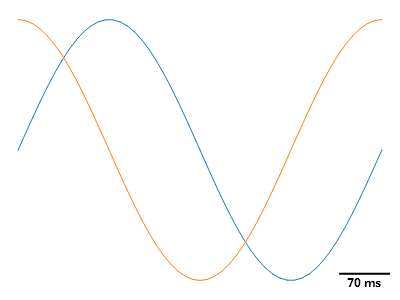
ScottPlot.Plot myPlot = new();

// サンプルデータをプロットする
myPlot.Add.Signal(Generate.Sin());
myPlot.Add.Signal(Generate.Cos());

// スケールバーを追加する
var scalebar = myPlot.Add.ScaleBar(7, 0);
scalebar.LineWidth = 2;
scalebar.XLabel = "70 ms";
scalebar.XLabelStyle.Bold = true;
scalebar.LabelPadding = new(0);

// グリッドと軸ラベルを無効にする
myPlot.HideGrid();
myPlot.Axes.Frameless();

myPlot.SavePng("demo.png", 400, 300);
このレシピは、Scale Bar カテゴリにある多数のレシピの 1 つです